System Design Fundamentals
A comprehensive overview of what system design is, why it matters for every software engineer, and the foundational building blocks that every production.
What System Design Actually Is
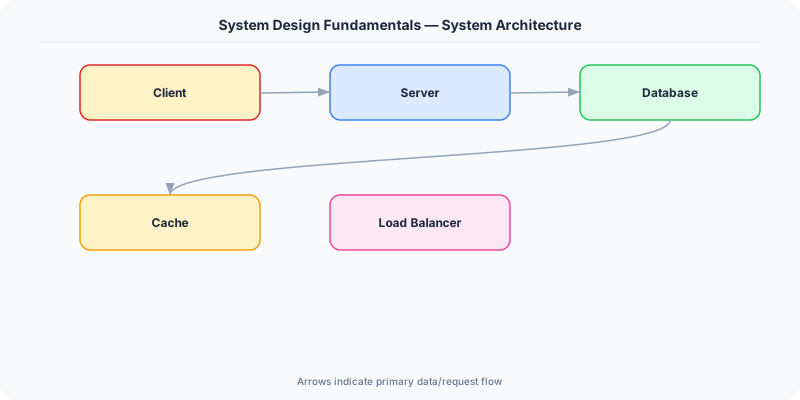
System design is the process of defining the architecture, components, data flow, and interfaces of a system to satisfy a given set of requirements. It bridges the gap between a product idea and a working production system that serves real users at scale.
When someone says "design a URL shortener" or "design a chat application," they are not asking you to write code. They are asking you to reason about how the pieces fit together: which databases store what data, how services communicate, where caches sit, how the system handles failure, and what happens when traffic grows by 100x.
This is not an academic exercise. Every outage at a major company traces back to a system design decision. When Amazon's S3 went down in 2017, it was because a single human error cascaded through a system that lacked proper blast radius controls. When Facebook went offline for six hours in 2021, it was a BGP misconfiguration combined with insufficient out-of-band access to recover. These failures are design failures.
Why Every Engineer Needs This
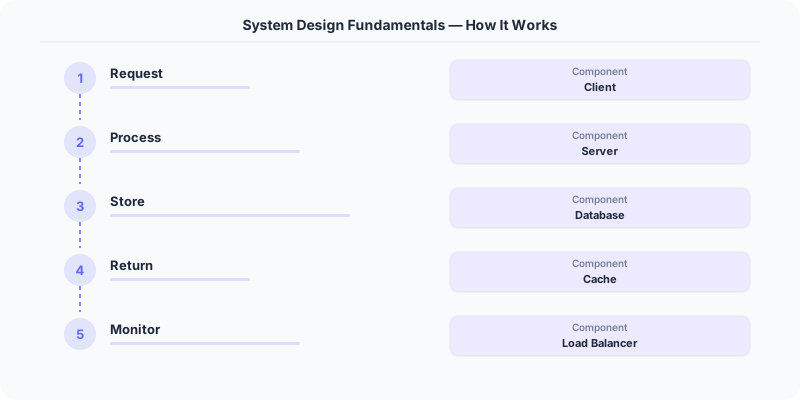
Junior engineers write functions. Senior engineers design systems. The difference between a mid-level developer and a staff engineer is often the ability to reason about system-level concerns: What happens when the database goes down? How do we handle 10x traffic on Black Friday? Where do we put the cache, and what consistency guarantees do we need?
System design knowledge is also the primary signal in senior engineering interviews at companies like Google, Meta, Amazon, and Stripe. The interview is not about memorizing architectures. It is about demonstrating structured thinking under ambiguity.
The Building Blocks
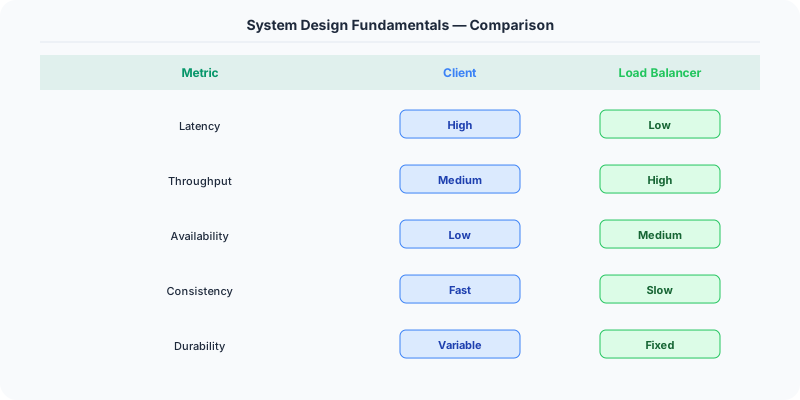
Every system, from a simple CRUD app to Netflix's streaming platform, is composed of a small set of recurring building blocks. Mastering these building blocks gives you a vocabulary for reasoning about any architecture.
Compute
Application servers run your business logic. They receive requests, process them, and return responses. The key design decisions around compute are:
- Stateless vs. stateful: Stateless servers store no session data locally, which means any server can handle any request. This makes horizontal scaling straightforward. Stateful servers (like WebSocket servers maintaining persistent connections) require sticky sessions or connection-aware routing.
- Synchronous vs. asynchronous: Synchronous processing blocks until the work is done. Asynchronous processing enqueues the work and returns immediately, processing it later. Order confirmation emails do not need to block the checkout flow.
- Scaling strategy: Horizontal scaling (more machines) is preferred over vertical scaling (bigger machines) for most workloads, because it avoids single points of failure.
Storage
Databases persist your data. The fundamental choice is between relational databases (PostgreSQL, MySQL) and non-relational databases (MongoDB, Cassandra, DynamoDB). This is not a religious debate. The right answer depends on your access patterns, consistency requirements, and scale.
Relational databases excel when you need ACID transactions, complex queries with joins, and strong consistency. Non-relational databases excel when you need flexible schemas, horizontal write scaling, or specific data models (document, wide-column, graph, key-value).
Beyond the primary database, most production systems use multiple storage layers: a cache (Redis, Memcached) for hot data, an object store (S3) for blobs, a search index (Elasticsearch) for full-text queries, and a data warehouse (BigQuery, Snowflake) for analytics.
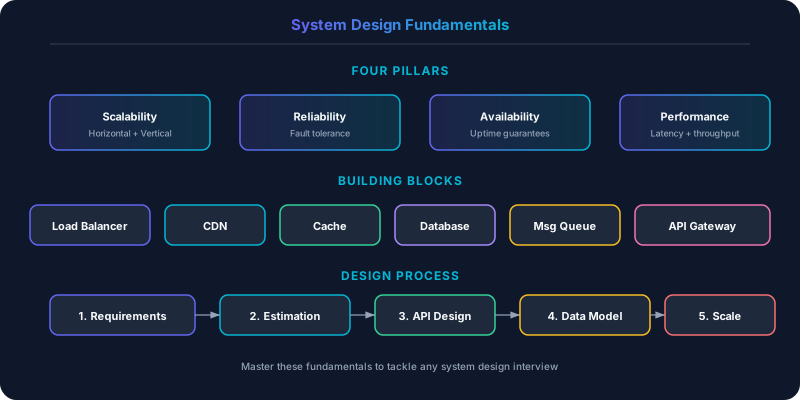
Networking
Every distributed system is a set of machines communicating over a network. The networking layer includes:
- Load balancers distribute incoming traffic across multiple servers. Layer 4 (TCP) load balancers route based on IP and port. Layer 7 (HTTP) load balancers can route based on URL path, headers, or request content.
- DNS translates domain names to IP addresses. It is the first thing that happens when a user types a URL. DNS-based load balancing (round-robin DNS, GeoDNS) is a coarse-grained distribution mechanism.
- CDNs cache static content at edge locations close to users, reducing latency for assets like images, CSS, and JavaScript. Cloudflare, Akamai, and CloudFront are examples.
- API gateways sit in front of your services and handle cross-cutting concerns: authentication, rate limiting, request routing, and protocol translation.
Caching
Caching stores frequently accessed data in a faster storage layer (typically memory) to reduce latency and database load. A well-placed cache can reduce response times from 100ms to under 1ms.
The key caching decisions are: what to cache (hot data, computed results, session data), where to cache (client-side, CDN, application-level, database-level), and how to invalidate (TTL-based, event-driven, write-through, write-behind).
Cache invalidation is famously one of the two hard problems in computer science. Stale caches cause subtle bugs. A user updates their profile picture but still sees the old one. A product price changes but the cached page shows the old price. Getting invalidation right requires careful design.
Message Queues and Asynchronous Processing
Not every operation needs to happen in real time. Message queues (Kafka, RabbitMQ, SQS) decouple producers from consumers, enabling asynchronous processing. When a user uploads a video to YouTube, the upload returns immediately. Transcoding, thumbnail generation, and content moderation happen asynchronously via a processing pipeline.
Message queues also provide durability (the message persists even if the consumer crashes), load leveling (consumers process at their own pace), and fan-out (one message triggers multiple downstream actions).
The Design Process
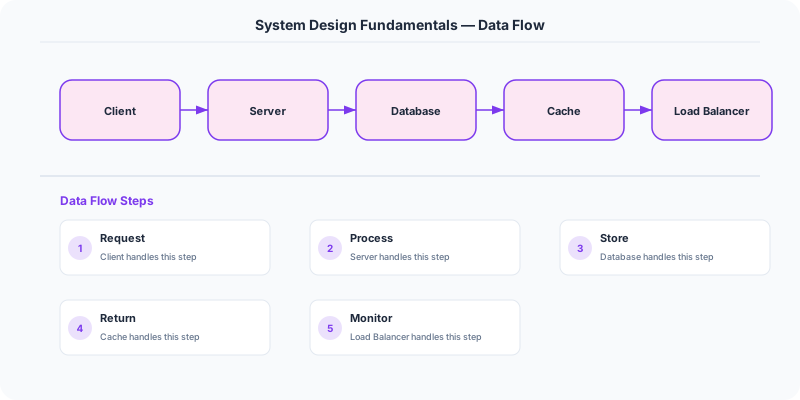
A structured approach to system design prevents you from jumping to solutions before understanding the problem. Here is a framework that works in both interviews and production design reviews.
Step 1 — Clarify requirements. Ask what the system needs to do (functional requirements) and how well it needs to do it (non-functional requirements: latency, throughput, availability, consistency). "Design Twitter" is hopelessly vague. "Design a system that supports 500M users posting 500M tweets per day with a timeline that loads in under 200ms" gives you constraints to work with.
Step 2 — Estimate scale. Back-of-the-envelope calculations ground your design in reality. If you have 500M daily active users and each generates 10 read requests, that is 5 billion reads per day, roughly 58,000 reads per second. This tells you immediately that a single database will not suffice.
Step 3 — Define the high-level design. Draw the major components and their interactions: clients, load balancers, application servers, databases, caches, message queues. This is the skeleton of your system.
Step 4 — Deep dive into key components. Pick the 2-3 most interesting or challenging components and design them in detail. For a chat application, that might be the message delivery system and the presence indicator. For a URL shortener, it might be the ID generation scheme and the redirect path.
Step 5 — Address bottlenecks and failure modes. What happens when the primary database goes down? What if traffic spikes 10x? Where are the single points of failure? This is where you demonstrate senior-level thinking.
Common Patterns in Production
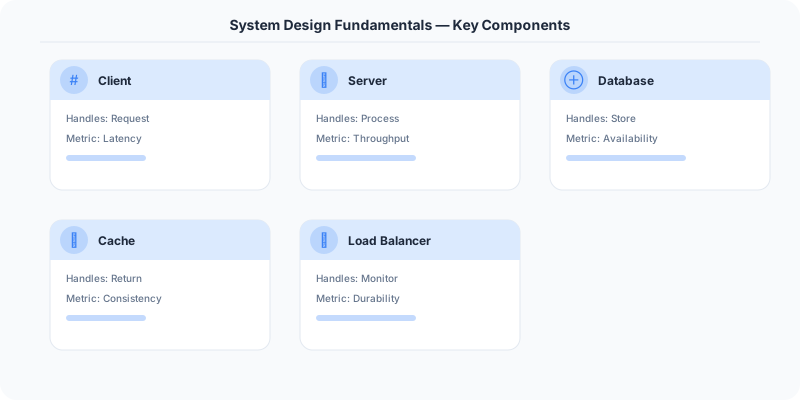
Certain patterns appear repeatedly across real-world systems:
- Read replicas: Separate read traffic from write traffic by replicating data to read-only database instances. Instagram uses this extensively with PostgreSQL.
- Sharding: Partition data across multiple database instances by a shard key (user ID, geographic region). Uber shards rides by city.
- CQRS (Command Query Responsibility Segregation): Use different models for reads and writes. The write model is optimized for consistency; the read model is optimized for query performance.
- Event sourcing: Store every state change as an immutable event rather than overwriting current state. This provides a complete audit trail and enables temporal queries. Banks and financial systems use this pattern extensively.
- Circuit breakers: Prevent cascading failures by detecting when a downstream service is unhealthy and failing fast instead of waiting for timeouts. Netflix's Hystrix library popularized this pattern.
Where to Start
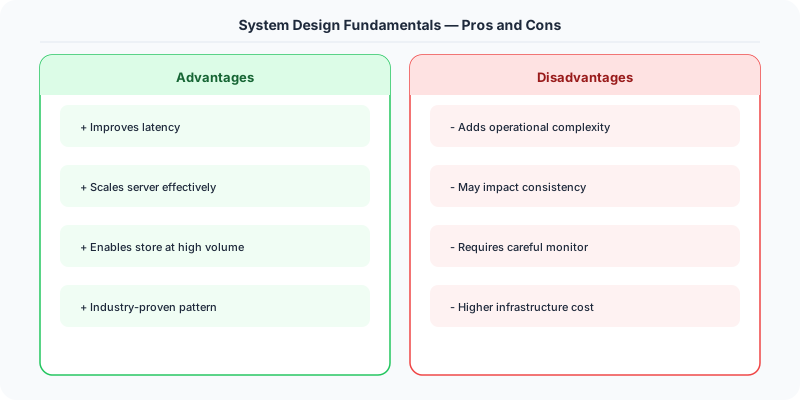
If you are new to system design, start with the foundational concepts: scalability, availability, and the CAP theorem. Then move to specific building blocks: databases, caching, and load balancing. Finally, practice by designing real systems end-to-end. Each concept in this series builds on the previous one, and the problems section provides structured practice with real interview questions.
The goal is not to memorize architectures. It is to build intuition for the tradeoffs involved in every design decision. There is no single correct answer to any system design question. There are only tradeoffs, and the best engineers are the ones who can articulate them clearly.
Real-World Production Example
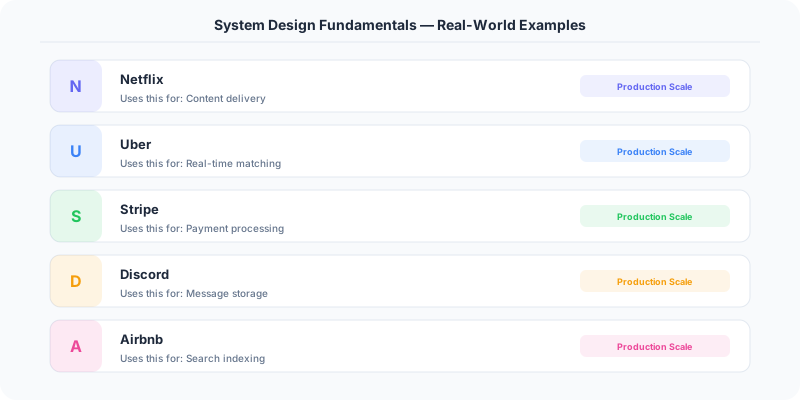
When Slack was building their messaging platform, they applied system design fundamentals in a sequence that many successful startups follow. They started with a simple architecture: a monolithic PHP application backed by MySQL, with Memcached for caching. This handled their first million users because the fundamentals were right — they separated compute from storage, cached aggressively, and used a load balancer to distribute traffic across application servers.
As Slack grew to tens of millions of daily active users, each fundamental became a scaling lever. They added read replicas to handle the read-heavy workload of loading channel histories. They introduced Solr for search because relational queries could not handle full-text search across billions of messages efficiently. They added Kafka for asynchronous processing of events like notifications, analytics, and search indexing. Each addition was a response to a specific bottleneck, not a premature optimization.
The most important decision Slack made was keeping their core message delivery path simple while adding complexity only where measured bottlenecks demanded it. Their message delivery still goes through a relatively straightforward path: WebSocket connection to a gateway server, gateway publishes to a message bus, and recipient gateway servers push to connected clients. The complexity lives in the supporting systems (search, notifications, compliance, analytics) that consume messages asynchronously. This separation of the fast path from the complex path is a fundamental design principle that every system architect should internalize.
Common Interview Mistakes
- Jumping to solutions before clarifying requirements: The biggest mistake candidates make is starting to draw boxes and arrows before understanding what the system needs to do. Spend the first 5 minutes asking about functional requirements, non-functional requirements, and scale expectations.
- Not doing back-of-the-envelope math: If you cannot estimate the number of requests per second, the storage requirements, or the bandwidth needs, you are designing blind. Practice estimating: 1 million DAU with 10 requests each is about 115 requests per second. Round numbers are fine.
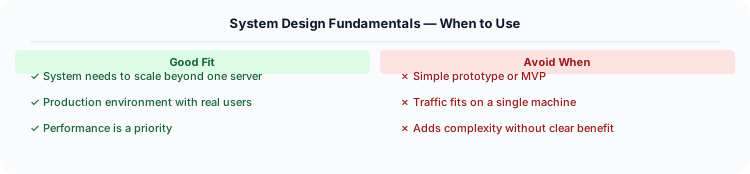
- Over-engineering the initial design: Proposing Kafka, Redis, Elasticsearch, a service mesh, and a data lake for a system with 10,000 users shows poor judgment. Start simple and explain what would trigger each addition as the system scales.
- Treating system design as memorization: Knowing that "Instagram uses PostgreSQL with sharding" is useless if you cannot explain why sharding was necessary and what alternative approaches they considered. Focus on understanding tradeoffs, not memorizing architectures.
Practical Implementation for .NET Developers
In a .NET application, you would typically implement this pattern using the following approach:
ASP.NET Core setup: Create a service class that encapsulates the logic, register it with dependency injection, and inject it into your controllers or minimal API endpoints. The built-in DI container handles lifecycle management.
Entity Framework Core: For database interactions, EF Core provides the ORM layer. Use migrations for schema management and raw SQL for performance-critical queries. Consider Dapper for read-heavy paths where EF Core's overhead matters.
Azure integration: If deploying to Azure, leverage managed services — Azure Cache for Redis, Azure SQL, Azure Service Bus, Azure Cosmos DB. These eliminate operational overhead and provide built-in monitoring through Application Insights.
Testing: Use xUnit with Testcontainers for integration tests that spin up real databases in Docker. Mock external dependencies with NSubstitute. The WebApplicationFactory class lets you test your entire HTTP pipeline in-process.
Monitoring: Add Application Insights telemetry to track request latency, dependency calls, and custom metrics. Use structured logging with Serilog to make production debugging possible:
Log.Information("Processing order {OrderId} for {CustomerId}", orderId, customerId);
This gives you searchable, structured logs in Azure Monitor or Seq.
The Real-World Incident That Made This Famous
Understanding System Design Fundamentals became critical after multiple high-profile production incidents at major tech companies. When systems handle millions of users, even small misunderstandings about System Design Fundamentals can lead to cascading failures that cost millions in lost revenue and erode user trust. Companies like Netflix, Google, Amazon, and Meta have all invested heavily in mastering System Design Fundamentals because they learned the hard way that ignoring it leads to outages.
The key lesson from these incidents: System Design Fundamentals is not just a theoretical concept — it is a practical skill that separates engineers who build resilient systems from those who build fragile ones.
How Senior Engineers Think About This
Senior engineers approach System Design Fundamentals differently from textbook definitions. Instead of memorizing rules, they build mental models. They ask: "What problem does System Design Fundamentals solve? When does it fail? What are the alternatives?" This problem-first thinking leads to better design decisions because every system has unique constraints.
When evaluating System Design Fundamentals in a system design context, experienced engineers consider the failure modes first. What happens when this component goes down? How does the system degrade? Is the degradation graceful or catastrophic? These questions reveal more about your understanding than any textbook definition.
Common Interview Mistakes
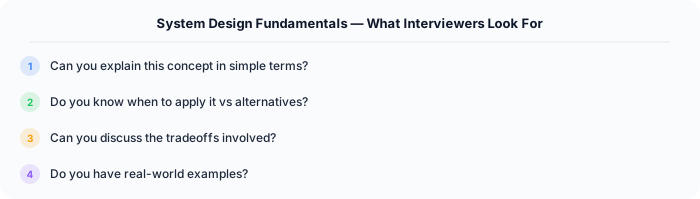
Mistake 1: Giving a textbook definition without context. Interviewers want to see you connect System Design Fundamentals to real systems and real problems.
Mistake 2: Not discussing trade-offs. Every design decision involving System Design Fundamentals has trade-offs. Discuss what you gain and what you give up.
Mistake 3: Overcomplicating the solution. Start with the simplest approach to System Design Fundamentals that meets the requirements, then add complexity only when justified.
Production Checklist
- Define clear metrics for measuring the effectiveness of your System Design Fundamentals implementation
- Set up monitoring and alerting that specifically tracks System Design Fundamentals-related failures
- Document your System Design Fundamentals design decisions in Architecture Decision Records (ADRs)
- Test failure scenarios related to System Design Fundamentals in staging before production deployment
- Review and update your System Design Fundamentals implementation quarterly as system requirements evolve
- Train new team members on the specific System Design Fundamentals patterns used in your system