Availability
Users and businesses depend on systems being available. A payment system that goes down for 1 hour can cost millions of dollars.
The Core Idea
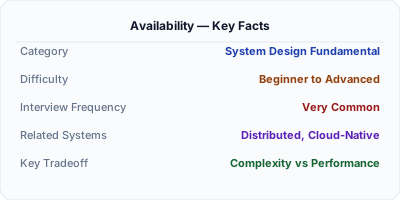
Availability is the percentage of time a system is operational and accessible to users. It is typically measured in 'nines' — 99.9% (three nines) means at most 8.76 hours of downtime per year, while 99.99% (four nines) means at most 52.6 minutes per year.
Step-by-Step Walkthrough
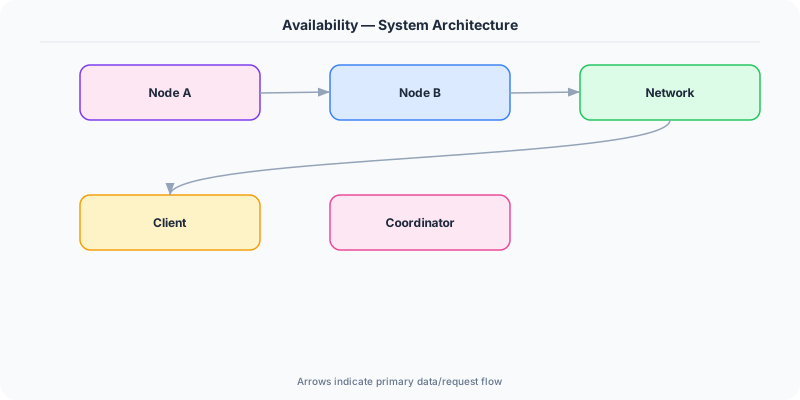
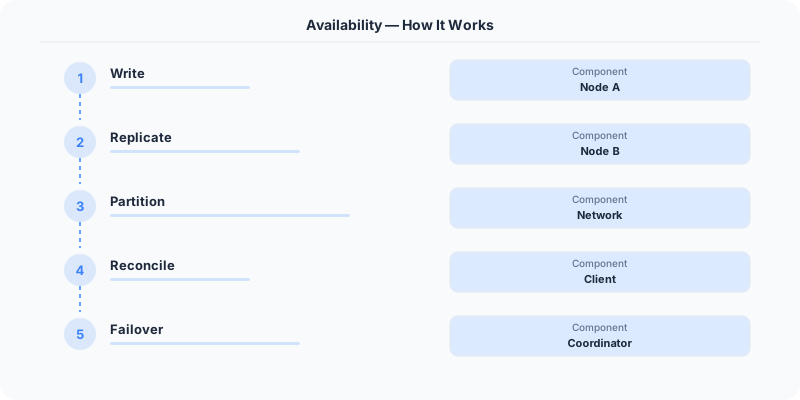
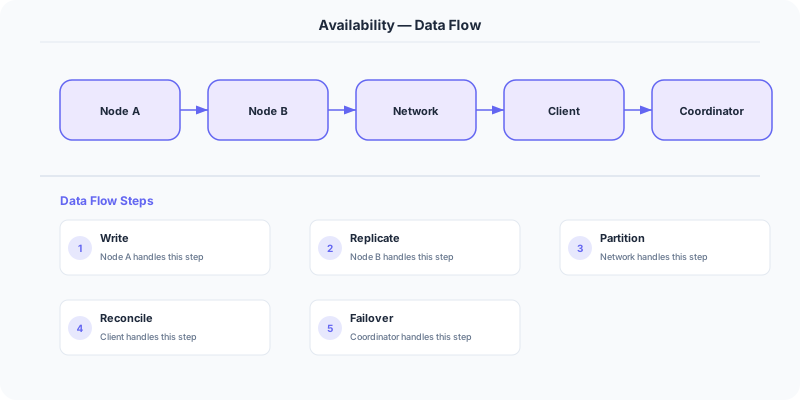
High availability is achieved through eliminating single points of failure (SPOFs). Every layer of the system must be redundant: multiple application servers behind a load balancer, database replication across availability zones, multi-region deployment for disaster recovery. When a component fails, the system automatically detects the failure (via health checks or heartbeats) and routes around it (via failover or load balancer reconfiguration).
The key formula: System availability = Component1 availability × Component2 availability × ... For a system with 3 components each at 99.9%, total availability is 0.999³ = 99.7%. This means you must design each component for higher availability than your target.
Why This Approach Wins
- Redundancy is the foundation of availability. Every critical component must have at least one backup — redundant servers, databases, network paths, and data centers.
- Failover is the process of switching to a backup when the primary fails. It can be active-passive (standby takes over) or active-active (both handle traffic, one absorbs the other's load).
- Health checks detect failures. Load balancers ping servers every few seconds. If a server stops responding, traffic is routed away within seconds.
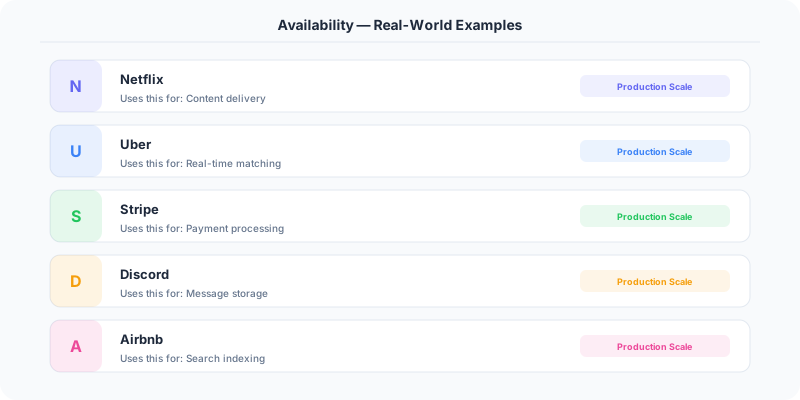
- Graceful degradation means the system continues to function at reduced capacity rather than failing completely. Netflix shows cached recommendations instead of nothing when its recommendation service is down.
- Measuring availability: Availability = Uptime / (Uptime + Downtime). Each additional 'nine' requires exponentially more engineering effort and cost.
In Production
AWS designs for 99.99% availability in each region by distributing services across multiple Availability Zones (physically separate data centers connected by low-latency links).
Google targets 99.999% availability for Gmail by using globally replicated storage (Spanner) and automated failover between data centers.
Stripe maintains payment processing availability through redundant payment processors, database replicas, and a global edge network.
Tradeoffs and Limitations
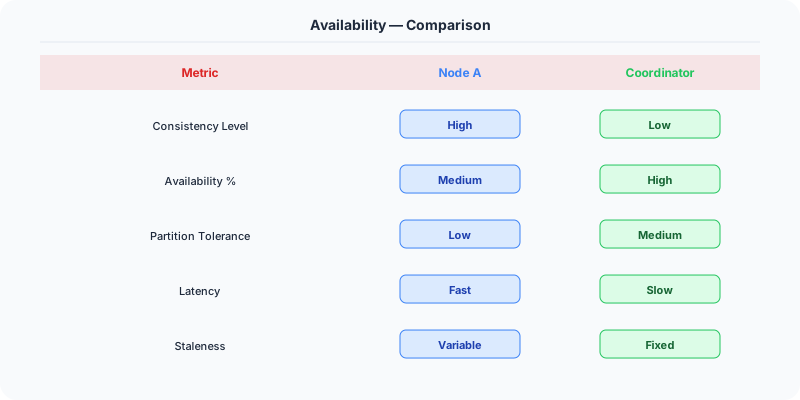
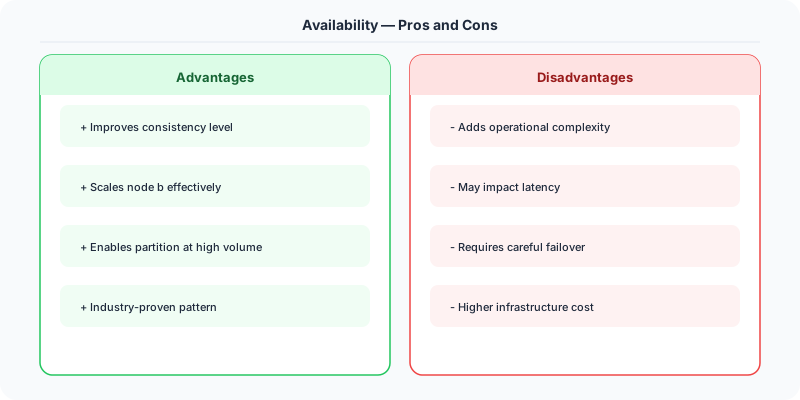
- Availability vs. Consistency: The CAP theorem states you cannot have both perfect availability and perfect consistency in a distributed system during a network partition.
- Cost vs. Nines: Each additional nine of availability roughly doubles the infrastructure cost.
- Complexity vs. Reliability: More redundancy means more components to manage, monitor, and coordinate.
Production Gotchas
- Not accounting for correlated failures — if all replicas are in the same data center, a power outage takes them all down
- Assuming cloud services are always available — even AWS has multi-hour outages
- Not testing failover — an untested failover mechanism is not a failover mechanism
- Ignoring cascading failures — one overloaded service can bring down the entire system
The Interview Angle
- How do you design a system for 99.99% availability?
- What is the difference between high availability and fault tolerance?
- How do you handle failover without losing data?
- What are the tradeoffs between availability and consistency (CAP theorem)?
Next Up
The Real-World Incident That Made This Famous
On February 28, 2017, Amazon S3 experienced its most significant outage in history. An engineer executing a standard playbook to remove a small number of servers from the S3 billing system accidentally removed a much larger set of servers than intended due to a typo in the input to the command. This took down the index and placement subsystems of S3 in the us-east-1 region.
The cascading effects were staggering. Thousands of websites and services that depended on S3 went down: Slack could not load images, Trello was inaccessible, IFTTT stopped working, and even Amazon's own AWS Service Health Dashboard could not display the outage because the dashboard itself was hosted on S3. The irony of a cloud provider's status page being hosted on the failing service became a famous cautionary tale about circular dependencies.
The outage lasted approximately 4 hours. Amazon estimated that S&P 500 companies lost $150 million during the downtime, with total internet-wide losses estimated at $160 million. Amazon's post-mortem revealed that S3's subsystems took much longer to restart than expected because they had grown so large that the restart process itself overwhelmed the system. They had never tested a full restart at that scale.
The math of availability matters here: S3's SLA promised 99.99% availability (52.6 minutes of downtime per year). This single incident consumed roughly 240 minutes, putting them well below their annual target. AWS subsequently added safeguards requiring human confirmation for large-scale operational changes and redesigned the subsystem restart process to be incremental rather than all-at-once.
How Senior Engineers Think About This
The first mental model: availability is measured in "nines." Three nines (99.9%) = 8.76 hours of downtime per year. Four nines (99.99%) = 52.6 minutes per year. Five nines (99.999%) = 5.26 minutes per year. Each additional nine is roughly 10x harder and more expensive to achieve. Most consumer web applications target four nines. Financial trading systems target five nines. Internal tools can often live with three nines.
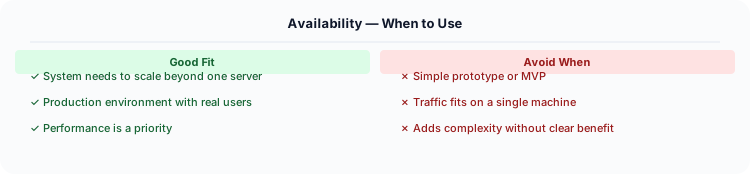
Senior engineers think about availability as a chain: your system's availability is the product of the availabilities of all components in the critical path. If your load balancer is 99.99%, your application is 99.99%, and your database is 99.99%, your overall availability is 0.9999 x 0.9999 x 0.9999 = 99.97%. Adding components to the critical path mathematically reduces availability. This is why every component you add must either be redundant or extremely reliable.
The mental model for achieving high availability: eliminate single points of failure, detect failures fast, and recover automatically. For every component, ask: "What happens if this dies?" If the answer is "the whole system goes down," you have a single point of failure. The fix is redundancy: multiple instances, multiple availability zones, multiple regions.
Detection speed matters enormously. If it takes 10 minutes to detect a failure and 5 minutes to failover, you have 15 minutes of downtime per incident. If you have 4 incidents per year, that is 60 minutes — already past four nines. Fast health checks (every 5 seconds), automated failover (under 30 seconds), and self-healing systems (auto-restart, auto-scale) are essential.
Common Interview Mistakes
Mistake 1: Claiming "99.999% availability" without understanding the cost. Five nines means 5.26 minutes of downtime per year. Achieving this requires redundancy at every layer, automated failover, and a 24/7 on-call team. Most systems do not need or achieve this.
Mistake 2: Not discussing the availability math. If your system has three serial dependencies each with 99.9% availability, your overall availability is 99.7%, not 99.9%. Show the calculation.
Mistake 3: Confusing availability with reliability. Availability is the percentage of time the system is operational. Reliability is the probability that the system performs correctly. A system can be available but unreliable (it is up but returning wrong data).
Mistake 4: Only discussing server failures. Availability threats include: server failures, network partitions, deployment errors, database corruption, DNS failures, certificate expiration, and human error. The 2017 S3 outage was caused by a typo.
Mistake 5: Not mentioning graceful degradation. Perfect availability is impossible. The senior approach is to design for graceful degradation: when the recommendation service is down, show popular items instead of nothing. When the search service is slow, show cached results.
Production Checklist
- Define your availability target with specific numbers (e.g., 99.95% = 4.38 hours downtime/year) and communicate it to stakeholders
- Deploy across at least 2 availability zones; for critical services, deploy across 3 AZs or 2 regions
- Implement automated health checks with fast detection (every 5-10 seconds) and automatic removal of unhealthy instances
- Set up automated failover for databases with tested recovery procedures
- Use blue-green or canary deployments to limit the blast radius of bad deployments
- Monitor error budget: if you have consumed 80% of your allowed downtime for the month, freeze risky changes
- Implement circuit breakers and graceful degradation so partial failures do not become total failures
- Test disaster recovery quarterly: simulate an AZ failure and measure actual recovery time
- Keep your status page independent of your primary infrastructure (do not host it on the same system it monitors)
- Implement chaos engineering: randomly kill instances in production to verify your redundancy actually works
Read the original source | Content from System-Design-Overview
Practical Implementation for .NET Developers
In a .NET application, you would typically implement this pattern using the following approach:
ASP.NET Core setup: Create a service class that encapsulates the logic, register it with dependency injection, and inject it into your controllers or minimal API endpoints. The built-in DI container handles lifecycle management.
Entity Framework Core: For database interactions, EF Core provides the ORM layer. Use migrations for schema management and raw SQL for performance-critical queries. Consider Dapper for read-heavy paths where EF Core's overhead matters.
Azure integration: If deploying to Azure, leverage managed services — Azure Cache for Redis, Azure SQL, Azure Service Bus, Azure Cosmos DB. These eliminate operational overhead and provide built-in monitoring through Application Insights.
Testing: Use xUnit with Testcontainers for integration tests that spin up real databases in Docker. Mock external dependencies with NSubstitute. The WebApplicationFactory class lets you test your entire HTTP pipeline in-process.
Monitoring: Add Application Insights telemetry to track request latency, dependency calls, and custom metrics. Use structured logging with Serilog to make production debugging possible:
Log.Information("Processing order {OrderId} for {CustomerId}", orderId, customerId);
This gives you searchable, structured logs in Azure Monitor or Seq.