Reliability
A system can be available (running) but unreliable (returning wrong results). A payment system that double-charges customers is available but unreliable.
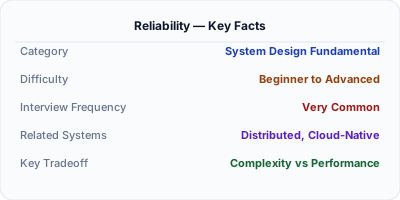
The Problem Reliability Solves
A system can be available (running) but unreliable (returning wrong results). A payment system that double-charges customers is available but unreliable. Reliability is about correctness under adversity — tolerating faults without failing.
How It Works Under the Hood
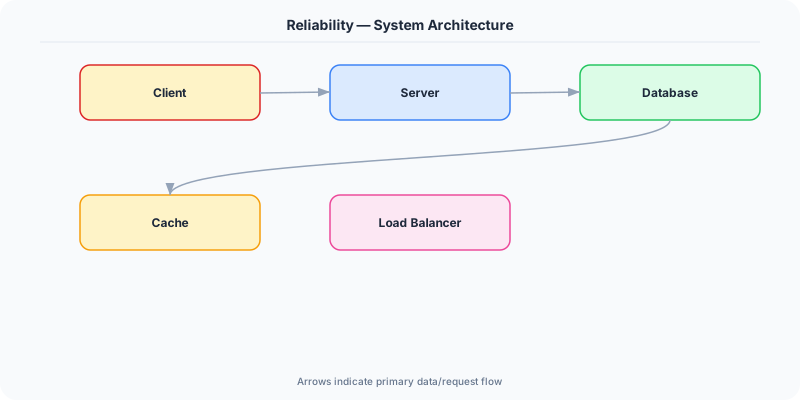
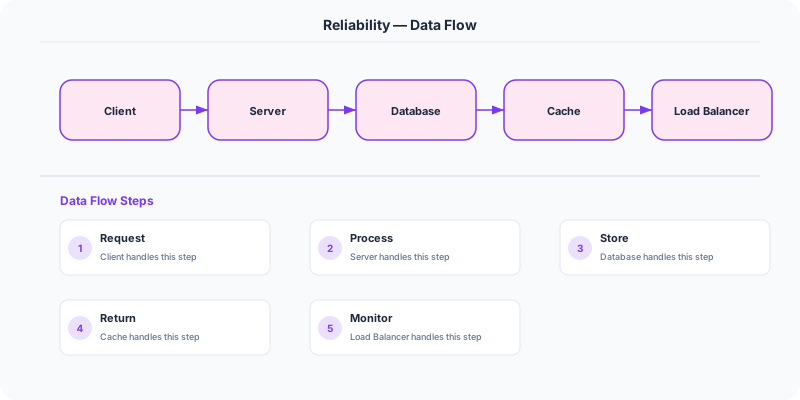
Reliability is the ability of a system to function correctly and consistently over time, even in the face of hardware failures, software bugs, and human errors. A reliable system produces correct results, handles faults gracefully, and prevents unauthorized access or data corruption.
Reliability is built in layers. At the hardware level: RAID arrays, ECC memory, and redundant power supplies. At the software level: retries with exponential backoff, circuit breakers, and transaction logs. At the data level: replication, backups, and checksums. At the operational level: automated deployment, canary releases, and runbooks for incident response.
The key insight: faults are inevitable. Hard drives fail, networks partition, engineers deploy bugs. A reliable system is not one that never has faults — it is one that handles faults without affecting users.
The Mental Model
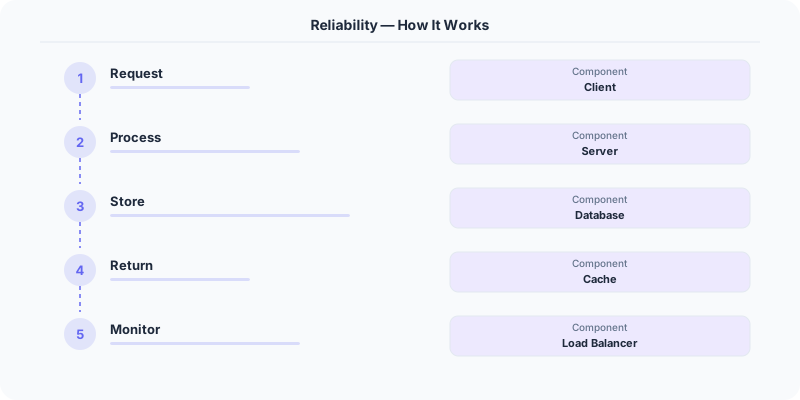
- Fault tolerance: The system continues operating correctly when components fail. This requires redundancy, replication, and automatic recovery.
- Idempotency: Operations can be retried safely without side effects. If a payment request is retried, the customer should not be charged twice.
- Data integrity: Data is never silently corrupted or lost. Use checksums, write-ahead logs, and replication to protect data.
- Monitoring and alerting: You cannot fix what you cannot see. Comprehensive monitoring detects issues before users do.
- Testing for failure: Netflix's Chaos Monkey randomly kills production instances to verify the system handles failures correctly.
Real Systems That Depend on This
Amazon DynamoDB guarantees durability by replicating data across three availability zones before confirming a write. Even if two data centers go offline, your data is safe.
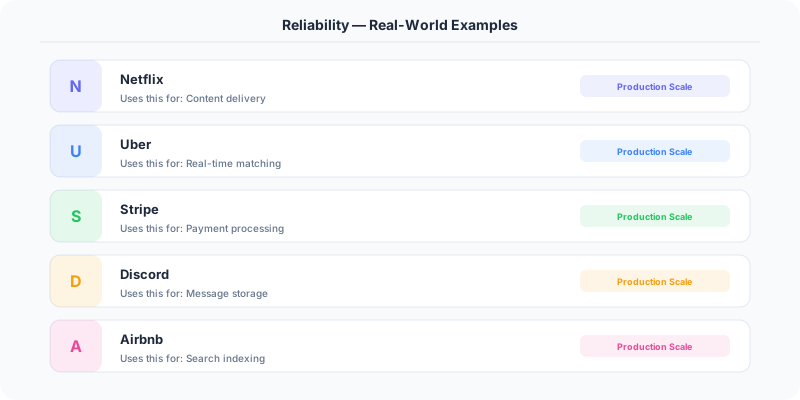
Stripe uses idempotency keys to ensure payment operations are never duplicated, even if the network drops during processing.
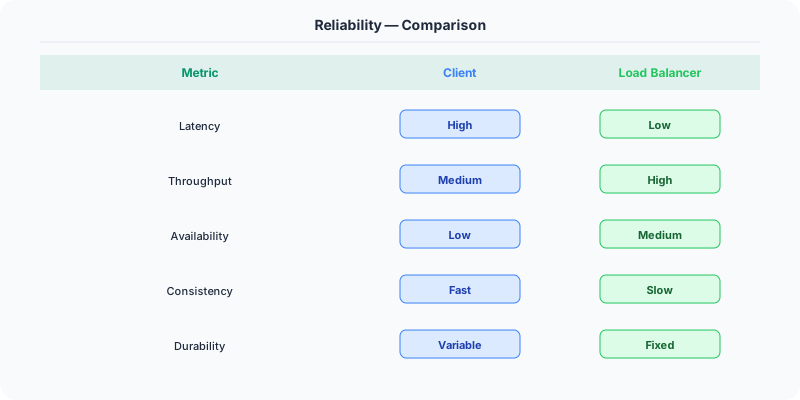
Netflix runs Chaos Monkey in production — randomly terminating instances — to continuously validate that their system recovers from failures.
Where This Shows Up in Interviews
- What is the difference between reliability and availability?
- How do you ensure data is never lost in a distributed system?
- What is idempotency and why does it matter?
- How would you design a system to tolerate an entire data center going offline?
Tradeoffs
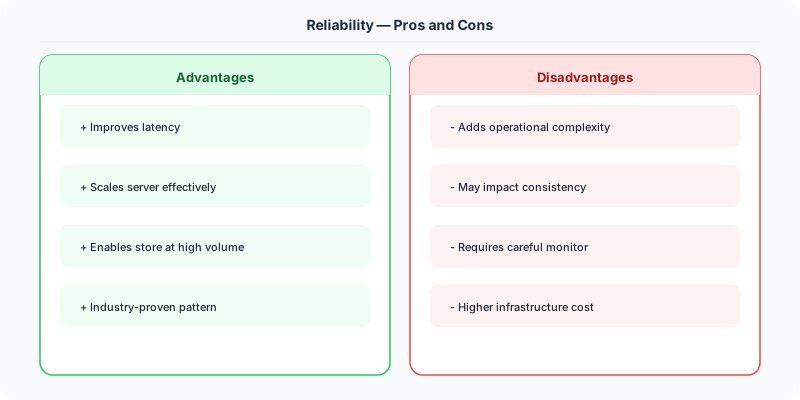
- Reliability vs. Performance: Synchronous replication is more reliable but slower than asynchronous replication.
- Reliability vs. Cost: Triple replication costs 3x storage. You must decide which data needs the highest guarantees.
- Reliability vs. Simplicity: Reliable systems are inherently more complex — more components, more failure modes, more testing.
Watch Out For
- Confusing availability with reliability — a system can be 'up' but returning wrong results
- Not handling partial failures — in distributed systems, some nodes may fail while others succeed
- Skipping chaos testing — if you have not tested failure scenarios, your redundancy is theoretical
Go Deeper
- Availability — start here if this is new to you
- fault-tolerance
- idempotency
- Data Replication
- checksums
The Real-World Incident That Made This Famous
Understanding Reliability became critical after multiple high-profile production incidents at major tech companies. When systems handle millions of users, even small misunderstandings about Reliability can lead to cascading failures that cost millions in lost revenue and erode user trust. Companies like Netflix, Google, Amazon, and Meta have all invested heavily in mastering Reliability because they learned the hard way that ignoring it leads to outages.

The key lesson from these incidents: Reliability is not just a theoretical concept — it is a practical skill that separates engineers who build resilient systems from those who build fragile ones.
How Senior Engineers Think About This
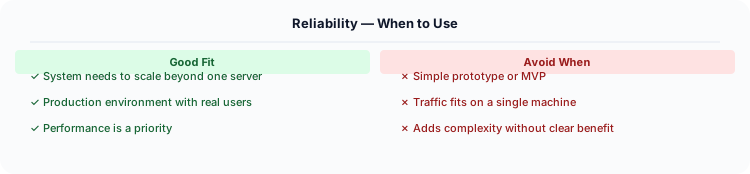
Senior engineers approach Reliability differently from textbook definitions. Instead of memorizing rules, they build mental models. They ask: "What problem does Reliability solve? When does it fail? What are the alternatives?" This problem-first thinking leads to better design decisions because every system has unique constraints.
When evaluating Reliability in a system design context, experienced engineers consider the failure modes first. What happens when this component goes down? How does the system degrade? Is the degradation graceful or catastrophic? These questions reveal more about your understanding than any textbook definition.
Common Interview Mistakes
Mistake 1: Giving a textbook definition without context. Interviewers want to see you connect Reliability to real systems and real problems.
Mistake 2: Not discussing trade-offs. Every design decision involving Reliability has trade-offs. Discuss what you gain and what you give up.
Mistake 3: Overcomplicating the solution. Start with the simplest approach to Reliability that meets the requirements, then add complexity only when justified.
Production Checklist
- Define clear metrics for measuring the effectiveness of your Reliability implementation
- Set up monitoring and alerting that specifically tracks Reliability-related failures
- Document your Reliability design decisions in Architecture Decision Records (ADRs)
- Test failure scenarios related to Reliability in staging before production deployment
- Review and update your Reliability implementation quarterly as system requirements evolve
- Train new team members on the specific Reliability patterns used in your system
Read the original source | Content from System-Design-Overview
Practical Implementation for .NET Developers
In a .NET application, you would typically implement this pattern using the following approach:
ASP.NET Core setup: Create a service class that encapsulates the logic, register it with dependency injection, and inject it into your controllers or minimal API endpoints. The built-in DI container handles lifecycle management.
Entity Framework Core: For database interactions, EF Core provides the ORM layer. Use migrations for schema management and raw SQL for performance-critical queries. Consider Dapper for read-heavy paths where EF Core's overhead matters.
Azure integration: If deploying to Azure, leverage managed services — Azure Cache for Redis, Azure SQL, Azure Service Bus, Azure Cosmos DB. These eliminate operational overhead and provide built-in monitoring through Application Insights.
Testing: Use xUnit with Testcontainers for integration tests that spin up real databases in Docker. Mock external dependencies with NSubstitute. The WebApplicationFactory class lets you test your entire HTTP pipeline in-process.
Monitoring: Add Application Insights telemetry to track request latency, dependency calls, and custom metrics. Use structured logging with Serilog to make production debugging possible:
Log.Information("Processing order {OrderId} for {CustomerId}", orderId, customerId);
This gives you searchable, structured logs in Azure Monitor or Seq.