Message Queues
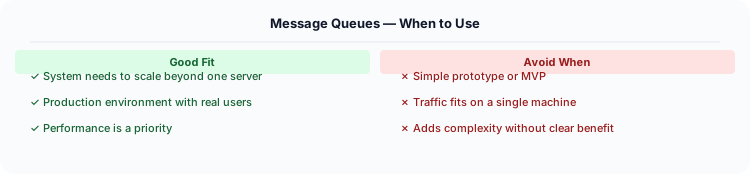
Message queues decouple producers from consumers, handle traffic spikes by buffering, enable retry logic, and improve system reliability.
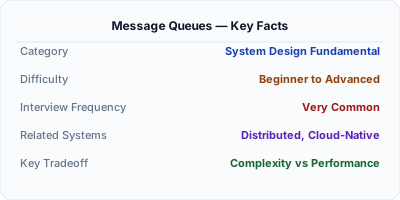
A message queue is a buffer that stores messages between a producer and a consumer, enabling asynchronous communication. The producer writes a message and continues without waiting. The consumer processes messages at its own pace. RabbitMQ handles complex routing, Amazon SQS provides managed simplicity, and Apache Kafka delivers high-throughput event streaming — each optimized for different workloads.
| Aspect | Details |
|---|---|
| What it is | Asynchronous buffer between producers and consumers for reliable message delivery |
| When to use | Background job processing, load leveling during traffic spikes, decoupling services, event streaming |
| When NOT to use | When you need an immediate synchronous response; simple request-reply between two services |
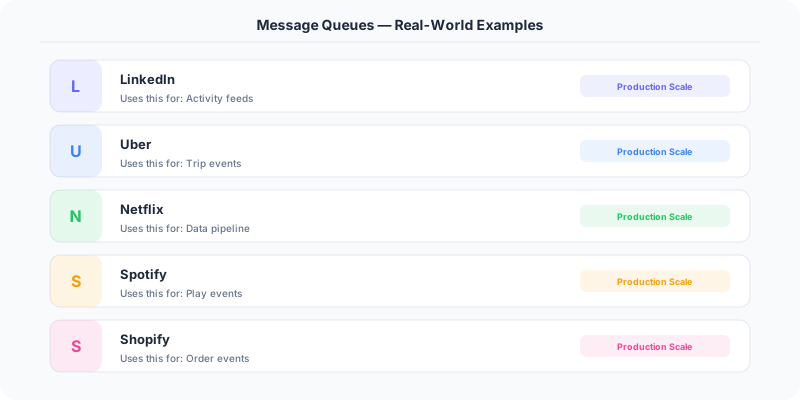
| Real-world example | LinkedIn built Kafka for 7+ trillion messages/day; Uber uses SQS for trip event processing at scale |
| Interview tip | Know queue vs topic: queue = one consumer gets each message; topic = all subscribers get every message |
| Common mistake | Not handling poison messages — one malformed message blocks the entire queue if not dead-lettered |
| Key tradeoff | Reliability and decoupling vs. added operational complexity and eventual consistency |
The Problem Message Queues Solves
Message queues decouple producers from consumers, handle traffic spikes by buffering, enable retry logic, and improve system reliability. They are used in virtually every microservices architecture.
How It Works Under the Hood
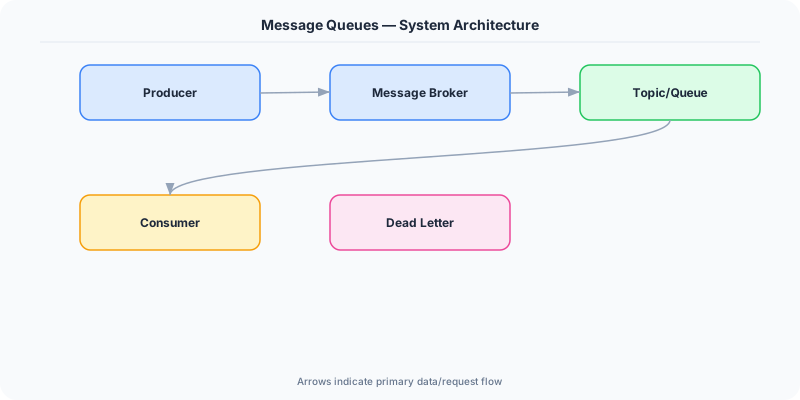
A message queue is a form of asynchronous communication between services where messages are stored in a queue and processed by a consumer. Unlike Pub/Sub (one-to-many), a message queue typically has one consumer per message (one-to-one). Examples: RabbitMQ, Amazon SQS, Apache Kafka.
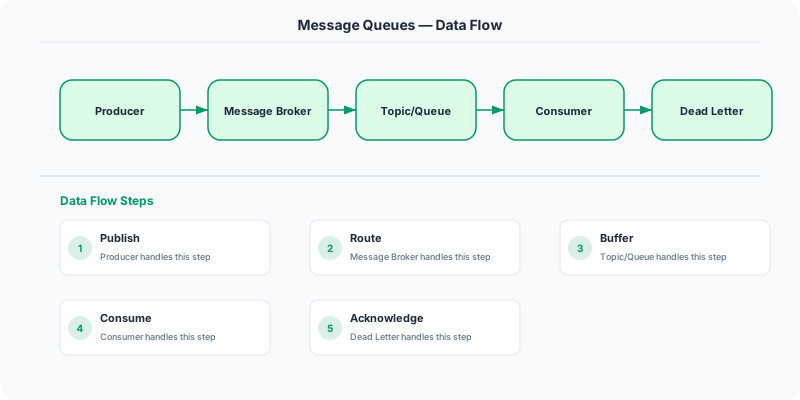
When a user places an order: the order service writes a message to the 'order-processing' queue. A worker reads the message, processes payment, updates inventory, and sends a confirmation email. If the worker crashes mid-processing, the message is not ACK'd, so it returns to the queue and another worker picks it up.
This is much more reliable than synchronous processing — if the payment service is temporarily down, messages queue up instead of failing.
The Mental Model
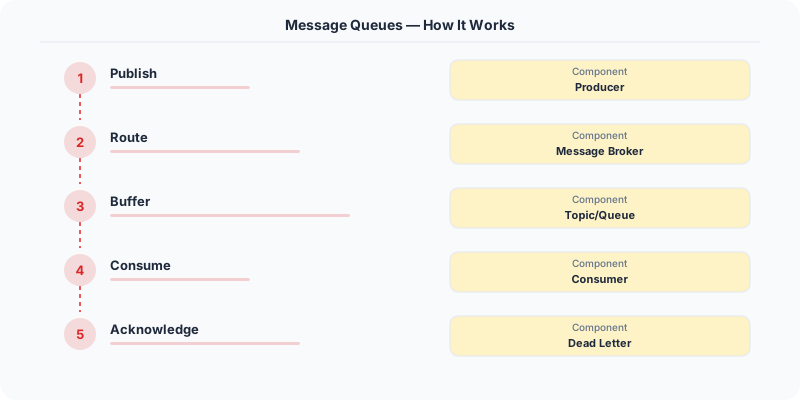
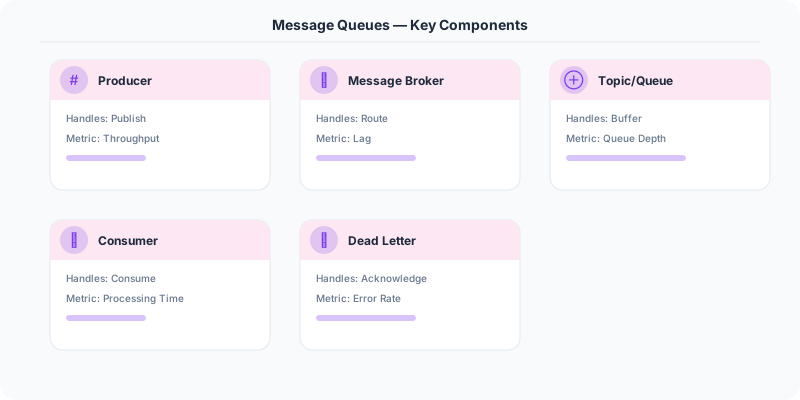
- Producer-Consumer: Producers write messages to a queue. Consumers read and process messages from the queue.
- FIFO: Messages are typically processed in order (first in, first out).
- Acknowledgment: After processing, the consumer sends an ACK. If no ACK is received, the message is redelivered to another consumer.
- Dead letter queue (DLQ): Messages that fail processing repeatedly are sent to a DLQ for manual inspection.
- Backpressure: If consumers are slower than producers, the queue grows. You can add more consumers or throttle producers.
Real Systems That Depend on This
Amazon SQS processes billions of messages per day. It is fully managed, scales automatically, and provides at-least-once delivery.
RabbitMQ is an open-source message broker supporting AMQP. Used by companies like Bloomberg, T-Mobile, and Instagram.
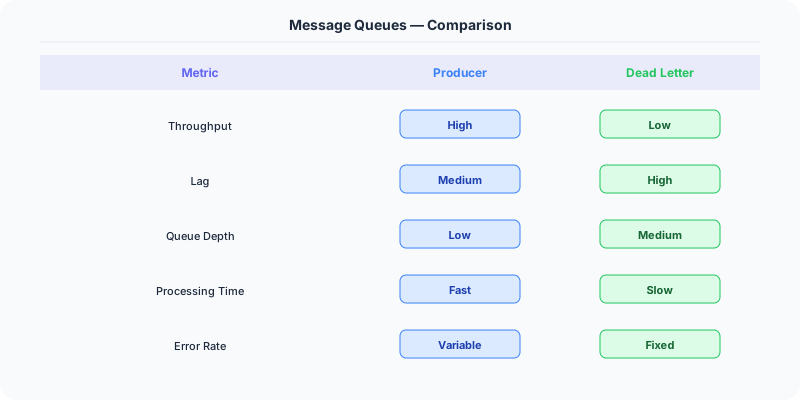
Apache Kafka blurs the line between message queue and Pub/Sub — it provides ordered, partitioned, replicated message logs.
Where This Shows Up in Interviews
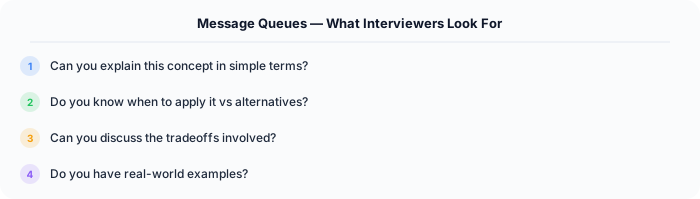
- When would you use a message queue?
- What is the difference between a message queue and Pub/Sub?
- How do you handle message processing failures?
- What is a dead letter queue?
Tradeoffs
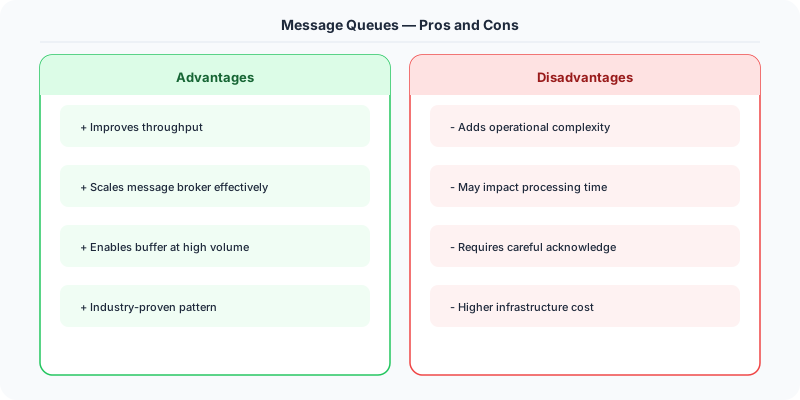
- Async vs Sync: Queues add latency (message sits in queue) but improve reliability and decouple services.
- At-least-once vs At-most-once: Most queues provide at-least-once. Exactly-once is hard and expensive.
- Ordering: Strict ordering limits throughput. Use partitioned queues for ordered per-partition.
Watch Out For
- Not implementing DLQ — poison messages loop forever
- Not monitoring queue depth — a growing queue means consumers are falling behind
- Processing messages without idempotency — retries cause duplicates
How to Explain This in an Interview
Here is how I would explain Message Queues in a system design interview:
A message queue sits between two services. The producer writes a message and immediately returns — it does not wait for the consumer to process it. This gives you three things interviewers care about: decoupling (producer does not know about consumer implementation), load leveling (queue absorbs traffic spikes so the consumer processes at a steady rate), and reliability (if the consumer crashes, messages wait in the queue until it recovers). In an interview, I would draw it as: Order Service → Queue → Payment Service. If payment processing is slow, orders still get accepted immediately. I would choose RabbitMQ for complex routing patterns and Kafka for high-throughput ordered event streaming.
Go Deeper
- Pub/Sub — start here if this is new to you
- Event-Driven vs Request-Driven
- Sync vs Async
- batch-vs-stream-processing
The Real-World Incident That Made This Famous
The story of Apache Kafka begins at LinkedIn in 2010. LinkedIn's data infrastructure was a tangled mess of point-to-point connections between systems. Their activity tracking system (profile views, searches, page views) needed to feed into multiple consumers: a Hadoop cluster for analytics, a real-time monitoring system, and a search indexing pipeline. Each consumer had its own custom integration with the data source, and adding a new consumer meant building another custom pipeline.
Jay Kreps, Neha Narkhede, and Jun Rao at LinkedIn built Kafka to solve this. The key insight was treating event streams as a log: an append-only, ordered, persistent sequence of records. Producers write to the log, and each consumer reads from the log at its own pace. Adding a new consumer does not affect existing ones — it just starts reading from the beginning of the log.
Within a year, Kafka was handling 200 billion messages per day at LinkedIn. By 2014, it was open-sourced and adopted by most major tech companies. Netflix processes 1.4 trillion messages per day through Kafka. Uber uses it for trip event processing. The New York Times uses Kafka to publish their entire article archive as a stream.
But Kafka also taught the industry painful lessons about message queue operations. In 2019, a major Kafka outage at a large financial institution was caused by a consumer group rebalancing storm. When one consumer crashed, Kafka tried to reassign its partitions to other consumers, which triggered more crashes, which triggered more rebalancing. The lesson: configure your consumer group session timeouts and heartbeat intervals carefully, and always plan for what happens when consumer processing falls behind.
How Senior Engineers Think About This
The mental model: a message queue is a time-decoupling layer between producers and consumers. Without a queue, the producer must wait for the consumer to process the message (synchronous). With a queue, the producer fires and forgets (asynchronous). This decoupling has three benefits: the producer and consumer can scale independently, they can fail independently, and they can operate at different speeds.
Senior engineers always ask three questions about any message queue design. First, what delivery guarantee do you need? At-most-once (fire and forget, messages may be lost), at-least-once (messages may be duplicated but never lost), or exactly-once (each message processed exactly once). At-most-once is fastest, exactly-once is most complex. Most systems use at-least-once with idempotent consumers.
Second, what ordering guarantee do you need? Global ordering (one partition, one consumer — simple but slow), partition ordering (messages with the same key are ordered — the Kafka default), or no ordering (maximum throughput). Most real systems need partition ordering: all events for user X should be processed in order, but events for user X and user Y can be processed in parallel.
Third, what happens to messages that fail processing? This is where dead letter queues (DLQs) come in. A DLQ is a separate queue where messages that fail processing after N retries are sent. Without a DLQ, a poison message (one that always fails processing) will block the entire queue. With a DLQ, you isolate the bad message and keep processing. Always monitor your DLQ — if it starts growing, something is systematically wrong.
Common Interview Mistakes
Mistake 1: Not distinguishing between message queues and event streams. RabbitMQ is a message queue (messages are consumed and deleted). Kafka is an event stream (messages are retained and can be re-read). This affects your architecture significantly.
Mistake 2: Saying "exactly-once delivery" without explaining how. True exactly-once is extremely hard. Kafka achieves it through idempotent producers and transactional consumers, but it comes with significant performance overhead. Most systems use at-least-once with idempotent processing.
Mistake 3: Ignoring backpressure. What happens when producers are faster than consumers? The queue grows until it fills up memory or disk. Discuss strategies: rate limiting producers, scaling consumers, or dropping low-priority messages.
Mistake 4: Not discussing dead letter queues. Every production message queue system needs a DLQ strategy. Without it, a single malformed message can block an entire consumer group.
Mistake 5: Choosing Kafka for everything. Kafka excels at high-throughput event streaming but is overkill for simple task queues. For "process this image" style tasks, RabbitMQ or SQS is simpler and more appropriate.
Production Checklist
- Define your delivery guarantee per topic/queue: at-most-once, at-least-once, or exactly-once
- Implement idempotent consumers using a deduplication table keyed by message ID
- Configure dead letter queues with alerting — messages in the DLQ mean something is broken
- Set consumer group timeouts and heartbeat intervals to prevent rebalancing storms
- Monitor consumer lag (how far behind the consumer is from the latest message) and alert at thresholds
- Plan partition count for Kafka topics: more partitions = more parallelism, but also more open file handles and longer recovery times
- Implement retry logic with exponential backoff before sending to the DLQ
- Set message retention policies appropriate to your use case: 7 days for event streams, immediate deletion after consumption for task queues
- Test consumer crash recovery: kill a consumer mid-processing and verify messages are reprocessed correctly
- Use schema registry (Avro, Protobuf) to prevent producer schema changes from breaking consumers
Read the original source | Content from System-Design-Overview
Message Queues in .NET
The .NET ecosystem has excellent message queue support:
Azure Service Bus — Microsoft's enterprise message broker, deeply integrated with .NET:
// Sending a message
var client = new ServiceBusClient(connectionString);
var sender = client.CreateSender("order-queue");
await sender.SendMessageAsync(new ServiceBusMessage(
    JsonSerializer.Serialize(new OrderCreatedEvent(orderId))
));

// Receiving messages
var processor = client.CreateProcessor("order-queue");
processor.ProcessMessageAsync += async args =>
    var order = JsonSerializer.Deserialize<OrderCreatedEvent>(
        args.Message.Body.ToString()
    );
    await ProcessOrder(order);
    await args.CompleteMessageAsync(args.Message);
MassTransit — the most popular .NET message bus abstraction. It works with RabbitMQ, Azure Service Bus, Amazon SQS, and Kafka through a unified API. Used by companies like Microsoft, FedEx, and GE Healthcare.
Background processing with .NET: Use IHostedService or BackgroundService for queue consumers. The worker runs in the same process as your web app or as a separate service. For production, Azure Functions with Service Bus triggers give you serverless queue processing with automatic scaling.
Real example: The .NET Foundation's NuGet.org processes package uploads asynchronously. When you publish a package, it goes to a queue. Worker services validate the package, extract metadata, generate documentation, and update the search index — all via message queues built on Azure Service Bus.