Batch vs Stream Processing
Batch processing handles data in large chunks at scheduled intervals. Stream processing handles data continuously as it arrives.
Batch processing handles data in large chunks at scheduled intervals. Stream processing handles data continuously as it arrives. Choose based on latency requirements.
Which Should You Pick?
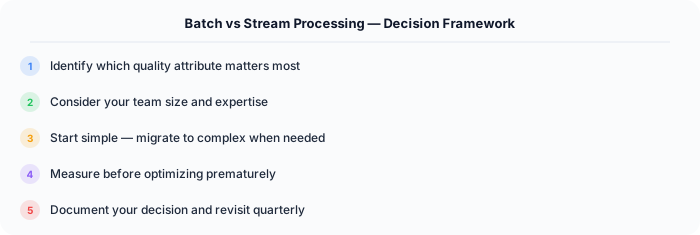
It depends on what matters most for your system. Here is a quick decision framework:
Go with Batch Processing if:
- Analytics and reporting
- ETL pipelines
- Machine learning training
- Latency of hours is acceptable
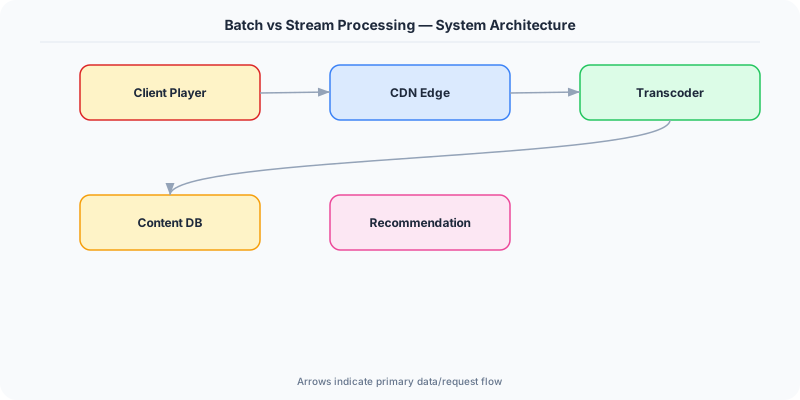
Go with Stream Processing if:
- Real-time alerting or fraud detection
- Live dashboards and metrics
- Event-driven applications
- Latency of seconds is required
Understanding Batch Processing
Process accumulated data periodically (hourly, daily). Tools: Spark, Hadoop, BigQuery.
Upsides: Higher throughput, Simpler error handling (reprocess entire batch), Better for complex analytics, More efficient use of resources.
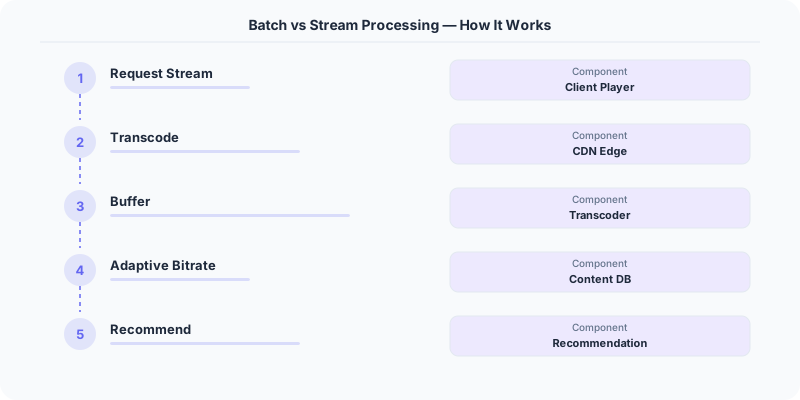
Downsides: High latency (hours between data and insight), Stale data between batches, Large resource spikes during processing.
Understanding Stream Processing
Process data as it arrives in real-time. Tools: Kafka Streams, Flink, Spark Streaming.
Upsides: Low latency (seconds or less), Real-time insights and actions, Smooth resource usage (no spikes), Can trigger immediate responses.
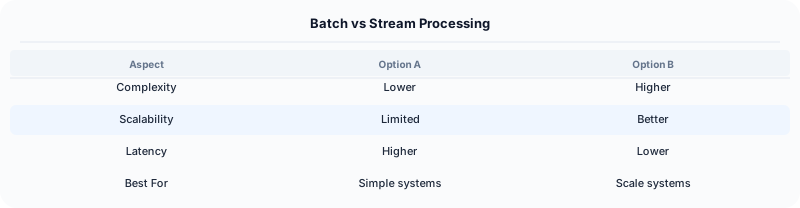
Downsides: More complex to implement, Harder to handle out-of-order events, Exactly-once processing is difficult, State management is complex.
How Companies Handle This
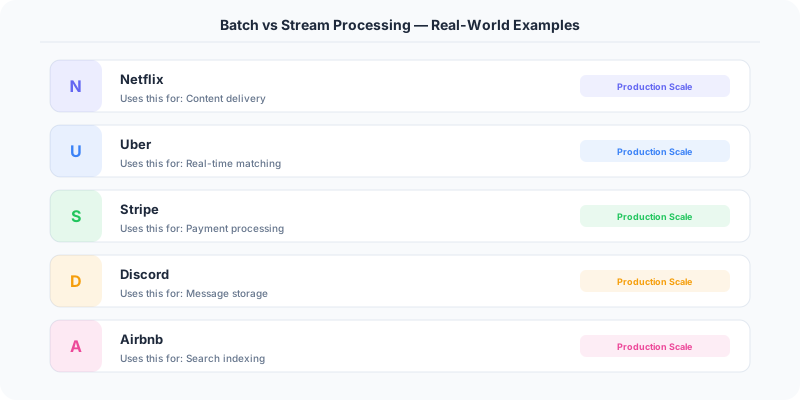
Netflix uses batch processing (Spark) for daily recommendation model training, and stream processing (Flink) for real-time personalization.
Uber uses stream processing (Flink) for real-time surge pricing and fraud detection.
LinkedIn uses both: batch for daily data warehouse updates, streaming (Kafka Streams) for real-time activity feeds.
What to Say in an Interview
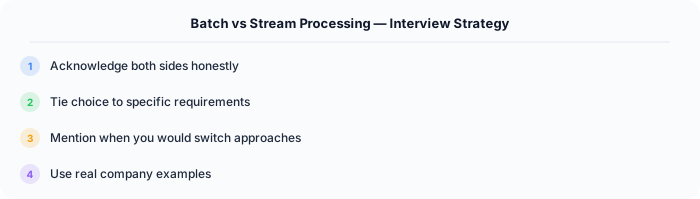
Modern architectures often use both — called the Lambda architecture. Batch for accuracy, streaming for speed. Mention this dual approach in interviews.
Source | System-Design-Overview
Practical Implementation for .NET Developers
In a .NET application, you would typically implement this pattern using the following approach:
ASP.NET Core setup: Create a service class that encapsulates the logic, register it with dependency injection, and inject it into your controllers or minimal API endpoints. The built-in DI container handles lifecycle management.
Entity Framework Core: For database interactions, EF Core provides the ORM layer. Use migrations for schema management and raw SQL for performance-critical queries. Consider Dapper for read-heavy paths where EF Core's overhead matters.
Azure integration: If deploying to Azure, leverage managed services — Azure Cache for Redis, Azure SQL, Azure Service Bus, Azure Cosmos DB. These eliminate operational overhead and provide built-in monitoring through Application Insights.
Testing: Use xUnit with Testcontainers for integration tests that spin up real databases in Docker. Mock external dependencies with NSubstitute. The WebApplicationFactory class lets you test your entire HTTP pipeline in-process.
Monitoring: Add Application Insights telemetry to track request latency, dependency calls, and custom metrics. Use structured logging with Serilog to make production debugging possible:
Log.Information("Processing order {OrderId} for {CustomerId}", orderId, customerId);
This gives you searchable, structured logs in Azure Monitor or Seq.
Real-World Decision Framework
Batch processing handles data in large chunks on a schedule. Stream processing handles data continuously as it arrives. The choice affects latency, cost, and system complexity.
When Batch Processing Wins
Batch processing is ideal when you can tolerate delay between data arrival and results. Examples:
- Daily reports: Generate sales summaries every night from the day's transactions.
- ETL pipelines: Extract data from production databases, transform it, and load into a data warehouse every hour.
- Machine learning training: Retrain recommendation models on yesterday's user behavior data.
- Billing: Calculate monthly charges from usage logs at the end of each billing period.
Technologies: Apache Spark, AWS Glue, Azure Data Factory, Hadoop MapReduce.
When Stream Processing Wins
Stream processing is essential when you need results within seconds or minutes of data arrival. Examples:
- Fraud detection: Flag suspicious transactions in real-time before they complete.
- Live dashboards: Show current website traffic, error rates, or order counts updating every second.
- IoT monitoring: Process sensor data from thousands of devices to detect anomalies immediately.
- Real-time recommendations: Update product suggestions as users browse.
Technologies: Apache Kafka Streams, Apache Flink, AWS Kinesis, Azure Stream Analytics.
The Lambda Architecture — Using Both
Many production systems use the Lambda Architecture: a batch layer for accuracy and a speed layer for low latency. LinkedIn's analytics pipeline processes the same data through both Hadoop (batch, accurate) and Samza (stream, fast). The batch results eventually replace the stream results, giving you both speed and correctness.
Cost and Complexity Comparison
| Factor | Batch | Stream |
|---|---|---|
| Latency | Minutes to hours | Milliseconds to seconds |
| Infrastructure cost | Lower (runs periodically) | Higher (always running) |
| Complexity | Simpler (no state management) | Complex (windowing, watermarks) |
| Error handling | Rerun the whole batch | Must handle per-event failures |
| Data ordering | Natural (sorted before processing) | Must handle out-of-order events |
Interview Tip
When asked "batch or stream?", the answer is almost always "both, with different use cases." Start with batch for simplicity, add streaming for the latency-sensitive paths. Mention the Lambda Architecture to show depth.
.NET Implementation
Batch: Use IHostedService with Quartz.NET or Hangfire for scheduled jobs. Stream: Use Azure Event Hubs with the Event Processor Host, or Kafka with Confluent's .NET client. For hybrid, use Azure Functions with both timer triggers (batch) and Event Hub triggers (stream).