Synchronous vs Asynchronous Communication
Synchronous communication blocks the caller until the response is received (HTTP request-response).
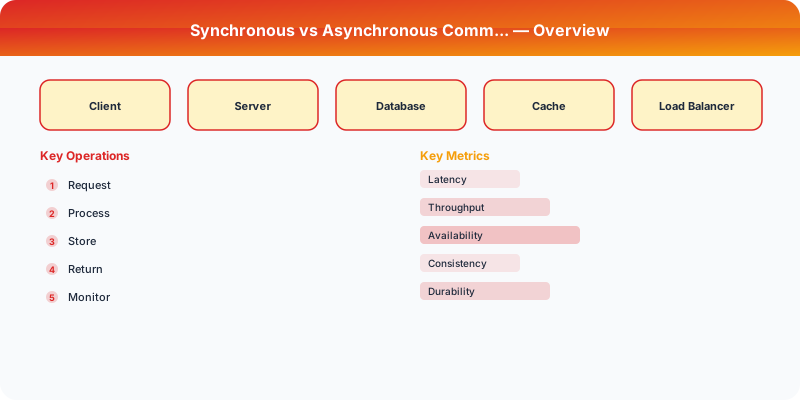
Synchronous communication blocks the caller until the response arrives — the client waits. Asynchronous communication lets the caller continue immediately and the response arrives later via a callback, queue, or event. Choosing between them is one of the most impactful architecture decisions, directly affecting user-perceived latency, system reliability, and service coupling.
| Aspect | Details |
|---|---|
| What it is | Two communication models: blocking (wait for response) vs non-blocking (fire and continue) |
| When to use | Sync: user-facing APIs needing immediate response. Async: background processing, cross-service events, anything that can be eventually consistent |
| When NOT to use | Sync: long-running operations that would timeout. Async: when the user needs an immediate result to continue their workflow |
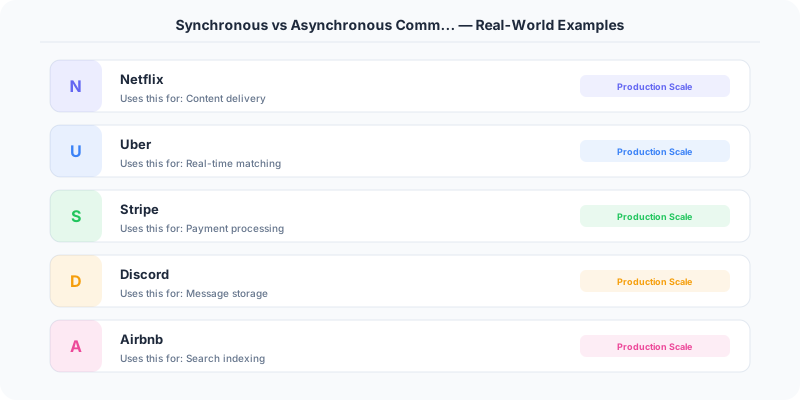
| Real-world example | Stripe uses sync for payment authorization (user waits) but async for webhooks (merchant gets notified later) |
| Interview tip | Frame the decision around user experience — does the user need to see the result immediately? |
| Common mistake | Making everything async — some operations (login, payment) must be synchronous for the user experience |
| Key tradeoff | Sync is simpler to reason about but creates tight coupling; async is resilient but harder to debug |
Which Should You Pick?
It depends on what matters most for your system. Here is a quick decision framework:
Go with Synchronous if:
- User-facing API responses
- Operations that need immediate result
- Simple service interactions
- When the caller needs the response to continue
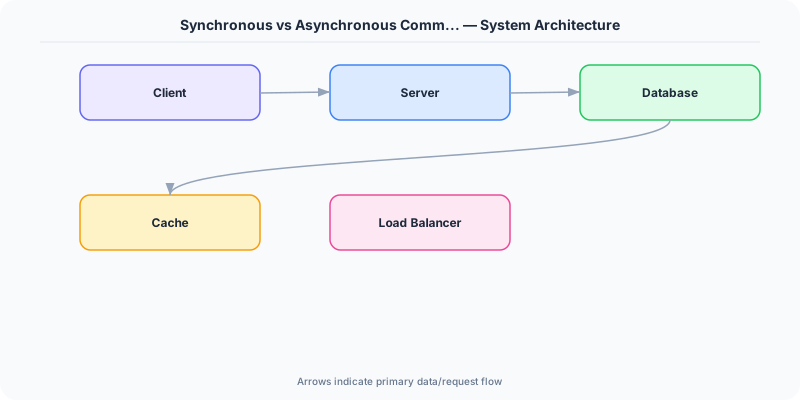
Go with Asynchronous if:
- Background processing (emails, reports)
- Operations that do not need immediate response
- High-throughput event processing
- Decoupling microservices
Understanding Synchronous
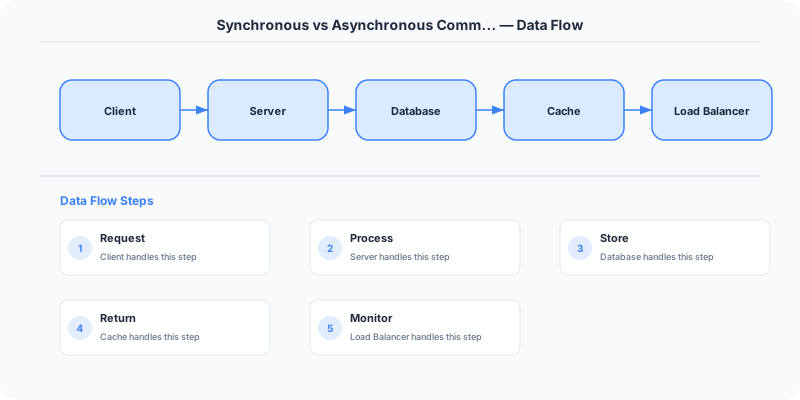
Request → Wait → Response. HTTP, gRPC, database queries.
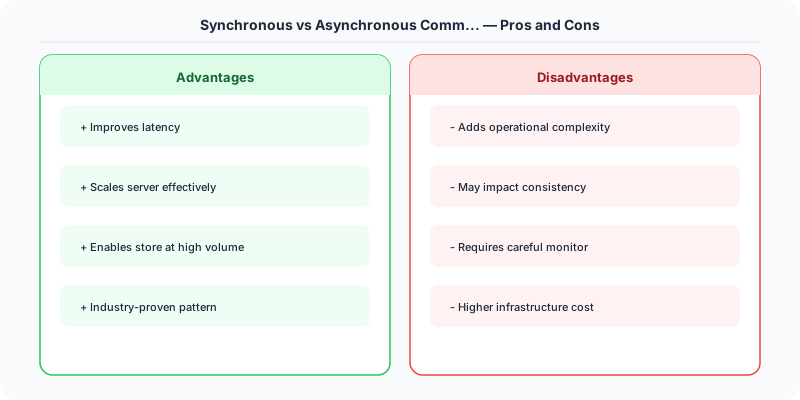
Upsides: Simple mental model, Immediate feedback, Easy error handling, Natural for user-facing requests.
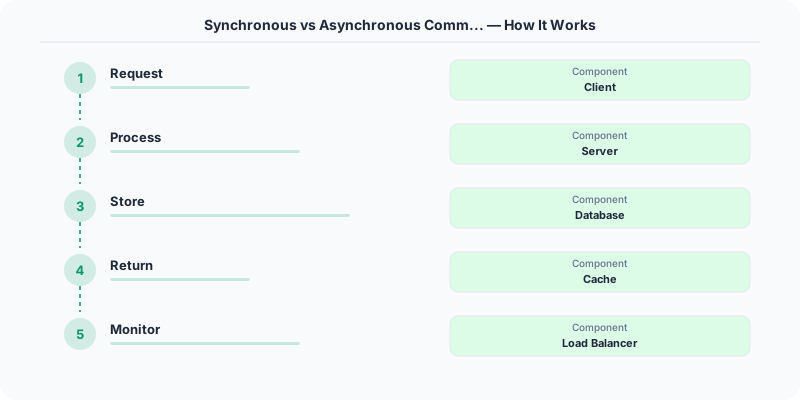
Downsides: Caller is blocked waiting, Tight coupling between services, Cascading failures if downstream is slow.
Understanding Asynchronous
Send message → Continue → Process later. Message queues, events, callbacks.
Upsides: Decoupled services, Better fault tolerance (queue buffers), Higher throughput, Handles traffic spikes via buffering.
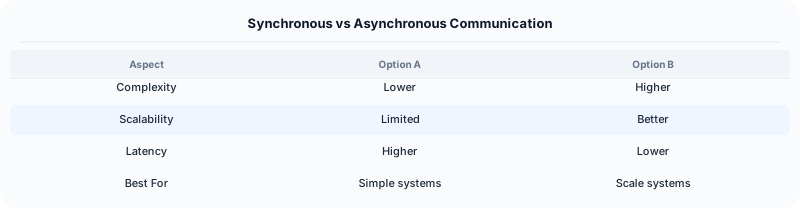
Downsides: Complex error handling, Eventual consistency, Harder to debug, Requires message broker infrastructure.
How Companies Handle This
Stripe processes payments synchronously (the user needs to know if payment succeeded) but sends receipt emails asynchronously.
Amazon takes orders synchronously but processes fulfillment asynchronously via SQS queues.
Slack delivers messages synchronously via WebSocket but processes search indexing asynchronously.
What to Say in an Interview
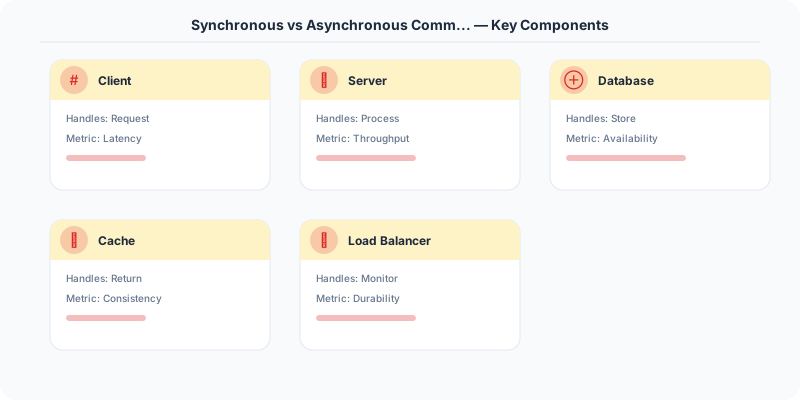
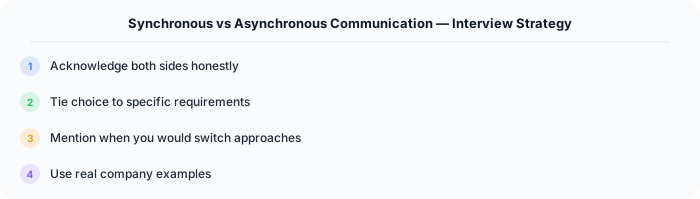
In system design, identify which operations MUST be synchronous (user-facing) and which CAN be asynchronous (background processing). This is a key architectural decision.
Source | System-Design-Overview
How to Explain This in an Interview
Here is how I would explain Synchronous vs Asynchronous Communication in a system design interview:
The sync vs async decision comes down to one question: does the caller need the result right now? If a user clicks 'Submit Order', they need to know immediately whether it succeeded — that is synchronous. But the order confirmation email, inventory update, and analytics event can all happen asynchronously via a message queue. I use sync for the user-facing request path (REST API, returns a response) and async for everything downstream (publish an 'order-placed' event, let subscribers handle the rest). This gives you fast user-facing latency and resilient backend processing — if the email service is down, the message waits in the queue instead of failing the entire order.
Practical Implementation for .NET Developers
In a .NET application, you would typically implement this pattern using the following approach:
ASP.NET Core setup: Create a service class that encapsulates the logic, register it with dependency injection, and inject it into your controllers or minimal API endpoints. The built-in DI container handles lifecycle management.
Entity Framework Core: For database interactions, EF Core provides the ORM layer. Use migrations for schema management and raw SQL for performance-critical queries. Consider Dapper for read-heavy paths where EF Core's overhead matters.
Azure integration: If deploying to Azure, leverage managed services — Azure Cache for Redis, Azure SQL, Azure Service Bus, Azure Cosmos DB. These eliminate operational overhead and provide built-in monitoring through Application Insights.
Testing: Use xUnit with Testcontainers for integration tests that spin up real databases in Docker. Mock external dependencies with NSubstitute. The WebApplicationFactory class lets you test your entire HTTP pipeline in-process.
Monitoring: Add Application Insights telemetry to track request latency, dependency calls, and custom metrics. Use structured logging with Serilog to make production debugging possible:
Log.Information("Processing order {OrderId} for {CustomerId}", orderId, customerId);
This gives you searchable, structured logs in Azure Monitor or Seq.
Real-World Decision Framework
Synchronous communication means the caller waits for a response before continuing. Asynchronous communication means the caller sends a message and continues without waiting. This distinction shapes how you design every service interaction in a distributed system.
When Synchronous Wins
Use synchronous (request-response) when the caller needs the result immediately to proceed. Examples:
- User login: The frontend must wait for authentication to complete before showing the dashboard.
- Payment authorization: The checkout flow cannot proceed until the payment gateway confirms the charge.
- Database queries: A REST API reading user data must wait for the query result to build the response.
REST APIs, gRPC calls, and direct database queries are all synchronous patterns. They are simple to reason about, easy to debug, and provide immediate feedback.
When Asynchronous Wins
Use asynchronous when the work can happen later or the caller does not need the result immediately. Examples:
- Email notifications: After a user signs up, queue an email rather than making them wait for SMTP delivery.
- Image processing: After upload, queue the image for thumbnail generation and return immediately.
- Analytics events: Log user actions to a message queue rather than writing to the analytics database synchronously.
Message queues (RabbitMQ, Kafka, Azure Service Bus), event buses, and webhooks are asynchronous patterns. They improve perceived performance, enable retry logic, and decouple services.
The Hybrid Pattern Most Companies Use
In practice, most systems use both. The user-facing request path is synchronous (REST API → database → response), while background work is asynchronous (queue → worker → notification). Amazon processes orders synchronously through checkout but handles inventory updates, shipping notifications, and recommendation updates asynchronously.
Interview Decision Framework
When an interviewer asks "should this be sync or async?", evaluate:
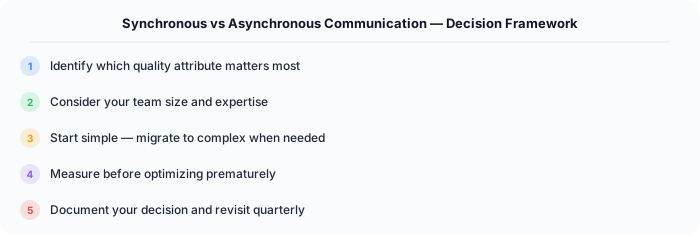
- Does the user need the result now? Yes → sync. No → async.
- Can this operation fail and be retried? Yes → async with dead letter queue. No → sync with error handling.
- Will this operation take more than 500ms? Yes → async (return immediately, notify later). No → sync is fine.
- Does this create coupling between services? If coupling is a concern → async via message queue.
.NET Implementation
Synchronous: Standard ASP.NET Core controllers with await for I/O. Asynchronous: Azure Service Bus with MassTransit or IHostedService background workers. Use Channel<T> for in-process async producer-consumer patterns.