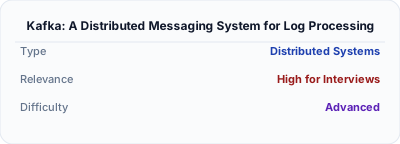
Kafka: A Distributed Messaging System for Log Processing
LinkedIn's distributed commit log that redefined event streaming — the foundation of modern real-time data pipelines.
Historical Context
Published by Jay Kreps, Neha Narkhede, and Jun Rao from LinkedIn in 2011 (NetDB Workshop), Kafka was created to solve LinkedIn's data pipeline problem. The company had dozens of systems producing activity data — page views, searches, profile updates — that needed to flow to analytics, monitoring, and offline processing systems. Existing message queues (ActiveMQ, RabbitMQ) could not handle LinkedIn's throughput (hundreds of thousands of messages per second) because they tracked per-message delivery state and were not designed for the replay and batch-consumption patterns that log processing demanded.
Core Problem
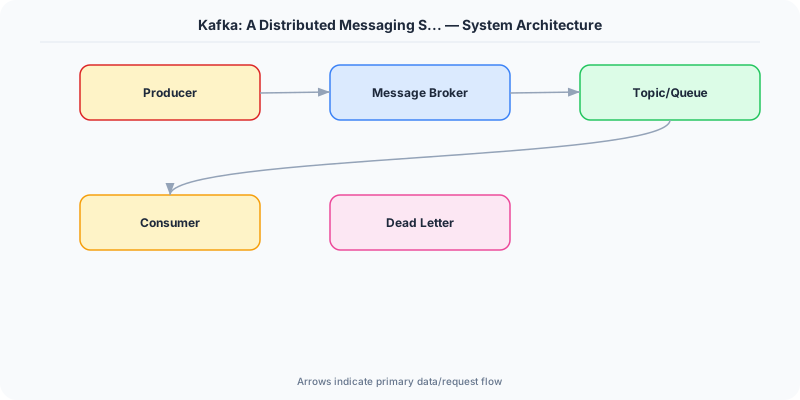
How do you build a messaging system that handles millions of events per second with low latency, supports both real-time consumption and batch replay, and scales horizontally without per-message delivery overhead?
Key Innovation
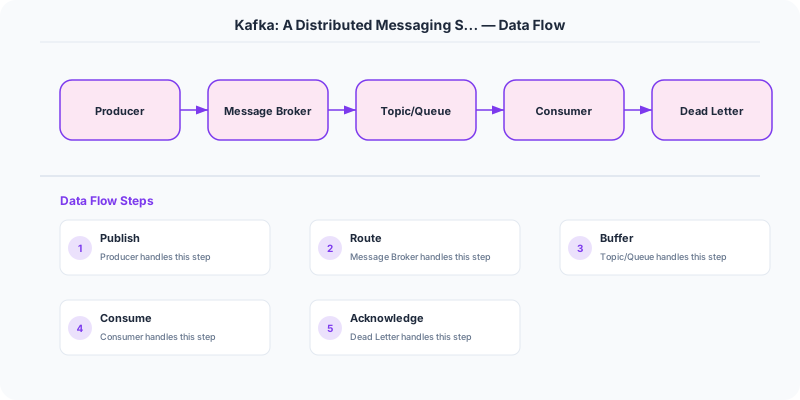
Kafka reimagined messaging as a distributed commit log rather than a message queue. Messages are appended to topics, each divided into partitions — ordered, immutable sequences of records. Producers append to partitions; consumers read by maintaining a simple offset (a position in the log). Because the broker does not track which messages have been delivered to which consumer, the overhead per message is trivially small.
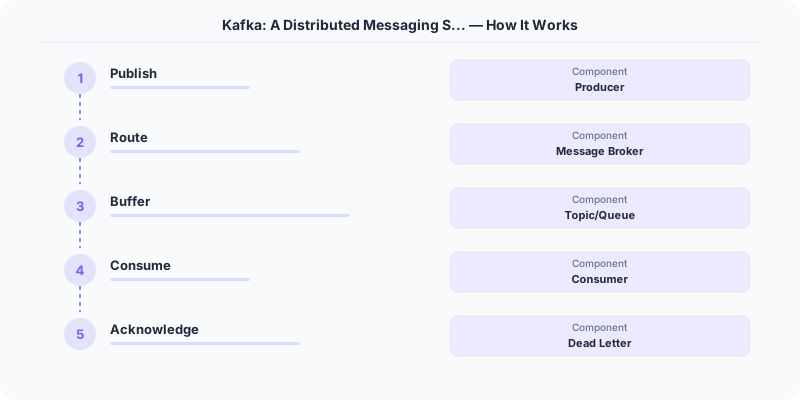
Consumer groups enable parallel consumption: each partition in a topic is assigned to exactly one consumer within a group, providing both parallelism and ordering guarantees within a partition. Different consumer groups can independently read the same topic at different speeds, enabling multiple downstream systems to consume from one data stream.
Partitions are replicated across brokers for fault tolerance. One replica is the leader (handles all reads and writes), and others are followers that replicate the leader's log. If the leader fails, a follower is promoted. ZooKeeper (later replaced by KRaft) manages broker coordination and leader election.
Architecture / Algorithm
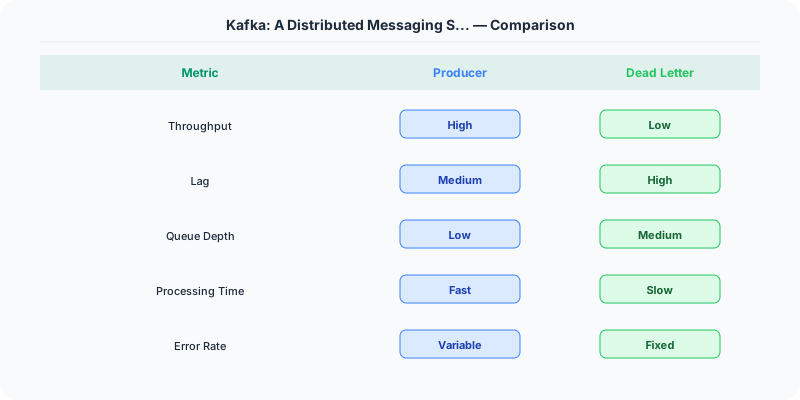
- Topics and Partitions: Logical streams divided into ordered partitions for parallelism.
- Append-Only Log: Messages are immutable once written; retention is time-based or size-based.
- Offsets: Consumers track their own position, enabling replay and independent consumption.
- Consumer Groups: Partition-level assignment provides ordered, parallel consumption.
- Replication: Each partition has configurable replication factor; ISR (in-sync replicas) ensures durability.
- Zero-Copy Transfer: Kafka uses OS-level sendfile() to transfer data from disk to network without copying through user space.
Strengths
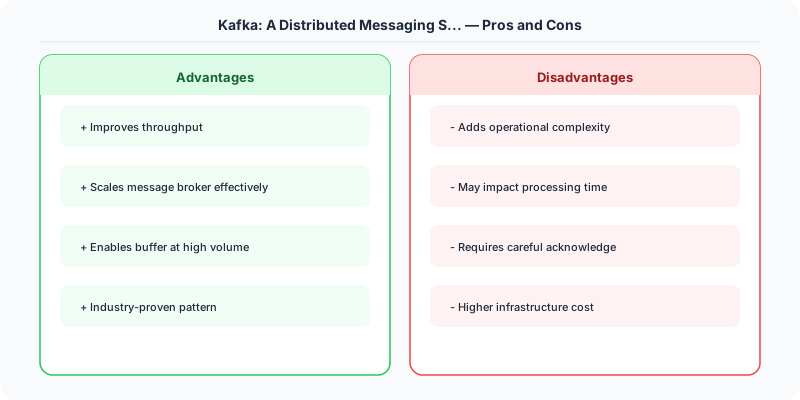
- Massive throughput: sequential disk I/O + zero-copy + batching
- Decouples producers from consumers: each consumer reads at its own pace
- Built-in replay: consumers can rewind to any offset
- Horizontal scaling by adding partitions and brokers
Weaknesses
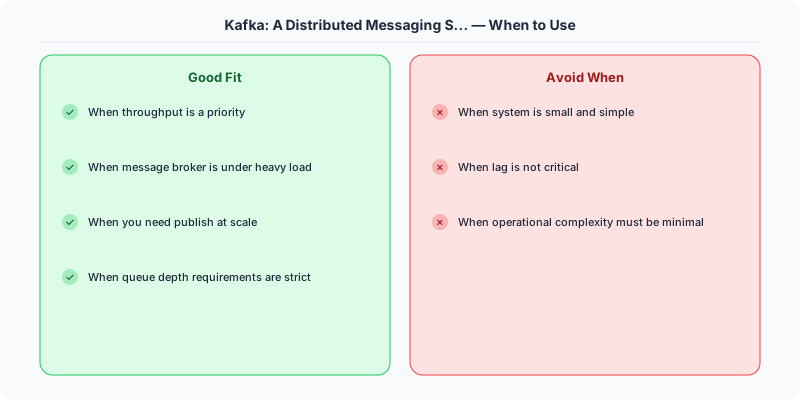
- Ordering only guaranteed within a single partition, not across partitions
- Consumer rebalancing during scaling can cause brief processing pauses
- Not designed for low-latency point-to-point messaging (use RabbitMQ or NATS for that)
- Operational complexity: managing partition count, replication, and retention policies
Modern Systems Influenced
Apache Kafka itself became a cornerstone of modern data infrastructure. Amazon Kinesis, Azure Event Hubs, and Google Pub/Sub adopted similar log-based designs. Kafka Streams and ksqlDB extended the model to stream processing. Redpanda reimplemented Kafka's protocol in C++ for better performance. The concept of an event log as the source of truth influenced event sourcing and CQRS architectures broadly.
Interview Relevance
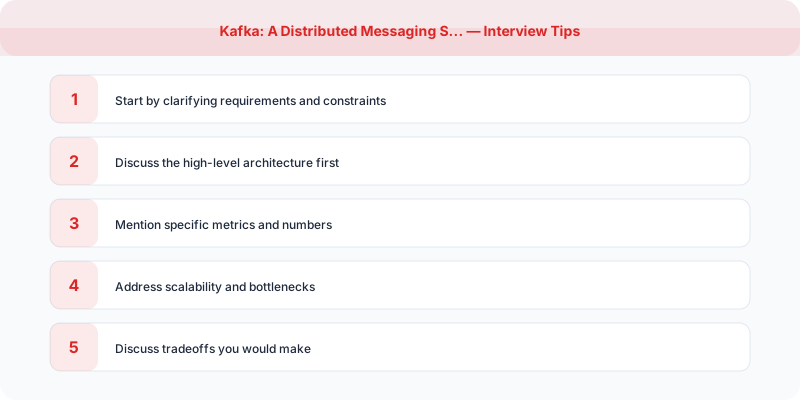
Reference Kafka when designing notification systems, activity feeds, log aggregation, or event-driven architectures. Know the difference between topics and partitions, how consumer groups provide parallel processing, and why append-only logs are fast (sequential I/O). Be ready to discuss the tradeoff between partition count (parallelism) and ordering guarantees.
Plain-English Summary
Kafka is a distributed log where producers append events to ordered partitions and consumers read at their own pace by tracking an offset. Because messages are just appended to disk sequentially and the broker does not track per-message delivery, Kafka achieves massive throughput. Consumer groups split partitions among members for parallel processing, while different groups can independently consume the same stream.
Practical Implementation for .NET Developers
In a .NET application, you would typically implement this pattern using the following approach:
ASP.NET Core setup: Create a service class that encapsulates the logic, register it with dependency injection, and inject it into your controllers or minimal API endpoints. The built-in DI container handles lifecycle management.
Entity Framework Core: For database interactions, EF Core provides the ORM layer. Use migrations for schema management and raw SQL for performance-critical queries. Consider Dapper for read-heavy paths where EF Core's overhead matters.
Azure integration: If deploying to Azure, leverage managed services — Azure Cache for Redis, Azure SQL, Azure Service Bus, Azure Cosmos DB. These eliminate operational overhead and provide built-in monitoring through Application Insights.
Testing: Use xUnit with Testcontainers for integration tests that spin up real databases in Docker. Mock external dependencies with NSubstitute. The WebApplicationFactory class lets you test your entire HTTP pipeline in-process.
Monitoring: Add Application Insights telemetry to track request latency, dependency calls, and custom metrics. Use structured logging with Serilog to make production debugging possible:
Log.Information("Processing order {OrderId} for {CustomerId}", orderId, customerId);
This gives you searchable, structured logs in Azure Monitor or Seq.
Key Takeaways for Interviews
- Append-only log as the fundamental abstraction: producers append messages to the end of a partition log, consumers read from the log at their own pace. This is different from traditional queues where messages are deleted after consumption.
- Partitions enable parallelism: A topic is split into partitions, each handled by a separate broker. More partitions = more parallel consumers, but also more overhead (open file handles, leader elections during broker failure).
- Consumer groups provide the pub/sub AND queue semantics: within a group, each partition is consumed by exactly one consumer (queue behavior). Multiple groups can consume the same topic independently (pub/sub behavior).
- At-least-once delivery is the default. Exactly-once requires idempotent producers AND transactional consumers, with non-trivial performance overhead.
- Zero-copy transfer: Kafka uses the OS sendfile() system call to transfer data directly from disk to network without copying through application memory, which is key to its high throughput.
How This Applies to Modern .NET Systems
Confluent.Kafka .NET client: The official .NET Kafka client provides high-performance producer and consumer APIs. Use it with dependency injection in ASP.NET Core for clean integration. Configure acks=all and enable.idempotence=true for reliable production use.
Azure Event Hubs: If you are on Azure, Event Hubs provides a Kafka-compatible API (use the Kafka protocol with Event Hubs connection string). This gives you Kafka semantics with Azure-managed infrastructure. The Azure.Messaging.EventHubs NuGet package provides the native .NET client.
MassTransit with Kafka: For .NET developers who prefer a higher-level abstraction, MassTransit supports Kafka as a transport. This gives you saga orchestration, retry policies, and message scheduling on top of Kafka, using familiar .NET patterns.
Outbox pattern: In .NET applications, use the Transactional Outbox pattern with EF Core to ensure database changes and Kafka messages are published atomically. This prevents the "database updated but message lost" problem.