Data Compression
Data compression reduces payload sizes for faster network transfer and lower storage costs.
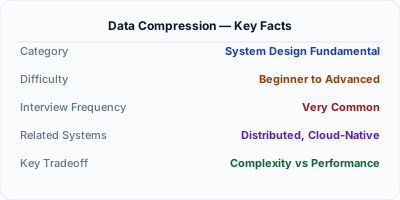
Data compression reduces the size of data for faster network transfer and lower storage costs. HTTP responses are typically compressed with gzip (universal) or Brotli (20% better ratio). Internal systems use Snappy or LZ4 for speed over ratio. The tradeoff is always CPU time vs size reduction: Brotli compresses 20% better than gzip but takes 3-5x longer to compress. In system design, compression matters when bandwidth is the bottleneck — mobile clients, cross-region replication, and CDN edge serving.
| Aspect | Details |
|---|---|
| What it is | Algorithms that reduce data size by eliminating redundancy, trading CPU cycles for smaller payloads and faster transfers |
| When to use | HTTP response compression, database storage, cross-region replication, mobile APIs, log storage — anywhere bandwidth or storage costs matter |
| When NOT to use | Already-compressed data (images, video, encrypted content) or ultra-low-latency paths where even microseconds of CPU overhead matter |
| Real-world example | Google invented Brotli for HTTP compression — it reduces web page transfer sizes by 15-20% compared to gzip, improving Core Web Vitals |
| Interview tip | Know the speed vs ratio spectrum: LZ4 (fastest, worst ratio) → Snappy → gzip → Zstandard → Brotli (slowest, best ratio) |
| Common mistake | Compressing already-compressed data (JPEG, PNG, encrypted payloads) — this wastes CPU and may actually increase size |
| Key tradeoff | Compression ratio vs CPU cost — better compression saves bandwidth but costs more server CPU per request |
Why This Matters
A 1MB API response compressed to 100KB with gzip transfers 10x faster on a mobile connection. At scale, compression saves terabytes of bandwidth daily. Google found that Brotli compression improved page load times by 15-20% compared to gzip, directly impacting Core Web Vitals and SEO rankings. For internal systems, compression reduces cross-datacenter replication bandwidth — when replicating terabytes between US and EU data centers, even a 2:1 compression ratio halves the network bill.
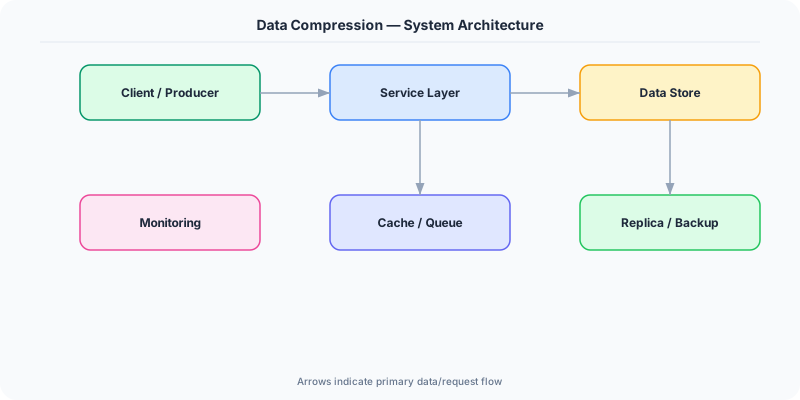
The Building Blocks
- gzip: The universal standard for HTTP compression. Supported by every browser and server. Compression level 1-9 trades speed for ratio. Level 6 is the sweet spot.
- Brotli: Google's compression algorithm with 15-20% better ratio than gzip. Slower to compress but fast to decompress. Used for static assets; pre-compress at build time.
- Snappy/LZ4: Speed-optimized algorithms for internal data. Snappy (Google) and LZ4 compress at GB/s with modest 2-3x ratios. Used in Kafka, Cassandra, RocksDB.
- Zstandard: Facebook's algorithm that offers gzip-like ratios at 3-5x the speed. Supports dictionary compression for small payloads. Increasingly used as a gzip replacement.
- Content Negotiation: HTTP Accept-Encoding header lets clients declare supported algorithms. The server picks the best mutual option: br > gzip > deflate > identity.
Under the Hood
When a browser sends a request with Accept-Encoding: gzip, br, the server compresses the response body before sending it. For dynamic content, compression happens in real-time (the web server compresses each response as it is generated). For static assets (JS, CSS, fonts), pre-compression at build time avoids runtime CPU cost — store both original.js and original.js.br on disk, serve the pre-compressed version.
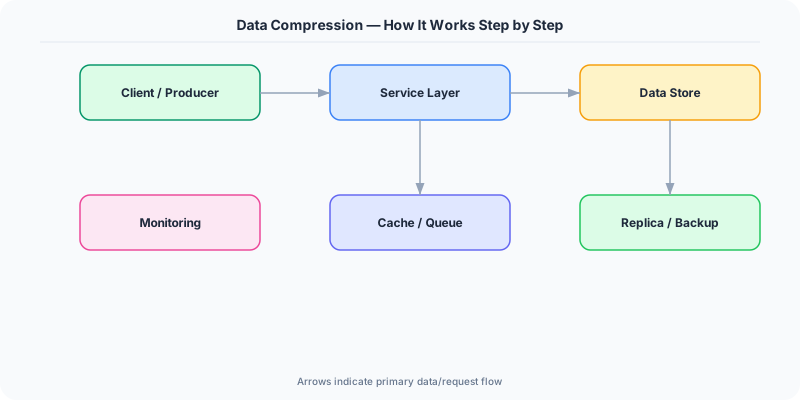
The compression ratio depends heavily on content type. JSON and HTML compress 5-10x (highly repetitive text). Binary data like Protobuf compresses 2-3x. Already-compressed formats (JPEG, PNG, GZIP archives) compress 0-5% — attempting to compress them wastes CPU.
For internal service communication, the tradeoff shifts from ratio to speed. Kafka uses Snappy or LZ4 because message throughput matters more than compression ratio. A 2x compression at 3GB/s (LZ4) is better than 5x compression at 100MB/s (gzip) when you are processing millions of messages per second. The CPU cost of compression must be weighed against the network cost of larger payloads.
How Companies Actually Do This
Google invented Brotli and requires it for optimal Lighthouse scores. Chrome, Nginx, and CDN edge servers all support Brotli. Google's CDN pre-compresses static assets with Brotli-11 for maximum savings.
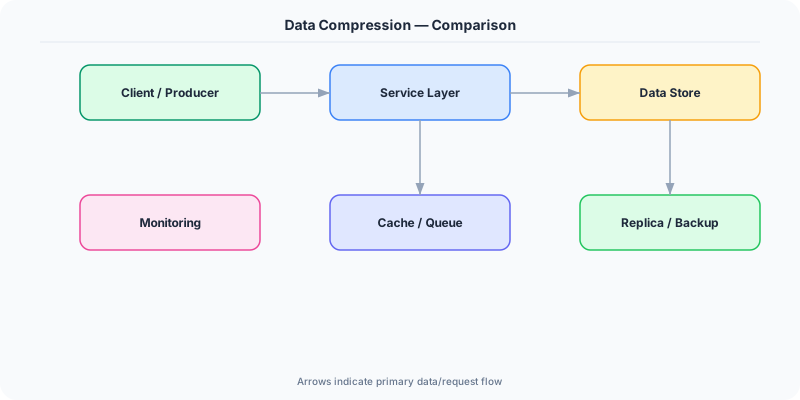
Facebook developed Zstandard (zstd) which provides gzip-level compression at 3-5x the speed. They use it for data warehouse compression, saving petabytes of storage across their fleet.
Cloudflare automatically compresses HTTP responses at the edge with Brotli for supported browsers and gzip for others. They report 15% average bandwidth savings for their 30M+ websites.
Common Pitfalls
- Compressing already-compressed content (JPEG, encrypted data) — wastes CPU and can actually increase payload size due to compression headers
- Using maximum compression level for dynamic content — Brotli-11 takes 100x longer than Brotli-4, with only 5% better ratio. Pre-compress static assets; use fast levels for dynamic
- Not setting Content-Encoding headers correctly — browsers receiving compressed data without the header cannot decompress it, causing garbled responses
Interview Questions Worth Practicing
- When would you choose Snappy over gzip for data compression in a distributed system?
- How does content negotiation work for HTTP compression, and why does Brotli not replace gzip entirely?
- What is the tradeoff between compression ratio and CPU cost, and how does it change for static vs dynamic content?
The Tradeoffs
- Ratio vs Speed: Better compression ratios (Brotli, Zstandard) save more bandwidth but cost more CPU. Speed-focused algorithms (LZ4, Snappy) use minimal CPU but achieve lower ratios.
- Bandwidth vs CPU: Compression converts a bandwidth problem into a CPU problem. When bandwidth is expensive (mobile, cross-region), aggressive compression pays off. When CPU is the bottleneck, skip it.
- Static vs Dynamic: Pre-compressing static assets at build time eliminates runtime CPU cost. Dynamic content must be compressed per-request, so fast algorithms (gzip-1, Zstandard-1) are essential.
How to Explain This in an Interview
Here is how I would explain Data Compression in a system design interview:
Data compression trades CPU for bandwidth savings. For HTTP responses, I use Brotli for static assets (pre-compressed at build time for maximum ratio) and gzip for dynamic content (fast enough for real-time compression). The Content-Encoding header tells the browser which algorithm was used. For internal systems like Kafka, I use LZ4 or Snappy — they compress at GB/s with 2-3x ratios because throughput matters more than ratio. The key insight: never compress already-compressed data (images, encrypted payloads). For a system design, I consider compression at three points: CDN edge (Brotli for web assets), API responses (gzip for JSON), and internal data (LZ4 for message queues and log storage).
Related Topics
The Real-World Incident That Made This Famous
Understanding Data Compression became critical after multiple high-profile production incidents at major tech companies. When systems handle millions of users, even small misunderstandings about Data Compression can lead to cascading failures that cost millions in lost revenue and erode user trust. Companies like Netflix, Google, Amazon, and Meta have all invested heavily in mastering Data Compression because they learned the hard way that ignoring it leads to outages.
The key lesson from these incidents: Data Compression is not just a theoretical concept — it is a practical skill that separates engineers who build resilient systems from those who build fragile ones. Every major outage report from the past decade involves at least one Data Compression-related design decision that was either implemented incorrectly or overlooked entirely during the initial architecture review.
How Senior Engineers Think About This
Senior engineers approach Data Compression differently from textbook definitions. Instead of memorizing rules, they build mental models. They ask: "What problem does Data Compression solve? When does it fail? What are the alternatives?" This problem-first thinking leads to better design decisions because every system has unique constraints.
When evaluating Data Compression in a system design context, experienced engineers consider the failure modes first. What happens when this component goes down? How does the system degrade? Is the degradation graceful or catastrophic? These questions reveal more about your understanding than any textbook definition.
The key difference between junior and senior engineers when it comes to Data Compression: juniors focus on the happy path, while seniors design for what happens when things go wrong. They consider operational cost, team expertise, monitoring requirements, and how the decision will look six months from now when traffic has grown 10x.
Common Interview Mistakes
Mistake 1: Giving a textbook definition without context. Interviewers want to see you connect Data Compression to real systems and real problems. Instead of reciting definitions, explain when and why you would use Data Compression in the system you are designing.
Mistake 2: Not discussing trade-offs. Every design decision involving Data Compression has trade-offs. Discuss what you gain and what you give up. Acknowledge the downsides and explain why the benefits outweigh them for your specific use case.
Mistake 3: Overcomplicating the solution. Start with the simplest approach to Data Compression that meets the requirements, then add complexity only when justified. Many candidates jump to complex implementations when a simpler solution would work perfectly.
Production Checklist
- Define clear metrics for measuring the effectiveness of your Data Compression implementation
- Set up monitoring and alerting that specifically tracks Data Compression-related failures
- Document your Data Compression design decisions in Architecture Decision Records (ADRs)
- Test failure scenarios related to Data Compression in staging before production deployment
- Review and update your Data Compression implementation quarterly as system requirements evolve
- Train new team members on the specific Data Compression patterns used in your system
- Establish runbooks for common Data Compression-related incidents and recovery procedures
Practical Implementation for .NET Developers
In ASP.NET Core, enable response compression with builder.Services.AddResponseCompression() and app.UseResponseCompression(). Configure Brotli and gzip providers: options.Providers.Add<BrotliCompressionProvider>(). Set compression level via BrotliCompressionProviderOptions { Level = CompressionLevel.Fastest }. For static file pre-compression, use the dotnet-compress tool at build time. For Kafka, configure CompressionType.Lz4 in the Confluent .NET producer configuration.
ASP.NET Core setup: Create a service class that encapsulates the logic, register it with dependency injection, and inject it into your controllers or minimal API endpoints. The built-in DI container handles lifecycle management.
Entity Framework Core: For database interactions, EF Core provides the ORM layer. Use migrations for schema management and raw SQL for performance-critical queries. Consider Dapper for read-heavy paths where EF Core overhead matters.
Azure integration: If deploying to Azure, leverage managed services — Azure Cache for Redis, Azure SQL, Azure Service Bus, Azure Cosmos DB. These eliminate operational overhead and provide built-in monitoring through Application Insights.
Testing: Use xUnit with Testcontainers for integration tests that spin up real databases in Docker. Mock external dependencies with NSubstitute. The WebApplicationFactory class lets you test your entire HTTP pipeline in-process.
Monitoring: Add Application Insights telemetry to track request latency, dependency calls, and custom metrics. Use structured logging with Serilog to make production debugging possible:
Log.Information("Processing {Operation} for {ResourceId}", operation, resourceId);
This gives you searchable, structured logs in Azure Monitor or Seq.