Content Delivery Network (CDN)
CDNs are essential for any user-facing application. They reduce latency, reduce origin server load, protect against DDoS attacks, and handle traffic.
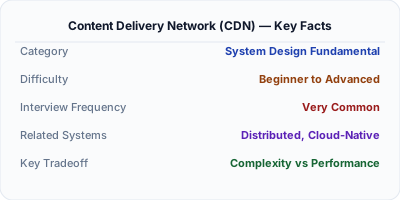
A CDN (Content Delivery Network) caches content at edge servers distributed across the globe, serving requests from the location nearest to the user instead of from the origin server. For static content like images, CSS, and JavaScript, a CDN reduces latency from 200ms+ to under 20ms. Cloudflare, AWS CloudFront, and Akamai are the most widely deployed CDNs, collectively serving a majority of all internet traffic.
| Aspect | Details |
|---|---|
| What it is | A global network of edge servers that cache and serve content close to users |
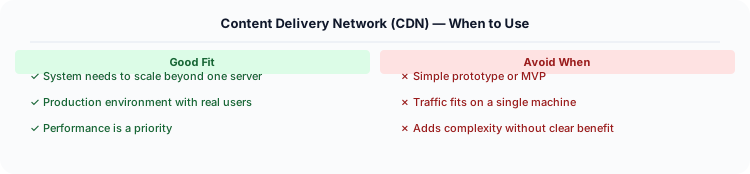
| When to use | Static assets (images, CSS, JS), video streaming, global user base, any public cacheable content |
| When NOT to use | Personalized/authenticated content; internal APIs; real-time dynamic data that cannot be cached |
| Real-world example | Netflix Open Connect serves 15%+ of global internet traffic; Cloudflare protects 20M+ websites at the edge |
| Interview tip | Discuss cache invalidation at the edge — how do you update content across 300+ global PoPs? |
| Common mistake | Caching authenticated or personalized responses at the CDN — serves user A's data to user B |
| Key tradeoff | Dramatically lower latency and origin load vs. cache invalidation complexity and propagation delay |
When You Need Content Delivery Network (CDN)
CDNs are essential for any user-facing application. They reduce latency, reduce origin server load, protect against DDoS attacks, and handle traffic spikes. Without a CDN, users far from your server experience poor performance.
What It Is
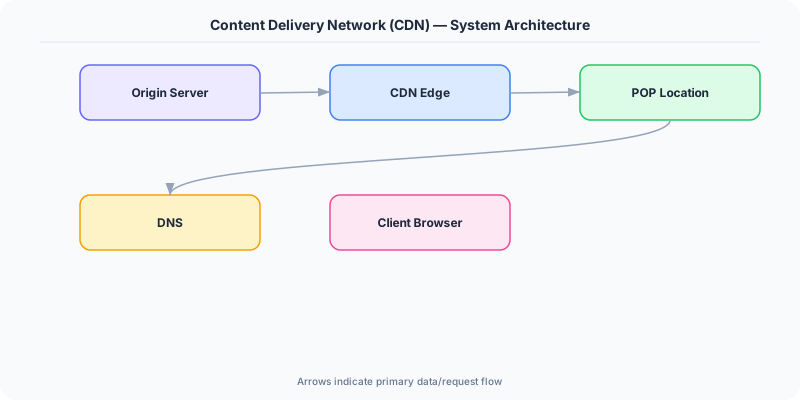
A CDN is a network of geographically distributed edge servers that cache and serve content close to users. When you visit a website using Cloudflare or Akamai, static assets (images, CSS, JS) are served from a nearby edge server instead of the origin server, reducing latency from 200ms to 20ms.
How It Works
When a user in Tokyo requests an image from your server in US East:
- Without CDN: Request travels to US East (200ms round trip), downloads image (500ms). Total: 700ms.
- With CDN: Request goes to Tokyo edge server (5ms). If cached, serve immediately. If not, edge fetches from origin (200ms) and caches it. First user: 205ms. All subsequent Tokyo users: 5ms.
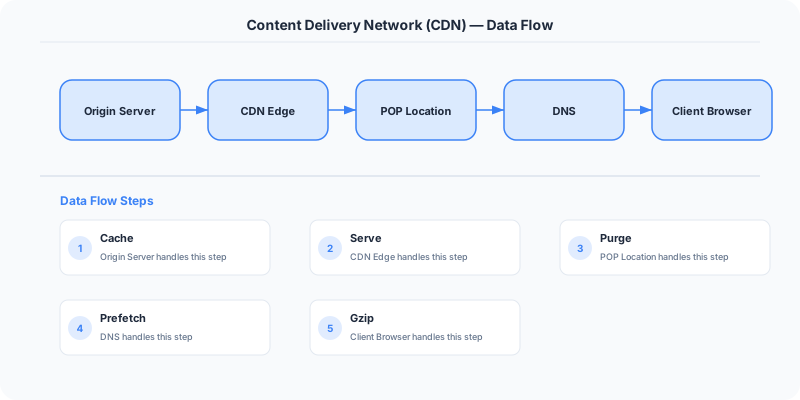
The CDN handles geographic routing using DNS (returns the IP of the nearest edge) or Anycast (BGP routes to nearest edge).
The Decision Framework
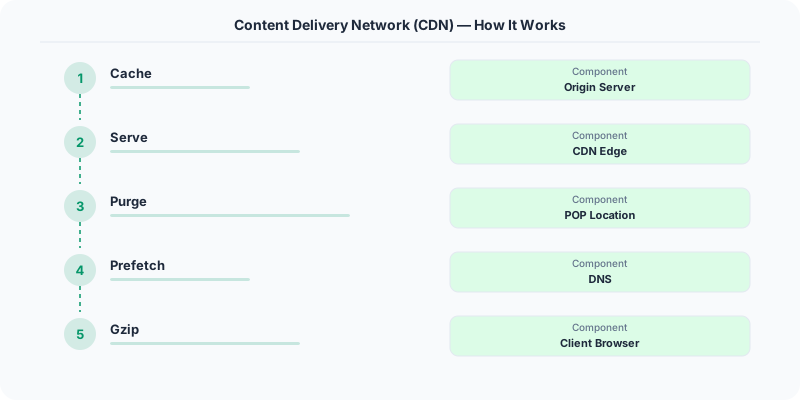
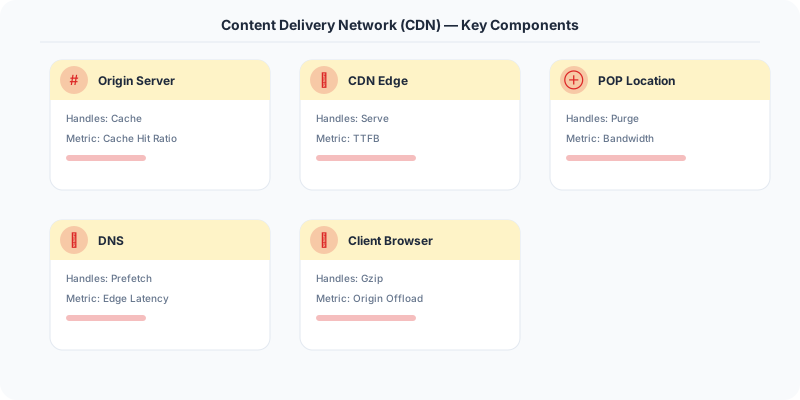
- Edge servers: Servers placed in 100+ cities worldwide. Content is cached at the edge closest to the user.
- Cache hit/miss at edge: If the edge has the content (hit), serve directly. If not (miss), fetch from origin, cache at edge, then serve.
- TTL and cache-control: HTTP headers (Cache-Control, Expires) tell the CDN how long to cache content.
- Push vs Pull CDN: Pull CDN fetches content from origin on first request. Push CDN requires you to upload content to the CDN in advance.
- Dynamic content: Modern CDNs (Cloudflare Workers, AWS Lambda@Edge) can also process dynamic requests at the edge.
What the Industry Uses
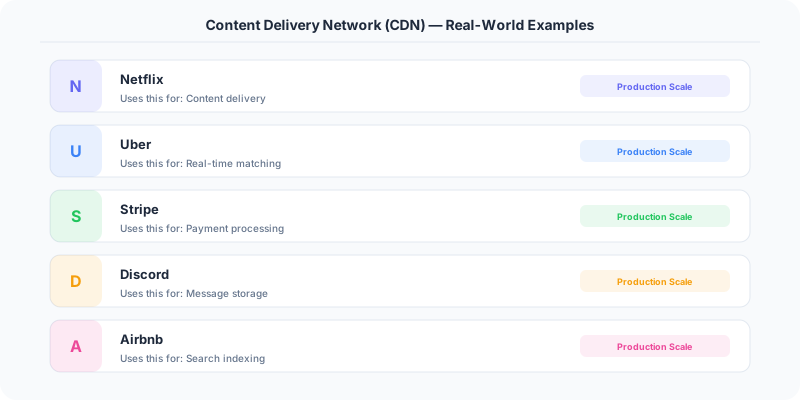
Netflix uses its own CDN (Open Connect) with servers embedded in ISP networks, serving 15% of global internet traffic.
Cloudflare operates 300+ edge locations, handling 20% of all internet traffic.
Shopify uses Cloudflare to cache storefront assets, reducing page load times by 50-70%.
Performance and Tradeoffs
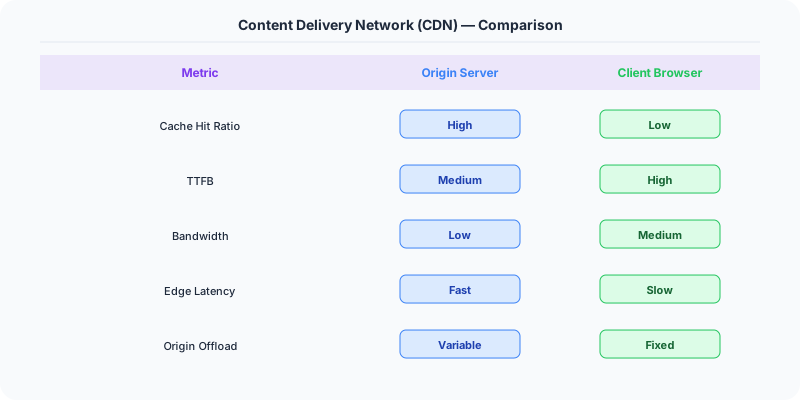
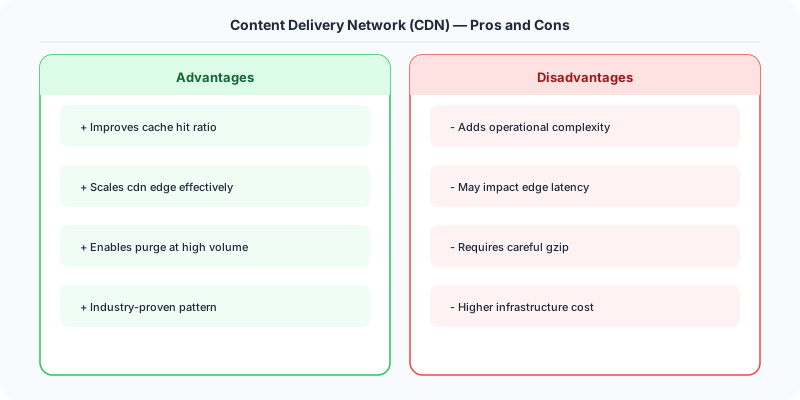
- Freshness vs Performance: Longer cache TTL = faster but potentially stale. Cache purging is possible but takes time to propagate.
- Cost: CDN bandwidth is charged per GB. At high scale, CDN costs can be significant.
- Dynamic content: CDNs are designed for static content. Dynamic content requires edge computing or bypassing the CDN.
Mistakes Engineers Make
- Not setting proper Cache-Control headers — CDN may not cache, or may cache too long
- Caching personalized content (user-specific data) on the CDN — serves one user's data to another
- Not purging the CDN cache after deploying new assets
Practice These Interview Questions
- How does a CDN work?
- What content should be served via a CDN?
- What is the difference between push and pull CDN?
- How do you handle cache invalidation on a CDN?
How to Explain This in an Interview
Here is how I would explain Content Delivery Network (CDN) in a system design interview:
A CDN puts copies of your content at edge servers worldwide. When a user in Tokyo requests an image, it loads from a Tokyo edge server in 20ms instead of your US origin in 200ms. I would use a CDN for all static assets unconditionally, and for cacheable API responses with appropriate Cache-Control headers. The key design decisions: TTL (how long edges cache content before revalidating with the origin), cache key (URL plus relevant headers that identify unique resources), and purge strategy (how you invalidate stale content across all edge locations when the origin data changes). When the interviewer asks about dynamic content, explain that you can use short TTLs (30-60 seconds) or stale-while-revalidate to serve slightly stale data while fetching fresh data in the background.
Practical Implementation for .NET Developers
In a .NET application, you would typically implement this pattern using the following approach:
ASP.NET Core setup: Create a service class that encapsulates the logic, register it with dependency injection, and inject it into your controllers or minimal API endpoints. The built-in DI container handles lifecycle management.
Entity Framework Core: For database interactions, EF Core provides the ORM layer. Use migrations for schema management and raw SQL for performance-critical queries. Consider Dapper for read-heavy paths where EF Core's overhead matters.
Azure integration: If deploying to Azure, leverage managed services — Azure Cache for Redis, Azure SQL, Azure Service Bus, Azure Cosmos DB. These eliminate operational overhead and provide built-in monitoring through Application Insights.
Testing: Use xUnit with Testcontainers for integration tests that spin up real databases in Docker. Mock external dependencies with NSubstitute. The WebApplicationFactory class lets you test your entire HTTP pipeline in-process.
Monitoring: Add Application Insights telemetry to track request latency, dependency calls, and custom metrics. Use structured logging with Serilog to make production debugging possible:
Log.Information("Processing order {OrderId} for {CustomerId}", orderId, customerId);
This gives you searchable, structured logs in Azure Monitor or Seq.
Further Reading
The Real-World Incident That Made This Famous
In July 2021, Akamai suffered a major outage that knocked offline thousands of websites including major banks, airlines, and government services. The cause was a bug in the DNS routing configuration that was triggered by a valid customer configuration change. This single CDN failure showed the world how dependent the modern internet is on CDN infrastructure. When Akamai went down, it was not just cached images that disappeared — entire websites became unreachable because their DNS, SSL termination, DDoS protection, and API routing all ran through the CDN edge.
Netflix took a different approach. Instead of relying on third-party CDNs, they built Open Connect — their own CDN of custom-built servers placed directly inside ISP data centers. Netflix provides the hardware (Open Connect Appliances) to ISPs for free. In exchange, the ISP gets reduced bandwidth costs (Netflix traffic stays local instead of traversing expensive internet backbone links). Today, Open Connect serves over 95% of Netflix's video traffic. During peak hours, Netflix accounts for 15% of all downstream internet traffic in North America, nearly all served from these ISP-embedded servers.
Cloudflare's growth story is also instructive. By offering a free CDN tier with DDoS protection, Cloudflare grew to serve over 20% of all websites. Their network spans 310+ cities in 120+ countries. Each point of presence (PoP) runs the full Cloudflare stack: CDN, DNS, WAF, DDoS mitigation, and Workers (serverless compute). This "everything at the edge" approach means a request from Tokyo is handled entirely by the Tokyo PoP, with no round trip to a central data center needed.
How Senior Engineers Think About This
A CDN is not just a cache for static files. Modern CDNs are edge compute platforms that handle request routing, SSL termination, authentication, rate limiting, DDoS protection, and even serverless function execution — all at network locations close to the end user.
The mental model: think of a CDN as a ring of reverse proxies deployed worldwide. When a user in Berlin requests your website, the request hits the Berlin PoP first. If the content is cached there (cache hit), the response is immediate (under 10ms latency). If not (cache miss), the PoP fetches from your origin server, caches the response, and serves it. Future requests from other Berlin users get the cached version.
Senior engineers think about CDN configuration in terms of cache hit ratio. A well-configured CDN should have a cache hit ratio above 90% for static content and 60-80% for dynamic content. To maximize hit ratio: set proper Cache-Control headers, use consistent URL patterns (avoid query parameters that vary per user for cacheable content), and configure CDN cache rules for content types.
The hardest problem with CDNs is cache invalidation at the edge. When you update a product price, how do you ensure all 300+ CDN PoPs stop serving the old price? Options: short TTLs (simple but reduces hit ratio), purge APIs (fast but complex to implement correctly), cache tags (purge all content tagged "product-123"), or versioned URLs (append a content hash to the URL — the new URL is a different cache entry). Most production systems use versioned URLs for static assets and short TTLs with purge for dynamic content.
Common Interview Mistakes
Mistake 1: Treating CDN as only for static files. Modern CDNs cache API responses, HTML pages, and even personalized content (with Vary headers). Discuss dynamic content caching.
Mistake 2: Not discussing cache invalidation. The interviewer will ask "what happens when you update content?" Have a clear answer: TTL-based expiration, purge APIs, or versioned URLs.
Mistake 3: Ignoring the origin shield. Without an origin shield, a cache miss at every PoP means your origin gets hit N times (once per PoP). An origin shield is a mid-tier CDN layer that absorbs cache misses from multiple PoPs.
Mistake 4: Not mentioning DNS-level routing. CDNs use Anycast routing and GeoDNS to direct users to the nearest PoP. Understanding how traffic reaches the right edge server is important.
Mistake 5: Forgetting about edge security. CDNs are the first line of defense against DDoS attacks, bot traffic, and web vulnerabilities. Always mention the security benefits alongside performance.
Production Checklist
- Set Cache-Control headers appropriately: immutable for versioned assets, short max-age with stale-while-revalidate for dynamic content
- Use versioned URLs (content hash in filename) for static assets so they can be cached indefinitely
- Configure an origin shield to reduce origin load during cache misses
- Implement cache purge automation for content updates — tie it to your CMS or deployment pipeline
- Monitor cache hit ratio per content type and alert if it drops below thresholds (90% for static, 60% for dynamic)
- Set up a custom error page at the CDN level so origin failures show your brand, not a generic error
- Configure proper Vary headers to prevent serving one user's cached content to another (e.g., Vary: Accept-Encoding, Accept-Language)
- Use edge redirects and rewrites to avoid round trips to the origin for common URL patterns
- Test CDN failover: what happens if your CDN goes down? Have a DNS failover to direct traffic to origin
- Enable real-time CDN analytics to monitor traffic patterns, attack attempts, and edge performance
Read the original source | Content from System-Design-Overview