Metrics
Learn about metrics in distributed systems — counters, gauges, and histograms that enable real-time dashboards, alerting, and capacity planning for.
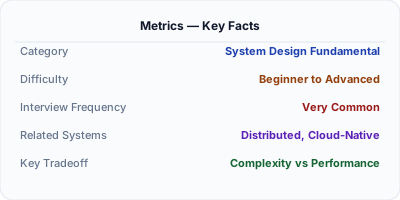
Metrics are numeric measurements collected at regular intervals that describe system behavior over time. Unlike logs which record individual events, metrics aggregate data into time-series — request counts, error rates, latency percentiles, CPU utilization — that reveal trends, trigger alerts, and power dashboards. The three fundamental metric types are counters (monotonically increasing totals), gauges (point-in-time values), and histograms (distributions). Metrics are the most cost-effective observability signal because aggregated numbers are far cheaper to store and query than individual events.
| Aspect | Details |
|---|---|
| What it is | Numeric time-series measurements (counters, gauges, histograms) that quantify system behavior for dashboards, alerting, and capacity planning |
| When to use | Always in production — metrics are the first signal for detecting problems and the primary input for alerts, SLOs, and autoscaling decisions |
| When NOT to use | When you need to understand the specific details of individual requests — use logs or traces for event-level granularity |
| Real-world example | Prometheus, created at SoundCloud, became the industry standard for metrics collection in cloud-native environments and Kubernetes |
| Interview tip | Explain the RED method (Rate, Errors, Duration) for services and USE method (Utilization, Saturation, Errors) for resources — shows structured thinking |
| Common mistake | Using averages instead of percentiles — an average latency of 100ms hides the fact that 1% of users experience 5-second responses |
| Key tradeoff | Cardinality vs. utility — high-cardinality labels provide detailed breakdowns but explode storage and query costs in time-series databases |
Why This Matters
Metrics answer the fundamental question: is the system healthy right now, and how does today compare to yesterday? A single Prometheus counter tracking HTTP requests can tell you the request rate, error rate, and availability — the core health indicators for any service. Histograms reveal latency distributions, showing that while median latency is 50ms, the p99 is 2 seconds, meaning 1% of users have a terrible experience. Metrics are essential for alerting (page me if error rate exceeds 1%), capacity planning (we need to add servers before traffic doubles next quarter), and autoscaling (scale up when CPU exceeds 70%). Without metrics, you are flying blind — unable to set SLOs, detect degradation, or justify infrastructure investments.
The Building Blocks
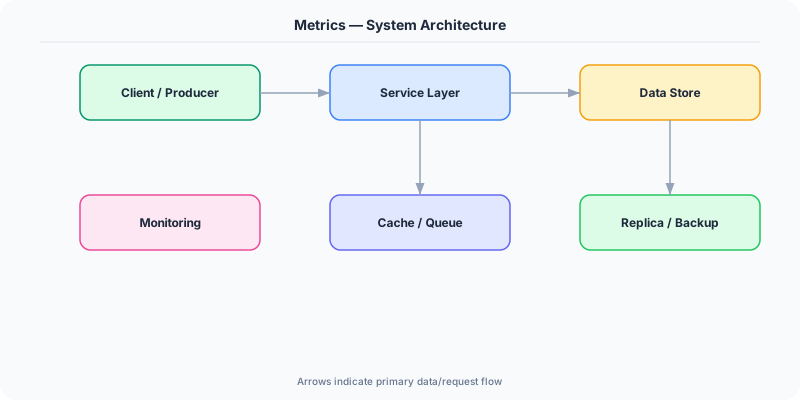
- Counters: Monotonically increasing values that only go up — total requests served, total errors, total bytes processed — rate is computed at query time
- Gauges: Point-in-time values that can go up or down — current CPU utilization, active connections, queue depth, memory usage
- Histograms: Distribution measurements that bucket observations into ranges — request latency distribution enabling percentile calculations like p50, p95, p99
- Labels and Dimensions: Key-value tags attached to metrics (service, endpoint, status_code, region) enabling slicing and filtering of aggregated data
- Collection and Storage: Pull-based (Prometheus scrapes endpoints) or push-based (StatsD, OTLP) collection into time-series databases optimized for write-heavy numeric workloads
Under the Hood
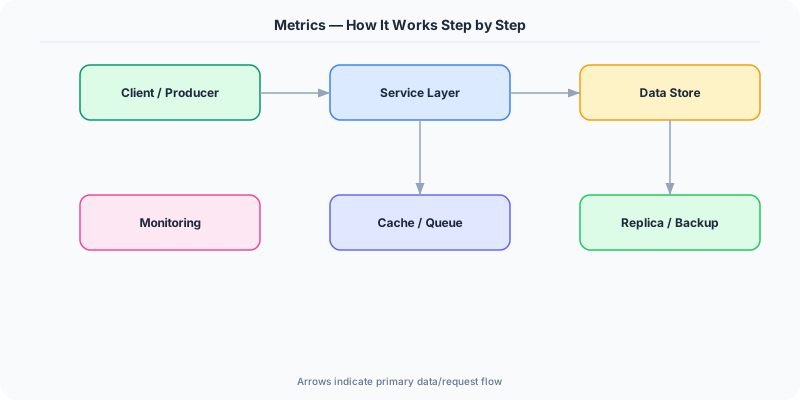
Metrics work through a pipeline of instrumentation, collection, storage, and visualization. At the instrumentation layer, applications expose metric values through libraries. Prometheus client libraries expose an HTTP /metrics endpoint that the Prometheus server scrapes at configured intervals (typically 15-30 seconds). Each scrape captures the current value of all registered metrics.
Counters are the simplest and most useful type. A counter tracking total HTTP requests might show a value of 1,000,000. The rate() function in PromQL calculates the per-second rate of change, giving you requests per second. Error counters divided by request counters give error rates. Histograms are more complex — they maintain configurable buckets (0-10ms, 10-50ms, 50-100ms, 100-500ms, 500ms+) and count observations per bucket, enabling percentile calculation without storing individual values.
The cardinality challenge is the primary operational concern. Each unique combination of metric name and label values creates a distinct time series. A metric with labels for service (10 values), endpoint (50 values), status_code (5 values), and region (3 values) creates 10 × 50 × 5 × 3 = 7,500 time series. Adding a userId label with 1 million users would create 7.5 billion series, overwhelming any time-series database. Cardinality must be carefully controlled — use logs for high-cardinality dimensions and metrics only for bounded label sets.
How Companies Actually Do This
SoundCloud Created Prometheus to solve metrics collection at scale, which became a CNCF graduated project and the de facto standard for Kubernetes monitoring
Netflix Uses Atlas, their custom time-series database, to ingest millions of metrics per second from streaming infrastructure, enabling real-time dashboards and automated anomaly detection
Uber Built M3, an open-source metrics platform handling billions of time series, to aggregate metrics from thousands of microservices across multiple data centers
Common Pitfalls
- Using averages for latency metrics instead of percentiles — the average masks tail latency problems; always track p50, p95, and p99 at minimum
- High-cardinality label explosion (adding user IDs or request IDs as metric labels) which overwhelms time-series database storage and query performance
- Not defining clear metric naming conventions across teams, leading to inconsistent dashboards where http_requests_total and request_count_http mean the same thing
Interview Questions Worth Practicing
- What are the three fundamental metric types and when would you use each one?
- How does the RED method guide you in choosing which metrics to instrument for a service?
- What is the cardinality problem in metrics and how do you prevent it from crashing your monitoring infrastructure?
The Tradeoffs
- Granularity vs. Cost: Higher scrape frequency and more labels provide finer-grained data but increase storage, query latency, and infrastructure costs
- Simplicity vs. Accuracy: Counters and gauges are simple but histograms give percentiles — you need both, and choosing bucket boundaries for histograms is a design decision
- Pull vs. Push: Pull-based (Prometheus) is simple for service mesh but fails for short-lived jobs; push-based (StatsD/OTLP) works everywhere but requires push infrastructure
How to Explain This in an Interview
Here is how I would explain Metrics in a system design interview:
Metrics are numeric time-series measurements that quantify system behavior. The three types are counters (monotonically increasing, like total requests), gauges (current values, like active connections), and histograms (distributions, like latency percentiles). I follow the RED method for services — Rate, Errors, Duration — and the USE method for resources — Utilization, Saturation, Errors. Prometheus is the industry standard, scraping /metrics endpoints. The critical pitfall is cardinality: each unique label combination creates a time series, so adding unbounded labels like userId explodes storage. I always use percentiles (p50, p95, p99) rather than averages because averages hide tail latency affecting real users.
Related Topics
The Real-World Incident That Made This Famous
Understanding Metrics became critical after multiple high-profile production incidents at major tech companies. When systems handle millions of users, even small misunderstandings about Metrics can lead to cascading failures that cost millions in lost revenue and erode user trust. Companies like Netflix, Google, Amazon, and Meta have all invested heavily in mastering Metrics because they learned the hard way that ignoring it leads to outages.
The key lesson from these incidents: Metrics is not just a theoretical concept — it is a practical skill that separates engineers who build resilient systems from those who build fragile ones. Every major outage report from the past decade involves at least one Metrics-related design decision that was either implemented incorrectly or overlooked entirely during the initial architecture review.
How Senior Engineers Think About This
Senior engineers approach Metrics differently from textbook definitions. Instead of memorizing rules, they build mental models. They ask: "What problem does Metrics solve? When does it fail? What are the alternatives?" This problem-first thinking leads to better design decisions because every system has unique constraints.
When evaluating Metrics in a system design context, experienced engineers consider the failure modes first. What happens when this component goes down? How does the system degrade? Is the degradation graceful or catastrophic? These questions reveal more about your understanding than any textbook definition.
The key difference between junior and senior engineers when it comes to Metrics: juniors focus on the happy path, while seniors design for what happens when things go wrong. They consider operational cost, team expertise, monitoring requirements, and how the decision will look six months from now when traffic has grown 10x.
Common Interview Mistakes
Mistake 1: Giving a textbook definition without context. Interviewers want to see you connect Metrics to real systems and real problems. Instead of reciting definitions, explain when and why you would use Metrics in the system you are designing.
Mistake 2: Not discussing trade-offs. Every design decision involving Metrics has trade-offs. Discuss what you gain and what you give up. Acknowledge the downsides and explain why the benefits outweigh them for your specific use case.
Mistake 3: Overcomplicating the solution. Start with the simplest approach to Metrics that meets the requirements, then add complexity only when justified. Many candidates jump to complex implementations when a simpler solution would work perfectly.
Production Checklist
- Define clear metrics for measuring the effectiveness of your Metrics implementation
- Set up monitoring and alerting that specifically tracks Metrics-related failures
- Document your Metrics design decisions in Architecture Decision Records (ADRs)
- Test failure scenarios related to Metrics in staging before production deployment
- Review and update your Metrics implementation quarterly as system requirements evolve
- Train new team members on the specific Metrics patterns used in your system
- Establish runbooks for common Metrics-related incidents and recovery procedures
Practical Implementation for .NET Developers
In .NET, the System.Diagnostics.Metrics API is the native metrics framework since .NET 8, with Meter and Instrument types for counters, histograms, and gauges. OpenTelemetry.Exporter.Prometheus.AspNetCore exposes a /metrics endpoint for Prometheus scraping. For push-based collection, OpenTelemetry OTLP exporters send to collectors. App.Metrics is a popular third-party library with built-in reservoir sampling for histograms. ASP.NET Core emits built-in metrics (http.server.request.duration, kestrel.active_connections) via the hosting EventCounters and Meters. Azure Monitor Application Insights also consumes these metrics natively.
ASP.NET Core setup: Create a service class that encapsulates the logic, register it with dependency injection, and inject it into your controllers or minimal API endpoints. The built-in DI container handles lifecycle management.
Entity Framework Core: For database interactions, EF Core provides the ORM layer. Use migrations for schema management and raw SQL for performance-critical queries. Consider Dapper for read-heavy paths where EF Core overhead matters.
Azure integration: If deploying to Azure, leverage managed services — Azure Cache for Redis, Azure SQL, Azure Service Bus, Azure Cosmos DB. These eliminate operational overhead and provide built-in monitoring through Application Insights.
Testing: Use xUnit with Testcontainers for integration tests that spin up real databases in Docker. Mock external dependencies with NSubstitute. The WebApplicationFactory class lets you test your entire HTTP pipeline in-process.
Monitoring: Add Application Insights telemetry to track request latency, dependency calls, and custom metrics. Use structured logging with Serilog to make production debugging possible:
Log.Information("Processing {Operation} for {ResourceId}", operation, resourceId);
This gives you searchable, structured logs in Azure Monitor or Seq.