Time Series Databases
Time series databases are purpose-built for storing, querying, and analyzing time-stamped data, with optimizations for high-ingestion rates, time-range.
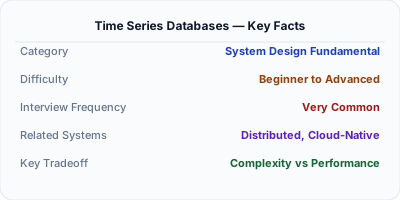
Time series databases (TSDBs) are optimized for data where each record has a timestamp and values change over time — metrics, sensor readings, stock prices, and application telemetry. Unlike general-purpose databases, TSDBs are designed for extremely high write throughput, efficient time-range queries, built-in downsampling, and automatic data retention policies. Systems like InfluxDB, Prometheus, TimescaleDB, and QuestDB power monitoring, IoT analytics, and financial data platforms by handling millions of data points per second with specialized storage engines.
| Aspect | Details |
|---|---|
| What it is | A database optimized for time-stamped data with high write throughput, efficient range queries, and built-in aggregation, downsampling, and retention policies |
| When to use | Monitoring and observability (metrics, logs, traces), IoT sensor data, financial market data, resource utilization tracking, and any workload dominated by time-ordered writes and range reads |
| When NOT to use | General-purpose CRUD applications, transactional data requiring ACID, or workloads with frequent random updates to historical data |
| Real-world example | Prometheus is the standard TSDB for Kubernetes monitoring, scraping metrics from thousands of containers every 15 seconds and enabling alerting and dashboarding via Grafana |
| Interview tip | Emphasize that time series data is append-mostly (rarely updated), read patterns are time-range scans (not point lookups), and old data can be downsampled — these three properties drive every TSDB optimization |
| Common mistake | Using a relational database for high-volume time series data without TimescaleDB or partitioning — standard PostgreSQL becomes extremely slow for time-range queries across billions of rows |
| Key tradeoff | TSDBs sacrifice general-purpose flexibility (complex joins, arbitrary updates) for extreme efficiency in their specific access pattern (time-ordered writes and range reads) |
Why This Matters
Time series data is everywhere — every monitoring system, IoT platform, and financial exchange generates it. Traditional relational databases struggle with the combination of extremely high write volumes (millions of points per second), time-range query patterns, and the need for automatic data lifecycle management. A general-purpose database that handles 10,000 writes/second chokes when asked to ingest 1 million metrics/second from a Kubernetes cluster. TSDBs solve this with columnar storage for compression, time-based partitioning for efficient range scans, and built-in retention policies that automatically discard or downsample old data.
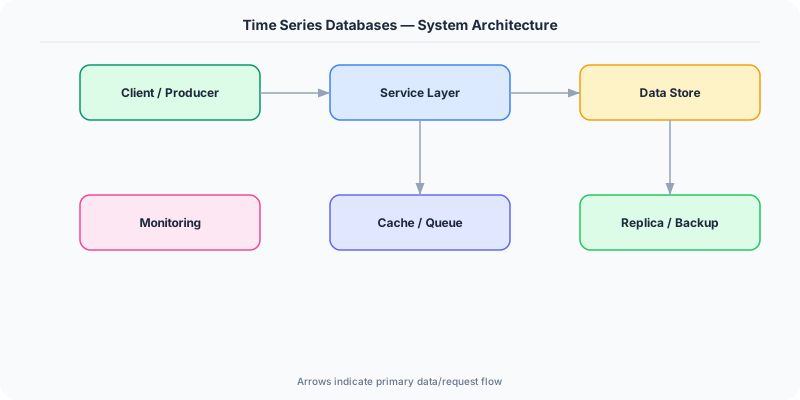
The Building Blocks
- Time-Based Partitioning: Data is partitioned by time intervals (hours, days). Queries that span a time range read only the relevant partitions, and old partitions can be dropped instantly without expensive deletes.
- Columnar Compression: Storing each metric's values contiguously (columnar layout) enables extreme compression because time series data is highly repetitive — timestamp deltas and similar values compress to a fraction of raw size.
- Downsampling & Retention: TSDBs automatically roll up old high-resolution data (e.g., per-second) into lower-resolution aggregates (e.g., per-hour) and drop raw data after a retention period, managing storage growth.
- Tag-Based Indexing: Data points are tagged with metadata (host, region, service), and TSDBs build inverted indexes on these tags for efficient filtering — e.g., 'CPU usage for all hosts in us-east'.
- Continuous Queries: TSDBs support queries that run continuously on incoming data, computing running averages, detecting anomalies, or feeding real-time dashboards without explicit polling.
Under the Hood
Time series databases exploit three properties of their workload: writes are append-only (data arrives in time order and is rarely updated), reads are time-range scans (give me CPU metrics for the last hour), and old data decreases in value (per-second granularity from 6 months ago is rarely needed). These properties drive every design decision.
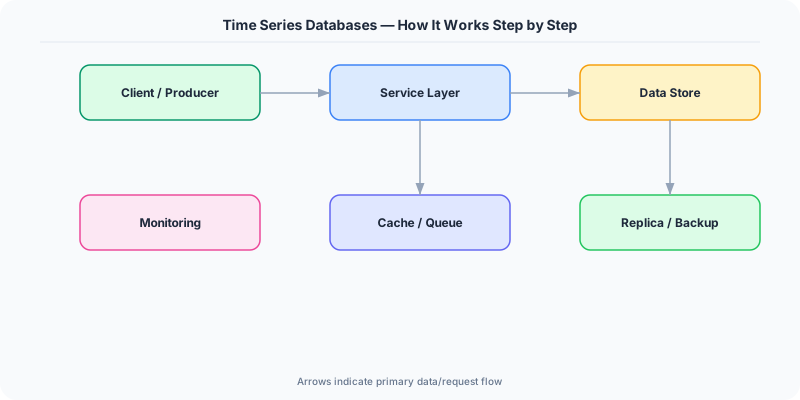
Storage engines typically use a variant of LSM Trees or columnar formats. InfluxDB's TSI (Time Series Index) maps series keys to sorted, compressed data blocks organized by time. Prometheus uses a custom append-only format where each two-hour block contains compressed samples for all series active during that window. TimescaleDB extends PostgreSQL with automatic time-based partitioning (hypertables), leveraging PostgreSQL's B-tree indexes within each chunk.
Compression is critical. A naive representation of a timestamp + float64 value costs 16 bytes per point. TSDBs use delta-of-delta encoding for timestamps (storing the difference between consecutive deltas, which is often 0 for regular intervals) and XOR encoding for float values (storing the XOR with the previous value, which has many leading zeros for slowly-changing metrics). These techniques achieve 1-2 bytes per point — an 8-16x compression ratio. Combined with time-based partitioning that enables instant deletion of old data (drop a partition file instead of issuing millions of DELETEs), TSDBs handle petabytes of metrics data efficiently.
How Companies Actually Do This
Uber Runs M3, their open-source metrics platform built on a custom TSDB, ingesting billions of metrics per day from thousands of microservices. M3 uses a distributed architecture with replication and downsampling to manage storage costs.
Datadog Their monitoring platform stores trillions of data points using a custom time series engine optimized for high-cardinality tag queries, enabling customers to slice and dice metrics by any combination of host, service, and region.
Tesla Collects telemetry from millions of vehicles — GPS, battery voltage, motor temperature — into time series databases for fleet-wide analysis, predictive maintenance, and autopilot improvement.
Common Pitfalls
- High-cardinality tags — creating a unique series for every user ID or request ID produces millions of series, overwhelming the TSDB's index; keep tag cardinality bounded to hundreds or thousands of unique values
- Not configuring retention policies — without automatic data expiration, time series storage grows without bound; always configure retention periods and downsampling rules from day one
- Choosing the wrong granularity — storing per-millisecond data when per-second suffices wastes 1000x storage; match collection interval to your actual query needs
Interview Questions Worth Practicing
- How would you design a monitoring system to handle 1 million metrics per second from a 10,000-node Kubernetes cluster?
- Explain the high-cardinality problem in time series databases and how you'd work around it.
- Compare TimescaleDB (PostgreSQL extension) vs InfluxDB (purpose-built TSDB) for a monitoring use case. What factors would influence your choice?
The Tradeoffs
- Specialization vs Flexibility: TSDBs excel at time-ordered workloads but cannot replace a general-purpose database for arbitrary joins, transactions, or non-temporal queries
- Compression vs Query Speed: Heavy compression reduces storage 8-16x but adds decompression overhead during reads — TSDBs optimize this with block-level caching and vectorized decompression
- Resolution vs Storage: Higher-resolution data enables more precise analysis but grows storage linearly; downsampling reduces cost but permanently loses granularity
How to Explain This in an Interview
Here is how I would explain Time Series Databases in a system design interview:
Frame your answer around the three properties that make time series data special: it's append-mostly (rarely updated), queries are time-range scans (not random lookups), and old data loses value (can be downsampled). These properties drive TSDB design: data is partitioned by time (so range queries read only relevant partitions and old data is dropped by deleting partition files), stored in columnar format (enabling extreme compression via delta-of-delta timestamps and XOR-encoded values — typically 1-2 bytes per point vs 16 raw), and automatically downsampled (per-second → per-hour after 30 days). Mention the high-cardinality trap: if you tag each data point with a unique user ID, you create millions of series and overwhelm the index. Keep tags bounded. Name concrete systems: Prometheus for Kubernetes monitoring, InfluxDB for general-purpose TSDB, TimescaleDB when you want PostgreSQL compatibility.
Related Topics
The Real-World Incident That Made This Famous
Understanding Time Series Databases became critical after multiple high-profile production incidents at major tech companies. When systems handle millions of users, even small misunderstandings about Time Series Databases can lead to cascading failures that cost millions in lost revenue and erode user trust. Companies like Netflix, Google, Amazon, and Meta have all invested heavily in mastering Time Series Databases because they learned the hard way that ignoring it leads to outages.
The key lesson from these incidents: Time Series Databases is not just a theoretical concept — it is a practical skill that separates engineers who build resilient systems from those who build fragile ones. Every major outage report from the past decade involves at least one Time Series Databases-related design decision that was either implemented incorrectly or overlooked entirely during the initial architecture review.
How Senior Engineers Think About This
Senior engineers approach Time Series Databases differently from textbook definitions. Instead of memorizing rules, they build mental models. They ask: "What problem does Time Series Databases solve? When does it fail? What are the alternatives?" This problem-first thinking leads to better design decisions because every system has unique constraints.
When evaluating Time Series Databases in a system design context, experienced engineers consider the failure modes first. What happens when this component goes down? How does the system degrade? Is the degradation graceful or catastrophic? These questions reveal more about your understanding than any textbook definition.
The key difference between junior and senior engineers when it comes to Time Series Databases: juniors focus on the happy path, while seniors design for what happens when things go wrong. They consider operational cost, team expertise, monitoring requirements, and how the decision will look six months from now when traffic has grown 10x.
Common Interview Mistakes
Mistake 1: Giving a textbook definition without context. Interviewers want to see you connect Time Series Databases to real systems and real problems. Instead of reciting definitions, explain when and why you would use Time Series Databases in the system you are designing.
Mistake 2: Not discussing trade-offs. Every design decision involving Time Series Databases has trade-offs. Discuss what you gain and what you give up. Acknowledge the downsides and explain why the benefits outweigh them for your specific use case.
Mistake 3: Overcomplicating the solution. Start with the simplest approach to Time Series Databases that meets the requirements, then add complexity only when justified. Many candidates jump to complex implementations when a simpler solution would work perfectly.
Production Checklist
- Define clear metrics for measuring the effectiveness of your Time Series Databases implementation
- Set up monitoring and alerting that specifically tracks Time Series Databases-related failures
- Document your Time Series Databases design decisions in Architecture Decision Records (ADRs)
- Test failure scenarios related to Time Series Databases in staging before production deployment
- Review and update your Time Series Databases implementation quarterly as system requirements evolve
- Train new team members on the specific Time Series Databases patterns used in your system
- Establish runbooks for common Time Series Databases-related incidents and recovery procedures
Practical Implementation for .NET Developers
In .NET, use InfluxDB.Client NuGet package with the InfluxDB v2 API for writing and querying time series data via Flux queries. For Prometheus, use the prometheus-net NuGet package to expose application metrics from ASP.NET Core via the /metrics endpoint, which Prometheus scrapes. TimescaleDB works through standard Npgsql since it's a PostgreSQL extension — use EF Core with raw SQL for hypertable creation (SELECT create_hypertable). Azure offers Azure Data Explorer (Kusto) via the Microsoft.Azure.Kusto.Data SDK for managed time series analytics at scale.
ASP.NET Core setup: Create a service class that encapsulates the logic, register it with dependency injection, and inject it into your controllers or minimal API endpoints. The built-in DI container handles lifecycle management.
Entity Framework Core: For database interactions, EF Core provides the ORM layer. Use migrations for schema management and raw SQL for performance-critical queries. Consider Dapper for read-heavy paths where EF Core overhead matters.
Azure integration: If deploying to Azure, leverage managed services — Azure Cache for Redis, Azure SQL, Azure Service Bus, Azure Cosmos DB. These eliminate operational overhead and provide built-in monitoring through Application Insights.
Testing: Use xUnit with Testcontainers for integration tests that spin up real databases in Docker. Mock external dependencies with NSubstitute. The WebApplicationFactory class lets you test your entire HTTP pipeline in-process.
Monitoring: Add Application Insights telemetry to track request latency, dependency calls, and custom metrics. Use structured logging with Serilog to make production debugging possible:
Log.Information("Processing {Operation} for {ResourceId}", operation, resourceId);
This gives you searchable, structured logs in Azure Monitor or Seq.