Query Optimization
Query optimization is the process of analyzing and restructuring database queries, indexes, and execution plans to minimize response time and resource.
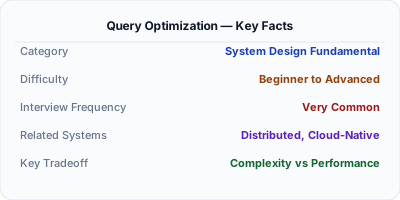
Query optimization is the art and science of making database queries execute faster by analyzing execution plans, adding appropriate indexes, restructuring queries, and tuning database configuration. A single unoptimized query can bring down a production system, while a well-tuned one can serve the same data in milliseconds instead of minutes. Every backend engineer must understand how the database query planner works, how indexes accelerate lookups, and how to diagnose common anti-patterns like the N+1 problem.
| Aspect | Details |
|---|---|
| What it is | The process of analyzing query execution plans and restructuring queries, indexes, and schema to minimize latency and resource usage |
| When to use | Always — but especially when queries exceed acceptable latency thresholds, when scaling to larger datasets, or when database CPU and I/O are bottlenecked |
| When NOT to use | Premature optimization on queries that run once a day on small tables — focus optimization effort on hot paths and high-frequency queries |
| Real-world example | Shopify continuously optimizes MySQL queries across its multi-tenant platform, where a single slow query can affect thousands of merchants |
| Interview tip | Walk through EXPLAIN output step by step — interviewers want to see you can read an execution plan and identify sequential scans, missing indexes, and join order issues |
| Common mistake | Adding indexes to fix every slow query without considering write overhead — each index slows down INSERT, UPDATE, and DELETE operations |
| Key tradeoff | Indexes speed up reads but slow down writes and consume storage — the right index strategy depends on your read/write ratio |
Why This Matters
Query optimization matters because database performance is often the primary bottleneck in application scalability. A query that runs in 50ms at 1,000 rows might take 50 seconds at 10 million rows if not properly optimized. Understanding execution plans, index selection, join algorithms, and common anti-patterns like N+1 queries is what separates engineers who build systems that scale from those who constantly fight production fires. In system design interviews, demonstrating that you can reason about query performance and data access patterns shows practical engineering maturity.
The Building Blocks
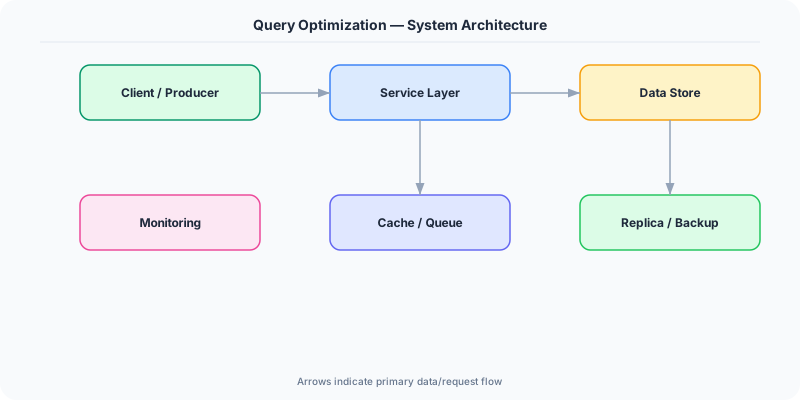
- Execution Plans: EXPLAIN and EXPLAIN ANALYZE reveal how the database executes a query — which indexes it uses, join algorithms, sort strategies, and estimated vs actual row counts.
- Index Selection: Choosing the right indexes (B-tree for range queries, hash for equality, composite for multi-column filters, covering to avoid table lookups) is the highest-impact optimization.
- N+1 Query Problem: When application code loops through results and fires a separate query per item, replacing this with a JOIN or batch IN query can reduce hundreds of queries to one.
- Query Rewriting: Restructuring queries — replacing correlated subqueries with JOINs, using CTEs for readability, or breaking complex queries into stages — can change the execution plan dramatically.
- Statistics & Cardinality: The query planner uses table statistics (row counts, value distribution) to estimate costs; stale statistics lead to bad plans, so regular ANALYZE/UPDATE STATISTICS is essential.
Under the Hood
The query optimizer sits between SQL parsing and execution. After parsing the SQL into an abstract syntax tree, the optimizer generates multiple candidate execution plans and estimates the cost of each using table statistics, index metadata, and cost models. It considers different join orders, join algorithms (nested loop, hash join, merge join), index scan vs sequential scan, and whether to materialize intermediate results.
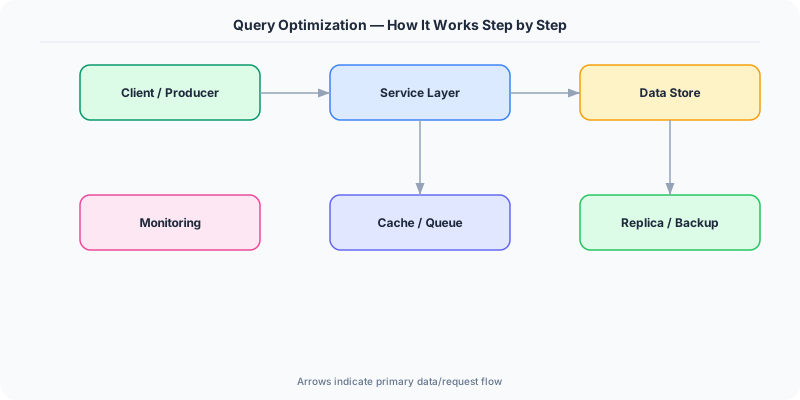
The cost model assigns a numeric cost to each operation based on estimated I/O and CPU. For example, a sequential scan of a 10-million-row table might cost 100,000 units, while an index scan returning 100 rows costs 10 units. The optimizer picks the plan with the lowest estimated total cost. This is why stale statistics are dangerous — if the optimizer thinks a table has 100 rows when it actually has 10 million, it might choose a nested loop join that's catastrophically slow.
Index selection is the most impactful optimization lever. A B-tree index turns a full table scan into a logarithmic lookup. Composite indexes serve multi-column WHERE clauses. Covering indexes include all columns needed by the query, eliminating the need to fetch from the main table (a "heap lookup"). Partial indexes index only a subset of rows matching a predicate, reducing index size. The key insight is that indexes are a write-time investment for read-time payoff — each additional index slows writes and consumes storage.
How Companies Actually Do This
Shopify Runs MySQL across a massive multi-tenant platform where query optimization is critical — they use automated slow query detection, ProxySQL for routing, and strict query review processes to prevent any single merchant's query from affecting others.
Uber Optimizes queries across their Schemaless (MySQL-backed) storage layer, using query analysis to identify missing indexes and N+1 patterns that would otherwise cause cascading latency spikes during peak ride hours.
Figma Migrated from single PostgreSQL to horizontally sharded Postgres, requiring extensive query optimization to ensure cross-shard queries remained performant and shard-local queries used appropriate indexes.
Common Pitfalls
- Blindly adding indexes for every slow query — each index adds write overhead, storage cost, and maintenance burden; analyze your workload to find the minimal set of high-impact indexes
- Ignoring stale statistics — the query planner relies on table statistics to choose execution plans; if statistics are outdated after large data loads, you get terrible plans on perfectly indexed tables
- Fixing N+1 at the ORM level without understanding the generated SQL — ORMs like Entity Framework or Hibernate can silently generate N+1 patterns; always inspect the actual SQL with logging enabled
Interview Questions Worth Practicing
- Walk me through how you'd diagnose a query that suddenly became slow in production even though no code changed.
- How would you optimize a query that joins 5 tables and returns results sorted by a computed column?
- Explain the N+1 query problem and three different strategies to solve it.
The Tradeoffs
- Read Speed vs Write Speed: Every index speeds up reads but adds overhead to every INSERT, UPDATE, and DELETE — heavily indexed tables can have 10x slower writes
- Storage vs Performance: Covering indexes and denormalization consume more disk space but eliminate expensive table lookups and joins
- Simplicity vs Optimization: Highly optimized queries with hints, CTEs, and specialized indexes are faster but harder to maintain and understand
How to Explain This in an Interview
Here is how I would explain Query Optimization in a system design interview:
Start by explaining the query planner — it takes your SQL, generates multiple execution plans, estimates costs using table statistics, and picks the cheapest one. Then walk through the main optimization levers: indexes (B-tree for ranges, composite for multi-column filters, covering to avoid heap lookups), query rewriting (replacing N+1 patterns with JOINs, correlated subqueries with CTEs), and statistics maintenance (running ANALYZE so the planner has accurate data). Mention EXPLAIN ANALYZE as your primary diagnostic tool — it shows both the planned and actual execution, revealing where estimates diverge from reality. Finish by noting that optimization is a tradeoff: indexes speed reads but slow writes, and the right strategy depends on your workload's read/write ratio and access patterns.
Related Topics
The Real-World Incident That Made This Famous
Understanding Query Optimization became critical after multiple high-profile production incidents at major tech companies. When systems handle millions of users, even small misunderstandings about Query Optimization can lead to cascading failures that cost millions in lost revenue and erode user trust. Companies like Netflix, Google, Amazon, and Meta have all invested heavily in mastering Query Optimization because they learned the hard way that ignoring it leads to outages.
The key lesson from these incidents: Query Optimization is not just a theoretical concept — it is a practical skill that separates engineers who build resilient systems from those who build fragile ones. Every major outage report from the past decade involves at least one Query Optimization-related design decision that was either implemented incorrectly or overlooked entirely during the initial architecture review.
How Senior Engineers Think About This
Senior engineers approach Query Optimization differently from textbook definitions. Instead of memorizing rules, they build mental models. They ask: "What problem does Query Optimization solve? When does it fail? What are the alternatives?" This problem-first thinking leads to better design decisions because every system has unique constraints.
When evaluating Query Optimization in a system design context, experienced engineers consider the failure modes first. What happens when this component goes down? How does the system degrade? Is the degradation graceful or catastrophic? These questions reveal more about your understanding than any textbook definition.
The key difference between junior and senior engineers when it comes to Query Optimization: juniors focus on the happy path, while seniors design for what happens when things go wrong. They consider operational cost, team expertise, monitoring requirements, and how the decision will look six months from now when traffic has grown 10x.
Common Interview Mistakes
Mistake 1: Giving a textbook definition without context. Interviewers want to see you connect Query Optimization to real systems and real problems. Instead of reciting definitions, explain when and why you would use Query Optimization in the system you are designing.
Mistake 2: Not discussing trade-offs. Every design decision involving Query Optimization has trade-offs. Discuss what you gain and what you give up. Acknowledge the downsides and explain why the benefits outweigh them for your specific use case.
Mistake 3: Overcomplicating the solution. Start with the simplest approach to Query Optimization that meets the requirements, then add complexity only when justified. Many candidates jump to complex implementations when a simpler solution would work perfectly.
Production Checklist
- Define clear metrics for measuring the effectiveness of your Query Optimization implementation
- Set up monitoring and alerting that specifically tracks Query Optimization-related failures
- Document your Query Optimization design decisions in Architecture Decision Records (ADRs)
- Test failure scenarios related to Query Optimization in staging before production deployment
- Review and update your Query Optimization implementation quarterly as system requirements evolve
- Train new team members on the specific Query Optimization patterns used in your system
- Establish runbooks for common Query Optimization-related incidents and recovery procedures
Practical Implementation for .NET Developers
In .NET with Entity Framework Core, use .ToQueryString() to inspect generated SQL and diagnose N+1 patterns. Eager load relationships with .Include() and .ThenInclude() to batch fetches. Use raw SQL via FromSqlRaw() for complex queries the ORM handles poorly. For Dapper, write optimized SQL directly with multi-mapping for joins. Enable EF Core query logging with LogTo(Console.WriteLine) and use MiniProfiler for per-query timing. SQL Server's Query Store (accessible via Microsoft.Data.SqlClient) tracks plan regressions automatically.
ASP.NET Core setup: Create a service class that encapsulates the logic, register it with dependency injection, and inject it into your controllers or minimal API endpoints. The built-in DI container handles lifecycle management.
Entity Framework Core: For database interactions, EF Core provides the ORM layer. Use migrations for schema management and raw SQL for performance-critical queries. Consider Dapper for read-heavy paths where EF Core overhead matters.
Azure integration: If deploying to Azure, leverage managed services — Azure Cache for Redis, Azure SQL, Azure Service Bus, Azure Cosmos DB. These eliminate operational overhead and provide built-in monitoring through Application Insights.
Testing: Use xUnit with Testcontainers for integration tests that spin up real databases in Docker. Mock external dependencies with NSubstitute. The WebApplicationFactory class lets you test your entire HTTP pipeline in-process.
Monitoring: Add Application Insights telemetry to track request latency, dependency calls, and custom metrics. Use structured logging with Serilog to make production debugging possible:
Log.Information("Processing {Operation} for {ResourceId}", operation, resourceId);
This gives you searchable, structured logs in Azure Monitor or Seq.