Database Indexes
Indexes are the single most impactful performance optimization for databases. A query that takes 30 seconds without an index can take 1 millisecond with.
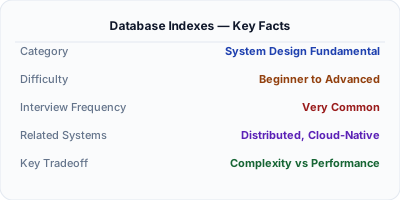
When You Need Database Indexes
Indexes are the single most impactful performance optimization for databases. A query that takes 30 seconds without an index can take 1 millisecond with one. Understanding indexing is critical for system design — slow queries are the #1 cause of system performance issues.
What It Is
A database index is a data structure (typically a B-tree or hash table) that speeds up data retrieval at the cost of additional storage and slower writes. Without indexes, the database must scan every row (full table scan). With the right index, it can jump directly to the matching rows.
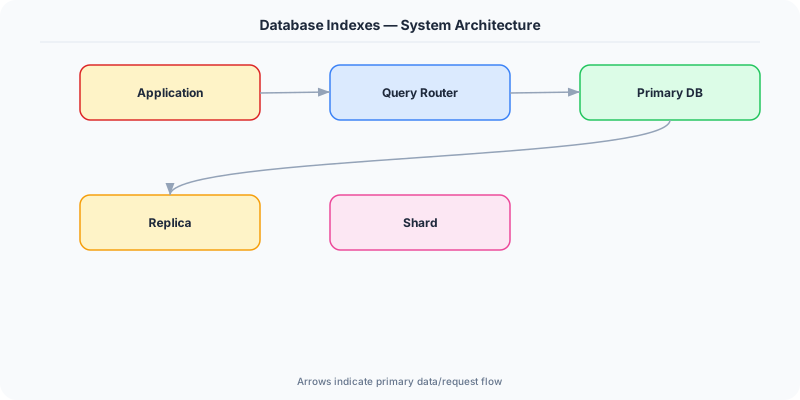
How It Works
Without an index on email, SELECT * FROM users WHERE email = '[email protected]' scans all 10 million rows. With a B-tree index on email, the database traverses the tree in ~23 steps (log2 of 10M) and finds the exact row.
The database query optimizer decides which index to use. EXPLAIN ANALYZE shows you the query plan — whether it uses an index scan, sequential scan, or index-only scan.
The Decision Framework
- B-tree index: Default index type. Sorted tree structure. Supports range queries (WHERE age > 25), equality, and ordering. O(log n) lookup.
- Hash index: Hash table. Only supports exact equality (WHERE id = 123). O(1) lookup. Cannot do range queries.
- Composite index: Index on multiple columns (name, city). Follows the leftmost prefix rule — an index on (A, B, C) can be used for queries on A, A+B, or A+B+C, but NOT B alone.
- Covering index: Contains all columns needed by a query. The database reads only the index, not the table. Fastest possible query.
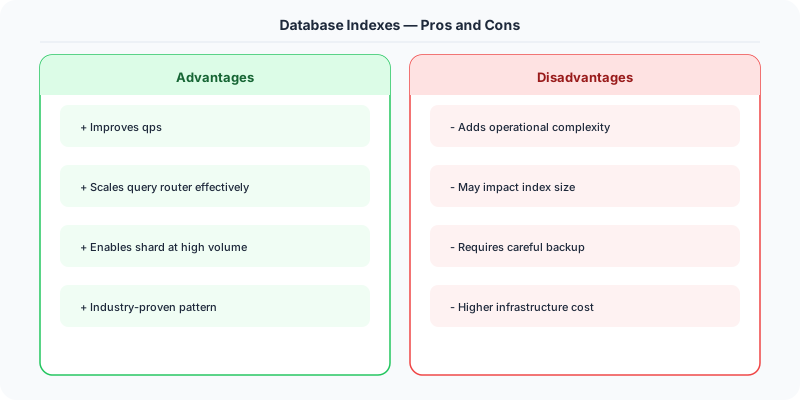
- Write penalty: Every INSERT, UPDATE, DELETE must also update all affected indexes. Too many indexes slow down writes.
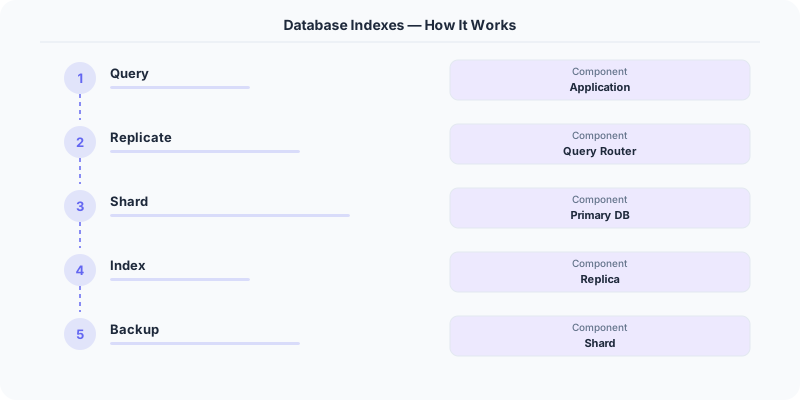
What the Industry Uses
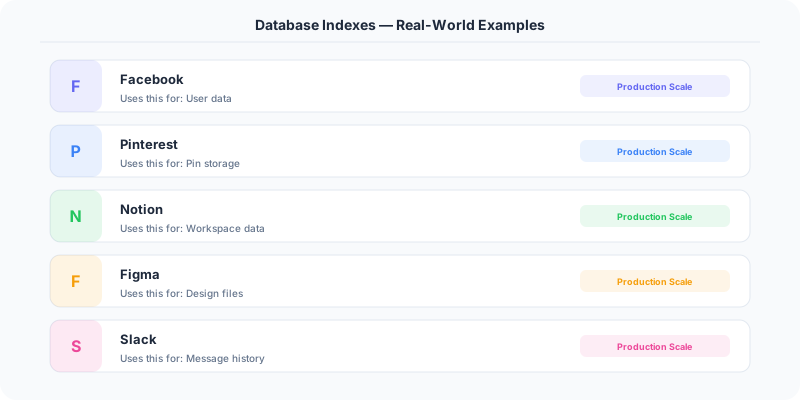
Facebook uses extensive indexing on TAO (their social graph store) to serve billions of queries per second.
PostgreSQL supports partial indexes (index only rows matching a condition), expression indexes, and GiST/GIN indexes for full-text search.
MySQL InnoDB uses clustered indexes — the primary key IS the table, and rows are physically ordered by the primary key.
Performance and Tradeoffs
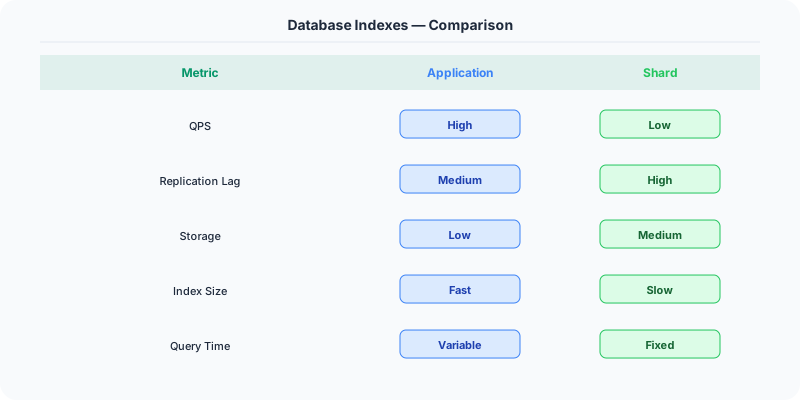
- Read speed vs Write speed: Indexes speed up reads but slow down writes.
- Storage: Each index adds storage overhead (typically 5-20% of table size).
- Maintenance: Indexes need to be analyzed and potentially rebuilt as data patterns change.
Mistakes Engineers Make
- Not indexing columns used in WHERE clauses
- Adding indexes on every column — bloats storage and kills write performance
- Violating the leftmost prefix rule with composite indexes
- Not using EXPLAIN to verify indexes are being used
Practice These Interview Questions
- What is a database index and how does it work?
- When should you NOT add an index?
- What is a composite index and how does the leftmost prefix rule work?
- What is a covering index?
Practical Implementation for .NET Developers
In a .NET application, you would typically implement this pattern using the following approach:
ASP.NET Core setup: Create a service class that encapsulates the logic, register it with dependency injection, and inject it into your controllers or minimal API endpoints. The built-in DI container handles lifecycle management.
Entity Framework Core: For database interactions, EF Core provides the ORM layer. Use migrations for schema management and raw SQL for performance-critical queries. Consider Dapper for read-heavy paths where EF Core's overhead matters.
Azure integration: If deploying to Azure, leverage managed services — Azure Cache for Redis, Azure SQL, Azure Service Bus, Azure Cosmos DB. These eliminate operational overhead and provide built-in monitoring through Application Insights.
Testing: Use xUnit with Testcontainers for integration tests that spin up real databases in Docker. Mock external dependencies with NSubstitute. The WebApplicationFactory class lets you test your entire HTTP pipeline in-process.
Monitoring: Add Application Insights telemetry to track request latency, dependency calls, and custom metrics. Use structured logging with Serilog to make production debugging possible:
Log.Information("Processing order {OrderId} for {CustomerId}", orderId, customerId);
This gives you searchable, structured logs in Azure Monitor or Seq.
Further Reading
The Real-World Incident That Made This Famous
In 2013, a major e-commerce company experienced a mysterious slowdown every night at midnight. Their order processing system ground to a halt, with queries that normally took 5ms suddenly taking 30 seconds. The on-call team spent weeks investigating. The cause turned out to be a missing database index combined with an automated report.
Every midnight, a cron job ran an analytical query that scanned the entire orders table (50 million rows) to generate a daily report. Without an index on the date column, the query performed a full table scan that locked pages and consumed all available I/O bandwidth. While this scan ran, every other query against the orders table was starved of I/O resources. Adding a single composite index on (order_date, status) reduced the report query from 45 minutes to 3 seconds.
This story repeats across the industry. Instagram's engineering team published that their most impactful performance optimization was not caching or sharding — it was identifying and creating the right database indexes. They found that 80% of their slow queries were caused by missing indexes, not by fundamental schema design problems. PostgreSQL's EXPLAIN ANALYZE became their most-used debugging tool.
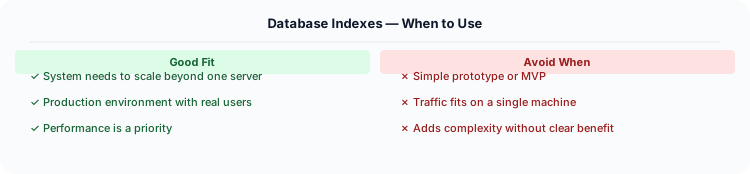
The flip side is equally dangerous: too many indexes. A large SaaS company found that their write performance had degraded by 4x over two years. The cause was 47 indexes on their main users table, accumulated by different teams over time. Every INSERT and UPDATE had to maintain all 47 indexes. They pruned 32 unused indexes (identified by pg_stat_user_indexes showing zero scans) and immediately recovered their write performance.
How Senior Engineers Think About This
Think of a database index like a book's index. Without it, finding a topic requires reading every page (full table scan). With it, you look up the topic in the index and jump directly to the right page (index seek). But maintaining the index costs effort — every time content changes, the index must be updated too.
Senior engineers evaluate indexes on three criteria. Read benefit: how much does this index speed up queries? Use EXPLAIN to measure. A query going from a sequential scan (O(n)) to an index scan (O(log n)) is a massive win. Write cost: every INSERT, UPDATE, and DELETE must update every index on the table. Five indexes means five additional writes per row change. Storage cost: indexes consume disk space, and the entire working set of hot indexes should fit in RAM for optimal performance.
The two index structures you must know: B-tree (the default for 95% of databases) stores data in a balanced tree, excellent for equality and range queries, point lookups, and ORDER BY. LSM-tree (used by Cassandra, RocksDB, LevelDB) stores data in sorted segments, optimized for write-heavy workloads because writes go to an in-memory buffer and are flushed to disk periodically.
Covering indexes are the secret weapon. A covering index includes all the columns a query needs, so the database can answer the query entirely from the index without reading the actual table row (an "index-only scan"). For a query like SELECT name, email FROM users WHERE status = 'active', an index on (status, name, email) is covering — the database never touches the table at all.
Common Interview Mistakes
Mistake 1: Only knowing single-column indexes. Composite indexes (multiple columns) are far more common in production. Know the leftmost prefix rule: an index on (a, b, c) can be used for queries on (a), (a, b), or (a, b, c) but NOT on (b) alone.
Mistake 2: Not discussing index selectivity. An index on a boolean column (two values) has terrible selectivity — it still scans half the table. Indexes work best on columns with high cardinality (many unique values).
Mistake 3: Forgetting about write amplification. Every index makes writes slower. Discuss the tradeoff between read and write performance when designing indexes.
Mistake 4: Not mentioning EXPLAIN. You should describe using EXPLAIN or EXPLAIN ANALYZE to verify that your query actually uses the index. Just creating an index does not guarantee the query optimizer will use it.
Mistake 5: Ignoring partial indexes and functional indexes. PostgreSQL supports indexes on a subset of rows (WHERE status = 'active') and on expressions (LOWER(email)). These are common in production.
Production Checklist
- Run EXPLAIN ANALYZE on every slow query before creating indexes — understand the current execution plan
- Create composite indexes that match your most common WHERE + ORDER BY patterns (column order matters)
- Monitor pg_stat_user_indexes (PostgreSQL) or sys.dm_db_index_usage_stats (SQL Server) to find unused indexes
- Use covering indexes for your hottest read queries to eliminate table lookups entirely
- Keep the total number of indexes per table under 10 for write-heavy tables
- Create indexes CONCURRENTLY (PostgreSQL) to avoid locking the table during index creation
- Review index bloat periodically and REINDEX when fragmentation exceeds 30%
- Use partial indexes for queries that filter on a common condition (e.g., WHERE deleted = false)
- Monitor index hit rate — should be above 99% for your working set (most reads served from index cache)
- Test index impact on both read AND write performance before deploying to production
Read the original source | Content from System-Design-Overview