Autoscaling
Autoscaling automatically adjusts compute resources based on real-time demand — adding servers during traffic spikes and removing them during lulls to.
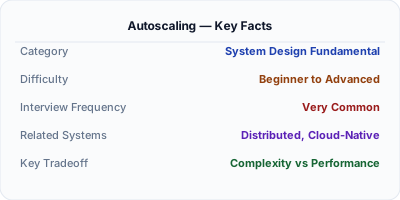
Autoscaling adds or removes compute resources automatically based on real-time demand. When traffic spikes, new instances spin up in minutes. When traffic drops, excess instances are terminated to save cost. Without autoscaling, you either over-provision (wasting money 90% of the time) or under-provision (crashing during peaks). Every major cloud provider offers autoscaling: AWS Auto Scaling Groups, GCP Managed Instance Groups, Azure VMSS. The challenge is choosing the right metrics, cooldown periods, and scaling policies to avoid flapping.
| Aspect | Details |
|---|---|
| What it is | Automatic adjustment of compute capacity based on real-time metrics like CPU utilization, request count, or custom signals |
| When to use | Web services with variable traffic patterns, batch processing with dynamic workloads, any cloud deployment with cost sensitivity |
| When NOT to use | Stateful services that cannot be easily replicated, systems with predictable constant load, or databases (scale differently) |
| Real-world example | Netflix auto-scales thousands of microservice instances based on request rates, maintaining sub-100ms P99 latency during peak |
| Interview tip | Discuss both scale-out triggers (when to add) and scale-in policies (when to remove) — most candidates forget scale-in |
| Common mistake | Scaling on CPU alone — a memory-bound or I/O-bound service can be at 100% memory with 20% CPU, and CPU-based scaling will not help |
| Key tradeoff | Responsiveness vs stability — aggressive scaling reacts fast but may flap (scale up/down repeatedly), wasting resources on instance churn |
Why This Matters
Cloud infrastructure bills are the second-largest engineering expense after salaries. Autoscaling optimizes this by matching capacity to demand. Netflix saves millions annually by scaling down overnight when US traffic drops. In system design interviews, autoscaling comes up when discussing how to handle 10x traffic spikes. The key is understanding horizontal scaling prerequisites: stateless services, externalized session state, and health checks that let the load balancer route traffic to new instances immediately.
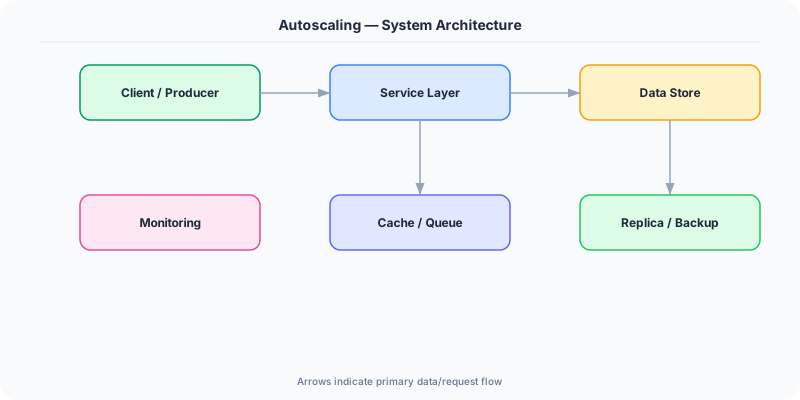
The Building Blocks
- Scaling Metrics: CPU utilization (most common), request count per target, queue depth (SQS), custom metrics (P99 latency). Choose metrics that correlate with user-visible impact.
- Scale-Out Policy: Rules that add capacity: 'Add 2 instances when CPU > 70% for 3 minutes.' The threshold, duration, and increment are tunable. Too aggressive causes flapping.
- Scale-In Policy: Rules that remove capacity: 'Remove 1 instance when CPU < 30% for 10 minutes.' Scale-in should be slower than scale-out — removing too fast causes thrashing.
- Cooldown Period: Minimum time between scaling actions. Prevents flapping: after adding instances, wait 5 minutes before evaluating again, giving new instances time to absorb load.
- Predictive Scaling: Uses historical traffic patterns to pre-provision capacity before expected spikes. Netflix pre-scales at 6 PM EST because US evening traffic is predictable.
- Warm Pool: Pre-initialized instances kept in a stopped state. When scaling triggers, warm pool instances start in seconds instead of minutes, reducing the gap between demand spike and capacity.
Under the Hood
Autoscaling operates in a control loop: monitor → evaluate → act. Every 60 seconds, CloudWatch (or equivalent) collects metrics from all instances. If the average CPU exceeds the threshold for the specified duration, the autoscaler calculates how many instances to add (based on target tracking: desired_capacity = current_capacity × (current_metric / target_metric)). It launches new instances from a launch template, waits for health checks to pass, and registers them with the load balancer.
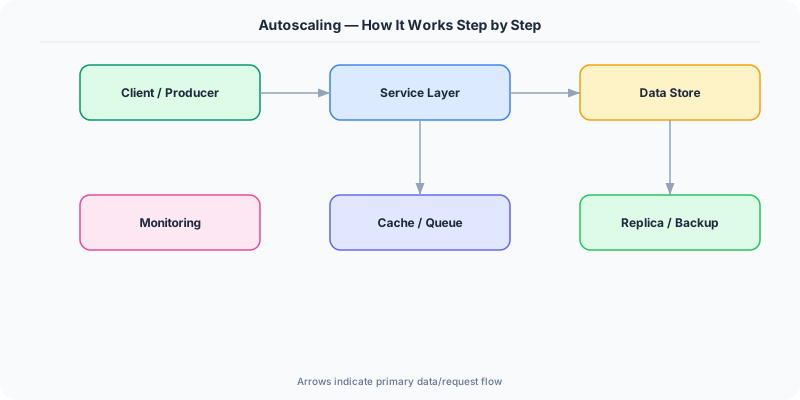
The most effective scaling policy is target tracking: "keep average CPU at 60%." The autoscaler continuously adjusts capacity up and down to maintain the target. This is simpler than step scaling (if CPU > 70% add 2, if CPU > 90% add 5) because it self-corrects.
For stateless services, autoscaling is straightforward — new instances are identical and immediately ready. For services with warm-up requirements (JVM, ML model loading), use a warm pool or lifecycle hooks that delay traffic until the instance reports healthy. The load balancer's health check is the gate: new instances do not receive traffic until they pass.
How Companies Actually Do This
Netflix auto-scales thousands of services based on regional demand patterns. They pre-scale at 6 PM EST for the evening viewing peak and scale down at 2 AM, saving millions in compute annually.
Spotify uses Kubernetes Horizontal Pod Autoscaler (HPA) for their microservices. Custom metrics from Prometheus (requests per second, queue depth) trigger pod scaling within 30 seconds.
Uber scales ride-matching services based on real-time demand. During New Year's Eve, instances scale 10x within minutes to handle the midnight surge, then scale back by 3 AM.
Common Pitfalls
- Scaling on CPU when the bottleneck is memory, disk I/O, or external dependencies — CPU stays low while the service is already degraded
- Setting cooldown periods too short — instances scale up, metrics drop temporarily, instances scale down, metrics spike again, causing a flapping loop
- Not testing scale-down behavior — new instances start and handle traffic, but when they terminate, in-flight requests may be dropped if graceful shutdown is not implemented
Interview Questions Worth Practicing
- How would you design autoscaling for a service that handles 10x traffic spikes within 5 minutes?
- What metrics would you use to autoscale a message queue consumer versus a web server?
- How do you prevent autoscaling flapping, and what is the role of cooldown periods?
The Tradeoffs
- Cost vs Reliability: Aggressive scaling (low thresholds, fast response) ensures reliability but costs more due to over-provisioning during transient spikes. Conservative scaling saves money but risks brief degradation.
- Speed vs Stability: Fast scaling (no cooldown) responds quickly to spikes but risks flapping. Slow scaling (long cooldowns) is stable but may not react fast enough for sudden traffic surges.
- Horizontal vs Vertical: Horizontal autoscaling (more instances) works for stateless services. Vertical autoscaling (bigger instances) works for stateful workloads but requires restarts and has limits.
How to Explain This in an Interview
Here is how I would explain Autoscaling in a system design interview:
Autoscaling adjusts compute capacity based on real-time demand. I would implement it with target tracking: maintain average CPU at 60%. When traffic spikes, the autoscaler calculates how many instances to add to bring CPU back to 60% and launches them from a pre-configured template. New instances register with the load balancer after passing health checks. The cooldown period (5 minutes) prevents flapping. For predictable patterns like evening peak traffic, I would add predictive scaling that pre-provisions 30 minutes before the expected surge. For stateless services, horizontal autoscaling is straightforward. The prerequisites are: externalized state (Redis for sessions), health check endpoints, and graceful shutdown (drain connections before terminating). I would also set scale-in to be slower than scale-out — adding fast, removing cautiously.
Related Topics
The Real-World Incident That Made This Famous
Understanding Autoscaling became critical after multiple high-profile production incidents at major tech companies. When systems handle millions of users, even small misunderstandings about Autoscaling can lead to cascading failures that cost millions in lost revenue and erode user trust. Companies like Netflix, Google, Amazon, and Meta have all invested heavily in mastering Autoscaling because they learned the hard way that ignoring it leads to outages.
The key lesson from these incidents: Autoscaling is not just a theoretical concept — it is a practical skill that separates engineers who build resilient systems from those who build fragile ones. Every major outage report from the past decade involves at least one Autoscaling-related design decision that was either implemented incorrectly or overlooked entirely during the initial architecture review.
How Senior Engineers Think About This
Senior engineers approach Autoscaling differently from textbook definitions. Instead of memorizing rules, they build mental models. They ask: "What problem does Autoscaling solve? When does it fail? What are the alternatives?" This problem-first thinking leads to better design decisions because every system has unique constraints.
When evaluating Autoscaling in a system design context, experienced engineers consider the failure modes first. What happens when this component goes down? How does the system degrade? Is the degradation graceful or catastrophic? These questions reveal more about your understanding than any textbook definition.
The key difference between junior and senior engineers when it comes to Autoscaling: juniors focus on the happy path, while seniors design for what happens when things go wrong. They consider operational cost, team expertise, monitoring requirements, and how the decision will look six months from now when traffic has grown 10x.
Common Interview Mistakes
Mistake 1: Giving a textbook definition without context. Interviewers want to see you connect Autoscaling to real systems and real problems. Instead of reciting definitions, explain when and why you would use Autoscaling in the system you are designing.
Mistake 2: Not discussing trade-offs. Every design decision involving Autoscaling has trade-offs. Discuss what you gain and what you give up. Acknowledge the downsides and explain why the benefits outweigh them for your specific use case.
Mistake 3: Overcomplicating the solution. Start with the simplest approach to Autoscaling that meets the requirements, then add complexity only when justified. Many candidates jump to complex implementations when a simpler solution would work perfectly.
Production Checklist
- Define clear metrics for measuring the effectiveness of your Autoscaling implementation
- Set up monitoring and alerting that specifically tracks Autoscaling-related failures
- Document your Autoscaling design decisions in Architecture Decision Records (ADRs)
- Test failure scenarios related to Autoscaling in staging before production deployment
- Review and update your Autoscaling implementation quarterly as system requirements evolve
- Train new team members on the specific Autoscaling patterns used in your system
- Establish runbooks for common Autoscaling-related incidents and recovery procedures
Practical Implementation for .NET Developers
In .NET on Azure, use Virtual Machine Scale Sets (VMSS) with autoscale rules based on Application Insights metrics. For Kubernetes, use Horizontal Pod Autoscaler: kubectl autoscale deployment myapp --cpu-percent=60 --min=3 --max=50. For custom metrics (queue depth, request latency), use KEDA (Kubernetes Event-Driven Autoscaling) which integrates with Azure Service Bus, Kafka, and Redis. In code, implement IHealthCheck for readiness probes so the load balancer only routes traffic to warmed-up instances.
ASP.NET Core setup: Create a service class that encapsulates the logic, register it with dependency injection, and inject it into your controllers or minimal API endpoints. The built-in DI container handles lifecycle management.
Entity Framework Core: For database interactions, EF Core provides the ORM layer. Use migrations for schema management and raw SQL for performance-critical queries. Consider Dapper for read-heavy paths where EF Core overhead matters.
Azure integration: If deploying to Azure, leverage managed services — Azure Cache for Redis, Azure SQL, Azure Service Bus, Azure Cosmos DB. These eliminate operational overhead and provide built-in monitoring through Application Insights.
Testing: Use xUnit with Testcontainers for integration tests that spin up real databases in Docker. Mock external dependencies with NSubstitute. The WebApplicationFactory class lets you test your entire HTTP pipeline in-process.
Monitoring: Add Application Insights telemetry to track request latency, dependency calls, and custom metrics. Use structured logging with Serilog to make production debugging possible:
Log.Information("Processing {Operation} for {ResourceId}", operation, resourceId);
This gives you searchable, structured logs in Azure Monitor or Seq.