RBAC
Role-Based Access Control assigns permissions to roles, not individual users. Users inherit permissions through role membership, simplifying access.
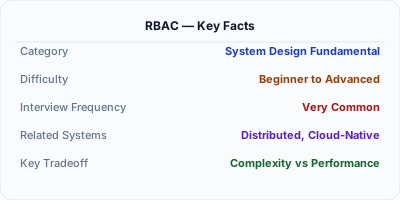
RBAC (Role-Based Access Control) assigns permissions to roles like 'admin', 'editor', 'viewer' — users inherit permissions through their role membership. Instead of managing permissions for 10,000 users individually, you manage 5-10 roles. RBAC is the most widely implemented access control model because it maps directly to organizational structure. AWS IAM, Kubernetes, and every enterprise SaaS product uses RBAC as the foundation of their permission system.
| Aspect | Details |
|---|---|
| What it is | An access control model where permissions are assigned to roles and users are assigned to roles |
| When to use | Enterprise SaaS, multi-tenant systems, organizational permission management, Kubernetes access control |
| When NOT to use | Systems requiring fine-grained object-level permissions (use ABAC or ReBAC instead) or single-user applications |
| Real-world example | AWS IAM manages billions of permission checks daily using role-based policies for cloud resource access |
| Interview tip | Explain role hierarchy (admin inherits editor inherits viewer) and the principle of least privilege |
| Common mistake | Creating too many roles that overlap — role explosion makes the system harder to manage than individual permissions |
| Key tradeoff | Simplicity vs granularity — RBAC is easy to manage but cannot express context-dependent or ownership-based rules |
Why This Matters
Without RBAC, adding a new employee means manually assigning dozens of individual permissions. With 10,000 employees, that is unmanageable. RBAC reduces this to: assign the 'engineer' role, which already has the right permissions. When a permission needs to change across all engineers, you update the role once. In system design interviews, RBAC is the expected starting point for access control. Interviewers test whether you understand role hierarchy, permission inheritance, and when RBAC is insufficient (requiring ABAC or ReBAC).
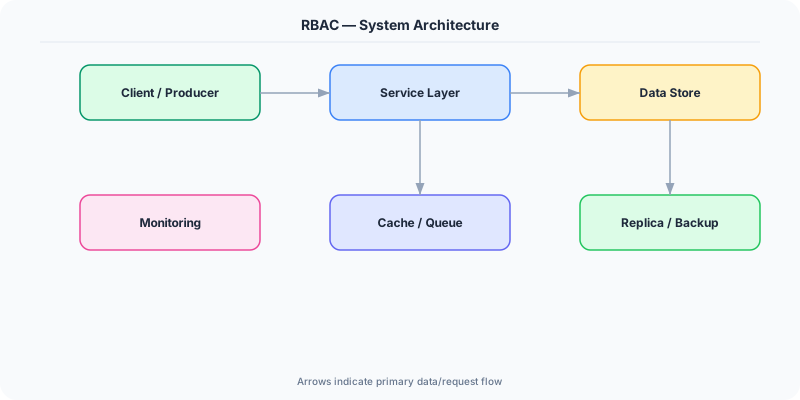
The Building Blocks
- Roles: Named groups of permissions: admin, editor, viewer, billing-admin. Roles map to job functions. A role is a collection of (resource, action) pairs.
- Permission Assignment: Permissions are assigned to roles, not users. A permission is a (resource, action) pair: (documents, write), (users, delete). The mapping is stored in a roles table.
- Role Hierarchy: Roles can inherit from other roles. Admin inherits all editor permissions, editor inherits all viewer permissions. This prevents duplicate permission definitions.
- Principle of Least Privilege: Users should have the minimum permissions necessary. Start with 'viewer' and escalate only when needed. Regularly audit and revoke unused permissions.
- Multi-Tenancy: In SaaS, roles are scoped to a tenant. A user can be 'admin' in Org A but 'viewer' in Org B. The (user, role, tenant) triple is the permission unit.
Under the Hood
An RBAC system consists of three database tables: users, roles, and user_roles (the join table). Permissions are stored as role_permissions: (role_id, resource, action). When a user makes a request, the system looks up their roles via user_roles, then checks if any of those roles have a matching (resource, action) permission.
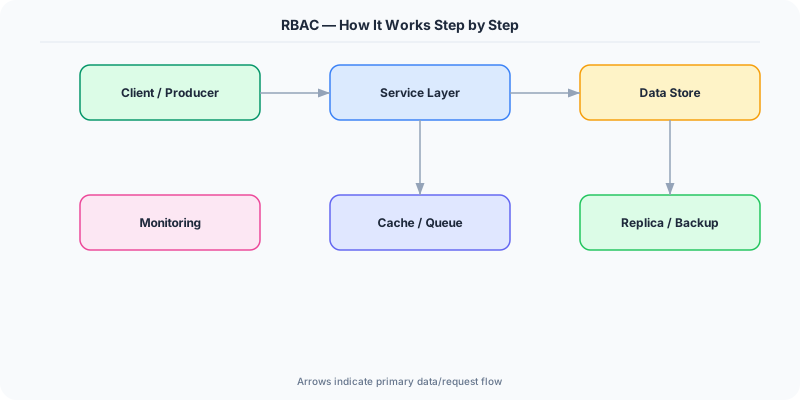
For performance, role lookups are cached. A typical pattern: on login, fetch all of the user's roles and permissions, serialize them into the JWT claims or cache them in Redis with the user_id as key. On each request, the authorization middleware reads from cache rather than hitting the database. Cache invalidation happens when roles change — publish a role-change event that clears the affected user's cached permissions.
Role hierarchy is implemented as a directed acyclic graph. When checking permissions, the system walks up the hierarchy: if the user has 'editor' role and 'editor' inherits from 'viewer', they get all viewer permissions automatically. This is resolved at cache-build time, not per-request.
How Companies Actually Do This
AWS IAM uses RBAC with policy documents. Roles like 'S3ReadOnly' bundle permissions. Users and services assume roles to get temporary credentials. Every AWS API call checks IAM.
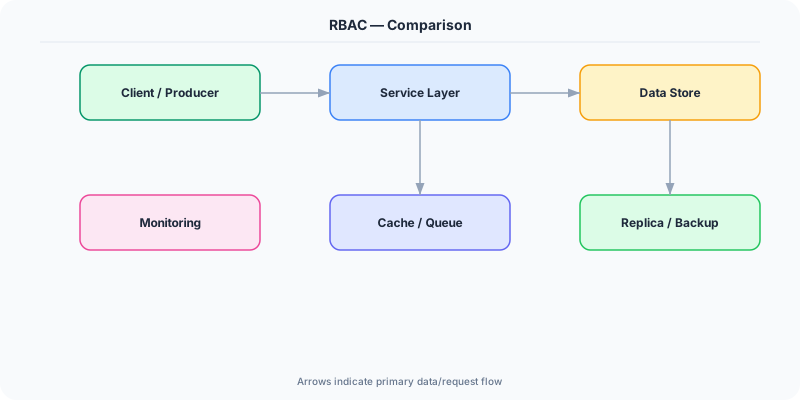
Kubernetes uses RBAC for cluster access. ClusterRoles define permissions (list pods, create deployments), RoleBindings assign roles to users or service accounts within namespaces.
Stripe implements RBAC for dashboard access. Team members are assigned roles (developer, administrator, analyst) that control access to payments, refunds, and account settings.
Common Pitfalls
- Role explosion — creating hundreds of granular roles defeats the purpose of RBAC. If you have as many roles as users, switch to ABAC or ReBAC
- Not scoping roles to tenants in multi-tenant systems — a user who is admin in their own org should not have admin access to other orgs
- Caching roles without invalidation — when a role is revoked, the user retains access until the cache expires, which can be a security gap
Interview Questions Worth Practicing
- How would you design an RBAC system for a SaaS product with thousands of organizations?
- When does RBAC break down, and what would you use instead?
- How do you handle permission caching while ensuring revoked access is enforced promptly?
The Tradeoffs
- Simplicity vs Expressiveness: RBAC is simple to implement and audit, but cannot express 'users can only edit resources they own' or 'managers can approve expenses under $10K' — those require ABAC.
- Coarse vs Fine-Grained: Fewer roles are easier to manage but may over-privilege users. More roles give finer control but increase management complexity.
- Static vs Dynamic: Static role assignments are predictable but inflexible. Dynamic role resolution (based on context like time, location) adds flexibility but makes the system harder to reason about.
How to Explain This in an Interview
Here is how I would explain RBAC in a system design interview:
RBAC is the standard way to manage permissions at scale. Instead of assigning permissions to each user individually, I assign permissions to roles and users to roles. In a typical SaaS system, I would have roles like admin, editor, and viewer — each scoped to an organization (tenant). The permission check is simple: on each request, look up the user's roles (cached in Redis or JWT claims), check if any role grants the required (resource, action) permission. For role hierarchy, admin inherits editor inherits viewer, so I resolve the full permission set once at login and cache it. If asked when RBAC is insufficient, I would mention ownership-based rules — 'users can only edit their own documents' requires ABAC or ReBAC, not just role checks.
Related Topics
The Real-World Incident That Made This Famous
Understanding RBAC became critical after multiple high-profile production incidents at major tech companies. When systems handle millions of users, even small misunderstandings about RBAC can lead to cascading failures that cost millions in lost revenue and erode user trust. Companies like Netflix, Google, Amazon, and Meta have all invested heavily in mastering RBAC because they learned the hard way that ignoring it leads to outages.
The key lesson from these incidents: RBAC is not just a theoretical concept — it is a practical skill that separates engineers who build resilient systems from those who build fragile ones. Every major outage report from the past decade involves at least one RBAC-related design decision that was either implemented incorrectly or overlooked entirely during the initial architecture review.
How Senior Engineers Think About This
Senior engineers approach RBAC differently from textbook definitions. Instead of memorizing rules, they build mental models. They ask: "What problem does RBAC solve? When does it fail? What are the alternatives?" This problem-first thinking leads to better design decisions because every system has unique constraints.
When evaluating RBAC in a system design context, experienced engineers consider the failure modes first. What happens when this component goes down? How does the system degrade? Is the degradation graceful or catastrophic? These questions reveal more about your understanding than any textbook definition.
The key difference between junior and senior engineers when it comes to RBAC: juniors focus on the happy path, while seniors design for what happens when things go wrong. They consider operational cost, team expertise, monitoring requirements, and how the decision will look six months from now when traffic has grown 10x.
Common Interview Mistakes
Mistake 1: Giving a textbook definition without context. Interviewers want to see you connect RBAC to real systems and real problems. Instead of reciting definitions, explain when and why you would use RBAC in the system you are designing.
Mistake 2: Not discussing trade-offs. Every design decision involving RBAC has trade-offs. Discuss what you gain and what you give up. Acknowledge the downsides and explain why the benefits outweigh them for your specific use case.
Mistake 3: Overcomplicating the solution. Start with the simplest approach to RBAC that meets the requirements, then add complexity only when justified. Many candidates jump to complex implementations when a simpler solution would work perfectly.
Production Checklist
- Define clear metrics for measuring the effectiveness of your RBAC implementation
- Set up monitoring and alerting that specifically tracks RBAC-related failures
- Document your RBAC design decisions in Architecture Decision Records (ADRs)
- Test failure scenarios related to RBAC in staging before production deployment
- Review and update your RBAC implementation quarterly as system requirements evolve
- Train new team members on the specific RBAC patterns used in your system
- Establish runbooks for common RBAC-related incidents and recovery procedures
Practical Implementation for .NET Developers
In ASP.NET Core, use role-based authorization: [Authorize(Roles = "Admin,Editor")]. Store roles in ASP.NET Core Identity's AspNetRoles and AspNetUserRoles tables. For more control, use policy-based: services.AddAuthorization(o => o.AddPolicy("CanEdit", p => p.RequireRole("Editor"))). For multi-tenant RBAC, add a TenantId claim and create a custom IAuthorizationHandler that verifies the user's role is scoped to the current tenant.
ASP.NET Core setup: Create a service class that encapsulates the logic, register it with dependency injection, and inject it into your controllers or minimal API endpoints. The built-in DI container handles lifecycle management.
Entity Framework Core: For database interactions, EF Core provides the ORM layer. Use migrations for schema management and raw SQL for performance-critical queries. Consider Dapper for read-heavy paths where EF Core overhead matters.
Azure integration: If deploying to Azure, leverage managed services — Azure Cache for Redis, Azure SQL, Azure Service Bus, Azure Cosmos DB. These eliminate operational overhead and provide built-in monitoring through Application Insights.
Testing: Use xUnit with Testcontainers for integration tests that spin up real databases in Docker. Mock external dependencies with NSubstitute. The WebApplicationFactory class lets you test your entire HTTP pipeline in-process.
Monitoring: Add Application Insights telemetry to track request latency, dependency calls, and custom metrics. Use structured logging with Serilog to make production debugging possible:
Log.Information("Processing {Operation} for {ResourceId}", operation, resourceId);
This gives you searchable, structured logs in Azure Monitor or Seq.