API Gateway
In a microservices architecture, clients should not need to know about individual service addresses.
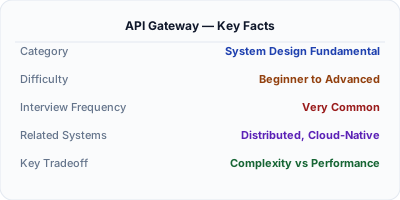
An API gateway is the single entry point for all client requests to your backend services. It handles cross-cutting concerns — authentication, rate limiting, request routing, protocol translation, and response aggregation — so individual services don't duplicate that logic. Kong, AWS API Gateway, and Netflix Zuul are common implementations.
| Aspect | Details |
|---|---|
| What it is | Application-layer entry point that manages, secures, and routes all API traffic |
| When to use | Microservices with external clients; multi-platform APIs needing auth, rate limiting, or versioning at the edge |
| When NOT to use | Internal service-to-service calls (use service mesh instead); monolith with a single API |
| Real-world example | Netflix Zuul routes all external API calls; AWS API Gateway + Lambda powers serverless architectures |
| Interview tip | Distinguish from reverse proxy — API gateway understands API semantics: routes, consumers, quotas, versions |
| Common mistake | Routing internal traffic through the gateway — adds unnecessary latency and coupling |
| Key tradeoff | Centralized control and consistency vs. single point of failure; 10-30ms added latency per request |
Why This Matters
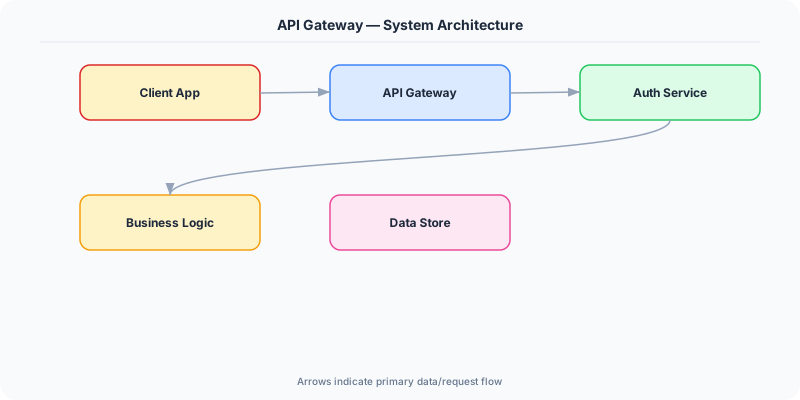
In a microservices architecture, clients should not need to know about individual service addresses. The API gateway provides a unified interface, simplifies client code, and centralizes security and monitoring.
The Building Blocks
- Request routing: Routes /api/users to User Service, /api/orders to Order Service.
- Authentication: Validates JWT tokens or API keys before forwarding to backend services.
- Rate limiting: Prevents abuse by limiting requests per client/IP.
- Request/response transformation: Converts between protocols (HTTP ↔ gRPC), aggregates responses from multiple services.
- Circuit breaking: Stops forwarding requests to a failing backend service, returning cached or default responses instead.
Under the Hood
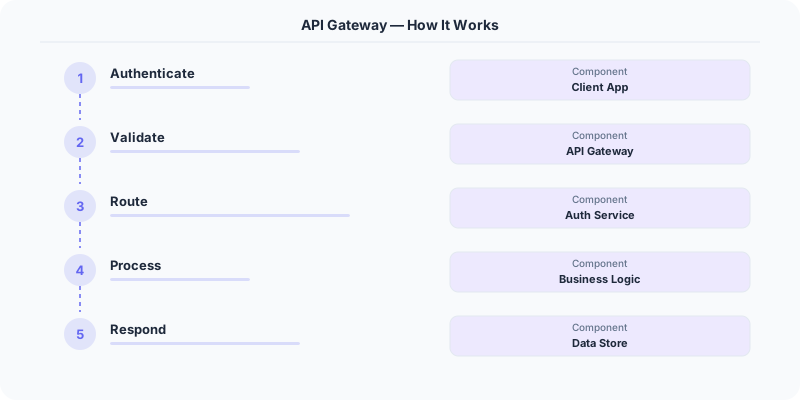
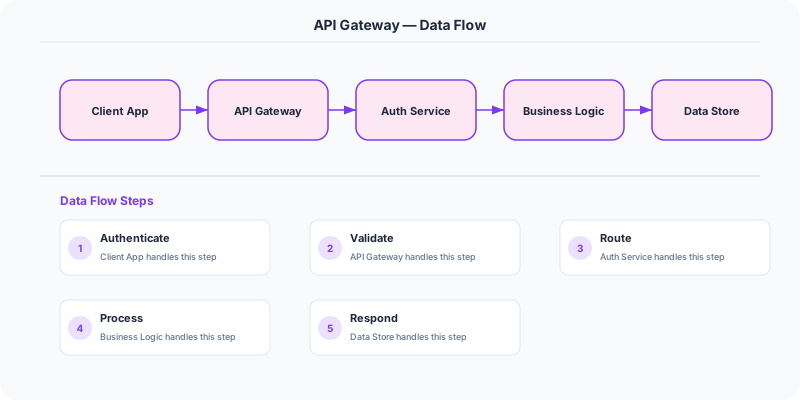
All client requests go to the API gateway first. The gateway authenticates the caller, checks rate limits, routes the request to the correct backend service, transforms the response if needed, and returns it to the client. This decouples clients from the service topology.
For BFF (Backend for Frontend) patterns, you might have separate gateways for web, mobile, and third-party API clients, each optimized for their specific needs.
How Companies Actually Do This
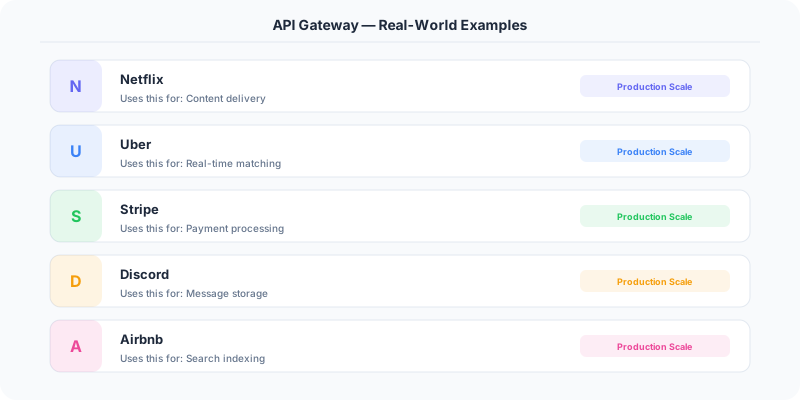
Netflix Zuul/Spring Cloud Gateway: Routes billions of requests daily across hundreds of microservices.
AWS API Gateway: Managed service that handles authentication, throttling, and caching for serverless architectures.
Kong: Open-source API gateway used by companies like Nasdaq and Zillow for request routing and plugin-based extensibility.
Common Pitfalls
- Putting business logic in the gateway — it should only handle cross-cutting concerns
- Not scaling the gateway — it handles ALL traffic and can become a bottleneck
- Not implementing circuit breaking — a failing backend can overwhelm the gateway
Interview Questions Worth Practicing
- What is an API gateway and why is it needed?
- What are the responsibilities of an API gateway?
- What is the BFF pattern?
- How do you prevent the API gateway from becoming a single point of failure?
The Tradeoffs
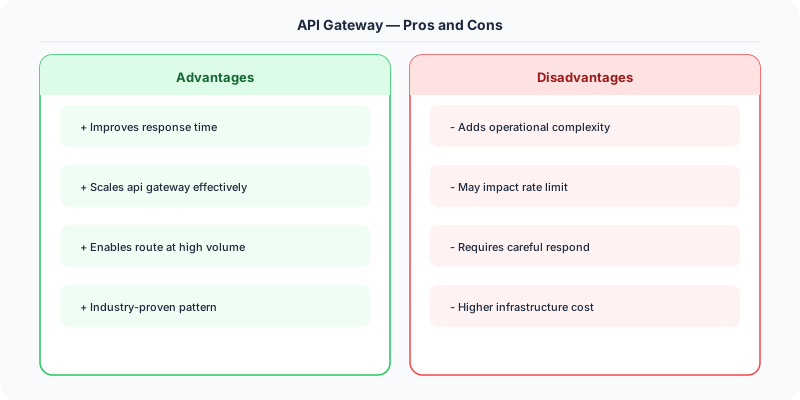
- Centralization vs Decentralization: A gateway simplifies clients but creates a central bottleneck.
- Latency: Every request passes through an extra network hop.
- Complexity: The gateway itself must be highly available, scalable, and well-monitored.
How to Explain This in an Interview
Here is how I would explain API Gateway in a system design interview:
An API gateway is the front door for all external API traffic. It sits between clients and your microservices, handling everything common across services: authentication (validate JWT tokens once, not in every service), rate limiting (per-consumer quotas), request routing (/v1/users goes to user-service, /v2/users to the new version), and response aggregation (mobile clients get one call instead of five). The key interview distinction: a load balancer distributes traffic, a reverse proxy handles TLS and caching, but an API gateway understands your API contract — routes, consumers, versions, and policies. In a .NET stack, you would use Ocelot or YARP as an API gateway in front of your ASP.NET Core microservices.
Related Topics
The Real-World Incident That Made This Famous
In 2015, Amazon's API Gateway service launched with a promise to handle any scale. But in November 2015, during a major traffic event, several customers reported that their APIs behind API Gateway were returning 502 errors. The issue was that API Gateway had a hard limit on concurrent connections to backend integrations, and customers who experienced traffic spikes exceeded these limits without warning. The errors cascaded because clients retried failed requests, amplifying the load.
This incident highlighted a fundamental truth about API gateways: they sit on the critical path of every single request. Any bug, misconfiguration, or capacity limit in the gateway affects your entire platform. Netflix learned this lesson with Zuul, their custom API gateway. Zuul handles all incoming traffic to Netflix — every play button press, every search, every browse. When they upgraded from Zuul 1 (blocking Servlet-based) to Zuul 2 (async Netty-based), they saw a 25% reduction in connection-related errors and significant latency improvements. But the migration took over two years because any mistake would affect 200+ million subscribers.
Kong, the popular open-source API gateway, gained traction by learning from these lessons. Instead of being a monolithic gateway, Kong uses a plugin architecture where each concern (authentication, rate limiting, logging, transformations) is a separate module. This means you can update your rate limiting logic without risking your authentication layer. The plugin model also allows teams to add custom logic without modifying the gateway core.
How Senior Engineers Think About This
An API gateway is the front door of your system. Every external request passes through it. This makes it the natural place for cross-cutting concerns: authentication, rate limiting, request routing, response transformation, logging, and monitoring. Without a gateway, each microservice would implement these concerns independently, leading to inconsistent behavior and duplicated code.
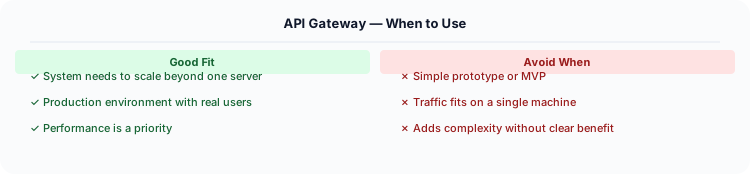
Senior engineers think about the API gateway in terms of what it should and should not do. The gateway should handle: SSL termination, authentication/authorization, rate limiting, request routing, response caching, protocol translation (REST to gRPC), and request/response transformation. The gateway should NOT handle: business logic, data validation beyond format checks, or complex orchestration. If your gateway is making three backend calls and merging the responses, that logic should be in a Backend-for-Frontend (BFF) service.
The biggest architectural decision is whether to use a single gateway or multiple gateways. A single gateway is simpler to operate but becomes a bottleneck and a single point of failure. Multiple gateways (one per client type: web, mobile, IoT) allow each to be optimized for its use case. The BFF pattern takes this further: each client team owns their own gateway that aggregates exactly the backend calls that client needs. Netflix uses this pattern — their mobile app talks to a different gateway than their TV app.
Another critical consideration: do not put your gateway on the same scaling path as your application. If your API gateway is a single load-balanced cluster, it needs to handle the aggregate traffic of all services behind it. Most managed gateways (AWS API Gateway, Azure API Management) handle scaling for you, but self-hosted gateways (Kong, Envoy) need careful capacity planning.
Common Interview Mistakes
Mistake 1: Confusing API gateway with load balancer. A load balancer distributes traffic across instances of the same service. An API gateway routes requests to different services based on the URL path, headers, or other attributes.
Mistake 2: Putting business logic in the gateway. The gateway should be a thin layer. Response aggregation from multiple services belongs in a BFF, not the gateway.
Mistake 3: Not discussing authentication patterns. The gateway should validate JWT tokens and pass the decoded user context to backend services. Backend services should trust the gateway's authentication, not re-validate tokens.
Mistake 4: Ignoring the gateway as a single point of failure. If the gateway goes down, everything goes down. Discuss redundancy, health checks, and graceful degradation.
Mistake 5: Not mentioning API versioning. The gateway is the natural place to handle API versioning — routing /v1/users to the old service and /v2/users to the new one.
Production Checklist
- Deploy the gateway in a highly available configuration with at least two instances across availability zones
- Implement health checks that verify connectivity to backend services, not just gateway process health
- Configure request timeouts per route — a slow analytics endpoint should not affect real-time API latency
- Centralize authentication at the gateway: validate tokens once, propagate user context in headers to backend services
- Implement request and response logging at the gateway for audit trails and debugging
- Set up rate limiting per API key, per route, and per client IP at the gateway level
- Use circuit breakers in the gateway to protect against slow or failing backends
- Configure CORS policies at the gateway instead of in individual services
- Implement request ID generation and propagation for distributed tracing
- Test gateway performance under load: the gateway adds latency to every request, so keep it under 5ms overhead
Read the original source | Content from System-Design-Overview
Practical Implementation for .NET Developers
In a .NET application, you would typically implement this pattern using the following approach:
ASP.NET Core setup: Create a service class that encapsulates the logic, register it with dependency injection, and inject it into your controllers or minimal API endpoints. The built-in DI container handles lifecycle management.
Entity Framework Core: For database interactions, EF Core provides the ORM layer. Use migrations for schema management and raw SQL for performance-critical queries. Consider Dapper for read-heavy paths where EF Core's overhead matters.
Azure integration: If deploying to Azure, leverage managed services — Azure Cache for Redis, Azure SQL, Azure Service Bus, Azure Cosmos DB. These eliminate operational overhead and provide built-in monitoring through Application Insights.
Testing: Use xUnit with Testcontainers for integration tests that spin up real databases in Docker. Mock external dependencies with NSubstitute. The WebApplicationFactory class lets you test your entire HTTP pipeline in-process.
Monitoring: Add Application Insights telemetry to track request latency, dependency calls, and custom metrics. Use structured logging with Serilog to make production debugging possible:
Log.Information("Processing order {OrderId} for {CustomerId}", orderId, customerId);
This gives you searchable, structured logs in Azure Monitor or Seq.