Rate Limiting
Without rate limiting, a single client can overwhelm your service (intentionally via DDoS or unintentionally via a bug).
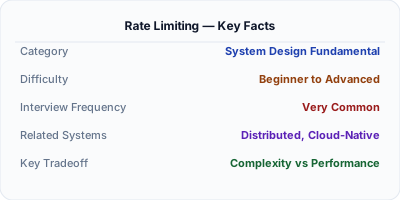
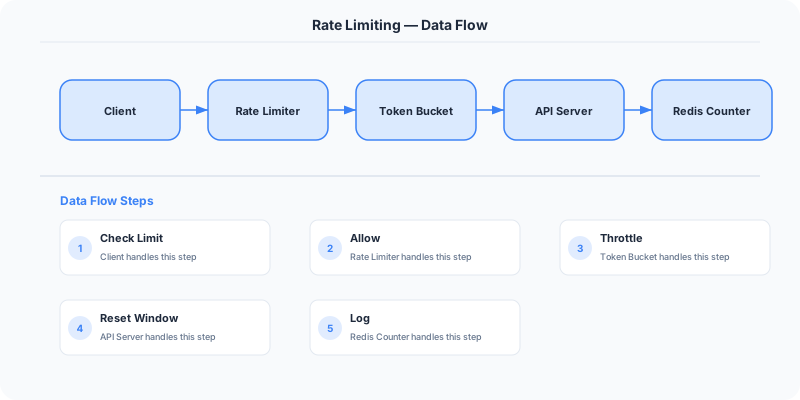
Rate limiting controls how many requests a client can make in a given time window. It protects servers from traffic spikes, abusive clients, and DDoS attacks. The most common algorithms are token bucket, sliding window, and fixed window — typically implemented with Redis counters at the API gateway layer.
| Aspect | Details |
|---|---|
| What it is | Restricting the number of requests a client can make per time window |
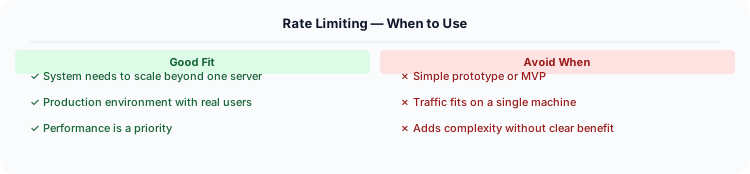
| When to use | Public APIs, authentication endpoints, any resource-intensive operation, DDoS protection |
| When NOT to use | Internal trusted service-to-service calls; read endpoints fully served by CDN cache |
| Real-world example | GitHub API: 5,000 req/hour per token; Stripe rate-limits per API key; Cloudflare edge rate limiting |
| Interview tip | Know token bucket vs sliding window — interviewers expect you to compare algorithms and tradeoffs |
| Common mistake | Only rate-limiting by IP — shared corporate NATs get unfairly throttled; rate-limit by API key or user ID instead |
| Key tradeoff | Too strict rejects legitimate traffic; too lenient fails to protect against abuse |
What Rate Limiting Actually Means
Rate limiting restricts the number of requests a client can make to an API within a time window. It protects backend services from abuse, prevents resource exhaustion, and ensures fair usage among clients. Common limits: 100 requests/minute for free tier, 1000 requests/minute for paid tier.
When to Use It (and When Not To)
Without rate limiting, a single client can overwhelm your service (intentionally via DDoS or unintentionally via a bug). Rate limiting is a fundamental defense mechanism for any production API.
The Architecture
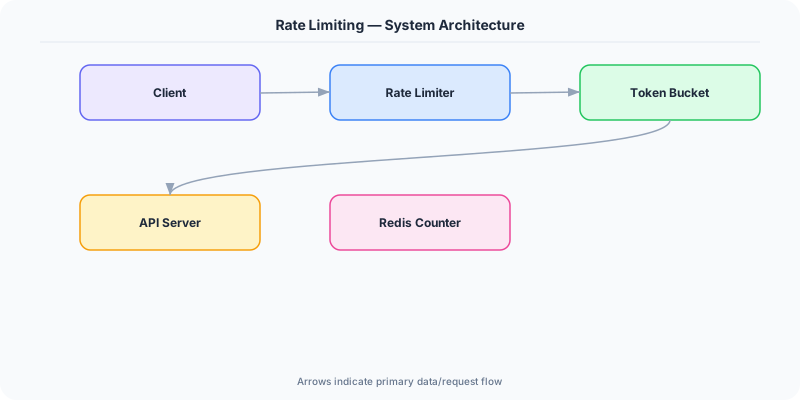
The most common approach in production: Use Redis to implement a token bucket per client (identified by API key or IP). When a request arrives, check the bucket. If tokens remain, decrement and allow. If empty, return HTTP 429 Too Many Requests with a Retry-After header.
For distributed rate limiting (multiple API servers), use a centralized Redis instance. For edge rate limiting, use CDN-level rate limiting (Cloudflare, AWS WAF).
Key Principles
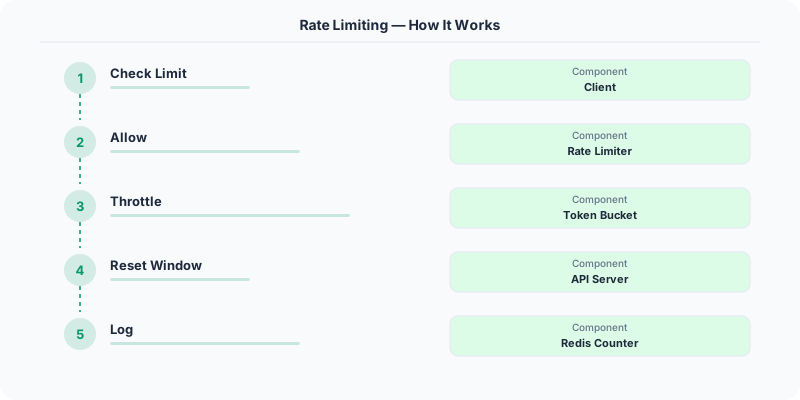
- Token Bucket: A bucket holds tokens (capacity N). Each request consumes one token. Tokens are added at a fixed rate (R per second). If the bucket is empty, requests are rejected. Allows bursts up to N.
- Leaky Bucket: Requests enter a queue (bucket). They are processed at a fixed rate. If the queue is full, new requests are dropped. Produces a smooth output rate.
- Sliding Window Log: Track the timestamp of every request. Count requests in the current window. Precise but memory-intensive.
- Sliding Window Counter: Combines fixed window and sliding window. Estimates the count using weighted averages of current and previous windows. Good balance of precision and efficiency.
- Fixed Window Counter: Count requests in fixed time intervals (e.g., every minute). Simple but has boundary burst issues (200 requests in 1 second if the window resets).
Who Does This Well
GitHub API: 5,000 requests/hour for authenticated users, 60/hour for unauthenticated.
Stripe API: 100 read requests/second and 100 write requests/second per API key.
Twitter API: 300 tweets/3-hour window, 900 timeline reads/15 minutes.
The Hard Parts Nobody Talks About
- Rate limiting only by IP — shared IPs (corporate NAT, mobile carriers) can lock out legitimate users
- Not returning Retry-After header — clients cannot know when to retry
- Not rate limiting internal services — cascading failures between microservices
The Tradeoffs
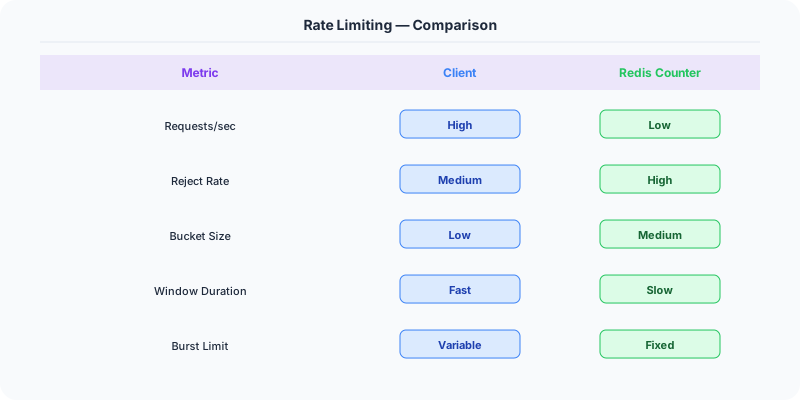
- Token Bucket vs Leaky Bucket: Token bucket allows bursts; leaky bucket enforces a smooth rate.
- Precision vs Memory: Sliding window log is precise but stores every timestamp; fixed window counter uses minimal memory.
- Local vs Distributed: Local rate limiting per server is fast but inaccurate globally; distributed (Redis) is accurate but adds latency.
Interview Angles
- What rate limiting algorithms do you know?
- How would you implement distributed rate limiting?
- What is the difference between token bucket and leaky bucket?
- How do you handle rate limiting in a microservices architecture?
- How do you choose rate limits for a public API?
Keep Learning
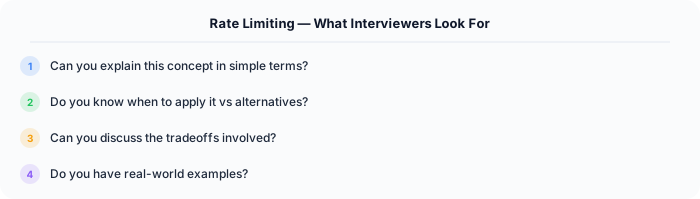
How to Explain This in an Interview
Here is how I would explain Rate Limiting in a system design interview:
Rate limiting prevents any single client from overwhelming your system. I would implement it with a token bucket algorithm in Redis: each API key gets N tokens per minute, each request costs one token, tokens refill at a fixed rate. When tokens run out, return HTTP 429 Too Many Requests with a Retry-After header. Place the rate limiter at the API gateway so it runs before any business logic executes. For distributed systems, use a centralized Redis counter — the alternative is local per-instance limiting, which is inaccurate when you have many server instances behind a load balancer.
The Real-World Incident That Made This Famous
On February 28, 2018, GitHub suffered the largest DDoS attack ever recorded at the time: 1.35 Tbps of traffic flooded their servers using a memcached amplification attack. The attackers sent spoofed UDP requests to open memcached servers, which amplified each request by a factor of 51,000x and directed the responses at GitHub.
GitHub's own rate limiting infrastructure was overwhelmed within seconds. Their Anycast-based DDoS mitigation through Akamai Prolexic kicked in, but the initial blast knocked GitHub offline for about 10 minutes. What saved them was not just having rate limiting at the application layer, but having rate limiting at multiple layers: edge (CDN), network (ISP), and application. The memcached attack exploited the fact that many organizations left memcached servers exposed on the public internet without any rate limiting on incoming requests.
After the incident, GitHub published a detailed post-mortem and upgraded their multi-layer rate limiting strategy. The lesson was clear: rate limiting at a single layer is never enough. You need defense in depth, with rate limits at the CDN edge, the load balancer, the API gateway, and individual service endpoints. Cloudflare later reported that they mitigate similar attacks daily, blocking over 72 billion threats per day across their network.
How Senior Engineers Think About This
Think of rate limiting like a bouncer at a nightclub. The bouncer does not care who you are or what you want to do inside. They only care about one thing: is the club at capacity? If yes, you wait in line. If the line is too long, you go home and try again later.
Senior engineers always think about rate limiting at three distinct levels. First, there is user-facing rate limiting, which protects your API from abuse and provides a fair experience. This is the classic "100 requests per minute per API key" that you configure in your API gateway. Second, there is service-to-service rate limiting, which prevents cascading failures inside your architecture. If your payment service starts making 10x more calls to your inventory service because of a bug, service-level rate limits prevent the bug from taking down the whole platform. Third, there is resource-level rate limiting, which protects databases and other shared resources. Even if your API layer is handling load fine, a single runaway query can saturate your database connection pool.
The mental model that matters most: rate limiting is not just about rejecting bad traffic. It is about load shedding — gracefully degrading so that the requests you do serve get a good experience. Netflix calls this approach "load shedding with prioritization." During high load, they will shed non-critical API calls (analytics, thumbnails) to protect critical ones (authentication, playback start). Your rate limiter should know which requests are expendable and which are essential.
Common Interview Mistakes
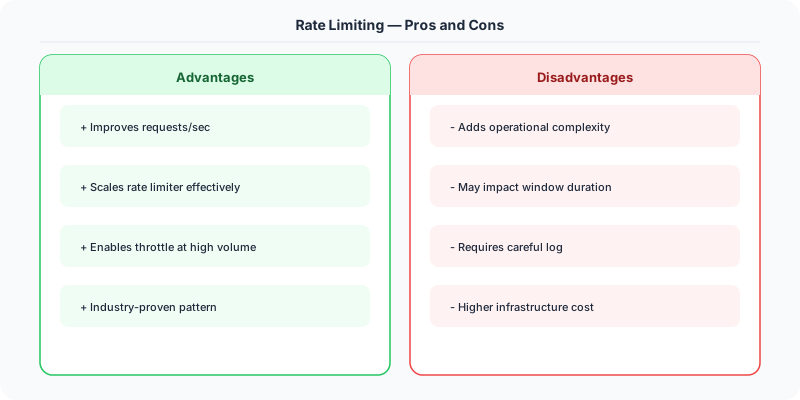
Mistake 1: Only discussing one algorithm. Many candidates say "I would use a token bucket" and move on. Interviewers expect you to compare at least two or three algorithms, explain the trade-offs, and justify your choice for the specific scenario. Token bucket allows bursts but can be harder to distribute. Sliding window is more memory-intensive but prevents boundary burst issues.
Mistake 2: Forgetting about distributed rate limiting. If you describe a rate limiter that counts requests on a single server, your design falls apart when the interviewer says "we have 50 API servers." You need a centralized counter (Redis is the standard), and you need to discuss what happens when Redis is unavailable (fail open or fail closed?).
Mistake 3: Ignoring the client experience. Many candidates focus only on the server side. Senior answers discuss what HTTP status code to return (429), what headers to include (Retry-After, X-RateLimit-Remaining, X-RateLimit-Reset), and how clients should implement exponential backoff with jitter.
Mistake 4: Not addressing race conditions. With distributed rate limiting, two requests can arrive simultaneously, both read the counter, both see it under the limit, and both increment. You need atomic operations (Redis MULTI/EXEC, Lua scripts, or INCR with TTL).
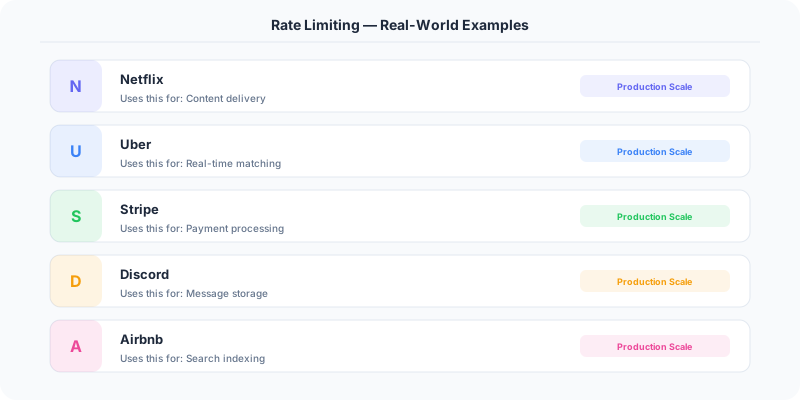
Mistake 5: Treating all requests equally. Production rate limiters distinguish between read and write operations, between free and paid tiers, and between authenticated and anonymous users. Discuss tiered rate limiting.
Production Checklist
- Use Redis with INCR and EXPIRE for distributed counting — atomic operations prevent race conditions
- Return proper HTTP 429 responses with Retry-After, X-RateLimit-Limit, X-RateLimit-Remaining, and X-RateLimit-Reset headers
- Implement different rate limit tiers per API key or subscription level
- Add rate limiting at the CDN/edge layer (Cloudflare, AWS WAF) BEFORE traffic reaches your application servers
- Monitor rate limit hit rates — if more than 5% of requests are being limited, investigate whether the limits are too aggressive or there is actual abuse
- Implement a circuit breaker around your Redis rate limiter — if Redis goes down, decide whether to fail open (allow all) or fail closed (reject all) based on your risk tolerance
- Use sliding window counters instead of fixed windows to prevent boundary burst problems
- Add a rate limit bypass mechanism for internal health checks and monitoring systems
- Log rate-limited requests with client identifiers so you can investigate patterns of abuse
- Test your rate limiter under load before production deployment — simulate 10x expected traffic
Read the original source | Content from System-Design-Overview
Rate Limiting in ASP.NET Core
.NET 7+ has built-in rate limiting middleware — no third-party packages needed:
// Program.cs — configure rate limiting
builder.Services.AddRateLimiter(options =>
    options.AddFixedWindowLimiter("api", config =>
        config.PermitLimit = 100;
        config.Window = TimeSpan.FromMinutes(1);
        config.QueueLimit = 10;
    );
    options.AddSlidingWindowLimiter("search", config =>
        config.PermitLimit = 30;
        config.Window = TimeSpan.FromMinutes(1);
        config.SegmentsPerWindow = 6;
    );
    options.RejectionStatusCode = 429;
);

app.UseRateLimiter();

// Apply to endpoints
app.MapGet("/api/products", GetProducts)
    .RequireRateLimiting("api");
Distributed rate limiting with Redis: For multi-server deployments, the built-in rate limiter only works per-instance. Use Redis-backed rate limiting with a sliding window implementation to share counts across all servers. The RedisRateLimiting NuGet package provides this.
Azure API Management: If you are on Azure, API Management provides rate limiting at the gateway level with policies — no code changes needed in your .NET application. It supports rate limiting by subscription key, IP address, or custom headers.
Real example: The Azure DevOps REST API (built on .NET) uses tiered rate limiting: 200 requests per minute for authenticated users, 30 per minute for anonymous. They return Retry-After headers so clients know exactly when to retry.