Design Google Docs
System design interview solution for Design Google Docs. Includes requirements, API design, data model, architecture, scaling strategy, and tradeoffs.
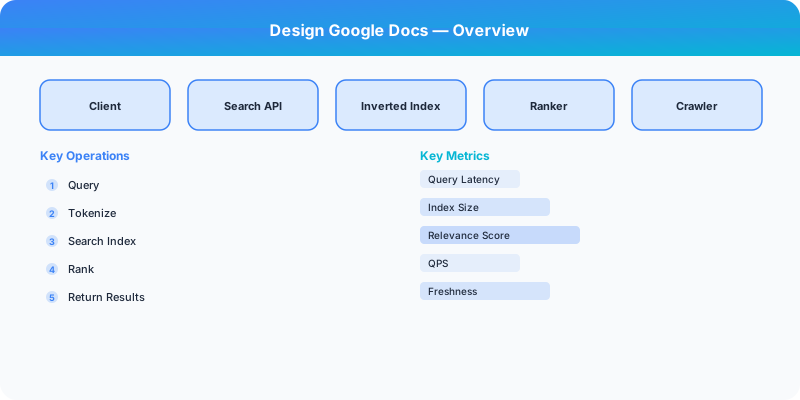
Problem Statement
Design a system similar to Google Docs. The system should handle millions of users and provide a reliable, scalable experience.
Step 1: Clarifying Questions
Before diving into the design, ask these clarifying questions:
- What is the expected scale (users, requests per second)?
- What are the most critical features to support?
- What are the latency requirements?
- Do we need to support real-time features?
- What consistency guarantees are needed?
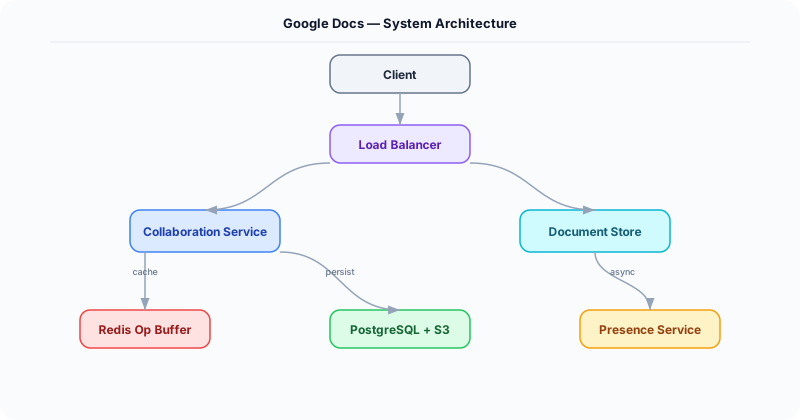
Step 2: Functional Requirements
- Core feature set for Google Docs
- User-facing APIs and interactions
- Data storage and retrieval
- Search and discovery (if applicable)
- Notifications (if applicable)
Step 3: Non-Functional Requirements
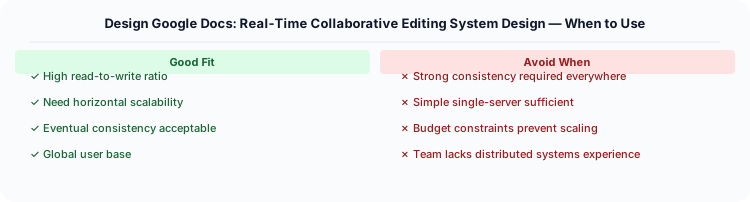
- Scalability: Handle millions of concurrent users
- Availability: 99.99% uptime (four nines)
- Latency: Sub-200ms for read operations
- Consistency: Eventually consistent where acceptable, strongly consistent for critical paths
- Durability: No data loss
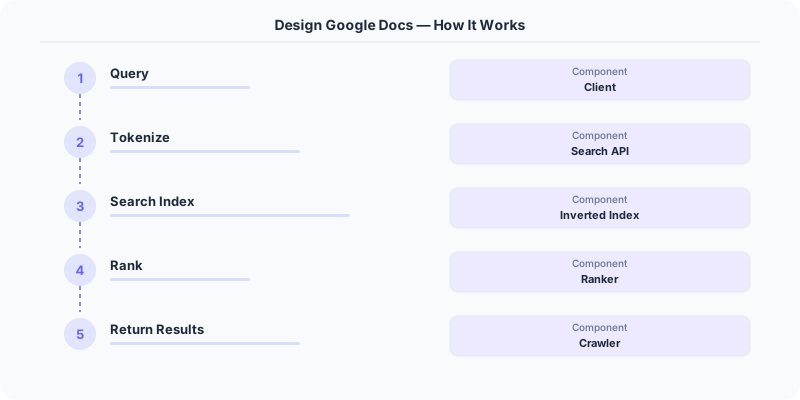
Step 4: Back-of-the-Envelope Estimation
| Metric | Estimate |
|---|---|
| Daily Active Users | 10M |
| Read:Write Ratio | 10:1 |
| Average Request Size | 1 KB |
| Storage per year | ~10 TB |
| Peak QPS | 100K |
Step 5: API Design
POST /api/v1/resource
GET  /api/v1/resource/{id}
PUT  /api/v1/resource/{id}
DELETE /api/v1/resource/{id}
Step 6: Data Model
Define the core entities and their relationships. Consider the access patterns when choosing between SQL and NoSQL.
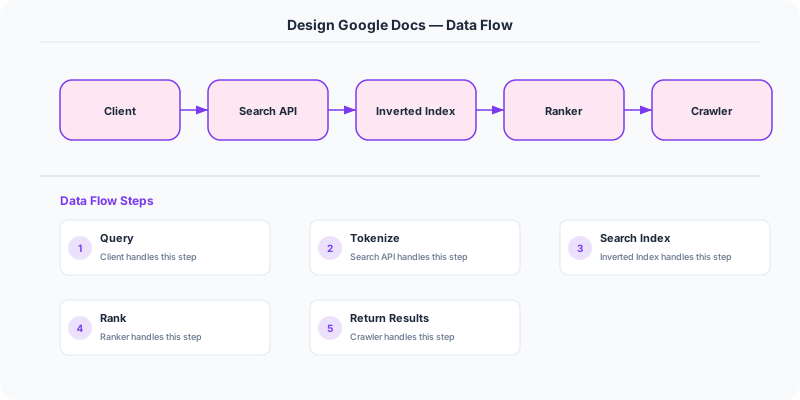
Step 7: High-Level Architecture
The system consists of these major components:
- Client Layer — Web/mobile clients
- API Gateway — Rate limiting, authentication, routing
- Application Servers — Business logic
- Database Layer — Primary storage
- Cache Layer — Redis/Memcached for hot data
- Message Queue — Async processing
Step 8: Detailed Component Design
Write Path
How data flows from client to persistent storage.
Read Path
How data is retrieved, including cache interactions.
Step 9: Scaling Strategy
- Horizontal scaling of application servers behind a load balancer
- Database sharding by user ID or geographic region
- Read replicas for read-heavy workloads
- CDN for static content delivery
- Auto-scaling based on traffic patterns
Step 10: Reliability and Fault Tolerance
- Data replication across availability zones
- Circuit breakers for dependent services
- Graceful degradation under high load
- Health checks and automated failover
Step 11: Monitoring and Observability
- Request latency (p50, p95, p99)
- Error rates by endpoint
- Database query performance
- Cache hit/miss ratios
- Queue depth and processing lag
Key Tradeoffs
| Decision | Option A | Option B | Chosen |
|---|---|---|---|
| Database | SQL | NoSQL | Depends on access patterns |
| Consistency | Strong | Eventual | Eventual for most reads |
| Communication | Sync | Async | Async for non-critical paths |
How to Present This in an Interview
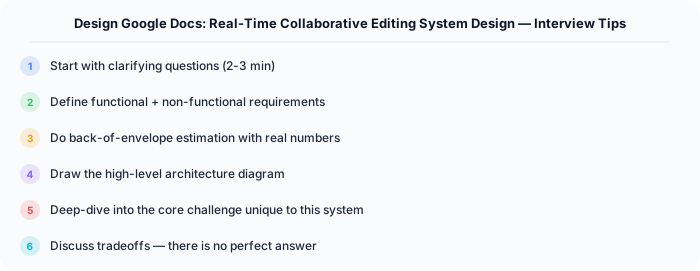
- Start with clarifying questions (2 min)
- Define requirements (3 min)
- Do estimation (2 min)
- Design API and data model (5 min)
- Draw high-level architecture (10 min)
- Deep dive into critical components (10 min)
- Discuss tradeoffs and bottlenecks (5 min)
Practical Implementation for .NET Developers
In a .NET application, you would typically implement this pattern using the following approach:
ASP.NET Core setup: Create a service class that encapsulates the logic, register it with dependency injection, and inject it into your controllers or minimal API endpoints. The built-in DI container handles lifecycle management.
Entity Framework Core: For database interactions, EF Core provides the ORM layer. Use migrations for schema management and raw SQL for performance-critical queries. Consider Dapper for read-heavy paths where EF Core's overhead matters.
Azure integration: If deploying to Azure, leverage managed services — Azure Cache for Redis, Azure SQL, Azure Service Bus, Azure Cosmos DB. These eliminate operational overhead and provide built-in monitoring through Application Insights.
Testing: Use xUnit with Testcontainers for integration tests that spin up real databases in Docker. Mock external dependencies with NSubstitute. The WebApplicationFactory class lets you test your entire HTTP pipeline in-process.

Monitoring: Add Application Insights telemetry to track request latency, dependency calls, and custom metrics. Use structured logging with Serilog to make production debugging possible:
Log.Information("Processing order {OrderId} for {CustomerId}", orderId, customerId);
This gives you searchable, structured logs in Azure Monitor or Seq.
System-Specific Clarifying Questions
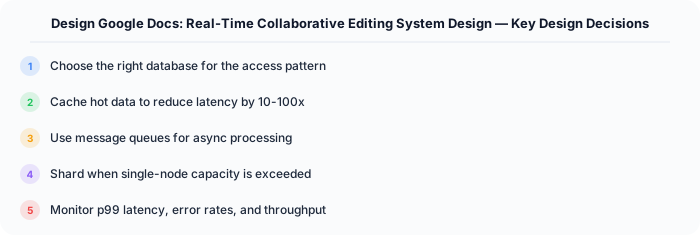
Before designing Google Docs, ask questions specific to THIS system:
- Who are the primary users? Understanding the user base shapes every technical decision — consumer apps have different requirements than enterprise B2B systems.
- What is the read-to-write ratio? This determines whether you optimize for fast reads (caching, denormalization) or fast writes (write-ahead logs, async processing).
- What is the geographic distribution? Users in one country vs. global users fundamentally changes your data replication and CDN strategy.
- What is the acceptable latency? Some features need sub-100ms responses, others can tolerate seconds. This determines your caching and architecture strategy.
- What is the consistency requirement? Some data (payments, inventory) needs strong consistency. Other data (social feeds, recommendations) can be eventually consistent.
Architecture Deep Dive
The architecture for Google Docs should be designed around the specific access patterns of the system. Do not apply generic templates — every system has unique hotspots, bottlenecks, and scaling challenges.
Write Path: How does data enter the system? Is it bursty (event-driven, flash sales) or steady (sensor data, logs)? Bursty writes need queuing and backpressure. Steady writes can go directly to the database.
Read Path: How is data consumed? Is it fan-out (one write, many reads like social feeds) or point lookups (one read for specific data like user profiles)? Fan-out reads benefit from pre-computation and caching. Point lookups benefit from efficient indexing.
Hot Spots: Where are the bottlenecks? For Google Docs, identify the component that will fail first under load and design mitigation strategies: caching, sharding, rate limiting, or async processing.