Caching 101
Caching reduces latency (memory access: ~100ns vs disk: ~10ms), reduces database load (cache absorbs 80-95% of reads), and reduces costs (fewer database.
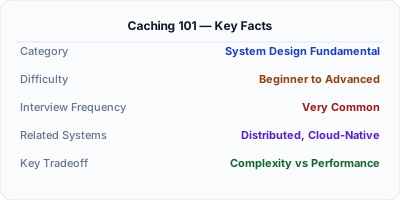
Caching stores frequently accessed data in a fast storage layer — usually in-memory with Redis or Memcached — to avoid hitting the database on every request. A well-configured cache handles 80-90% of reads without touching the database, reducing latency from 50ms to under 1ms. It is the single highest-impact performance optimization in most web applications.
| Aspect | Details |
|---|---|
| What it is | Storing copies of data in fast in-memory storage to speed up repeated reads |
| When to use | Read-heavy workloads, expensive database queries, session storage, computed results, API responses |
| When NOT to use | Write-heavy workloads with strict consistency; data that changes on every request; data too large for memory |
| Real-world example | Twitter caches timeline reads in Redis; Facebook runs Memcached clusters with 100TB+ of cached data |
| Interview tip | Know cache-aside vs write-through vs write-back — each has different consistency and performance tradeoffs |
| Common mistake | Not planning for cache invalidation — stale data is the #1 caching problem in production |
| Key tradeoff | Dramatically faster reads vs. risk of serving stale data; memory cost vs. database load reduction |
When You Need Caching 101
Caching reduces latency (memory access: ~100ns vs disk: ~10ms), reduces database load (cache absorbs 80-95% of reads), and reduces costs (fewer database queries = smaller database needed). Every production system uses caching.
What It Is
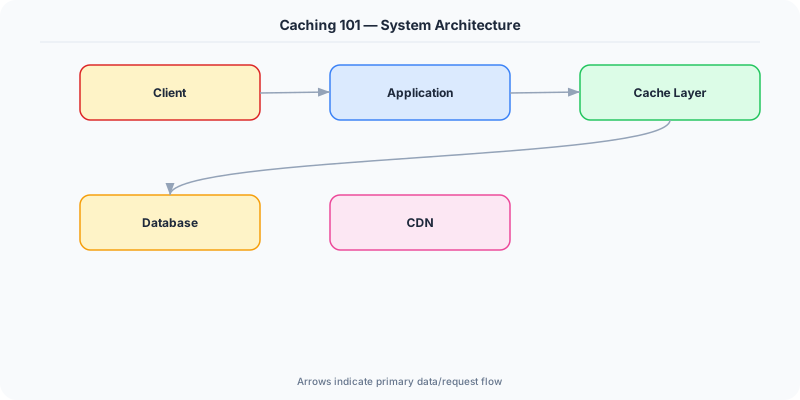
Caching stores frequently accessed data in a fast storage layer (in-memory) so future requests can be served without hitting the slower origin (database, API, disk). Caching is the single most effective technique for improving system performance.
How It Works
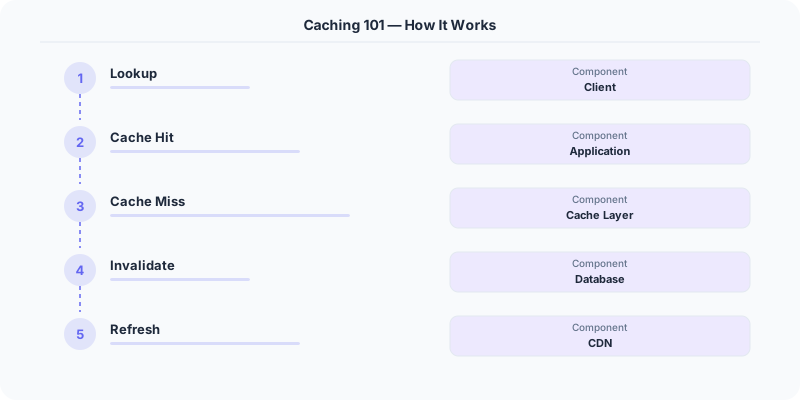
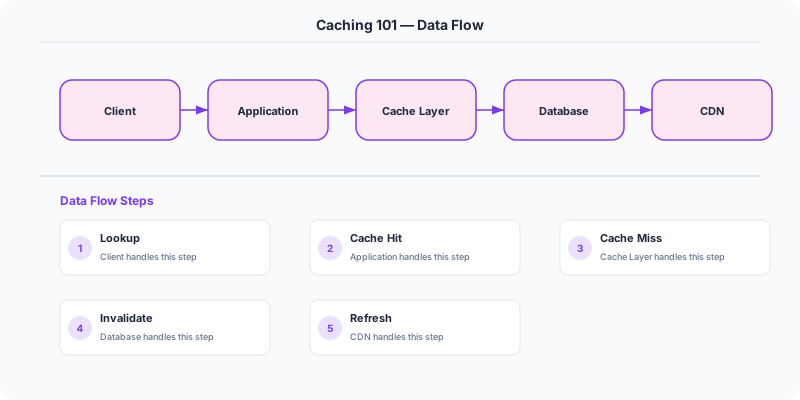
Application requests data → check Redis cache → if hit, return cached data (1ms). If miss, query database (50ms), store result in Redis with TTL, return data. Subsequent requests for the same data hit the cache.
For write operations, you must decide how to keep the cache and database in sync (see caching strategies).
The Decision Framework
- Cache hit/miss: A hit means data was found in cache. A miss means data must be fetched from origin and cached for future use.
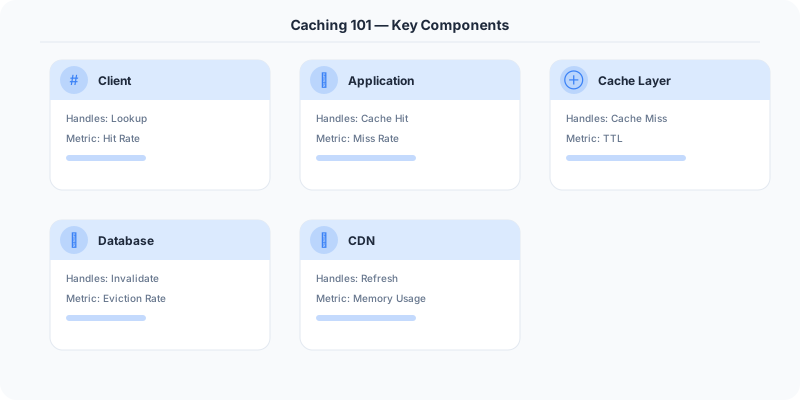
- Cache layers: Browser cache → CDN → Application cache (Redis) → Database query cache → OS page cache.
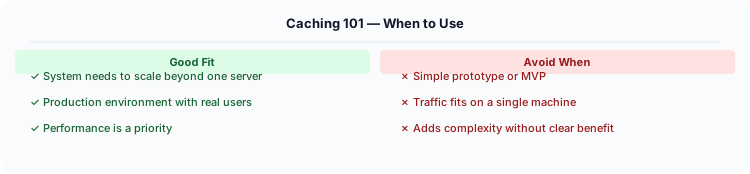
- Cacheability: Cache data that is read frequently, changes infrequently, and is expensive to compute. Do NOT cache sensitive data or rapidly changing data.
- TTL (Time to Live): Every cache entry should have an expiration time. Prevents serving infinitely stale data.
- Cache warming: Pre-populate the cache before traffic arrives (after deployment, after cache flush) to avoid a thundering herd of cache misses.
What the Industry Uses
Facebook caches social graph data in Memcached — 75 billion requests per day served from cache.
Twitter caches timelines in Redis. When you open Twitter, your feed is served from cache, not computed on the fly.
Stack Overflow caches HTML fragments, query results, and user sessions in Redis, serving millions of requests per second.
Performance and Tradeoffs
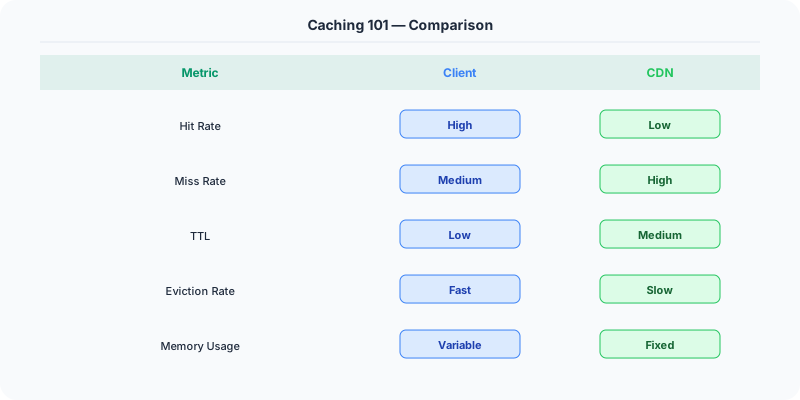
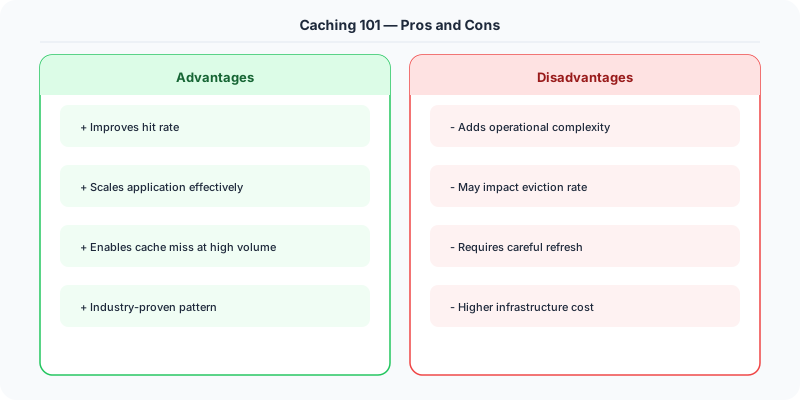
- Freshness vs Performance: Longer TTL = faster but potentially stale. Shorter TTL = fresher but more origin hits.
- Memory vs Hit rate: Bigger cache = higher hit rate but more expensive.
- Consistency: Cache and database can get out of sync if invalidation fails.
Mistakes Engineers Make
- Caching without a TTL — stale data stays forever
- Not handling cache misses gracefully — thundering herd crashes the database
- Caching too much — fills memory with rarely accessed data
- Not monitoring cache hit rate — a low hit rate means caching is not helping
Practice These Interview Questions
- What is caching and why is it important?
- What data is suitable for caching?
- What is cache invalidation and why is it hard?
- What is a thundering herd problem?
Caching in .NET Applications
The .NET ecosystem provides multiple caching layers, from in-memory to distributed:
IMemoryCache for single-server caching — built into ASP.NET Core, zero configuration:
// Register in Program.cs
builder.Services.AddMemoryCache();

// Use in your service
public class CatalogService
    private readonly IMemoryCache _cache;
    public Product GetProduct(int id)
        return _cache.GetOrCreate($"product:{id}", entry =>
            entry.AbsoluteExpirationRelativeToNow = TimeSpan.FromMinutes(5);
            return _dbContext.Products.Find(id);
        );
IDistributedCache for multi-server caching — backed by Redis in production. This is critical when you have multiple application servers behind a load balancer. Every server must see the same cached data.

Response Caching Middleware — cache entire HTTP responses at the middleware level. Add [ResponseCache(Duration = 60)] to controller actions for static content like product pages or blog posts.
Real example at scale: Microsoft Teams (built on .NET) caches user presence data, channel memberships, and recent messages in Redis. When you open Teams and see "2 unread messages" instantly, that is coming from cache — not a database query.
Further Reading
How to Explain This in an Interview
Here is how I would explain Caching 101 in a system design interview:
Caching is the most impactful performance optimization in any system. I would use the cache-aside pattern: the application checks Redis first, on a miss reads from the database, stores the result in Redis with a TTL, and returns it to the client. This handles 80-90% of reads without hitting the database at all. The hard part is invalidation — when the underlying data changes, you need to either delete the cache key or accept stale reads for the TTL duration. I would start with TTL-based expiration (say 5 minutes) and only add active invalidation for data where freshness is critical, like account balances or inventory counts. In .NET, you would use IDistributedCache with a Redis backing store — ASP.NET Core has built-in support for this pattern.
The Real-World Incident That Made This Famous
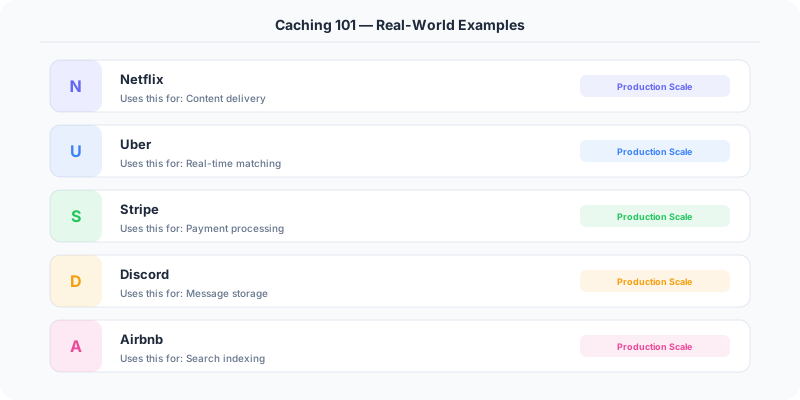
Understanding Caching 101 became critical after multiple high-profile production incidents at major tech companies. When systems handle millions of users, even small misunderstandings about Caching 101 can lead to cascading failures that cost millions in lost revenue and erode user trust. Companies like Netflix, Google, Amazon, and Meta have all invested heavily in mastering Caching 101 because they learned the hard way that ignoring it leads to outages.
The key lesson from these incidents: Caching 101 is not just a theoretical concept — it is a practical skill that separates engineers who build resilient systems from those who build fragile ones.
How Senior Engineers Think About This
Senior engineers approach Caching 101 differently from textbook definitions. Instead of memorizing rules, they build mental models. They ask: "What problem does Caching 101 solve? When does it fail? What are the alternatives?" This problem-first thinking leads to better design decisions because every system has unique constraints.
When evaluating Caching 101 in a system design context, experienced engineers consider the failure modes first. What happens when this component goes down? How does the system degrade? Is the degradation graceful or catastrophic? These questions reveal more about your understanding than any textbook definition.
Common Interview Mistakes
Mistake 1: Giving a textbook definition without context. Interviewers want to see you connect Caching 101 to real systems and real problems.
Mistake 2: Not discussing trade-offs. Every design decision involving Caching 101 has trade-offs. Discuss what you gain and what you give up.
Mistake 3: Overcomplicating the solution. Start with the simplest approach to Caching 101 that meets the requirements, then add complexity only when justified.
Production Checklist
- Define clear metrics for measuring the effectiveness of your Caching 101 implementation
- Set up monitoring and alerting that specifically tracks Caching 101-related failures
- Document your Caching 101 design decisions in Architecture Decision Records (ADRs)
- Test failure scenarios related to Caching 101 in staging before production deployment
- Review and update your Caching 101 implementation quarterly as system requirements evolve
- Train new team members on the specific Caching 101 patterns used in your system
Read the original source | Content from System-Design-Overview