Vertical vs Horizontal Scaling
Vertical scaling (scale up) adds more resources to a single machine. Horizontal scaling (scale out) adds more machines.
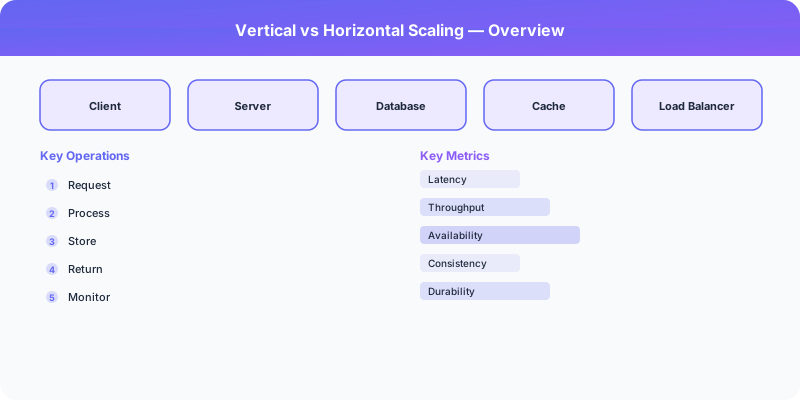
Vertical scaling (scale up) adds more resources to a single machine. Horizontal scaling (scale out) adds more machines. This is the most fundamental scaling tradeoff.
Which Should You Pick?
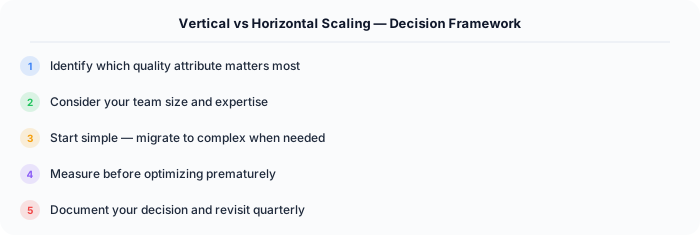
It depends on what matters most for your system. Here is a quick decision framework:
Go with Vertical Scaling if:
- Traffic is predictable and moderate
- Strong consistency is required
- Team is small and prefers simplicity
- Database workload fits on one machine
Go with Horizontal Scaling if:
- Traffic is unpredictable or very high
- The system must survive server failures
- Global distribution is needed
- Team has distributed systems expertise
Understanding Vertical Scaling
Add more CPU, RAM, SSD to one server. AWS supports instances up to 24 TB RAM.
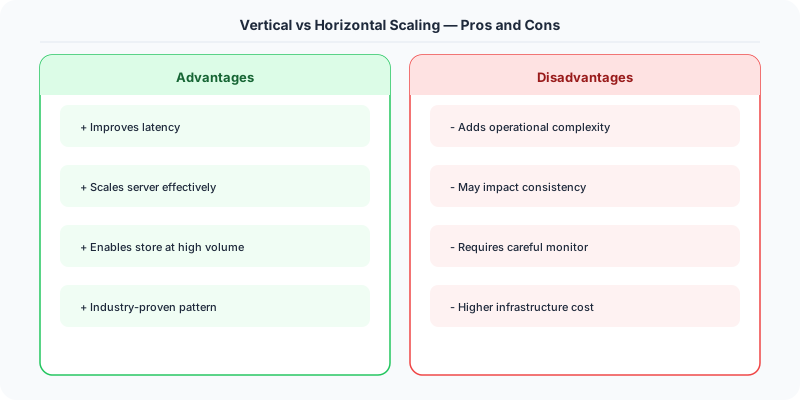
Upsides: Simple — no code changes needed, No distributed systems complexity, ACID transactions work natively, Lower operational cost for small-medium scale.
Downsides: Hard limit on single-machine resources, Single point of failure, Expensive per unit of performance at high end, Downtime during upgrades.
Understanding Horizontal Scaling
Add more machines behind a load balancer. Distribute data across shards.
Upsides: Theoretically unlimited scale, No single point of failure, Cost-effective at large scale, Supports geographic distribution.
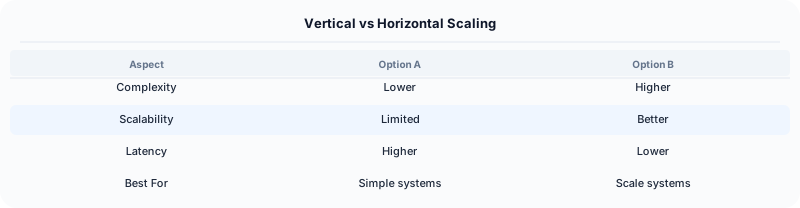
Downsides: Distributed systems complexity, Network communication overhead, Data consistency challenges, Requires stateless application design.
How Companies Handle This
Stack Overflow runs on a single vertically-scaled SQL Server with 1.5 TB RAM — proof that vertical scaling works for many workloads.
Instagram scales horizontally across many PostgreSQL shards, each handling a subset of user data.
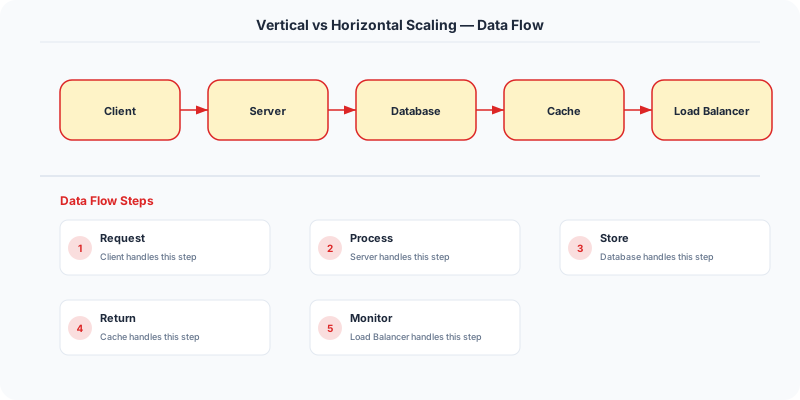
Most startups should start with vertical scaling and switch to horizontal when they hit limits.
What to Say in an Interview
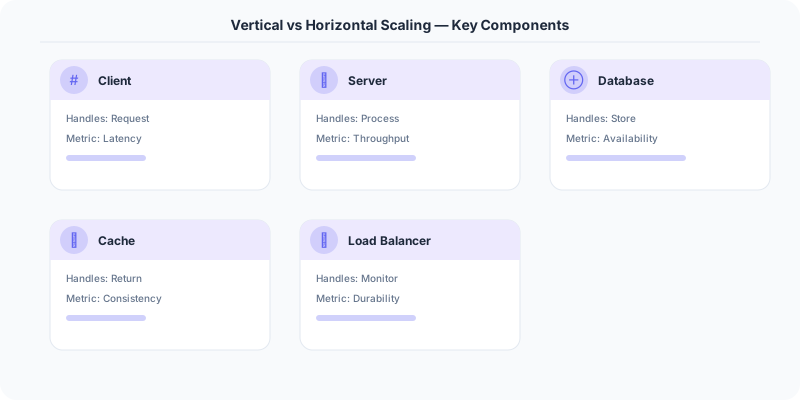
In interviews, always start by asking about scale requirements. If it's 10K users, vertical scaling is fine. If it's 100M users, you'll need horizontal scaling. Never jump to horizontal scaling without justification.
Source | System-Design-Overview
Practical Implementation for .NET Developers
In a .NET application, you would typically implement this pattern using the following approach:
ASP.NET Core setup: Create a service class that encapsulates the logic, register it with dependency injection, and inject it into your controllers or minimal API endpoints. The built-in DI container handles lifecycle management.
Entity Framework Core: For database interactions, EF Core provides the ORM layer. Use migrations for schema management and raw SQL for performance-critical queries. Consider Dapper for read-heavy paths where EF Core's overhead matters.
Azure integration: If deploying to Azure, leverage managed services — Azure Cache for Redis, Azure SQL, Azure Service Bus, Azure Cosmos DB. These eliminate operational overhead and provide built-in monitoring through Application Insights.
Testing: Use xUnit with Testcontainers for integration tests that spin up real databases in Docker. Mock external dependencies with NSubstitute. The WebApplicationFactory class lets you test your entire HTTP pipeline in-process.
Monitoring: Add Application Insights telemetry to track request latency, dependency calls, and custom metrics. Use structured logging with Serilog to make production debugging possible:
Log.Information("Processing order {OrderId} for {CustomerId}", orderId, customerId);
This gives you searchable, structured logs in Azure Monitor or Seq.
Real-World Decision Framework
Vertical scaling (scale up) means adding more power to a single machine — more CPU, RAM, or faster storage. Horizontal scaling (scale out) means adding more machines to distribute the load. Every system eventually faces this choice.
When Vertical Scaling Wins
Vertical scaling is simpler and often cheaper initially. Use it when:
- Your application is not distributed: A monolithic Rails or Django app runs on one server. Adding RAM from 16GB to 64GB is faster than rewriting for distributed deployment.
- Database workloads: PostgreSQL and MySQL perform better on a single powerful machine than across shards, up to a point. Stack Overflow runs on just 2 SQL Server instances with 1.5TB RAM each.
- Development and staging: No need to horizontally scale non-production environments.
- Latency-sensitive workloads: A single machine avoids network hops between distributed components.
Limits: You hit a ceiling — the largest AWS instance (u-24tb1.112xlarge) has 448 CPUs and 24TB RAM. Beyond that, you must scale horizontally.
When Horizontal Scaling Wins
Horizontal scaling is essential for internet-scale workloads:
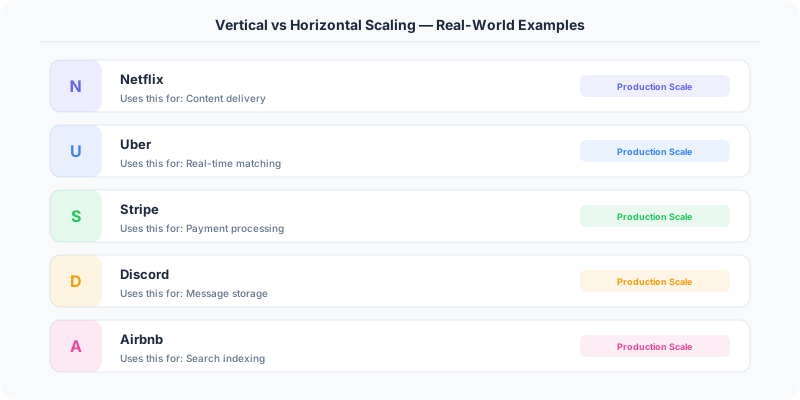
- Web servers: Add more application server instances behind a load balancer. Netflix runs thousands of EC2 instances.
- Stateless services: Microservices that share no state can be replicated freely. Kubernetes makes this trivial with replica sets.
- Read-heavy databases: Add read replicas. Amazon RDS supports up to 15 read replicas.
- Message processing: Add more Kafka consumer instances to increase throughput.
- Geographic distribution: Serve users from regional data centers (impossible with vertical scaling alone).
Cost Comparison
Vertical scaling has a non-linear cost curve — doubling RAM from 128GB to 256GB costs more than 2x because high-end hardware carries premium pricing. Horizontal scaling has a more linear cost curve — 10 small machines often cost less than 1 machine with 10x the power.
The Real Answer for Interviews
In interviews, the answer is almost always "start vertical, plan for horizontal." Explain why:
- Vertical is faster to implement (no code changes needed).
- Vertical works until you hit hardware limits or availability requirements.
- Horizontal requires architectural changes (stateless design, shared-nothing, distributed caching).
- Horizontal enables fault tolerance — if one machine dies, others continue.
.NET Implementation
Vertical: Increase AppService plan tier or VM size in Azure. Horizontal: Use Azure App Service with auto-scaling rules, or deploy to Azure Kubernetes Service (AKS) with Horizontal Pod Autoscaler. Use Redis for distributed session state so instances share nothing.