TCP vs UDP — Choosing the Right Transport Protocol
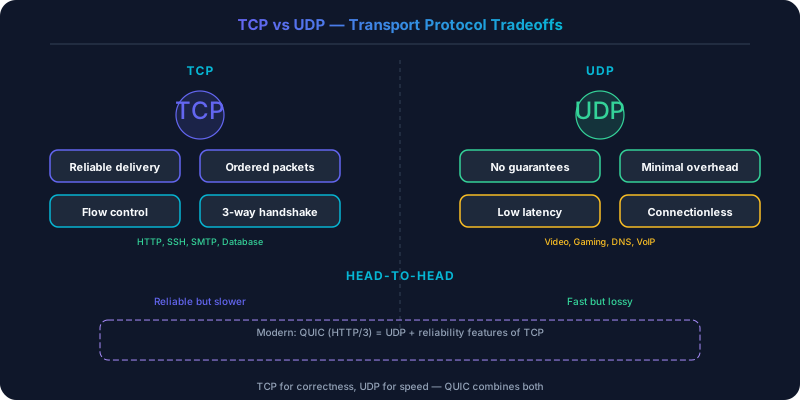
TCP provides reliable, ordered delivery with flow control and congestion management. UDP provides raw speed with minimal overhead.
TCP provides reliable, ordered delivery with flow control and congestion management. UDP provides raw speed with minimal overhead. The choice affects every networked system, from web APIs to real-time gaming.
Which Should You Pick?
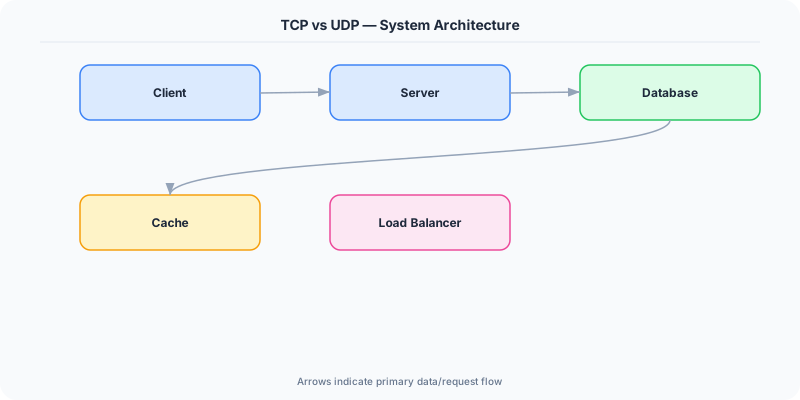
Go with TCP if:
- Every byte must arrive and arrive in order (file transfer, database replication)
- You are building request-response protocols (HTTP, gRPC)
- You need built-in congestion control (public internet traffic)
- Reliability is more important than latency
Go with UDP if:
- Low latency matters more than guaranteed delivery (live video, gaming)
- You can tolerate packet loss (a dropped video frame is better than a delayed one)
- You need multicast or broadcast support
- You want to implement your own reliability layer (QUIC)
Understanding TCP
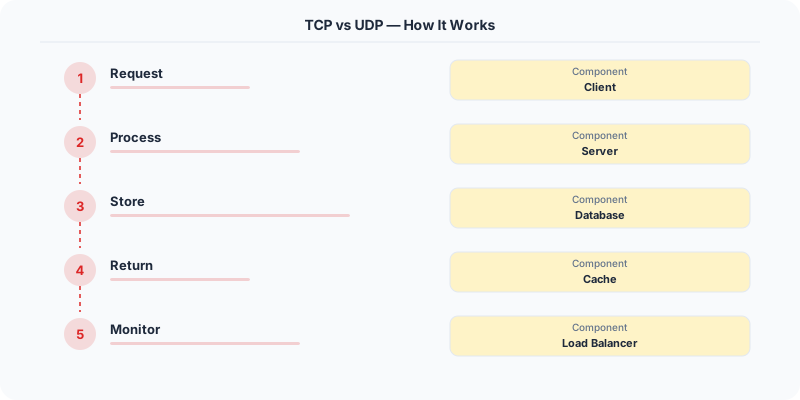
TCP (Transmission Control Protocol) establishes a connection between two endpoints through a three-way handshake (SYN, SYN-ACK, ACK) before any data flows. This handshake takes one round trip, adding 50-200ms depending on geographic distance.
Once connected, TCP guarantees:
- Reliable delivery: Every segment is acknowledged. Lost segments are retransmitted.
- Ordered delivery: Segments arrive at the application in the order they were sent, even if they arrive out of order at the network layer.
- Flow control: The receiver advertises a window size, preventing the sender from overwhelming it.
- Congestion control: Algorithms like cubic and BBR detect network congestion and throttle the sending rate to prevent collapse.
The cost: The three-way handshake adds latency to connection establishment. TLS adds another round trip (or two) on top. Head-of-line blocking means that if one segment is lost, all subsequent segments are buffered until the lost one is retransmitted — even if those subsequent segments are for independent data streams. This is why HTTP/2 over TCP can actually be slower than HTTP/1.1 with multiple connections under high packet loss.
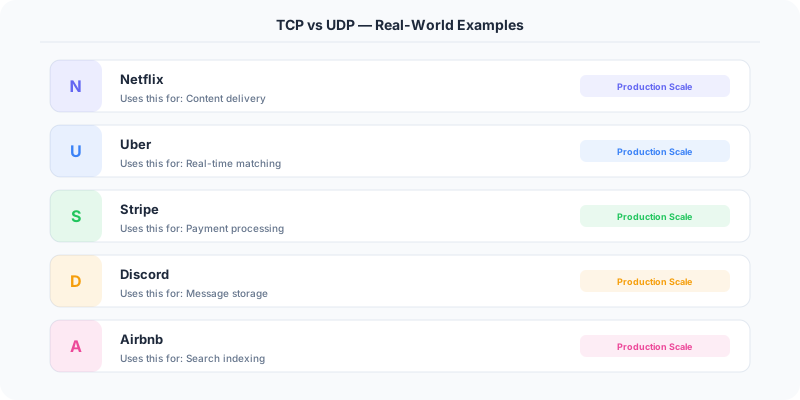
Netflix, Stripe, and every web application uses TCP (via HTTP/HTTPS) for their APIs. The reliability guarantees are worth the latency cost for transactional operations.
Understanding UDP
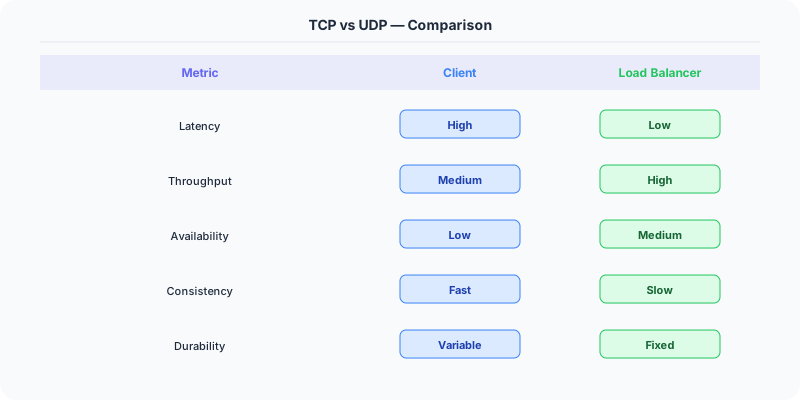
UDP (User Datagram Protocol) is connectionless. There is no handshake, no acknowledgment, no ordering, no congestion control. You send a datagram and hope it arrives.
Strengths: Zero connection setup overhead — the first byte of data can be sent immediately. No head-of-line blocking — each datagram is independent. Lower per-packet overhead (8-byte UDP header vs 20-byte TCP header). Supports multicast (one packet sent to many receivers simultaneously).
Weaknesses: No reliability guarantee — packets can be lost, duplicated, or arrive out of order. No congestion control — a naive UDP sender can flood the network and cause congestion for everyone. No built-in flow control — the sender can overwhelm the receiver.
Zoom, Discord voice, and online gaming use UDP because a delayed packet is worse than a lost packet. If a voice frame arrives 200ms late, it is useless — the conversation has moved on. Better to skip it and play the next frame on time.
The QUIC Revolution
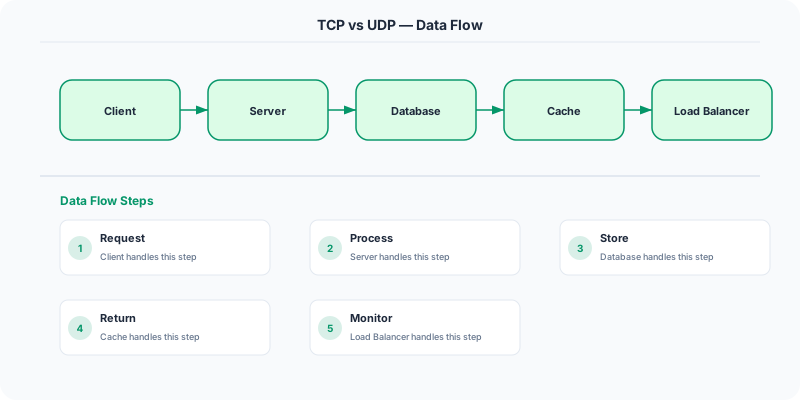
QUIC (used by HTTP/3) is built on UDP but adds TCP-like reliability at the application layer. It solves TCP's head-of-line blocking problem by multiplexing independent streams within a single connection. If one stream loses a packet, only that stream blocks — other streams continue unaffected.
QUIC also integrates TLS 1.3 into the handshake, achieving a secure connection in a single round trip (0-RTT for repeat connections). Google reported that QUIC reduced search latency by 8% and video rebuffering by 18% compared to TCP.
This is the modern pattern: use UDP as the transport and build exactly the reliability guarantees you need at the application layer. You get the speed of UDP with the safety of TCP, minus the parts you do not need.
Real-World Systems
Online gaming (Valorant, Fortnite): UDP for game state updates. A player's position 50ms ago is irrelevant. If a packet is lost, the next update corrects the state. Games implement their own lightweight reliability for critical events (damage, kills) on top of UDP.
DNS: UDP for queries (typically under 512 bytes, fits in one datagram). TCP as a fallback for large responses or zone transfers.
Video streaming (Twitch, YouTube Live): Traditionally TCP (HLS, DASH over HTTP). Increasingly QUIC for lower latency. WebRTC uses UDP for peer-to-peer video in applications like Google Meet.
Database replication: TCP, always. Losing a single transaction during replication is unacceptable. PostgreSQL streaming replication, MySQL binary log shipping, and Kafka broker-to-broker communication all use TCP.
Side-by-Side Comparison
| Dimension | TCP | UDP |
|---|---|---|
| Connection | Connection-oriented (handshake) | Connectionless |
| Reliability | Guaranteed delivery | Best effort |
| Ordering | Ordered | No ordering |
| Overhead | 20-byte header + state | 8-byte header |
| Latency | Higher (handshake, retransmits) | Lower (fire and forget) |
| Congestion Control | Built-in | None (application must handle) |
| Use Case | Web, APIs, file transfer | Gaming, voice, video, DNS |
For 90% of system design scenarios, TCP (via HTTP/HTTPS) is the correct default. Reach for UDP only when latency requirements are strict and you can tolerate or compensate for packet loss. And increasingly, QUIC gives you the best of both worlds.
Practical Implementation for .NET Developers
In a .NET application, you would typically implement this pattern using the following approach:
ASP.NET Core setup: Create a service class that encapsulates the logic, register it with dependency injection, and inject it into your controllers or minimal API endpoints. The built-in DI container handles lifecycle management.
Entity Framework Core: For database interactions, EF Core provides the ORM layer. Use migrations for schema management and raw SQL for performance-critical queries. Consider Dapper for read-heavy paths where EF Core's overhead matters.
Azure integration: If deploying to Azure, leverage managed services — Azure Cache for Redis, Azure SQL, Azure Service Bus, Azure Cosmos DB. These eliminate operational overhead and provide built-in monitoring through Application Insights.
Testing: Use xUnit with Testcontainers for integration tests that spin up real databases in Docker. Mock external dependencies with NSubstitute. The WebApplicationFactory class lets you test your entire HTTP pipeline in-process.
Monitoring: Add Application Insights telemetry to track request latency, dependency calls, and custom metrics. Use structured logging with Serilog to make production debugging possible:
Log.Information("Processing order {OrderId} for {CustomerId}", orderId, customerId);
This gives you searchable, structured logs in Azure Monitor or Seq.