SQL vs NoSQL — How to Choose the Right Database
Relational databases offer ACID transactions, mature tooling, and powerful query languages.
Relational databases offer ACID transactions, mature tooling, and powerful query languages. NoSQL databases offer flexible schemas, horizontal write scaling, and optimized access patterns. Choosing between them depends on your data model, consistency requirements, and scale.
Which Should You Pick?
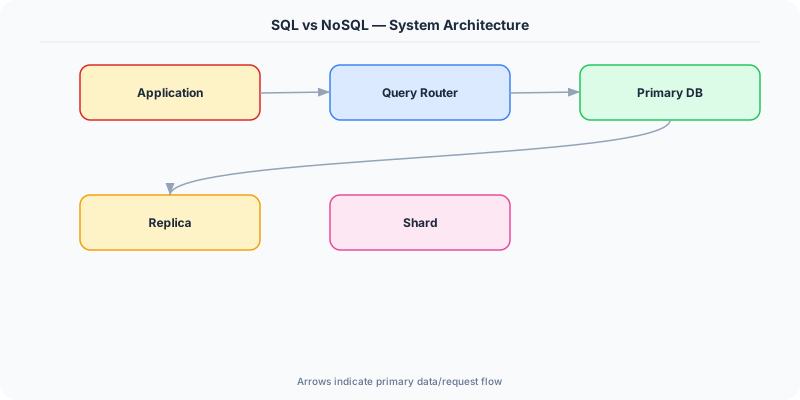
Go with SQL if:
- Your data has clear relationships and you need joins
- ACID transactions are a requirement (financial systems, inventory)
- You need ad-hoc queries and complex aggregations
- Your schema is stable and well-understood
- Your team has strong SQL expertise
Go with NoSQL if:
- Your access patterns are well-defined and query-driven
- You need horizontal write scaling beyond what a single machine handles
- Your data model is hierarchical, sparse, or varies across records
- You need single-digit millisecond reads at any scale
- Schema flexibility matters (rapid iteration, varying document structures)
Understanding SQL Databases
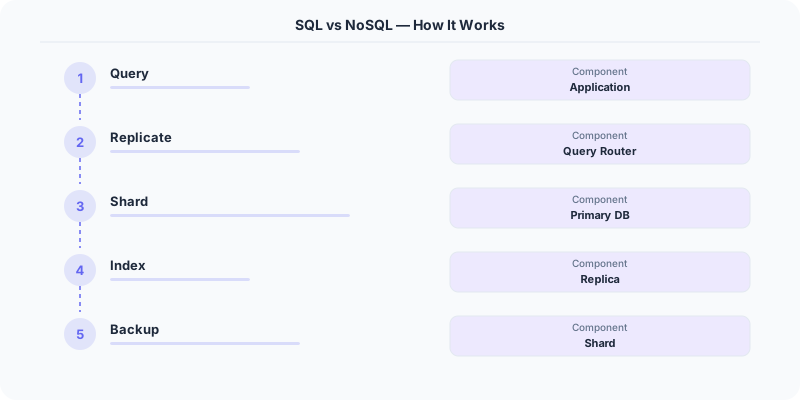
Relational databases (PostgreSQL, MySQL, SQL Server) store data in tables with rows and columns. Tables are related through foreign keys. The SQL query language lets you join, filter, aggregate, and transform data in almost any way.
Strengths: ACID transactions guarantee that a transfer between two bank accounts either completes fully or not at all. PostgreSQL can handle complex analytical queries across billions of rows with proper indexing. The schema enforces data integrity — you cannot insert an order referencing a non-existent customer. Decades of tooling, ORMs, and operational knowledge exist.
Weaknesses: Vertical scaling hits physical limits. Sharding a relational database is painful because joins across shards are expensive or impossible. Schema migrations on large tables can lock the table for hours. Connection limits become a bottleneck under high concurrency.
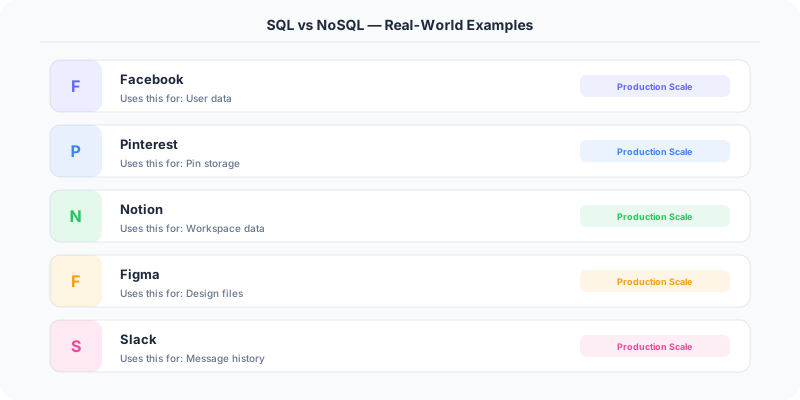
Instagram chose PostgreSQL and still uses it as their primary database. They shard by user ID across thousands of PostgreSQL instances. The tradeoff: they gave up cross-shard joins and built application-level logic to handle queries that span shards.
Understanding NoSQL Databases
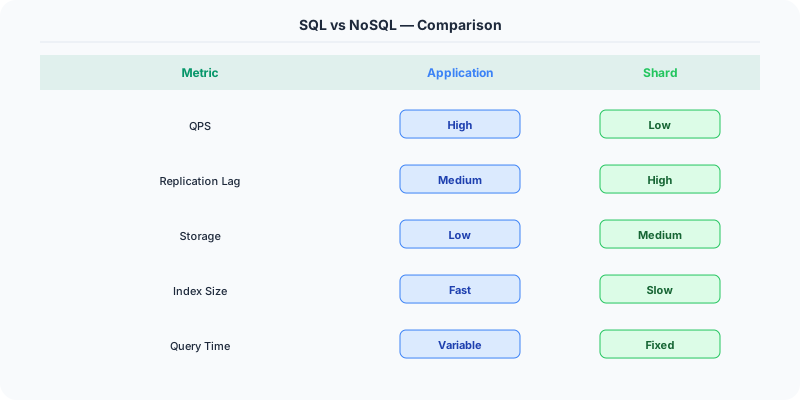
NoSQL encompasses four distinct categories, each optimized for different access patterns:
Key-value stores (Redis, DynamoDB in simple mode) provide O(1) lookups by key. Perfect for session storage, caching, and feature flags. Limited query capability — you can only get by key.
Document stores (MongoDB, Firestore) store JSON-like documents. Good for content management, user profiles, and product catalogs where each document is accessed as a unit.
Wide-column stores (Cassandra, ScyllaDB, HBase) optimize for range queries within a partition. Ideal for time-series data, messaging, and IoT telemetry. Discord uses ScyllaDB for message storage.
Graph databases (Neo4j, Neptune) model and traverse relationships. Social networks, recommendation engines, and fraud detection graphs are natural fits.
Strengths: Horizontal scaling is built into the architecture. DynamoDB and Cassandra scale writes linearly by adding nodes. Flexible schemas accommodate evolving data without migrations. Purpose-built data models (document, graph, wide-column) match specific access patterns perfectly.
Weaknesses: No joins means denormalization and data duplication. Eventual consistency requires application-level handling of stale reads. The query language is limited compared to SQL — you design the schema around your queries, not the other way around. Tooling is less mature, and each NoSQL database has its own operational characteristics.
The Real-World Decision Framework
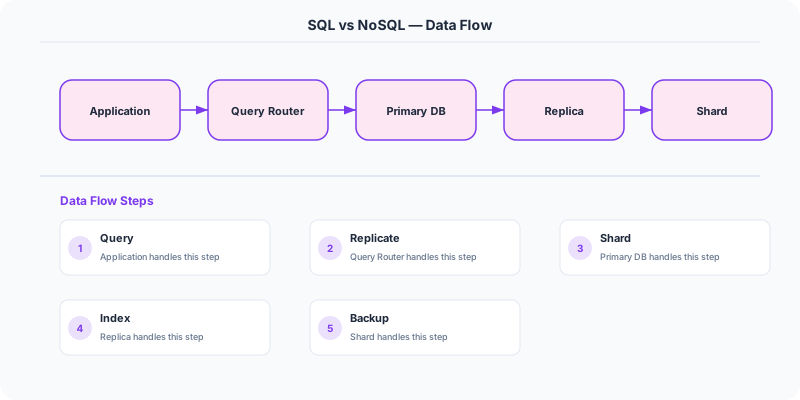
The decision is rarely pure SQL or pure NoSQL. Most production systems use both.
Airbnb uses MySQL for bookings and financial transactions (ACID required) and Elasticsearch for search (optimized for text queries and filtering). Uber uses PostgreSQL for trip metadata, Cassandra for driver location tracking (high write throughput), and Redis for caching and real-time features. Netflix uses MySQL for billing and account data, Cassandra for viewing history and recommendations, and EVCache (Memcached-based) for caching.
The pattern is clear: use the right database for each access pattern. Transactional data goes in SQL. High-throughput, simple-access-pattern data goes in NoSQL. Cache layers sit in front of both.
What Interviewers Want to Hear
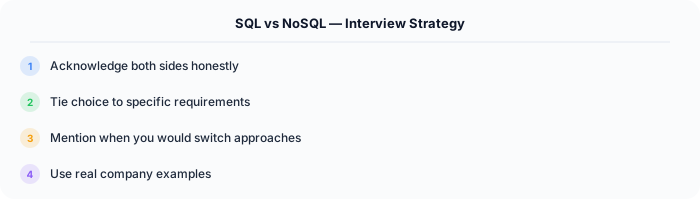
When an interviewer asks "SQL or NoSQL?", they want to hear your reasoning process, not a single answer. Start by asking about the access patterns, consistency requirements, scale, and team expertise. Then justify your choice with specific tradeoffs. Saying "NoSQL because it scales better" is weak. Saying "Cassandra for the event log because we need high write throughput for 500K events per second, eventual consistency is acceptable for analytics data, and the access pattern is always by partition key and time range" demonstrates engineering judgment.
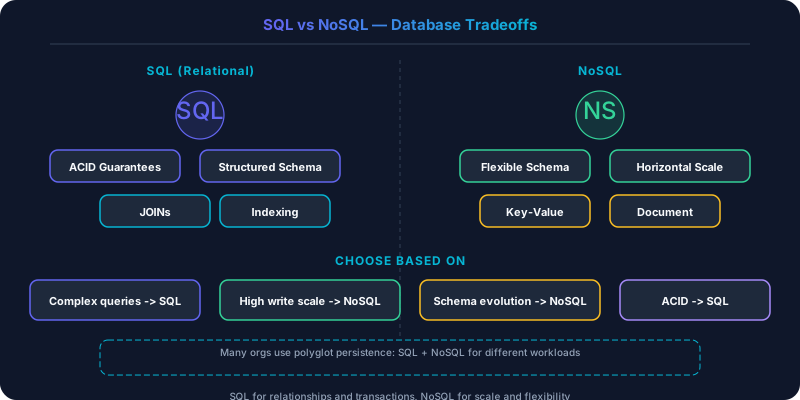
Side-by-Side Comparison
| Dimension | SQL | NoSQL |
|---|---|---|
| Schema | Fixed, enforced | Flexible, schema-on-read |
| Scaling | Primarily vertical | Horizontal by design |
| Consistency | Strong (ACID) | Tunable (eventual to strong) |
| Query Power | Rich (joins, aggregations) | Limited (key-based, range) |
| Transactions | Multi-row, multi-table | Usually single-document |
| Data Model | Normalized tables | Denormalized documents/columns |
| Maturity | 40+ years of tooling | 15+ years, rapidly evolving |
| Best For | Complex queries, transactions | High throughput, simple access |
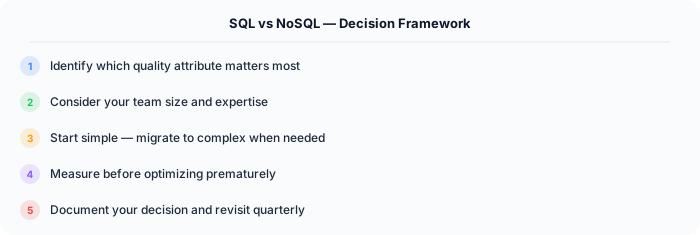
The honest answer for most systems: start with PostgreSQL. It handles more than people think. Add NoSQL databases when you hit specific limitations that PostgreSQL cannot solve — write throughput, schema flexibility, or access pattern optimization. Premature database diversification adds operational complexity that kills small teams.
Practical Implementation for .NET Developers
In a .NET application, you would typically implement this pattern using the following approach:
ASP.NET Core setup: Create a service class that encapsulates the logic, register it with dependency injection, and inject it into your controllers or minimal API endpoints. The built-in DI container handles lifecycle management.
Entity Framework Core: For database interactions, EF Core provides the ORM layer. Use migrations for schema management and raw SQL for performance-critical queries. Consider Dapper for read-heavy paths where EF Core's overhead matters.
Azure integration: If deploying to Azure, leverage managed services — Azure Cache for Redis, Azure SQL, Azure Service Bus, Azure Cosmos DB. These eliminate operational overhead and provide built-in monitoring through Application Insights.
Testing: Use xUnit with Testcontainers for integration tests that spin up real databases in Docker. Mock external dependencies with NSubstitute. The WebApplicationFactory class lets you test your entire HTTP pipeline in-process.
Monitoring: Add Application Insights telemetry to track request latency, dependency calls, and custom metrics. Use structured logging with Serilog to make production debugging possible:
Log.Information("Processing order {OrderId} for {CustomerId}", orderId, customerId);
This gives you searchable, structured logs in Azure Monitor or Seq.