Push vs Pull Architecture
In push architecture, the server sends data to clients when events occur (WebSockets, webhooks, push notifications).
The Tradeoff
In push architecture, the server sends data to clients when events occur (WebSockets, webhooks, push notifications). In pull architecture, clients request data when they need it (HTTP polling, REST API calls).
Push: A Closer Look
Server proactively sends data to clients. Events trigger immediate delivery.
The Good
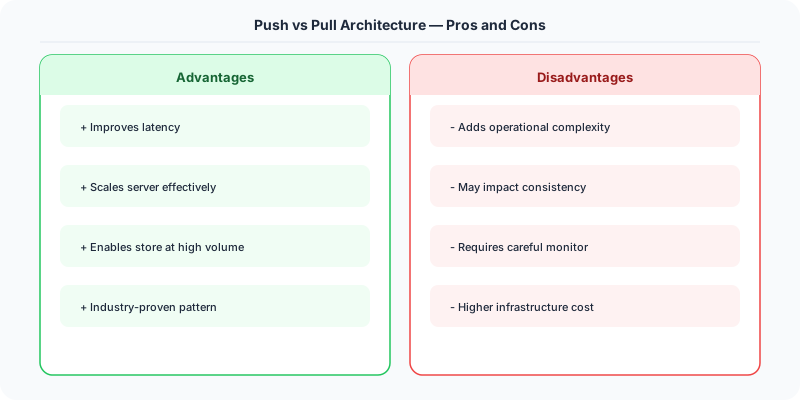
- Real-time updates
- Lower latency
- Efficient — no wasted requests
The Bad
- Requires persistent connections
- Harder to scale (track all subscribers)
- Client must handle unsolicited messages
Pull: A Closer Look
Clients request data on their own schedule. Standard HTTP request-response.
The Good
- Simple to implement
- Stateless server
- Easy to scale and cache
The Bad
- Latency (polling interval)
- Wasted requests when no new data
- Not truly real-time
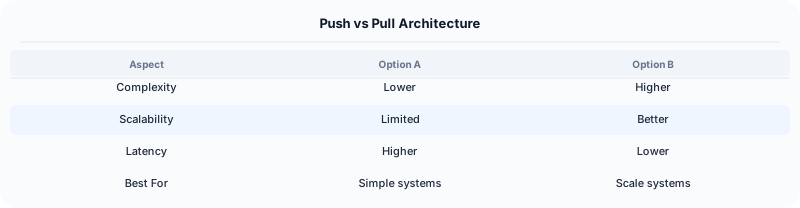
Quick Comparison
| Push | Pull | |
|---|---|---|
| Best for | Real-time features (chat, notifications) | Standard APIs |
Real-World Examples
Gmail uses push (IMAP IDLE) for real-time email notifications, but the web UI polls for updates.
Twitter uses fan-out-on-write (push) for users with few followers and fan-out-on-read (pull) for celebrities with millions of followers.
GitHub uses webhooks (push) to notify CI/CD systems of new commits.
Interview Advice
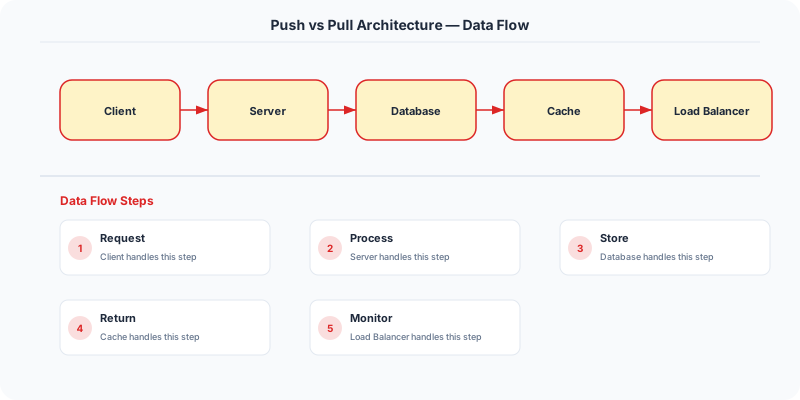
Twitter's hybrid approach is a great interview example: push timelines for normal users (fast reads), pull for celebrity tweets (avoid writing to millions of follower timelines).
Source | System-Design-Overview
Practical Implementation for .NET Developers
In a .NET application, you would typically implement this pattern using the following approach:
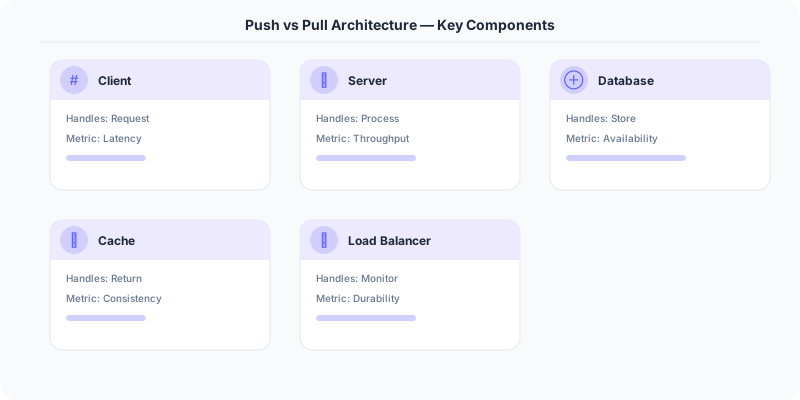
ASP.NET Core setup: Create a service class that encapsulates the logic, register it with dependency injection, and inject it into your controllers or minimal API endpoints. The built-in DI container handles lifecycle management.
Entity Framework Core: For database interactions, EF Core provides the ORM layer. Use migrations for schema management and raw SQL for performance-critical queries. Consider Dapper for read-heavy paths where EF Core's overhead matters.
Azure integration: If deploying to Azure, leverage managed services — Azure Cache for Redis, Azure SQL, Azure Service Bus, Azure Cosmos DB. These eliminate operational overhead and provide built-in monitoring through Application Insights.
Testing: Use xUnit with Testcontainers for integration tests that spin up real databases in Docker. Mock external dependencies with NSubstitute. The WebApplicationFactory class lets you test your entire HTTP pipeline in-process.
Monitoring: Add Application Insights telemetry to track request latency, dependency calls, and custom metrics. Use structured logging with Serilog to make production debugging possible:
Log.Information("Processing order {OrderId} for {CustomerId}", orderId, customerId);
This gives you searchable, structured logs in Azure Monitor or Seq.
Real-World Decision Framework
In a push architecture, the server sends data to clients when new data is available. In a pull architecture, clients periodically request data from the server. This fundamental choice shapes real-time behavior, resource usage, and scalability.
When Push Architecture Wins
Push is ideal when timeliness matters and you have a manageable number of active connections. Examples:
- Chat applications: WhatsApp and Slack push new messages to connected clients via WebSocket.
- Live notifications: Facebook pushes notification badges the moment someone likes your post.
- Stock tickers: Trading platforms push price updates every millisecond to active traders.
- Collaborative editing: Google Docs pushes character-by-character changes to all viewers.
Technologies: WebSockets, Server-Sent Events (SSE), gRPC streaming, Firebase Cloud Messaging.
When Pull Architecture Wins
Pull is better when data freshness requirements are relaxed and you have many consumers. Examples:
- Email clients: Gmail checks for new emails every few minutes rather than maintaining a permanent connection.
- RSS feeds: Podcast apps poll feeds every hour to check for new episodes.
- API integrations: Third-party apps poll your REST API for updated data.
- Monitoring dashboards: Prometheus pulls metrics from application endpoints every 15 seconds.
Technologies: REST APIs with polling, RSS/Atom feeds, Prometheus scraping.
The Fan-Out Problem
The key scalability concern with push is fan-out. When a celebrity tweets to 50 million followers, pushing that tweet to all followers simultaneously creates a massive write amplification. Twitter solves this with a hybrid approach: push to followers with fewer than 10,000 connections (most users), pull for celebrity tweets (computed on read).
Decision Checklist for Interviews
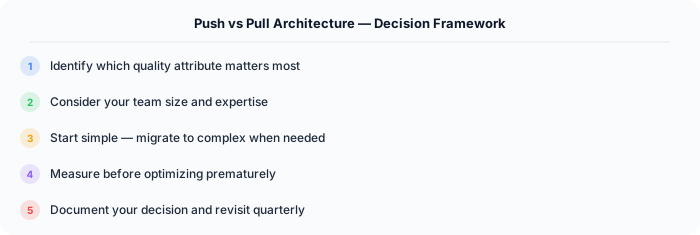
- How many consumers? Few → push. Millions → consider pull or hybrid.
- How fresh must data be? Real-time → push. Minutes OK → pull.
- Is the connection persistent? Yes (WebSocket) → push. Stateless (HTTP) → pull.
- What is the write-to-read ratio? High writes → pull (avoid write amplification). High reads → push.
.NET Implementation
Push: Use ASP.NET Core SignalR for real-time push over WebSocket with automatic fallback to Server-Sent Events and long polling. Pull: Standard REST API endpoints with ETags and conditional requests for efficient polling. Use IMemoryCache to avoid database hits on repeated polls.