When to Choose Monolith vs Microservices
A monolith is a single deployable unit — simple to develop, test, and deploy. Microservices decompose functionality into independently deployable services.
A monolith is a single deployable unit — simple to develop, test, and deploy. Microservices decompose functionality into independently deployable services — flexible but operationally complex. The right choice depends on team size, organizational structure, and system requirements.
Which Should You Pick?
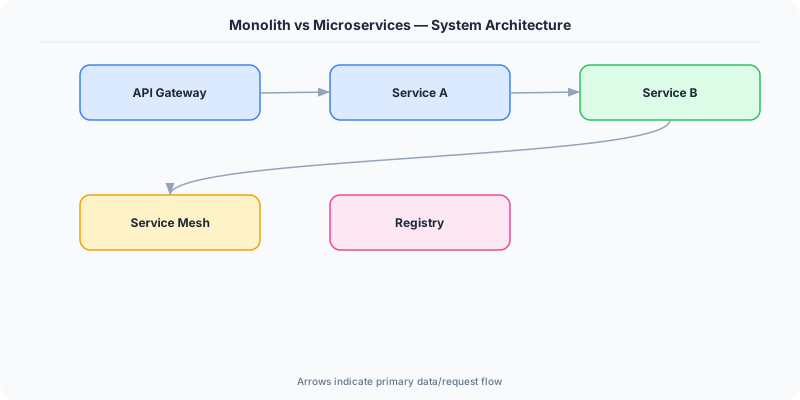
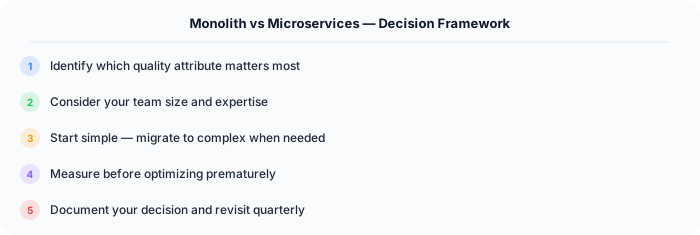
Go with a Monolith if:
- Your team has fewer than 20 engineers
- Product requirements are still evolving rapidly
- You lack dedicated platform or DevOps engineers
- Cross-module transactions are a core requirement
- You want maximum development speed in the short term
Go with Microservices if:
- Multiple teams need independent deployment cycles
- Components have drastically different scaling needs
- You have the operational maturity for distributed systems
- Fault isolation between business domains is critical
- Your organization has grown past the point where a monolith is manageable
Understanding Monoliths
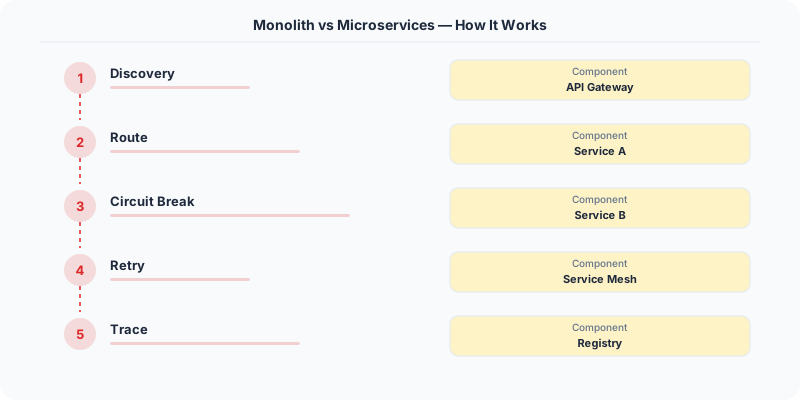
A monolith packages all application logic into one deployment artifact. All modules share a process, a database, and a release cycle.
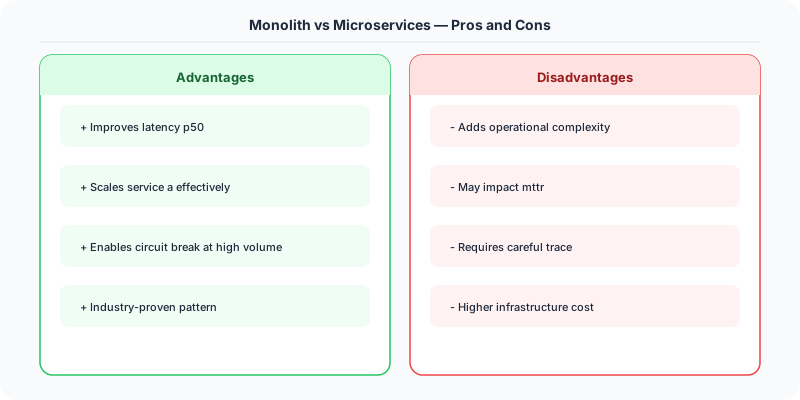
Strengths: Development is fast — there is one repo to clone, one build to run, and the entire system is debuggable in a single IDE session. Refactoring is safe because the compiler catches broken references. Cross-cutting changes (updating a shared library, changing the logging format) happen in one pull request. Database transactions span the full domain model without distributed coordination.
Weaknesses: As the codebase grows past 500K lines, build times increase, test suites slow down, and merge conflicts become a daily occurrence. Deployment risk increases because a bug in any module can block the entire release. Scaling is coarse-grained: you cannot scale the CPU-heavy image processing module independently from the I/O-heavy API layer.
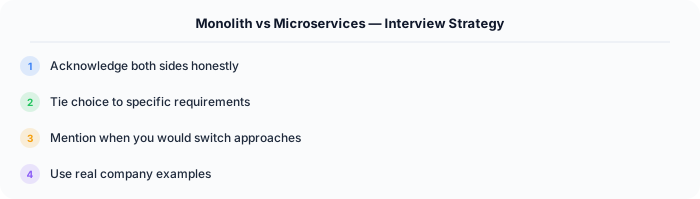
Stack Overflow serves 1.3 billion page views per month from a monolith running on 9 web servers. Their team is small enough that the coordination benefits of a monolith outweigh the scaling flexibility of microservices.
Understanding Microservices
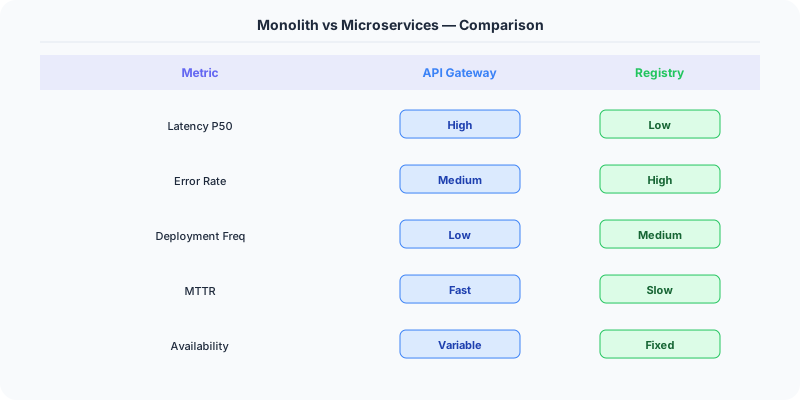
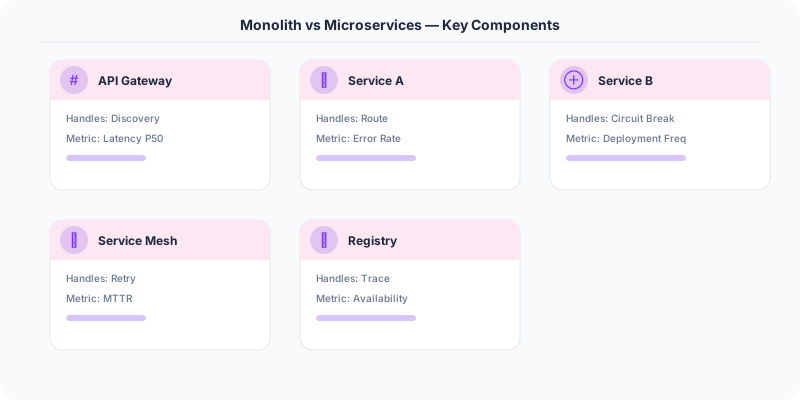
Microservices split the application into small, focused services that communicate over the network via APIs (REST, gRPC) or events (Kafka, RabbitMQ).
Strengths: Teams own their services end-to-end, deploying independently. A failure in the recommendation engine does not take down checkout. Different services can use different tech stacks. Scaling is granular — the search service gets 100 instances during a sale while the admin panel stays at 2.
Weaknesses: Distributed systems are fundamentally harder than single-process applications. Network calls fail. Partial failures are difficult to handle. Data consistency across services requires sagas or eventual consistency. Operational overhead is significant: each service needs monitoring, alerting, CI/CD, and on-call support. Integration testing is painful because it requires spinning up the full service graph.
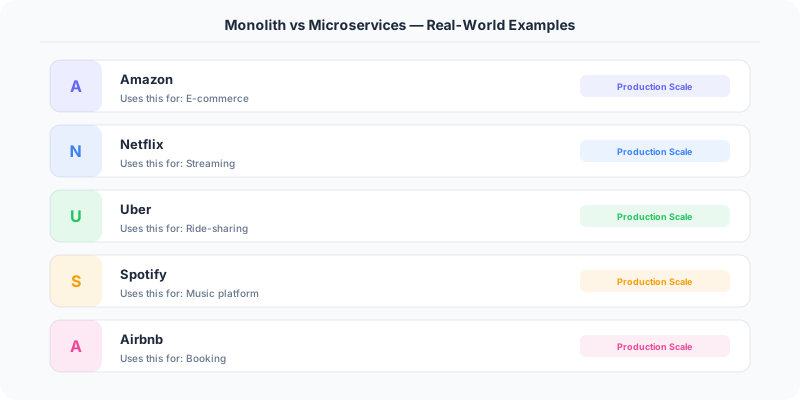
Amazon runs thousands of microservices. They also have thousands of engineers and a world-class internal platform (Apollo, Coral, Pipelines) that abstracts away most of the operational complexity. Without that level of investment in tooling, microservices create more problems than they solve.
The Hidden Costs People Ignore
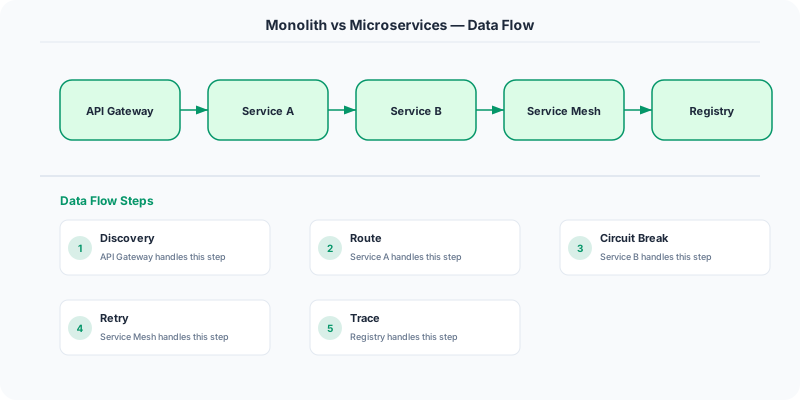
Microservices tax on latency. Every inter-service call adds 1-10ms of network latency plus serialization overhead. A request that touches 10 services accumulates 10-100ms of overhead that a monolith does not have. Twitter discovered that their microservices architecture added significant latency to the timeline rendering path, leading them to optimize aggressively with caching and request coalescing.
Monolith tax on team velocity. When 100 engineers commit to the same repo, the trunk is always in flux. Feature flags, canary deployments, and modular architecture help, but the coordination overhead grows non-linearly with team size. Google manages this with a monorepo and extraordinary tooling (Blaze/Bazel, code review infrastructure, automated testing at scale).
The distributed monolith anti-pattern. The worst outcome is microservices that are tightly coupled: they must be deployed together, they share a database, and changing one requires changing three others. You get all the operational complexity of microservices with none of the benefits. This happens when teams split services along technical boundaries (API service, database service) rather than business boundaries (payments service, inventory service).

Migration Reality
Most successful microservices architectures evolved from monoliths. Netflix started as a monolith, hit scaling limits, and gradually extracted services over years. Shopify took a different path: they kept the monolith but invested in internal modularization (components with clear interfaces and separate databases).
The Strangler Fig pattern is the safest migration approach: route new features to new services while incrementally extracting modules from the monolith. Each extraction is a small, reversible operation.
Side-by-Side Comparison
| Dimension | Monolith | Microservices |
|---|---|---|
| Deployment | Single unit, all-or-nothing | Independent per service |
| Scaling | Entire application | Per service |
| Data Consistency | ACID transactions | Eventual consistency / sagas |
| Debugging | Single stack trace | Distributed tracing required |
| Team Autonomy | Shared codebase | Full ownership |
| Operational Cost | Low | High |
| Latency | In-process calls | Network calls |
| Tech Flexibility | Single stack | Polyglot |
The mature engineering answer: start monolithic, modularize aggressively with clear domain boundaries, and extract services only when the organizational or technical pain justifies the distributed systems overhead. Microservices are not an upgrade from monoliths — they are a different set of tradeoffs.
Practical Implementation for .NET Developers
In a .NET application, you would typically implement this pattern using the following approach:
ASP.NET Core setup: Create a service class that encapsulates the logic, register it with dependency injection, and inject it into your controllers or minimal API endpoints. The built-in DI container handles lifecycle management.
Entity Framework Core: For database interactions, EF Core provides the ORM layer. Use migrations for schema management and raw SQL for performance-critical queries. Consider Dapper for read-heavy paths where EF Core's overhead matters.
Azure integration: If deploying to Azure, leverage managed services — Azure Cache for Redis, Azure SQL, Azure Service Bus, Azure Cosmos DB. These eliminate operational overhead and provide built-in monitoring through Application Insights.
Testing: Use xUnit with Testcontainers for integration tests that spin up real databases in Docker. Mock external dependencies with NSubstitute. The WebApplicationFactory class lets you test your entire HTTP pipeline in-process.
Monitoring: Add Application Insights telemetry to track request latency, dependency calls, and custom metrics. Use structured logging with Serilog to make production debugging possible:
Log.Information("Processing order {OrderId} for {CustomerId}", orderId, customerId);
This gives you searchable, structured logs in Azure Monitor or Seq.