Latency vs Throughput
Optimizing for low latency (fast individual requests) often conflicts with optimizing for high throughput (maximum requests per second).
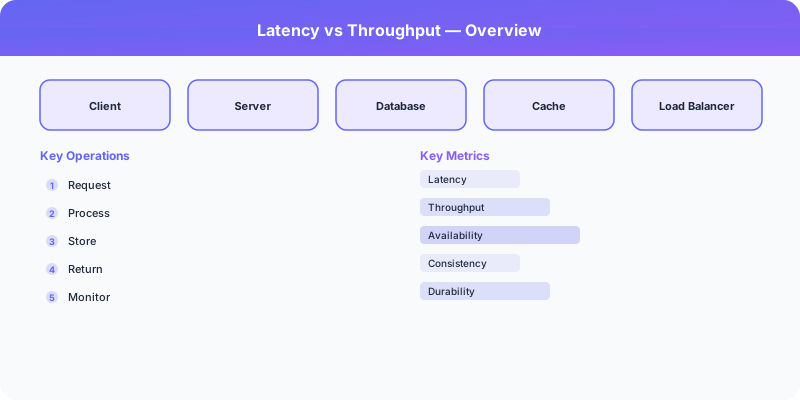
The Tradeoff
Optimizing for low latency (fast individual requests) often conflicts with optimizing for high throughput (maximum requests per second). Batching improves throughput but increases latency. Pipelining improves both but adds complexity.
Optimize for Latency: A Closer Look
Process each request as fast as possible. No batching, no queuing.
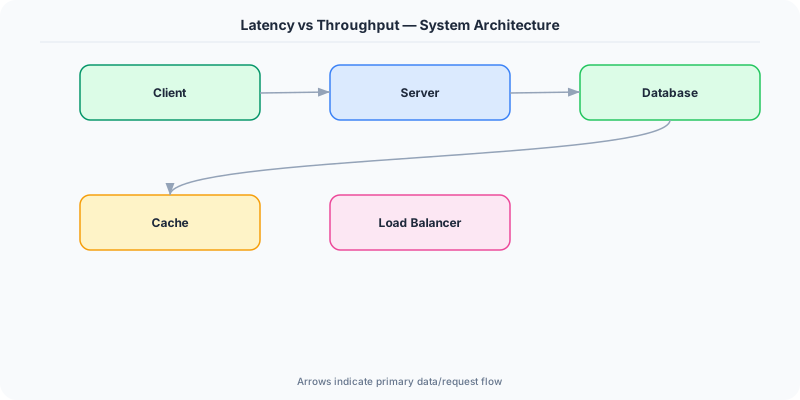
The Good
- Instant response times
- Better user experience
- Required for real-time systems
The Bad
- Lower throughput
- More expensive per request
- Cannot leverage batching efficiencies
Optimize for Throughput: A Closer Look
Maximize the number of requests processed per second. Batch operations, queue processing.
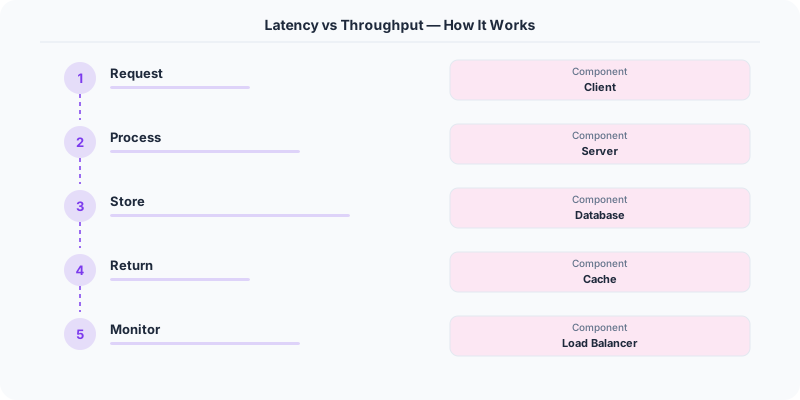
The Good
- Higher resource utilization
- Lower cost per operation
- Better for bulk processing
The Bad
- Higher individual request latency
- Buffering adds delay
- Not suitable for real-time
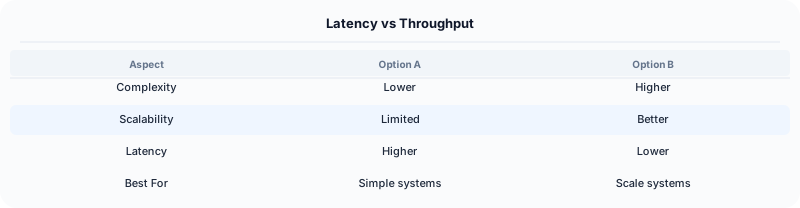
Quick Comparison
| Optimize for Latency | Optimize for Throughput | |
|---|---|---|
| Best for | User-facing API responses | Data pipelines and ETL |
Real-World Examples
Kafka optimizes for throughput by batching writes — millions of messages per second, but individual message latency is higher than direct delivery.
Redis optimizes for latency — single-threaded event loop processes commands in microseconds.
Google BigQuery optimizes for throughput — queries scan terabytes of data but have seconds of startup latency.
Interview Advice
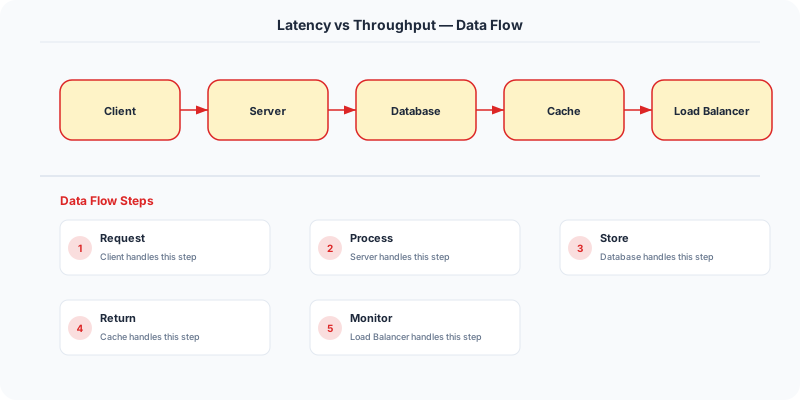
Always clarify latency requirements in the interview. 'Is this a user-facing request that needs <200ms response, or a background job where 5-second latency is acceptable?' This drives the entire architecture.
Source | System-Design-Overview
Practical Implementation for .NET Developers
In a .NET application, you would typically implement this pattern using the following approach:
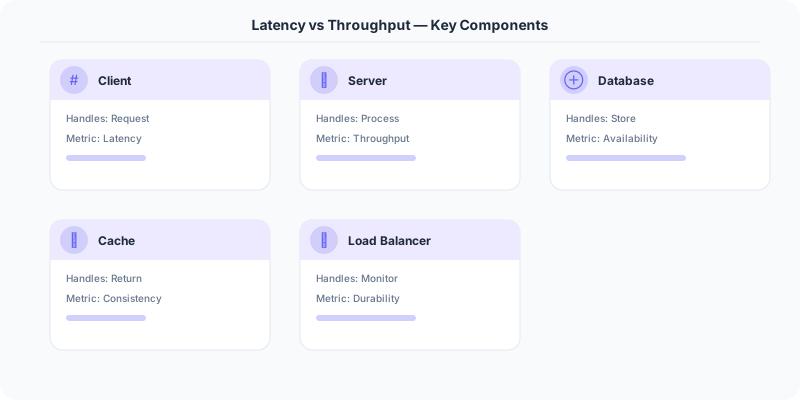
ASP.NET Core setup: Create a service class that encapsulates the logic, register it with dependency injection, and inject it into your controllers or minimal API endpoints. The built-in DI container handles lifecycle management.
Entity Framework Core: For database interactions, EF Core provides the ORM layer. Use migrations for schema management and raw SQL for performance-critical queries. Consider Dapper for read-heavy paths where EF Core's overhead matters.
Azure integration: If deploying to Azure, leverage managed services — Azure Cache for Redis, Azure SQL, Azure Service Bus, Azure Cosmos DB. These eliminate operational overhead and provide built-in monitoring through Application Insights.
Testing: Use xUnit with Testcontainers for integration tests that spin up real databases in Docker. Mock external dependencies with NSubstitute. The WebApplicationFactory class lets you test your entire HTTP pipeline in-process.
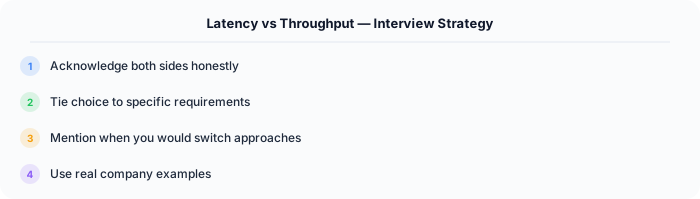
Monitoring: Add Application Insights telemetry to track request latency, dependency calls, and custom metrics. Use structured logging with Serilog to make production debugging possible:
Log.Information("Processing order {OrderId} for {CustomerId}", orderId, customerId);
This gives you searchable, structured logs in Azure Monitor or Seq.
Real-World Decision Framework
Latency is the time it takes to complete a single operation. Throughput is the number of operations completed per unit of time. Optimizing for one often comes at the expense of the other.
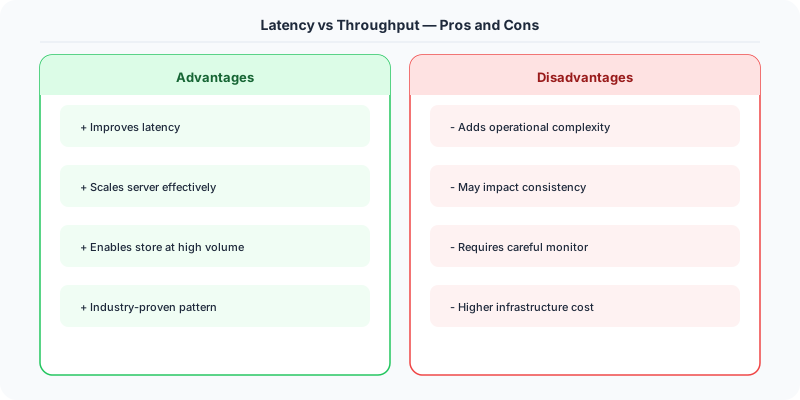
When to Optimize for Latency
Low latency matters when individual request speed directly affects user experience or business outcomes:
- Search results: Google targets under 200ms for search. Every 100ms of added latency reduces revenue by 1%.
- Trading systems: High-frequency trading firms pay millions for microseconds of advantage. A 1ms delay can cost a trade.
- Gaming: Online multiplayer games need under 50ms latency for acceptable responsiveness.
- Interactive APIs: A REST endpoint serving a mobile app should respond in under 100ms for a snappy feel.
Techniques: In-memory caching, read replicas near users, CDNs, connection pooling, pre-computed results.
When to Optimize for Throughput
High throughput matters when you need to process large volumes efficiently:
- Data pipelines: Ingesting millions of events per second into a data warehouse.
- Batch processing: Processing a day's worth of transactions for billing.
- File uploads: Handling thousands of concurrent image uploads for a social media platform.
- Log aggregation: Collecting and indexing logs from thousands of servers.
Techniques: Batching requests, async processing, parallel workers, message queues, write-ahead logs.
The Tradeoff in Practice
Batching is the most common tradeoff. Instead of writing each database row individually (low latency per write, low throughput), you batch 1,000 writes into a single transaction (higher latency per batch, much higher throughput). Kafka uses this — producers batch messages for higher throughput at the cost of slightly higher per-message latency.
Queuing trades latency for throughput stability. A message queue absorbs traffic spikes, maintaining consistent throughput but adding queue wait time to individual message latency.
Interview Tip
When discussing latency vs throughput, mention specific numbers. "We need P99 latency under 100ms" or "The system must handle 50,000 requests per second." Quantifying requirements shows maturity. Also mention that you would measure both in production using percentile metrics (P50, P95, P99) rather than averages.
.NET Implementation
Latency: Use IMemoryCache and output caching in ASP.NET Core. Throughput: Use Channel<T> for batching, System.Threading.Tasks.Dataflow for parallel pipelines, and Azure Service Bus for queue-based load leveling.