Caching vs Database Reads
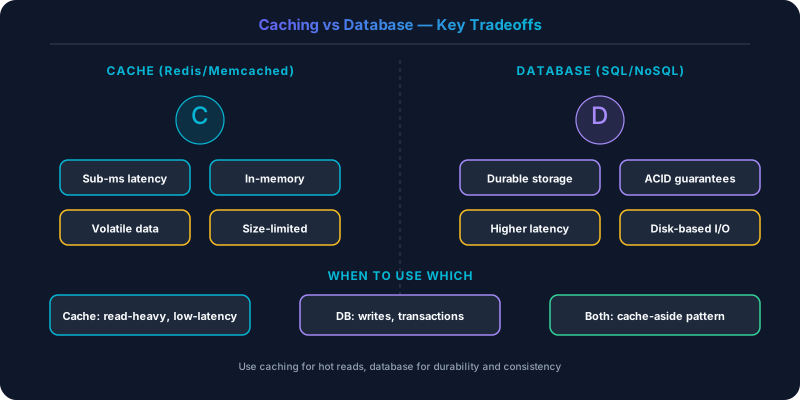
Caches deliver sub-millisecond reads from memory but add complexity around invalidation and consistency.
Caches deliver sub-millisecond reads from memory but add complexity around invalidation and consistency. Direct database reads are simpler and always fresh but slower under load. Getting the balance right is one of the most impactful performance decisions in system design.
Which Should You Pick?
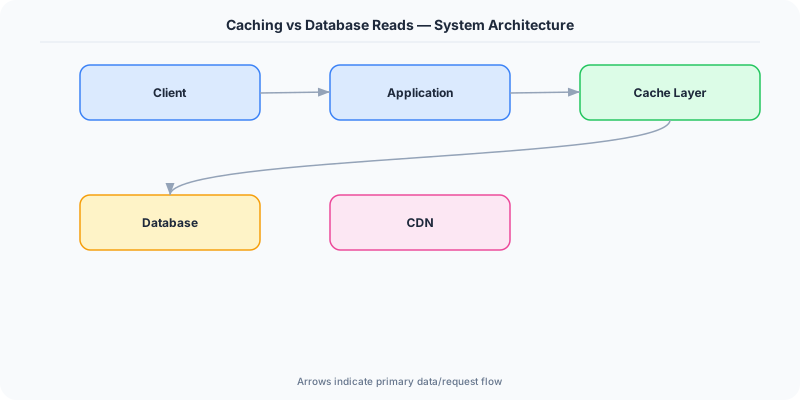
Rely on the database directly if:
- Read volume is low enough that the database handles it comfortably
- Data freshness is critical (every read must return the latest write)
- Your data set is small and fits in the database buffer pool
- Operational simplicity matters more than millisecond-level latency
Add a cache layer if:
- Read-to-write ratio is high (10:1 or more)
- The same data is read repeatedly by many clients
- Database queries are expensive (complex joins, aggregations)
- You need sub-millisecond response times for hot data
- Database CPU or connection limits are becoming a bottleneck
Understanding Direct Database Reads
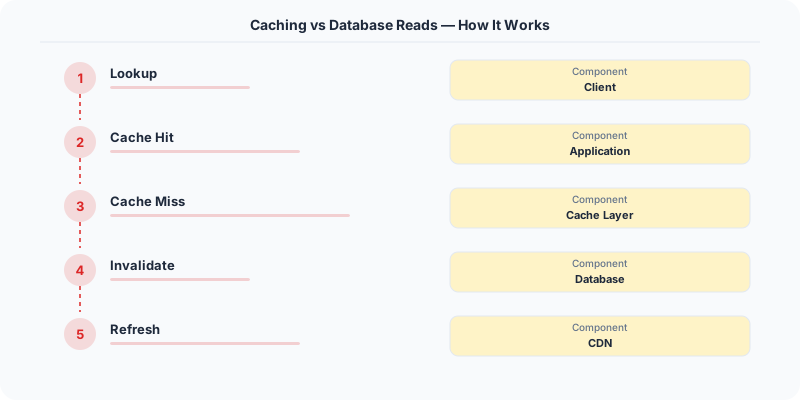
Every read goes to the database. The database query optimizer finds the best execution plan, reads from disk (or its own buffer pool), and returns the result.
Strengths: Maximum simplicity. No cache layer to deploy, monitor, or invalidate. Every read returns the freshest data. The database's own buffer pool already caches frequently accessed pages in memory. PostgreSQL's shared_buffers, MySQL's InnoDB buffer pool, and similar mechanisms mean that hot data is often served from memory even without an external cache.
Weaknesses: Database connections are expensive resources. PostgreSQL defaults to 100 max connections. Under high concurrency, connection pooling (PgBouncer) helps but adds latency. Complex queries (joins across large tables, full-text search, aggregations) consume CPU and I/O that compete with writes. Read replicas help distribute load but add replication lag.
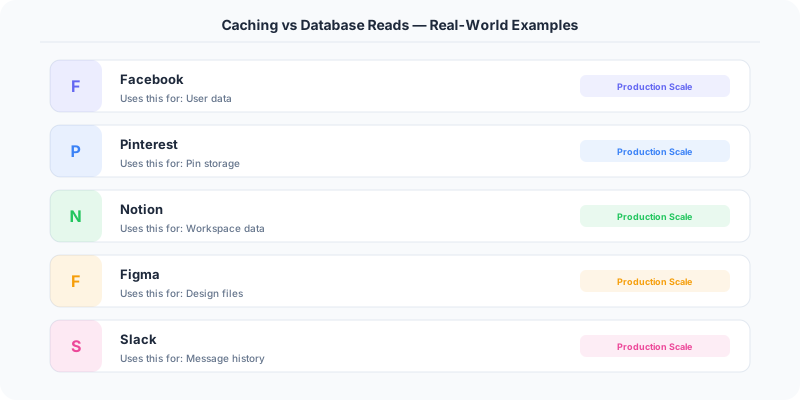
Stack Overflow serves 1.3 billion page views per month primarily from SQL Server's buffer pool, with Redis handling only specific hot-path caching. Their dataset fits in memory, and their read patterns are served efficiently by database indexes.
Understanding Cache-First Reads
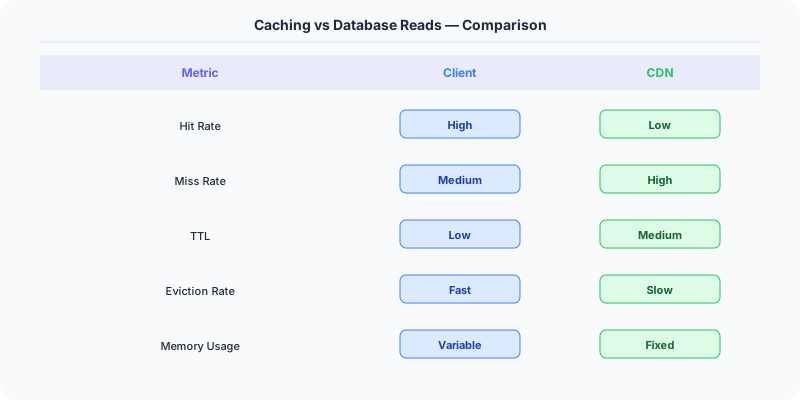
A cache (Redis, Memcached) stores precomputed or frequently accessed data in memory. The application checks the cache first; on a miss, it reads from the database and populates the cache.
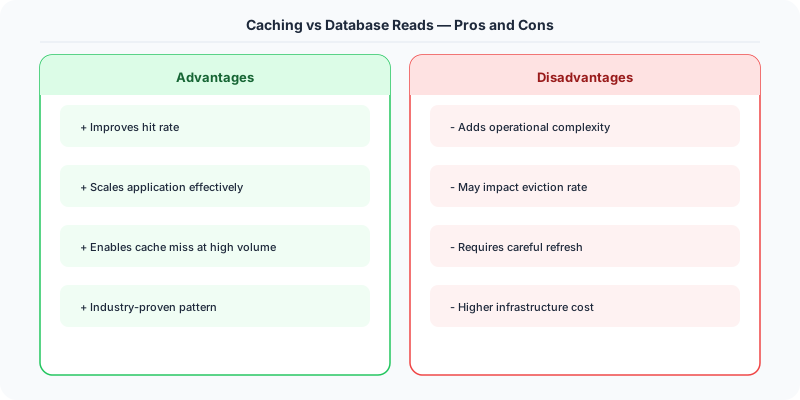
Strengths: Redis serves 100,000+ operations per second per instance with sub-millisecond latency. The database is shielded from read traffic, freeing resources for writes and complex queries. Caching computed results (aggregations, recommendation scores, rendered HTML) avoids repeated expensive computation.
Weaknesses: Cache invalidation is notoriously difficult. When the underlying data changes, the cache must be updated or evicted. Stale cache entries serve outdated data. Cache misses cause latency spikes (cold start, eviction bursts). The cache is an additional system to deploy, monitor, and maintain. Memory is expensive — caching 1TB of data in Redis costs significantly more than storing it on disk.
Facebook serves billions of requests per second from their TAO cache (built on Memcached). Without caching, their MySQL databases would need 100x more capacity. The tradeoff: TAO introduces eventual consistency. A user who updates their profile might see the old version for a brief window if they hit a cache that has not been invalidated yet.
The Invalidation Problem
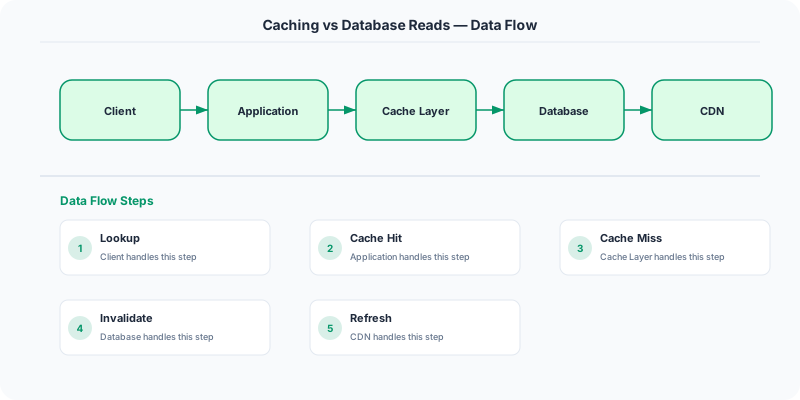
The core challenge with caching is keeping the cache consistent with the database. Common strategies:
TTL-based expiration. Set a time-to-live on each cache entry. After the TTL expires, the next read fetches from the database. Simple to implement, but stale data persists for the TTL duration. A 5-minute TTL means users might see data up to 5 minutes old.
Write-through cache. When the application writes to the database, it also writes to the cache. This keeps the cache fresh but adds latency to every write (two writes instead of one). If the cache write fails, you have inconsistency.
Cache-aside (lazy loading). The application manages the cache explicitly: check cache, miss, read database, populate cache. On writes, the application invalidates (deletes) the cache entry. The next read repopulates it. This is the most common pattern and what most Redis-backed systems use.
Write-behind cache. Writes go to the cache first, and a background process asynchronously writes to the database. This provides the lowest write latency but risks data loss if the cache fails before the database is updated. Used sparingly for non-critical data.
When Caching Backfires
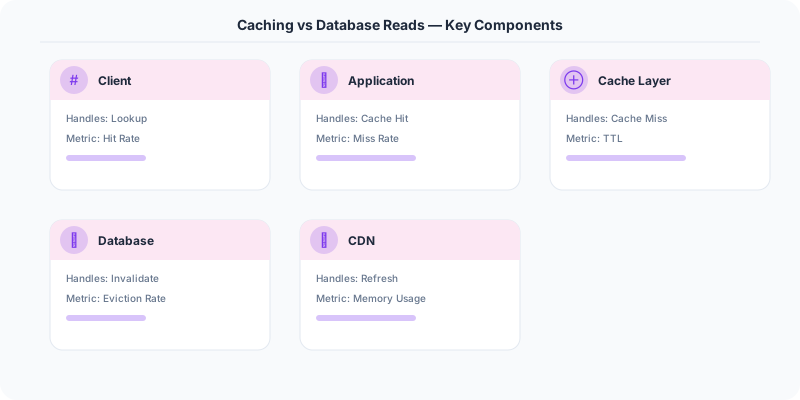
Low hit ratio. If your data is uniformly accessed (every key is equally likely to be read), caching does not help. The cache fills up with entries that are read once and evicted. You pay the complexity cost without the performance benefit. Caching works best when access follows a power-law distribution (a small percentage of keys receive most of the traffic).
Thundering herd on expiration. When a popular cache entry expires, hundreds of concurrent requests simultaneously miss the cache and hit the database. The fix: request coalescing (only one request goes to the database; others wait for the result) or proactive refresh (refresh the cache entry before it expires).
Cache stampede after deployment. Deploying a new cache cluster means starting cold. The database is suddenly serving 100% of reads instead of 5%. Cache warming (pre-populating from the database or peer caches) mitigates this.
Side-by-Side Comparison
| Dimension | Cache-First | Database-Direct |
|---|---|---|
| Read Latency | Sub-millisecond | 1-100ms |
| Data Freshness | Potentially stale | Always current |
| Infrastructure | Cache cluster + database | Database only |
| Complexity | Higher (invalidation, warming) | Lower |
| Write Impact | Must update or invalidate cache | No extra work |
| Cost Efficiency | Memory is expensive | Disk is cheap |
| Scaling Reads | Excellent (horizontal cache scaling) | Limited (read replicas) |
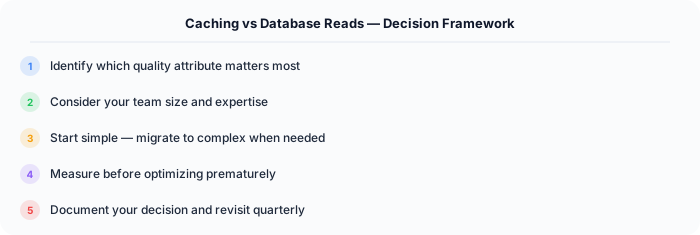
The pragmatic approach: start without a cache. Optimize database queries and indexes first. Add a cache only when you have evidence that the database cannot handle the read load or that query latency is unacceptable. When you do add caching, cache at the highest level possible (full page cache, API response cache) before caching individual database rows. Each cache layer you add is a consistency challenge you must maintain for the life of the system.
Practical Implementation for .NET Developers
In a .NET application, you would typically implement this pattern using the following approach:
ASP.NET Core setup: Create a service class that encapsulates the logic, register it with dependency injection, and inject it into your controllers or minimal API endpoints. The built-in DI container handles lifecycle management.
Entity Framework Core: For database interactions, EF Core provides the ORM layer. Use migrations for schema management and raw SQL for performance-critical queries. Consider Dapper for read-heavy paths where EF Core's overhead matters.
Azure integration: If deploying to Azure, leverage managed services — Azure Cache for Redis, Azure SQL, Azure Service Bus, Azure Cosmos DB. These eliminate operational overhead and provide built-in monitoring through Application Insights.
Testing: Use xUnit with Testcontainers for integration tests that spin up real databases in Docker. Mock external dependencies with NSubstitute. The WebApplicationFactory class lets you test your entire HTTP pipeline in-process.
Monitoring: Add Application Insights telemetry to track request latency, dependency calls, and custom metrics. Use structured logging with Serilog to make production debugging possible:
Log.Information("Processing order {OrderId} for {CustomerId}", orderId, customerId);
This gives you searchable, structured logs in Azure Monitor or Seq.