Building In-Video Search at Netflix
How Netflix built a system to search within video content using computer vision, ML models, and temporal indexing for precise frame-level retrieval.
Company Context
Netflix manages a vast content library with thousands of titles, each containing hours of video. Internal teams — editors, marketers, quality analysts — need to find specific moments within videos: a particular actor's scene, a specific location, or a visual element. Before in-video search, finding a 3-second clip in a 2-hour film required manually scrubbing through content, a process that could take hours per query.
The Problem at Scale
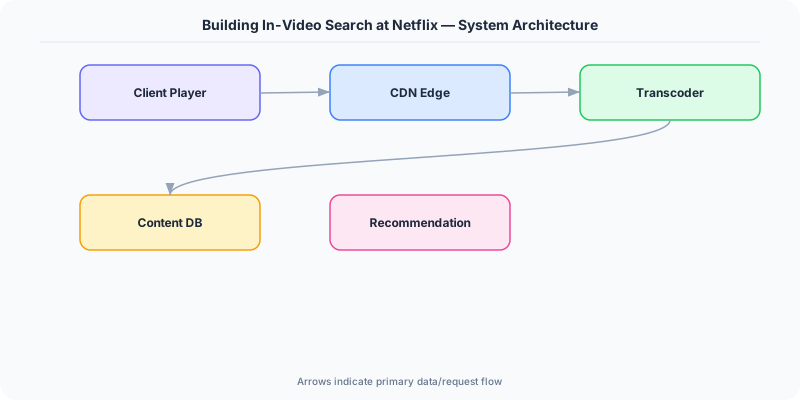
Traditional search indexes text metadata (title, description, tags), but most of the information in a video exists only in the visual and audio streams. Netflix needed a way to index the content of videos themselves — every frame, every spoken word, every on-screen text — and make it searchable with sub-second query response times across their entire catalog.
Architecture Solution
Netflix built a multi-modal content understanding pipeline that processes videos through several ML models in parallel. A scene detection model segments each video into semantically coherent scenes. Object detection and face recognition models identify people, objects, and locations in each frame. OCR extracts on-screen text (credits, signs, subtitles). ASR (Automatic Speech Recognition) transcribes spoken dialogue with timestamps.
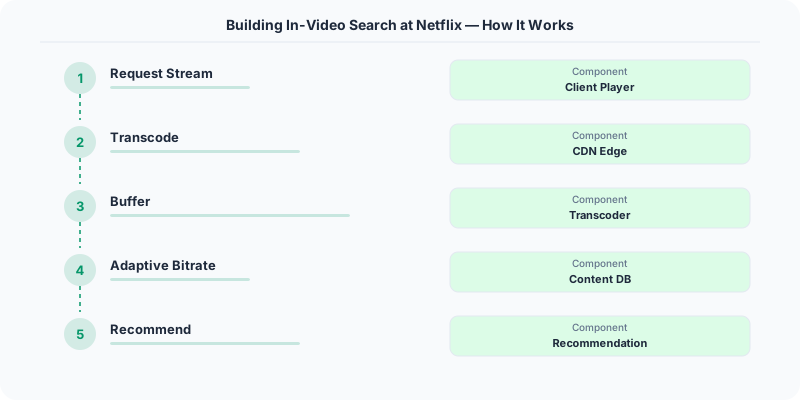
The outputs of these models are combined into a temporal index — a mapping from semantic concepts to precise time ranges within each video. This index is stored in an Elasticsearch cluster optimized for temporal range queries. When a user searches for "beach sunset with two people," the system queries across visual embeddings, recognized objects, and scene descriptions to return time-stamped results.
The processing pipeline runs on a distributed compute platform that schedules ML inference jobs across GPU clusters. New titles are processed as they are ingested, and the catalog is periodically reprocessed as models improve. Each video goes through the pipeline once, and the extracted features are cached for repeated querying.
Key Techniques Used
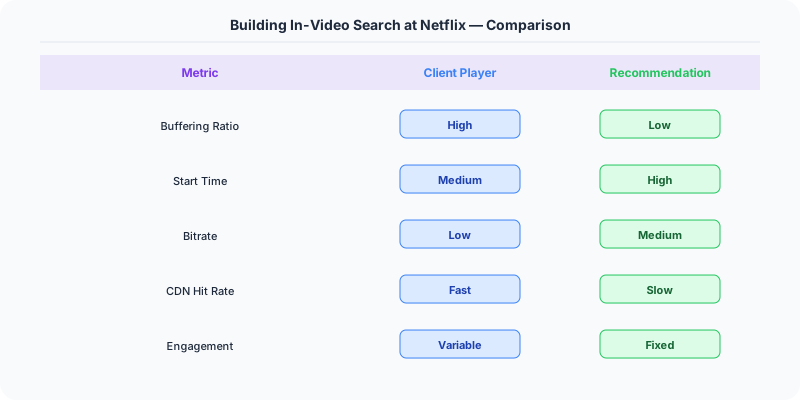
- Multi-modal feature extraction: Parallel ML models for vision, speech, text, and faces
- Temporal indexing: Time-range annotations linking concepts to specific video segments
- Vector embeddings: Semantic similarity search for visual concepts
- Scene segmentation: Breaking continuous video into searchable semantic units
- Distributed GPU scheduling: Parallel inference across large compute clusters
- Incremental processing: New content indexed on ingestion; existing content reprocessed as models improve
Lessons for System Design Interviews
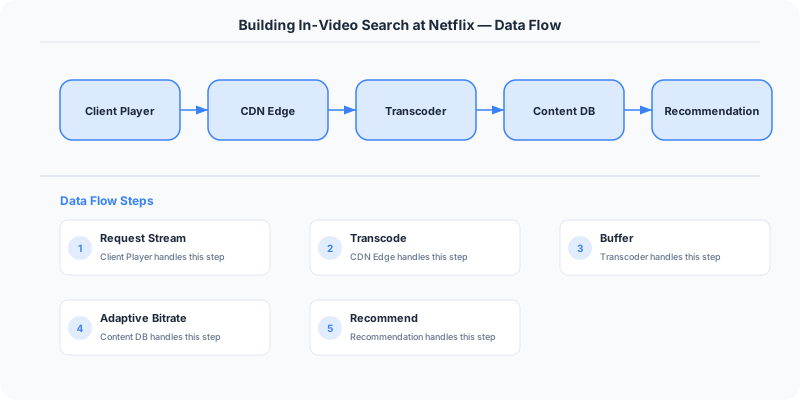
This case study demonstrates how to design a search system for non-text content. Key principles: decompose complex media into searchable features using specialized ML models, store features in an inverted index with temporal metadata, and separate the offline processing pipeline from the online query path. When asked "design a video search system," reference Netflix's approach of parallel multi-modal extraction feeding into a unified temporal index.
Lessons for Production
ML model accuracy improves over time, so the pipeline must support reprocessing existing content. The biggest cost is GPU compute for inference, so batching and scheduling matter. Pre-computing features offline and serving from an index is far cheaper than running models at query time. Design the index schema to support the queries your users will actually run.
Practical Implementation for .NET Developers
In a .NET application, you would typically implement this pattern using the following approach:
ASP.NET Core setup: Create a service class that encapsulates the logic, register it with dependency injection, and inject it into your controllers or minimal API endpoints. The built-in DI container handles lifecycle management.
Entity Framework Core: For database interactions, EF Core provides the ORM layer. Use migrations for schema management and raw SQL for performance-critical queries. Consider Dapper for read-heavy paths where EF Core's overhead matters.
Azure integration: If deploying to Azure, leverage managed services — Azure Cache for Redis, Azure SQL, Azure Service Bus, Azure Cosmos DB. These eliminate operational overhead and provide built-in monitoring through Application Insights.
Testing: Use xUnit with Testcontainers for integration tests that spin up real databases in Docker. Mock external dependencies with NSubstitute. The WebApplicationFactory class lets you test your entire HTTP pipeline in-process.
Monitoring: Add Application Insights telemetry to track request latency, dependency calls, and custom metrics. Use structured logging with Serilog to make production debugging possible:
Log.Information("Processing order {OrderId} for {CustomerId}", orderId, customerId);
This gives you searchable, structured logs in Azure Monitor or Seq.
Key Takeaways for Interviews
- Understand the core problem this resource addresses and be able to explain it in 2-3 sentences without jargon
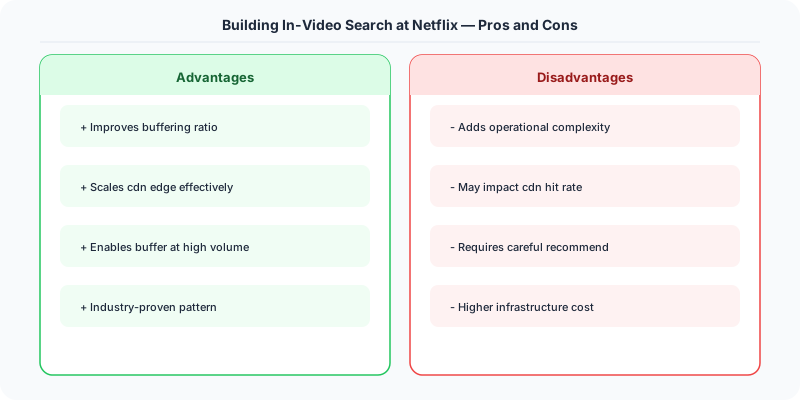
- Know the key trade-offs: what does this approach optimize for, and what does it sacrifice?
- Be ready to compare this with alternative approaches and explain when each is appropriate
- Connect the concepts to real-world systems you have worked with or studied
- Demonstrate depth by discussing failure modes and how they are handled
How This Applies to Modern .NET Systems
The concepts from this resource translate to .NET through several established libraries and patterns:
Azure managed services often abstract away the underlying distributed systems complexity, but understanding the fundamentals helps you configure them correctly, debug issues, and make informed architectural decisions.
NuGet packages in the .NET ecosystem provide production-ready implementations of many patterns described in this resource. Before building custom solutions, check if a well-maintained package already exists.
ASP.NET Core middleware pipeline is where many of these patterns are implemented in practice: caching, rate limiting, health checks, and circuit breaking all fit naturally into the middleware model.