Why LinkedIn Built Apache Kafka
The origin story of Apache Kafka — how LinkedIn's need to process billions of activity events per day led to the creation of a distributed commit log that.
Company Context
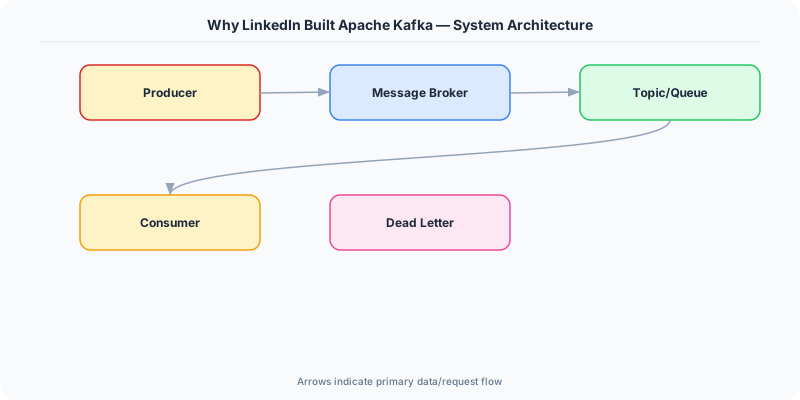
In 2010, LinkedIn was processing hundreds of millions of events per day: page views, ad impressions, searches, connection requests, profile updates, and messaging interactions. Each event needed to flow to multiple downstream systems: a Hadoop cluster for batch analytics, a search index for people and job search, a recommendation engine for "People You May Know," an ad serving system, and an activity monitoring dashboard.
The data integration problem was acute. Each source system (web servers, mobile API servers, email systems) needed to send data to each destination system. With 10 sources and 10 destinations, the naive approach required 100 point-to-point data pipelines. Each pipeline was custom-built, fragile, and maintained by a different team.
The Problem at Scale
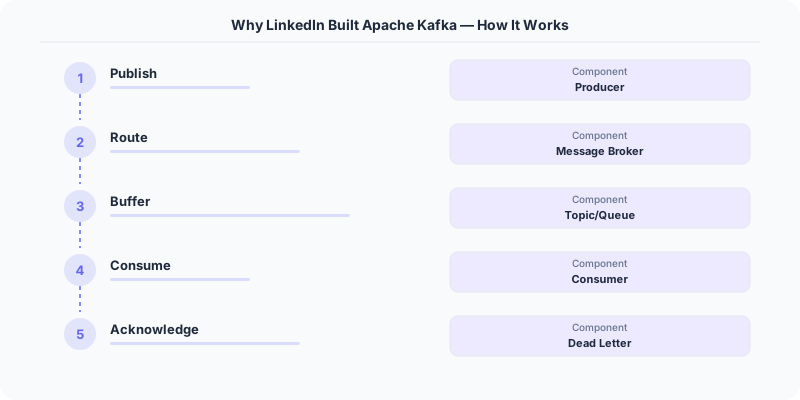
LinkedIn tried existing messaging systems. ActiveMQ and RabbitMQ were designed for traditional enterprise messaging — reliable delivery of individual messages between applications. They worked for low-throughput transactional workflows but buckled under LinkedIn's event volume.
The specific problems:
- Throughput ceiling. Traditional message brokers store messages on disk with per-message indexing and acknowledgment tracking. At hundreds of thousands of messages per second, broker CPU and disk I/O became bottlenecks.
- Consumer coupling. Adding a new consumer to an existing queue required careful capacity planning. If the new consumer was slow, it could back up the entire queue, affecting all other consumers.
- No replay. Once a message was consumed and acknowledged, it was gone. If a downstream system had a bug and processed messages incorrectly, there was no way to reprocess them.
- Batch vs. real-time gap. LinkedIn ran nightly Hadoop jobs for analytics. The same data that flowed through message queues in real time also needed to land in HDFS for batch processing. Maintaining two separate data pipelines (real-time and batch) for the same data was error-prone and expensive.
Architecture Solution
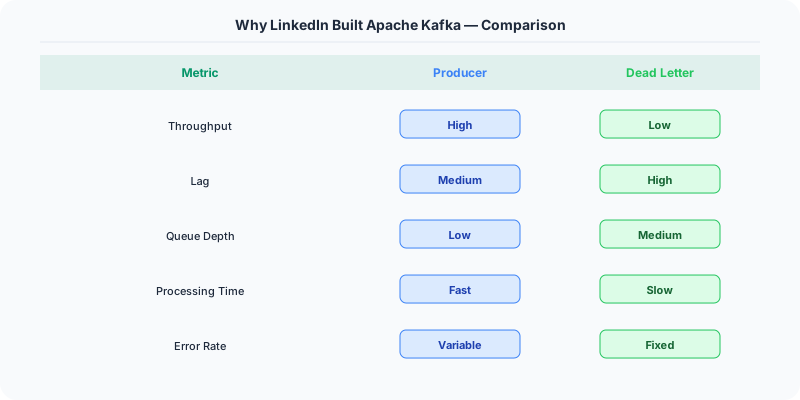
Jay Kreps, Neha Narkhede, and Jun Rao designed Kafka as a distributed commit log. The key insight: treat the message broker as a log file, not a queue. Messages are appended to the end of the log and retained for a configurable period (not deleted after consumption). Consumers maintain their own position (offset) in the log and can read forward from any point.
This deceptively simple change solved all of LinkedIn's problems.
The Commit Log Model
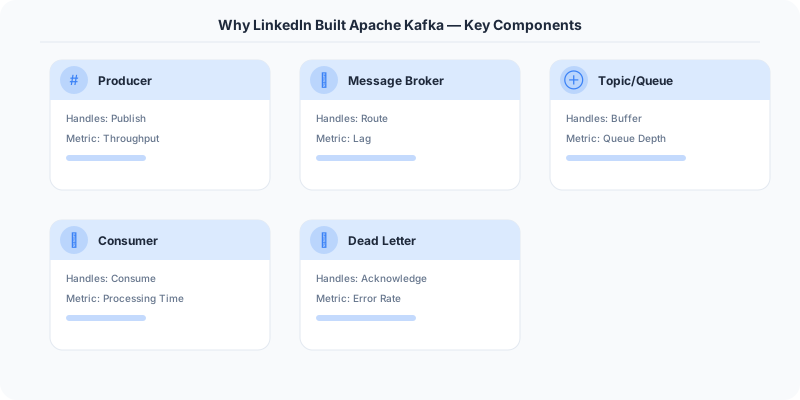
Each Kafka topic is a partitioned, replicated commit log. Producers append messages to the end of a partition. Consumers read sequentially from their current offset. The log retains messages for a configured retention period (7 days, 30 days, or indefinitely).
Unlike traditional message queues, Kafka does not track which messages have been consumed by which consumer. Each consumer group tracks its own offset — a single integer per partition. This eliminates the per-message bookkeeping that throttled traditional brokers.
Decoupling Through Consumer Groups
Multiple consumer groups can independently consume the same topic. LinkedIn's analytics team, search team, recommendation team, and monitoring team each have their own consumer group. Each group reads the full stream at its own pace. Adding a new consumer group has zero impact on existing consumers — no capacity planning, no queue reconfiguration.

Bridging Batch and Real-Time
Because Kafka retains messages, the same topic can serve both real-time consumers (reading the latest messages as they arrive) and batch consumers (Hadoop jobs that read the entire day's data in bulk). LinkedIn eliminated the dual-pipeline problem by making Kafka the single source of truth for event data. Hadoop ingests from Kafka. The search indexer ingests from Kafka. The recommendation engine ingests from Kafka. One pipeline, many consumers.
This idea — using a log as the central nervous system of a data architecture — was articulated by Jay Kreps in his influential post "The Log: What every software engineer should know about real-time data's unifying abstraction."
Key Technical Decisions
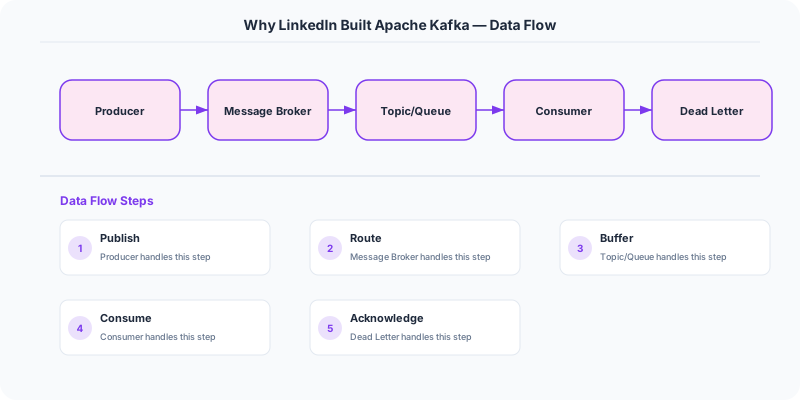
Sequential I/O over random I/O. Kafka writes all data sequentially to disk and reads sequentially. This aligns with how modern storage (both spinning disks and SSDs) achieves maximum throughput. The result: a single Kafka broker on commodity hardware achieves 500-800 MB/s of sustained write throughput.
Consumer-tracked offsets. Moving offset management from the broker to the consumer eliminates the broker's per-message tracking overhead. The broker's job is simple: append messages to the log and serve reads from the log. Consumers commit their offsets periodically (to Kafka itself, in the __consumer_offsets topic).
Replication for durability. Each partition is replicated across multiple brokers. The leader handles reads and writes; followers replicate from the leader. If the leader fails, a follower is promoted. This provides durability without the performance cost of synchronous cross-datacenter writes (replication is within a cluster).
Zero-copy transfers. Kafka uses the OS sendfile() syscall to send data directly from the page cache to the network socket, bypassing application-level copying. This optimization is critical for high-throughput consumption.
Strengths
- Throughput that scales linearly with cluster size
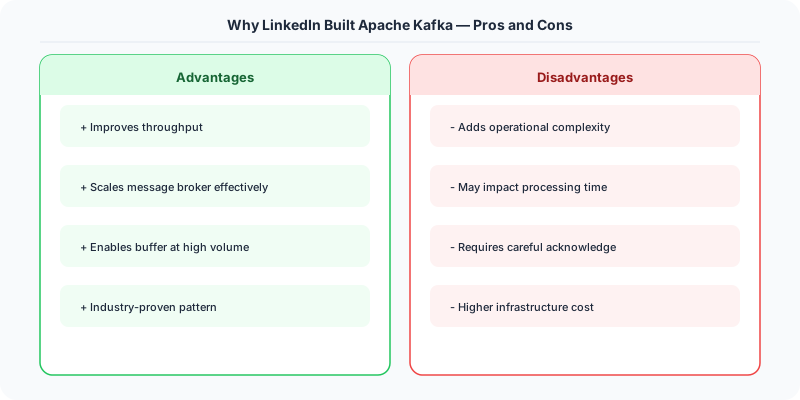
- Full message replay from any point in the retention window
- Complete decoupling between producers and consumers
- Unified platform for both real-time and batch data processing
- Simple broker design (append-only log) with minimal per-message overhead
Weaknesses
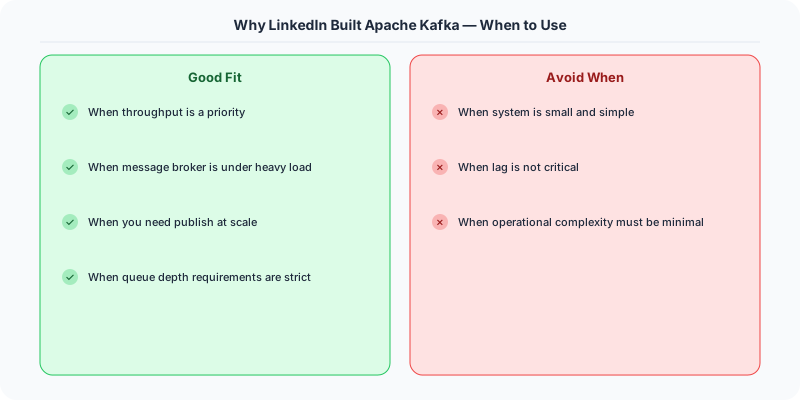
- Ordering is only guaranteed within a partition, not across the topic
- Consumer rebalancing during scaling events causes temporary processing pauses
- Operational complexity of managing a Kafka cluster (partition count, retention, replication factor)
- Not designed for low-latency RPC-style messaging (sub-millisecond delivery is not a goal)
Impact on the Industry
Kafka became an Apache top-level project in 2012 and is now used by over 80% of Fortune 100 companies. It spawned an entire category of event streaming platforms. Confluent (founded by Kafka's creators) offers Kafka as a managed service. AWS offers Amazon MSK (managed Kafka). Azure and GCP offer competing event streaming services.
The architectural pattern Kafka enabled — event-driven microservices with a central event log — has become the default for large-scale data-intensive systems. Companies like Uber, Netflix, Airbnb, and Walmart process trillions of events through Kafka daily.
Interview Relevance
Understanding why Kafka was built (not just how it works) demonstrates architectural thinking. When an interviewer asks about event-driven architecture or data pipelines, explaining the transition from point-to-point integrations to a centralized log shows that you understand the problem Kafka solves, not just the technology itself.
Practical Implementation for .NET Developers
In a .NET application, you would typically implement this pattern using the following approach:
ASP.NET Core setup: Create a service class that encapsulates the logic, register it with dependency injection, and inject it into your controllers or minimal API endpoints. The built-in DI container handles lifecycle management.
Entity Framework Core: For database interactions, EF Core provides the ORM layer. Use migrations for schema management and raw SQL for performance-critical queries. Consider Dapper for read-heavy paths where EF Core's overhead matters.
Azure integration: If deploying to Azure, leverage managed services — Azure Cache for Redis, Azure SQL, Azure Service Bus, Azure Cosmos DB. These eliminate operational overhead and provide built-in monitoring through Application Insights.
Testing: Use xUnit with Testcontainers for integration tests that spin up real databases in Docker. Mock external dependencies with NSubstitute. The WebApplicationFactory class lets you test your entire HTTP pipeline in-process.
Monitoring: Add Application Insights telemetry to track request latency, dependency calls, and custom metrics. Use structured logging with Serilog to make production debugging possible:
Log.Information("Processing order {OrderId} for {CustomerId}", orderId, customerId);
This gives you searchable, structured logs in Azure Monitor or Seq.
Key Takeaways for Interviews
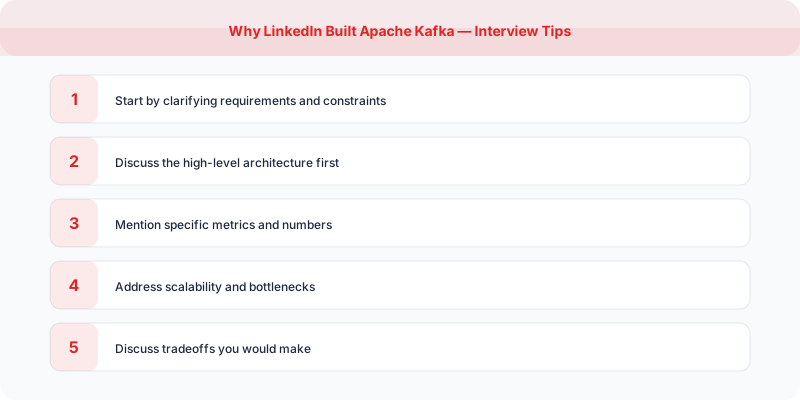
- Understand the core problem this resource addresses and be able to explain it in 2-3 sentences without jargon
- Know the key trade-offs: what does this approach optimize for, and what does it sacrifice?
- Be ready to compare this with alternative approaches and explain when each is appropriate
- Connect the concepts to real-world systems you have worked with or studied
- Demonstrate depth by discussing failure modes and how they are handled
How This Applies to Modern .NET Systems
The concepts from this resource translate to .NET through several established libraries and patterns:
Azure managed services often abstract away the underlying distributed systems complexity, but understanding the fundamentals helps you configure them correctly, debug issues, and make informed architectural decisions.
NuGet packages in the .NET ecosystem provide production-ready implementations of many patterns described in this resource. Before building custom solutions, check if a well-maintained package already exists.
ASP.NET Core middleware pipeline is where many of these patterns are implemented in practice: caching, rate limiting, health checks, and circuit breaking all fit naturally into the middleware model.