The Google File System
Google's distributed file system designed for large-scale data-intensive applications — the blueprint for HDFS and modern distributed storage.
Historical Context
Published by Sanjay Ghemawat, Howard Gobioff, and Shun-Tak Leung at Google in 2003 (SOSP), GFS was designed to run on thousands of inexpensive commodity servers where hardware failure was the norm, not the exception. Google's workloads — web crawling, indexing, log processing — involved enormous files accessed via large sequential reads and append-heavy writes, a pattern poorly served by existing distributed file systems like AFS or NFS.
Core Problem
How do you build a reliable, high-throughput file system on top of thousands of failure-prone commodity machines, optimized for large files with append-dominated write patterns?
Key Innovation
GFS made three unconventional design choices that broke from traditional file system wisdom. First, it assumed component failures are routine, not exceptional, and baked recovery into every layer. Second, it optimized for large files (multi-GB), using a 64 MB chunk size instead of the typical 4 KB block size. Third, it favored append operations over random writes, introducing an atomic "record append" operation that lets multiple clients append to the same file concurrently without locking.
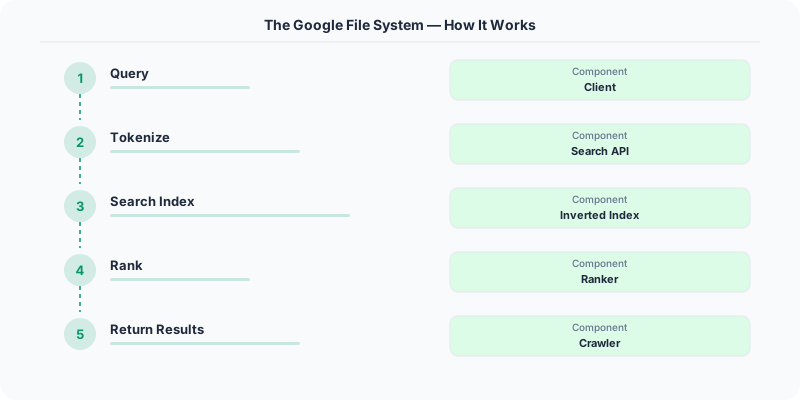
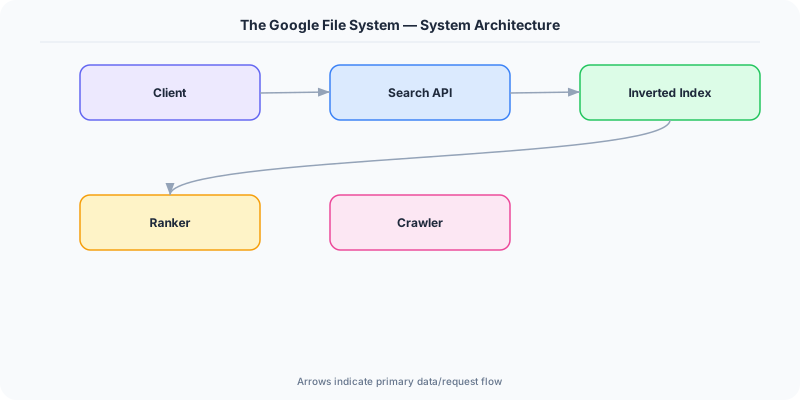
The architecture uses a single master that stores all metadata (namespace, chunk-to-server mappings, access control) in memory. Clients contact the master only for metadata lookups, then read/write data directly to chunkservers, keeping the master off the data path. Each chunk is replicated across three chunkservers by default. The master uses a simple lease mechanism to designate one replica as the primary for each chunk, which serializes concurrent mutations.
When a chunkserver fails, the master detects the missing heartbeat and re-replicates under-replicated chunks on surviving servers — no manual intervention required.
Architecture / Algorithm
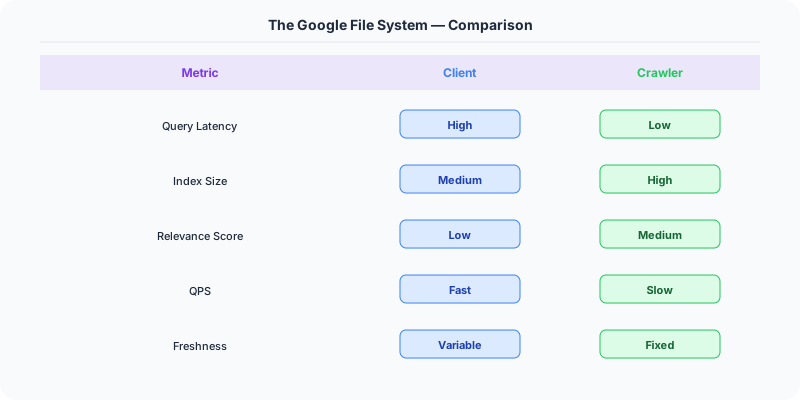
- Master: Holds all metadata in memory, manages chunk leases, garbage collection, and chunk migration. Persists mutations to an operation log replicated to backups.
- Chunkservers: Store 64 MB chunks as Linux files. Report chunk inventories via heartbeats.
- Chunk Size (64 MB): Reduces metadata overhead and number of master interactions. Downside: small files can create hotspots.
- Write Path: Client pushes data to a chain of replicas, then the primary orders the mutations and forwards to secondaries.
- Record Append: Atomic append-at-least-once semantics, allowing concurrent producers.
Strengths
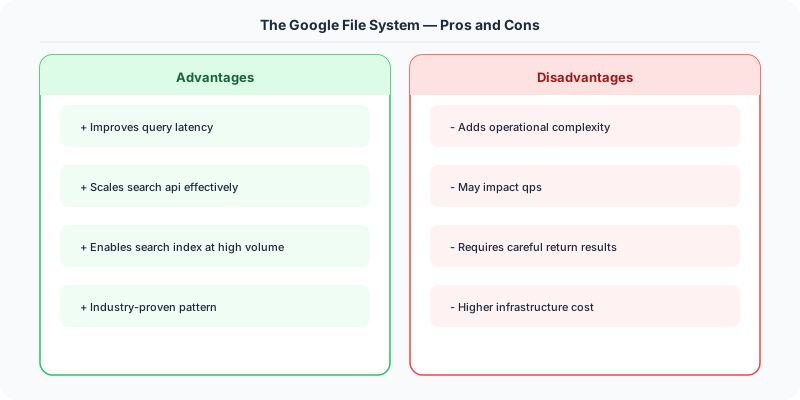
- Simple architecture with a single master avoids complex distributed metadata protocols
- Optimized for Google's actual workload: large sequential reads and appends
- Automatic re-replication handles hardware failures transparently
- High aggregate throughput by keeping data transfers off the master
Weaknesses
- Single master is a scalability bottleneck (addressed in Colossus, GFS's successor)
- 64 MB chunk size wastes space for small files and causes hotspots
- Relaxed consistency model (record append is "at least once") requires application-level deduplication
- Not suitable for low-latency random reads
Modern Systems Influenced
Apache HDFS is a direct open-source clone of GFS, powering the entire Hadoop ecosystem. Colossus (GFS v2) replaced the single master with a distributed metadata layer. The concept of separating metadata from data path influenced Azure Blob Storage, Amazon S3's internal architecture, and Ceph.
Interview Relevance
Reference GFS when designing any large-scale storage system. Know why the single-master design was acceptable (metadata fits in memory, clients bypass master for data), the tradeoff of large chunk sizes, and how replication provides fault tolerance. Discuss the read/write data flow to show deep understanding.
Plain-English Summary
GFS splits files into 64 MB chunks stored across thousands of commodity servers, each chunk replicated three times. A single master server tracks which chunks live where but never handles actual data — clients talk directly to chunkservers for reads and writes. If a server dies, the master automatically copies its chunks elsewhere. This design trades strict consistency for massive throughput on large files.
Practical Implementation for .NET Developers
In a .NET application, you would typically implement this pattern using the following approach:
ASP.NET Core setup: Create a service class that encapsulates the logic, register it with dependency injection, and inject it into your controllers or minimal API endpoints. The built-in DI container handles lifecycle management.
Entity Framework Core: For database interactions, EF Core provides the ORM layer. Use migrations for schema management and raw SQL for performance-critical queries. Consider Dapper for read-heavy paths where EF Core's overhead matters.
Azure integration: If deploying to Azure, leverage managed services — Azure Cache for Redis, Azure SQL, Azure Service Bus, Azure Cosmos DB. These eliminate operational overhead and provide built-in monitoring through Application Insights.
Testing: Use xUnit with Testcontainers for integration tests that spin up real databases in Docker. Mock external dependencies with NSubstitute. The WebApplicationFactory class lets you test your entire HTTP pipeline in-process.
Monitoring: Add Application Insights telemetry to track request latency, dependency calls, and custom metrics. Use structured logging with Serilog to make production debugging possible:
Log.Information("Processing order {OrderId} for {CustomerId}", orderId, customerId);
This gives you searchable, structured logs in Azure Monitor or Seq.
Key Takeaways for Interviews
- Understand the core problem this resource addresses and be able to explain it in 2-3 sentences without jargon
- Know the key trade-offs: what does this approach optimize for, and what does it sacrifice?
- Be ready to compare this with alternative approaches and explain when each is appropriate
- Connect the concepts to real-world systems you have worked with or studied
- Demonstrate depth by discussing failure modes and how they are handled
How This Applies to Modern .NET Systems
The concepts from this resource translate to .NET through several established libraries and patterns:
Azure managed services often abstract away the underlying distributed systems complexity, but understanding the fundamentals helps you configure them correctly, debug issues, and make informed architectural decisions.
NuGet packages in the .NET ecosystem provide production-ready implementations of many patterns described in this resource. Before building custom solutions, check if a well-maintained package already exists.
ASP.NET Core middleware pipeline is where many of these patterns are implemented in practice: caching, rate limiting, health checks, and circuit breaking all fit naturally into the middleware model.