How Canva Scaled Media Uploads from Zero to 50 Million Per Day
Canva's architecture evolution to handle 50 million daily media uploads — S3 storage, async processing pipelines, and thumbnail generation at scale.
Company Context
Canva is a design platform used by over 150 million monthly active users who upload images, videos, and other media to create designs. Media uploads are core to the product — every user session likely involves uploading or using existing media. The upload system must handle diverse file types, generate thumbnails and previews, and make uploaded media available within seconds.
The Problem at Scale
As Canva grew, the upload volume reached 50 million files per day. The original synchronous upload path — receive file, process it, generate thumbnails, store it, return response — became a bottleneck. Processing a single image (virus scanning, format validation, thumbnail generation at multiple resolutions, metadata extraction) took seconds, and doing it synchronously during the upload request meant long response times and high server resource consumption. Video uploads were even worse, requiring transcoding that could take minutes. The system also had to handle bursty traffic patterns where uploads spike 3-5x during peak hours.
Architecture Solution
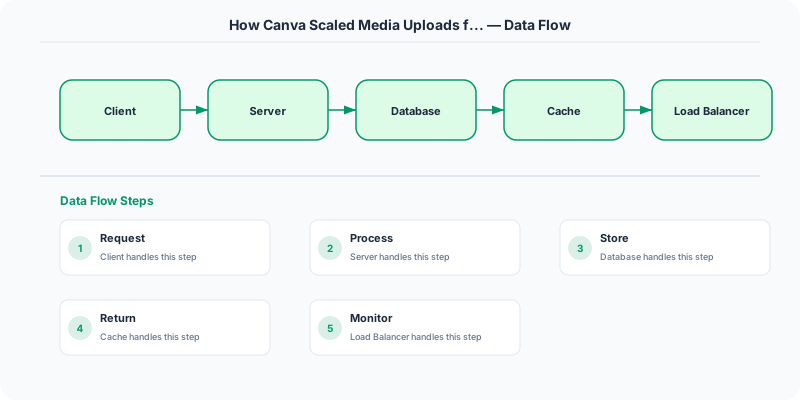
Canva adopted a decouple-first architecture that separates the upload acceptance path from the processing path. When a user uploads a file, the client sends it directly to Amazon S3 using a pre-signed URL generated by the API server. This moves the heavy data transfer off Canva's application servers entirely — S3 handles the bandwidth and storage.
Once the upload to S3 completes, an S3 event notification triggers an asynchronous processing pipeline. The pipeline is a series of steps orchestrated via a message queue: virus scanning, format validation, metadata extraction, and thumbnail generation at multiple resolutions (small, medium, large). Each step is an independent, horizontally scalable worker pool.
Thumbnail generation is particularly important — Canva generates multiple resolutions per image so the editor can show instant previews. These thumbnails are stored in S3 and served via a CDN for low-latency global access. For videos, a lightweight preview frame is generated immediately, and full transcoding happens asynchronously in the background.
The system uses idempotent processing with deduplication keys to handle retry scenarios safely, and dead-letter queues to isolate failures without blocking the pipeline.
Key Techniques Used
- Pre-signed URLs: Client uploads directly to S3, bypassing application servers
- Async processing pipeline: Upload acceptance is decoupled from processing via message queues
- Multi-resolution thumbnails: Generated asynchronously, served via CDN
- S3 event notifications: Trigger processing pipeline on upload completion
- Horizontal worker pools: Each processing step scales independently
- Dead-letter queues: Failed processing is isolated and retried without blocking
- Idempotent processing: Deduplication keys ensure safe retries
Lessons for System Design Interviews
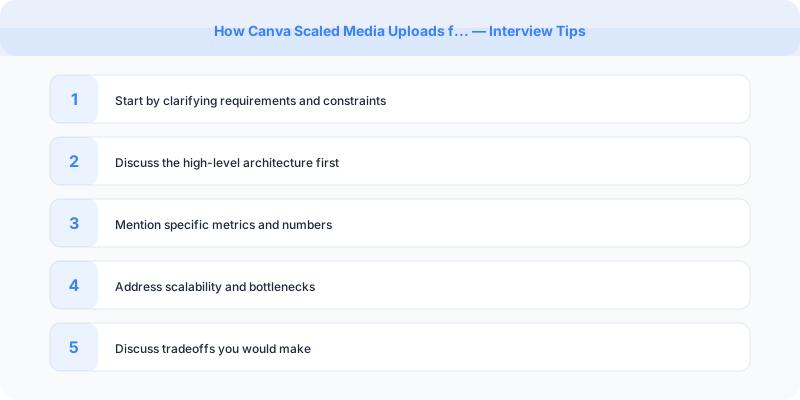
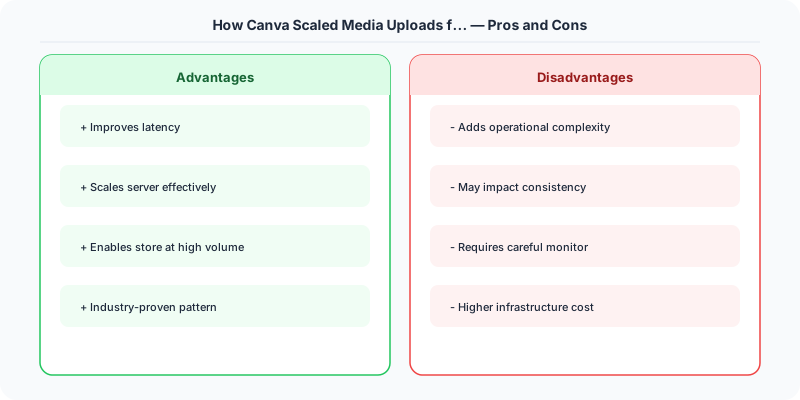
This is an excellent reference for "design a file upload system" or "design an image hosting service." Demonstrate that you would not process uploads synchronously. Show the pre-signed URL pattern (client to S3 directly) and the async pipeline pattern. Discuss the tradeoff between immediate availability (return fast, process later) and consistency (user expects to see their upload immediately — solve with optimistic UI and fast thumbnail generation).
Lessons for Production
Direct-to-S3 uploads are almost always the right choice for media-heavy applications — your servers should not be in the data path. Async processing pipelines must be idempotent because retries are inevitable. Generate thumbnails at multiple resolutions upfront rather than on demand, since the read-to-write ratio for thumbnails is extremely high. CDN caching for media assets is non-negotiable at scale.
Practical Implementation for .NET Developers
In a .NET application, you would typically implement this pattern using the following approach:
ASP.NET Core setup: Create a service class that encapsulates the logic, register it with dependency injection, and inject it into your controllers or minimal API endpoints. The built-in DI container handles lifecycle management.
Entity Framework Core: For database interactions, EF Core provides the ORM layer. Use migrations for schema management and raw SQL for performance-critical queries. Consider Dapper for read-heavy paths where EF Core's overhead matters.
Azure integration: If deploying to Azure, leverage managed services — Azure Cache for Redis, Azure SQL, Azure Service Bus, Azure Cosmos DB. These eliminate operational overhead and provide built-in monitoring through Application Insights.
Testing: Use xUnit with Testcontainers for integration tests that spin up real databases in Docker. Mock external dependencies with NSubstitute. The WebApplicationFactory class lets you test your entire HTTP pipeline in-process.
Monitoring: Add Application Insights telemetry to track request latency, dependency calls, and custom metrics. Use structured logging with Serilog to make production debugging possible:
Log.Information("Processing order {OrderId} for {CustomerId}", orderId, customerId);
This gives you searchable, structured logs in Azure Monitor or Seq.
Key Takeaways for Interviews
- Understand the core problem this resource addresses and be able to explain it in 2-3 sentences without jargon
- Know the key trade-offs: what does this approach optimize for, and what does it sacrifice?
- Be ready to compare this with alternative approaches and explain when each is appropriate
- Connect the concepts to real-world systems you have worked with or studied
- Demonstrate depth by discussing failure modes and how they are handled
How This Applies to Modern .NET Systems
The concepts from this resource translate to .NET through several established libraries and patterns:
Azure managed services often abstract away the underlying distributed systems complexity, but understanding the fundamentals helps you configure them correctly, debug issues, and make informed architectural decisions.
NuGet packages in the .NET ecosystem provide production-ready implementations of many patterns described in this resource. Before building custom solutions, check if a well-maintained package already exists.
ASP.NET Core middleware pipeline is where many of these patterns are implemented in practice: caching, rate limiting, health checks, and circuit breaking all fit naturally into the middleware model.