Bigtable: A Distributed Storage System for Structured Data
Google's wide-column store that introduced the tablet-based architecture and SSTable storage format — the design behind HBase and Cassandra's data model.
Historical Context
Published by Fay Chang et al. at Google in 2006 (OSDI), Bigtable was built to manage petabytes of structured data across Google's products — web indexing, Google Earth, Google Finance, and Gmail all used it. Google needed something between a raw file system (GFS) and a full relational database: a system that could store billions of rows with flexible schemas, scale horizontally, and integrate with MapReduce for batch analytics. Traditional RDBMS could not scale to Google's data volumes, and key-value stores lacked the structure needed for efficient scans.
Core Problem
How do you store and serve petabytes of sparse, semi-structured data with predictable low-latency access, while scaling to thousands of machines and integrating with existing batch processing infrastructure?
Key Innovation
Bigtable organizes data as a sorted map indexed by (row key, column key, timestamp). Rows are sorted lexicographically by key, enabling efficient range scans. Columns are grouped into column families, which are the unit of access control and compression. Each cell can hold multiple timestamped versions.
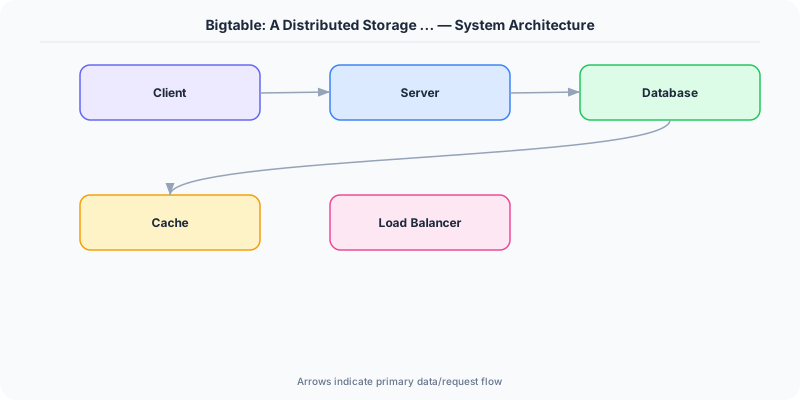
The table is split into tablets — contiguous ranges of rows, typically 100-200 MB each. Each tablet is served by exactly one tablet server, and tablets are automatically split or merged as data grows or shrinks. A master server assigns tablets to tablet servers and handles load balancing.
The storage layer uses an LSM-tree approach: writes go to an in-memory memtable; when the memtable reaches a threshold, it is flushed to an immutable SSTable file on GFS. Reads merge data from the memtable and one or more SSTables. Periodic compaction merges SSTables to reclaim space and reduce read amplification. Bloom filters on SSTables reduce unnecessary disk reads for keys that do not exist.
Bigtable relies on Chubby (a Paxos-based lock service) for master election, tablet server registration, and schema storage.
Architecture / Algorithm
- Data Model: Sparse, distributed, persistent sorted map (row, column, timestamp) to value.
- Column Families: Groups of related columns; the basic unit of access control.
- Tablets: Row-range partitions, each served by one tablet server.
- Memtable + SSTables: LSM-tree write path for high write throughput.
- Compaction: Minor (memtable flush), major (merge multiple SSTables).
- Bloom Filters: Probabilistic data structure to avoid reading SSTables that lack a requested key.
- Chubby: External lock service for coordination.
Strengths
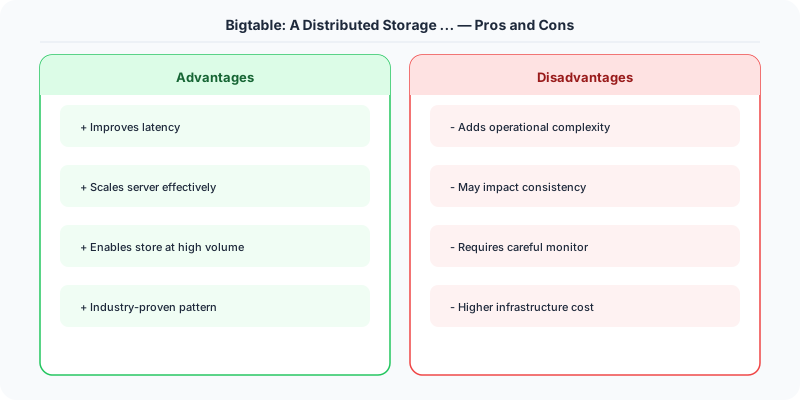
- Scales to petabytes across thousands of servers
- Flexible schema: columns can be added per-row without migration
- High write throughput via LSM-tree storage
- Efficient range scans due to sorted row keys
Weaknesses
- No cross-row transactions (addressed later by Spanner)
- Single tablet server per tablet can create hotspots for popular key ranges
- Schema design is critical: poor row key design leads to unbalanced tablets
- Eventual consistency for replication across clusters
Modern Systems Influenced
Apache HBase is a direct open-source clone. Cassandra borrowed Bigtable's column-family data model and SSTable storage format (combined with Dynamo's partitioning). Google Cloud Bigtable is the managed public offering. The memtable + SSTable + compaction pattern is now standard in LevelDB, RocksDB, and most LSM-based stores.
Interview Relevance
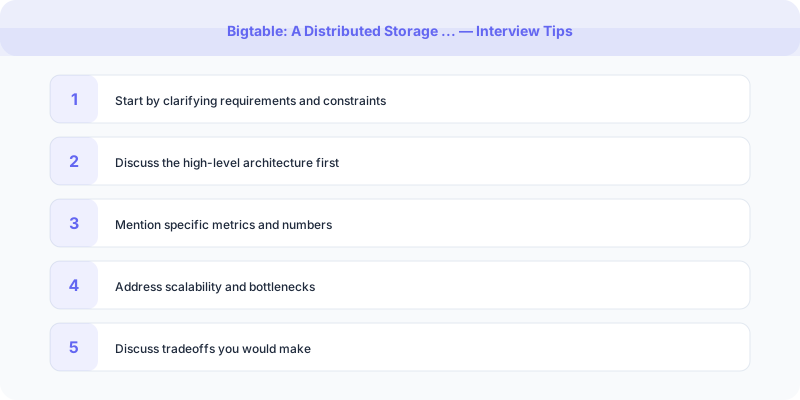
Reference Bigtable when designing a wide-column store, time-series database, or any system requiring fast writes with range-scan capability. Know the tablet-splitting strategy, the LSM write path (memtable to SSTable to compaction), and why sorted row keys matter for scan performance. Bigtable's architecture is the expected answer structure for "design a distributed NoSQL database."
Plain-English Summary
Bigtable stores massive tables of data sorted by row key, split into tablet-sized chunks across many servers. Writes land in memory first, then flush to sorted files on disk. Reads merge in-memory and on-disk data. Column families let you group related data for efficient access. The design handles petabytes by automatically splitting and rebalancing tablets as data grows.
Practical Implementation for .NET Developers
In a .NET application, you would typically implement this pattern using the following approach:
ASP.NET Core setup: Create a service class that encapsulates the logic, register it with dependency injection, and inject it into your controllers or minimal API endpoints. The built-in DI container handles lifecycle management.
Entity Framework Core: For database interactions, EF Core provides the ORM layer. Use migrations for schema management and raw SQL for performance-critical queries. Consider Dapper for read-heavy paths where EF Core's overhead matters.
Azure integration: If deploying to Azure, leverage managed services — Azure Cache for Redis, Azure SQL, Azure Service Bus, Azure Cosmos DB. These eliminate operational overhead and provide built-in monitoring through Application Insights.
Testing: Use xUnit with Testcontainers for integration tests that spin up real databases in Docker. Mock external dependencies with NSubstitute. The WebApplicationFactory class lets you test your entire HTTP pipeline in-process.
Monitoring: Add Application Insights telemetry to track request latency, dependency calls, and custom metrics. Use structured logging with Serilog to make production debugging possible:
Log.Information("Processing order {OrderId} for {CustomerId}", orderId, customerId);
This gives you searchable, structured logs in Azure Monitor or Seq.
Key Takeaways for Interviews
- Sorted String Table (SSTable) format stores data in sorted, immutable files on disk. New writes go to an in-memory buffer (memtable) and are flushed to SSTables periodically. This is the foundation of LSM-tree databases.
- Row key design is everything: Bigtable stores data sorted by row key. A poorly chosen row key creates hot spots. The paper recommends reversing domain names (com.google.www) to distribute web crawl data evenly.
- Column families group related columns that are accessed together. Data within a column family is stored contiguously on disk, making reads of related columns efficient.
- Bloom filters per SSTable eliminate unnecessary disk reads by quickly checking if a key might exist in that file. This is why point lookups are fast despite having many SSTables.
- Tablet splitting automatically divides tablets (key range partitions) when they grow too large. This is transparent to the client and enables automatic scaling.
How This Applies to Modern .NET Systems
Google Cloud Bigtable for .NET: Use the Google.Cloud.Bigtable.V2 NuGet package. Bigtable is ideal for time-series data, IoT telemetry, and analytics workloads where you need single-digit millisecond reads at petabyte scale.
Azure Cosmos DB Table API: If you are on Azure, Cosmos DB's Table API provides a Bigtable-like experience with turnkey global distribution. The .NET SDK (Azure.Data.Tables) provides a strongly-typed client.
Row key design in .NET applications: When designing row keys for time-series data in .NET, use a pattern like "sensor_id#reverse_timestamp" so the most recent data for each sensor is physically adjacent. This makes "get latest readings for sensor X" a single range scan.
HBase on HDInsight: For on-premises or hybrid scenarios, Azure HDInsight runs HBase (the open-source Bigtable clone). The HBase .NET client (Microsoft.HBase.Client) provides familiar async/await patterns for .NET developers.