Design a Collaborative Code Editor
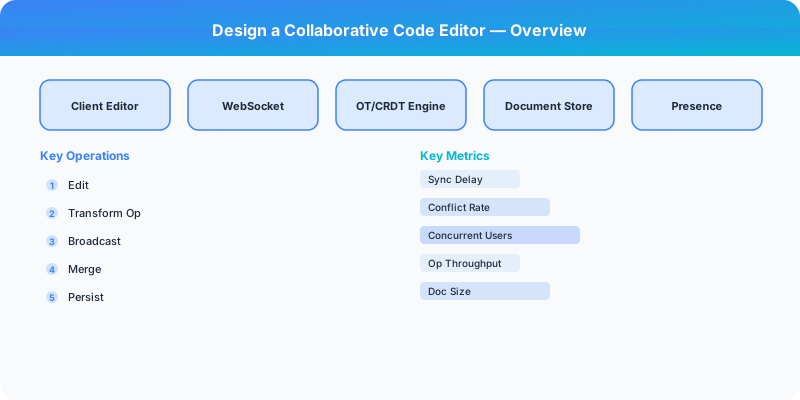
Design a collaborative code editor with real-time sync (CRDT/OT), code execution sandbox, syntax highlighting, and multi-cursor collaboration.
Problem Statement
Design a collaborative online code editor (like VS Code in the browser or Replit) where multiple users edit the same file simultaneously with real-time sync, see each other's cursors, run code in a sandboxed environment, and see output/errors. Must handle concurrent edits without conflicts and provide sub-100ms sync latency.
Requirements
Functional
- Real-time collaborative editing: multiple users edit the same document simultaneously
- Show each collaborator's cursor position and selection in a distinct color
- Syntax highlighting and autocompletion for 20+ programming languages
- Code execution: run code in an isolated sandbox and stream stdout/stderr back
Non-Functional
- Latency: Edits visible to all collaborators within 100ms (same region), 300ms (cross-region)
- Consistency: All users converge to the same document state -- no lost edits
- Scale: 10M documents, 100K concurrent editing sessions, up to 50 users per document
- Security: Code execution must be fully sandboxed (no host access, CPU/memory limits)
Core Architecture
-
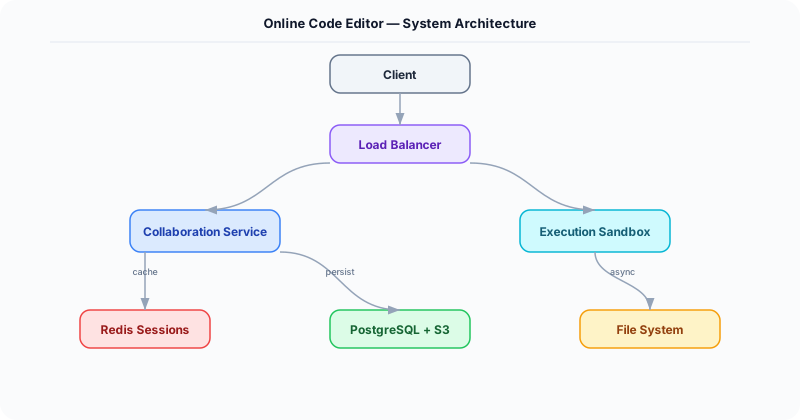
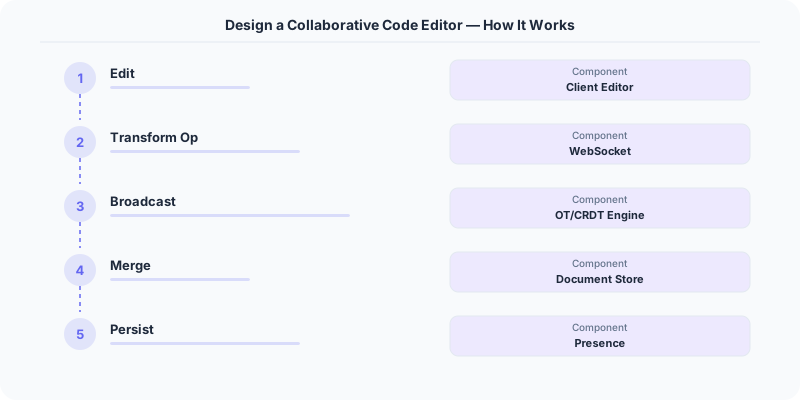
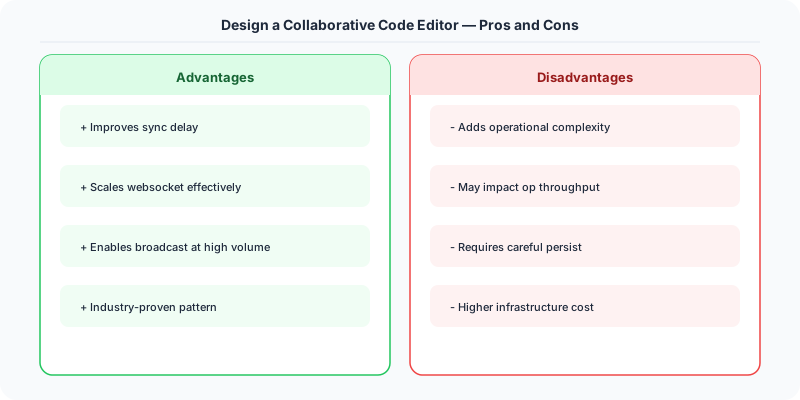
Collaboration Engine (CRDT/OT) -- Each document uses a CRDT (Conflict-free Replicated Data Type), specifically a sequence CRDT like Yjs or Automerge. Every character insertion/deletion is a CRDT operation with a unique ID. Operations from different users are merged deterministically without a central authority. The server acts as a relay and persistence layer, not an arbiter.
-
WebSocket Gateway -- Manages persistent WebSocket connections for each editing session. Broadcasts CRDT operations from one user to all other collaborators in the same document. Also relays cursor position updates (ephemeral, not persisted). Handles user join/leave events and presence indicators.
-
Code Execution Sandbox -- Each execution request spins up an ephemeral container (gVisor/Firecracker microVM) with: the user's code files mounted read-only, the selected language runtime installed, CPU limit (1 core), memory limit (256 MB), network disabled, and a 30-second timeout. Stdout/stderr are streamed back to the client via WebSocket.
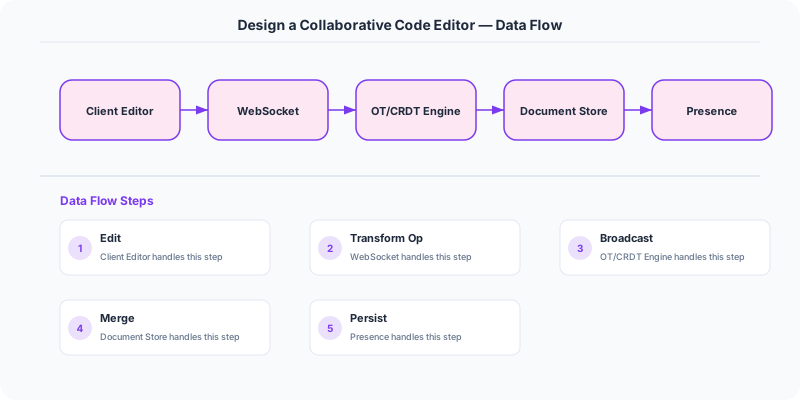
- Document Storage Service -- Periodically snapshots the CRDT state to persistent storage (S3 for the CRDT binary + PostgreSQL for metadata). Snapshots happen every 30 seconds during active editing or on the last user disconnecting. On reconnection, the client loads the latest snapshot and replays any operations since.
Database Choice
PostgreSQL for document metadata (owner, collaborators, language, created_at, last_modified). S3 for CRDT binary snapshots and execution artifacts. Redis for ephemeral session state: active users per document, cursor positions, and the operation buffer (last 1000 ops for late-joining users). The CRDT itself is the source of truth for document content -- no traditional text storage needed.
Key API Endpoints
WebSocket /ws/documents/\{doc_id\}
  -> Client sends: \{ type: "operation", ops: [...crdt_ops...] \}
  -> Server broadcasts: \{ type: "operation", user_id: "U2", ops: [...] \}
  -> Client sends: \{ type: "cursor", position: \{ line: 10, col: 5 \} \}

POST /api/v1/documents/\{doc_id\}/execute
  -> Body: \{ language: "python", entry_file: "main.py" \}
  -> Returns (streamed): \{ type: "stdout", data: "Hello World\n" \} ... \{ type: "exit", code: 0 \}
Scaling Insight
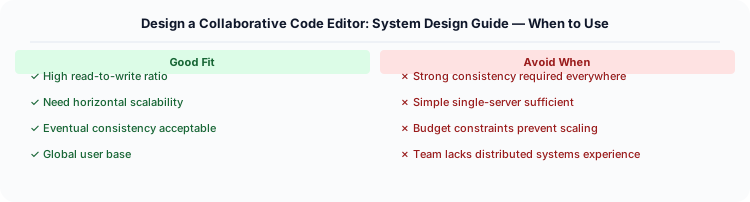
CRDTs eliminate the central coordination bottleneck that plagues OT-based editors. With Operational Transformation, a central server must serialize and transform all concurrent operations -- becoming a single point of failure and a latency bottleneck. With CRDTs, the server is just a relay: it forwards operations without transforming them. Each client independently merges operations using the CRDT's mathematical merge rules. This means the server can be stateless and horizontally scaled -- any server can relay for any document.
Key Tradeoffs
| Decision | Option A | Option B | Chosen |
|---|---|---|---|
| Sync algorithm | Operational Transformation (OT) | CRDT (Yjs/Automerge) | CRDT -- no central transform server needed, scales better, works offline |
| Code execution | Shared long-running VM | Ephemeral container per execution | Ephemeral -- stronger isolation, no state leakage between runs, simpler cleanup |
| Persistence | Save every keystroke | Periodic snapshots + op log | Snapshots every 30s -- balances durability with write efficiency |
Practical Implementation for .NET Developers
In a .NET application, you would typically implement this pattern using the following approach:
ASP.NET Core setup: Create a service class that encapsulates the logic, register it with dependency injection, and inject it into your controllers or minimal API endpoints. The built-in DI container handles lifecycle management.
Entity Framework Core: For database interactions, EF Core provides the ORM layer. Use migrations for schema management and raw SQL for performance-critical queries. Consider Dapper for read-heavy paths where EF Core's overhead matters.
Azure integration: If deploying to Azure, leverage managed services — Azure Cache for Redis, Azure SQL, Azure Service Bus, Azure Cosmos DB. These eliminate operational overhead and provide built-in monitoring through Application Insights.
Testing: Use xUnit with Testcontainers for integration tests that spin up real databases in Docker. Mock external dependencies with NSubstitute. The WebApplicationFactory class lets you test your entire HTTP pipeline in-process.
Monitoring: Add Application Insights telemetry to track request latency, dependency calls, and custom metrics. Use structured logging with Serilog to make production debugging possible:
Log.Information("Processing order {OrderId} for {CustomerId}", orderId, customerId);
This gives you searchable, structured logs in Azure Monitor or Seq.

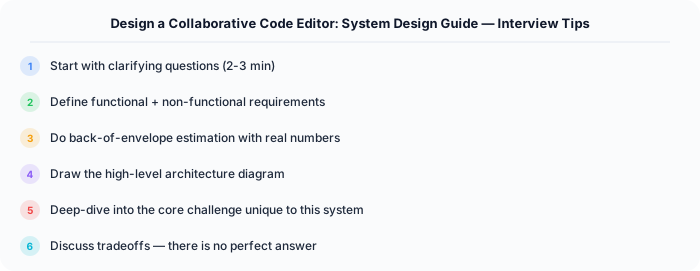
System-Specific Clarifying Questions
Before designing Code Editor, ask questions specific to THIS system:
- Who are the primary users? Understanding the user base shapes every technical decision — consumer apps have different requirements than enterprise B2B systems.
- What is the read-to-write ratio? This determines whether you optimize for fast reads (caching, denormalization) or fast writes (write-ahead logs, async processing).
- What is the geographic distribution? Users in one country vs. global users fundamentally changes your data replication and CDN strategy.
- What is the acceptable latency? Some features need sub-100ms responses, others can tolerate seconds. This determines your caching and architecture strategy.
- What is the consistency requirement? Some data (payments, inventory) needs strong consistency. Other data (social feeds, recommendations) can be eventually consistent.
Architecture Deep Dive
The architecture for Code Editor should be designed around the specific access patterns of the system. Do not apply generic templates — every system has unique hotspots, bottlenecks, and scaling challenges.
Write Path: How does data enter the system? Is it bursty (event-driven, flash sales) or steady (sensor data, logs)? Bursty writes need queuing and backpressure. Steady writes can go directly to the database.
Read Path: How is data consumed? Is it fan-out (one write, many reads like social feeds) or point lookups (one read for specific data like user profiles)? Fan-out reads benefit from pre-computation and caching. Point lookups benefit from efficient indexing.
Hot Spots: Where are the bottlenecks? For Code Editor, identify the component that will fail first under load and design mitigation strategies: caching, sharding, rate limiting, or async processing.