Design Cloud Storage (S3)
Design an object storage system like S3 with erasure coding, metadata service, multi-tenancy, and 11 nines of durability.
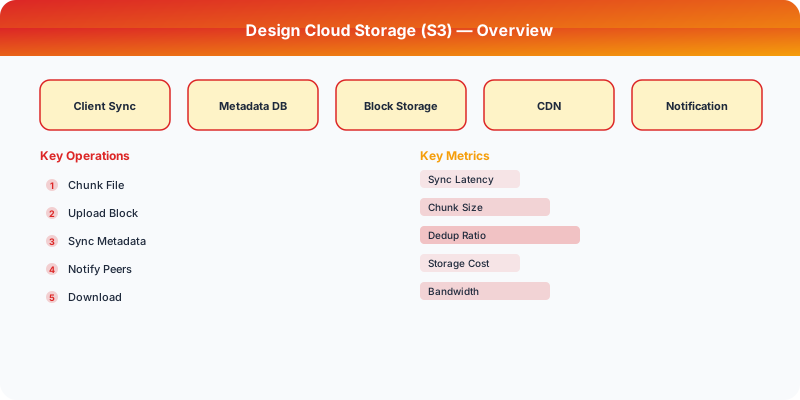
Problem Statement
Design an object storage system like AWS S3 that stores arbitrary binary objects (files, images, backups) with high durability and availability. The system must support PUT/GET/DELETE operations on objects up to 5 TB, organize objects in buckets, provide 11 nines (99.999999999%) of durability, and scale to exabytes of data across multiple data centers.
Requirements
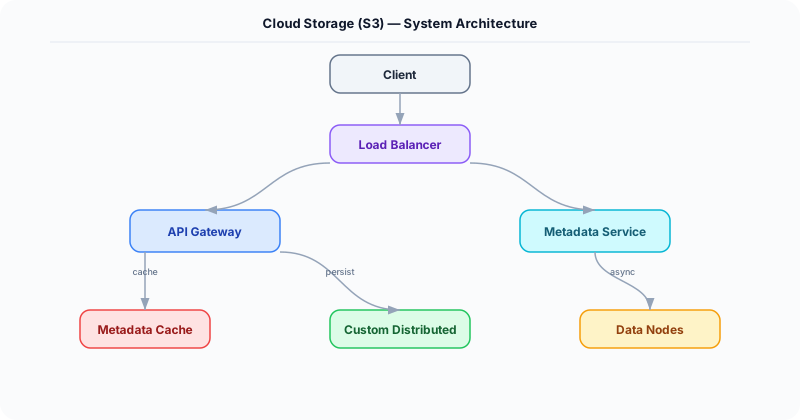
Functional
- Create buckets; PUT/GET/DELETE objects within buckets identified by key (path-like string)
- Support objects up to 5 TB via multipart upload (upload in 100 MB parts, assemble server-side)
- Object versioning: keep all versions of an object, retrieve by version ID
- Access control: bucket policies and per-object ACLs
Non-Functional
- Durability: 99.999999999% (11 nines) -- losing data is unacceptable
- Availability: 99.99% for reads, 99.9% for writes
- Scale: Exabytes of total storage, 100M+ objects per bucket, 100K requests/second
- Latency: First byte in <100ms for small objects, <1 second for large objects
Core Architecture
-
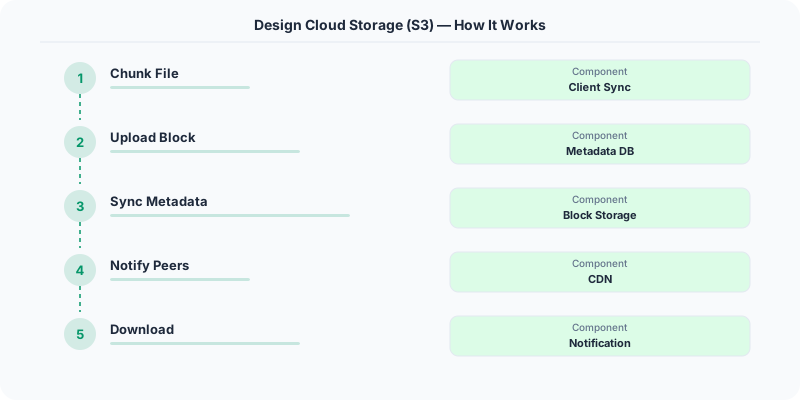
API Gateway -- Handles authentication (HMAC-signed requests), authorization (bucket policies + IAM), request routing, and rate limiting per tenant. Parses the bucket and object key from the URL. Routes to the metadata service for lookups and the data service for actual bytes.
-
Metadata Service -- Maps (bucket, key, version) -> object metadata (size, content-type, checksum, creation time, data placement: which data nodes hold the chunks). Backed by a distributed key-value store (DynamoDB-like or Cassandra) partitioned by hash(bucket + key). The metadata store itself is replicated 3x for durability.
-
Data Service with Erasure Coding -- Objects are split into data chunks and encoded using Reed-Solomon erasure coding (e.g., 6 data + 3 parity = 9 chunks). Any 6 of the 9 chunks can reconstruct the original. Chunks are distributed across 9 different storage nodes in different failure domains (racks, zones). This provides 11-nines durability with only 1.5x storage overhead (vs. 3x for triple replication).
-
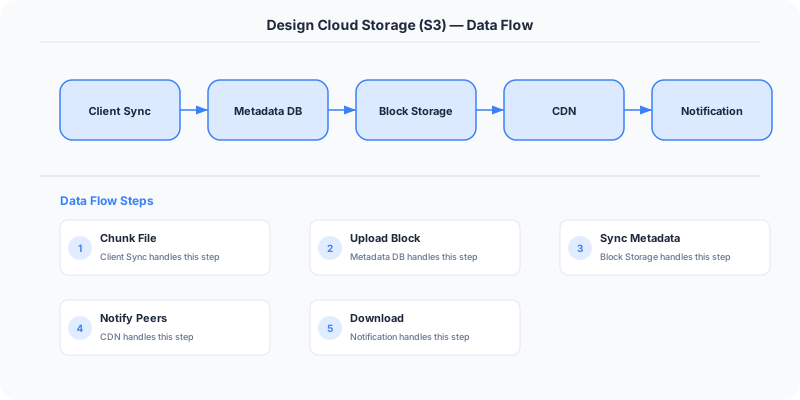
Placement Engine -- Decides which storage nodes receive each chunk. Ensures failure domain diversity: no two chunks of the same object on the same rack, power circuit, or availability zone. Uses a consistent hash ring weighted by node capacity. Rebalances chunks when nodes are added or decommissioned.
-
Garbage Collector -- Handles deleted objects and old versions. Deletion marks the object as deleted in metadata (tombstone). A background GC process reclaims storage by deleting orphaned chunks after the tombstone retention period (e.g., 30 days). Also detects and repairs degraded objects (fewer than 9 healthy chunks) by re-encoding and placing new chunks.
Database Choice
Custom distributed KV store (DynamoDB-style) for metadata -- must handle 100M+ objects per bucket with fast lookup by key. Partitioned by hash(bucket + key). Local filesystems (XFS/ext4) on storage nodes for actual chunk data -- each node manages its own disk array. No traditional database touches the data path for reads/writes (latency sensitive). PostgreSQL for bucket configuration, IAM policies, and billing records (off the hot path).
Key API Endpoints
PUT /\{bucket\}/\{key\}
  -> Body: <binary object data>
  -> Headers: Content-Type, x-amz-meta-*, Content-MD5
  -> Returns: \{ ETag: "abc123...", VersionId: "v1" \}

GET /\{bucket\}/\{key\}?versionId=v1
  -> Returns: Binary object data with Content-Type and metadata headers

POST /\{bucket\}/\{key\}?uploads (initiate multipart upload)
  -> Returns: \{ UploadId: "UP-789" \}
Scaling Insight
Erasure coding (Reed-Solomon 6+3) is the key to achieving 11-nines durability affordably. With triple replication (3 copies), you need 3x storage and can tolerate 2 simultaneous failures. With RS(6,3), you need only 1.5x storage and can still tolerate 3 simultaneous failures -- double the fault tolerance at half the storage cost. At exabyte scale, this difference saves billions of dollars in hardware. The tradeoff is CPU cost for encoding/decoding, but modern hardware can encode at 10+ GB/s per core.
Key Tradeoffs
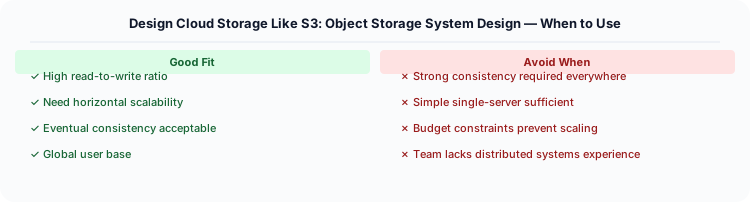
| Decision | Option A | Option B | Chosen |
|---|---|---|---|
| Durability strategy | Triple replication (3x storage) | Erasure coding RS(6,3) (1.5x storage) | Erasure coding -- half the storage cost with better fault tolerance |
| Metadata store | Single SQL database | Distributed KV store | Distributed KV -- scales to billions of objects, no single point of failure |
| Consistency | Strong (read-after-write) | Eventual | Strong for new PUTs (read-after-write), eventual for overwrites and listing |
Practical Implementation for .NET Developers
In a .NET application, you would typically implement this pattern using the following approach:
ASP.NET Core setup: Create a service class that encapsulates the logic, register it with dependency injection, and inject it into your controllers or minimal API endpoints. The built-in DI container handles lifecycle management.
Entity Framework Core: For database interactions, EF Core provides the ORM layer. Use migrations for schema management and raw SQL for performance-critical queries. Consider Dapper for read-heavy paths where EF Core's overhead matters.
Azure integration: If deploying to Azure, leverage managed services — Azure Cache for Redis, Azure SQL, Azure Service Bus, Azure Cosmos DB. These eliminate operational overhead and provide built-in monitoring through Application Insights.
Testing: Use xUnit with Testcontainers for integration tests that spin up real databases in Docker. Mock external dependencies with NSubstitute. The WebApplicationFactory class lets you test your entire HTTP pipeline in-process.
Monitoring: Add Application Insights telemetry to track request latency, dependency calls, and custom metrics. Use structured logging with Serilog to make production debugging possible:
Log.Information("Processing order {OrderId} for {CustomerId}", orderId, customerId);

This gives you searchable, structured logs in Azure Monitor or Seq.
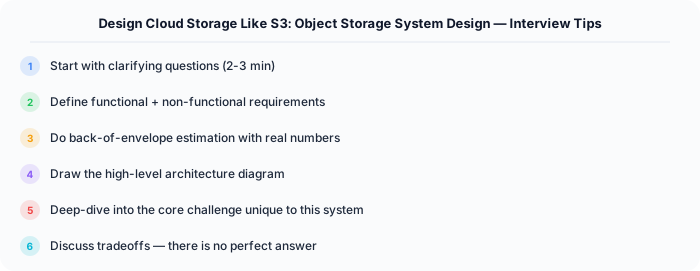
System-Specific Clarifying Questions
Before designing Cloud Storage, ask questions specific to THIS system:
- Who are the primary users? Understanding the user base shapes every technical decision — consumer apps have different requirements than enterprise B2B systems.
- What is the read-to-write ratio? This determines whether you optimize for fast reads (caching, denormalization) or fast writes (write-ahead logs, async processing).
- What is the geographic distribution? Users in one country vs. global users fundamentally changes your data replication and CDN strategy.
- What is the acceptable latency? Some features need sub-100ms responses, others can tolerate seconds. This determines your caching and architecture strategy.
- What is the consistency requirement? Some data (payments, inventory) needs strong consistency. Other data (social feeds, recommendations) can be eventually consistent.
Architecture Deep Dive
The architecture for Cloud Storage should be designed around the specific access patterns of the system. Do not apply generic templates — every system has unique hotspots, bottlenecks, and scaling challenges.
Write Path: How does data enter the system? Is it bursty (event-driven, flash sales) or steady (sensor data, logs)? Bursty writes need queuing and backpressure. Steady writes can go directly to the database.
Read Path: How is data consumed? Is it fan-out (one write, many reads like social feeds) or point lookups (one read for specific data like user profiles)? Fan-out reads benefit from pre-computation and caching. Point lookups benefit from efficient indexing.
Hot Spots: Where are the bottlenecks? For Cloud Storage, identify the component that will fail first under load and design mitigation strategies: caching, sharding, rate limiting, or async processing.