IP Addresses
Understanding IP addressing is essential for designing networked systems — configuring load balancers, VPCs, subnets, and security groups all require IP.
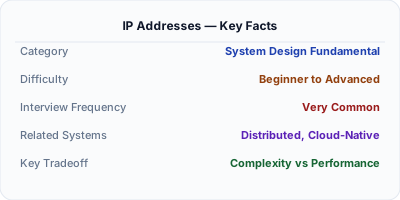
An IP address is a unique numerical identifier assigned to every device connected to a network. IPv4 uses 32-bit addresses (4.3 billion total), while IPv6 uses 128-bit addresses (virtually unlimited). IP addresses enable routing — they tell the network where to deliver data packets.
Why This Matters
Understanding IP addressing is essential for designing networked systems — configuring load balancers, VPCs, subnets, and security groups all require IP knowledge. Rate limiting is often done by IP address.
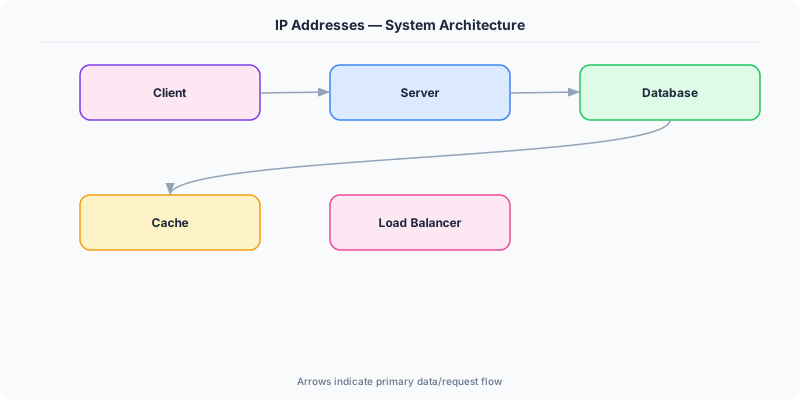
The Building Blocks
- IPv4: 32 bits, written as four octets (192.168.1.1). Running out of addresses, hence IPv6.
- IPv6: 128 bits, written in hexadecimal (2001:db8::1). Adoption is growing but IPv4 is still dominant.
- Private vs Public IPs: Private IPs (10.0.0.0/8, 172.16.0.0/12, 192.168.0.0/16) are used within networks. Public IPs are routable on the internet.
- NAT (Network Address Translation): Allows multiple devices to share one public IP. Your home router uses NAT.
- CIDR notation: 10.0.0.0/24 means the first 24 bits are the network prefix, leaving 8 bits (256 addresses) for hosts.
Under the Hood
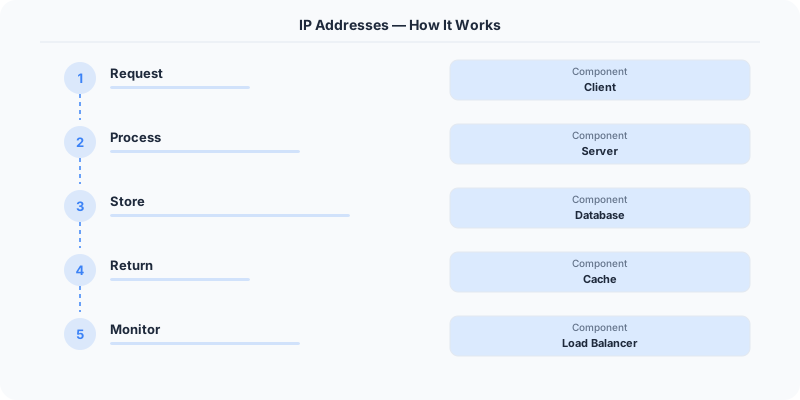
Every device on the internet has a public IP address. When you request a webpage, your browser sends packets from your IP to the server's IP. Routers along the way read the destination IP and forward the packet toward the correct network. Within cloud environments, you design subnets (CIDR blocks) to organize services and control access via security groups.
How Companies Actually Do This
AWS VPC: You define your own IP address range (e.g., 10.0.0.0/16) and create subnets for public-facing and private services.
Cloudflare: Hides your server's real IP address behind their proxy, protecting against DDoS attacks.
Google: Operates one of the largest IPv6 deployments, serving >40% of traffic over IPv6.
Common Pitfalls
- Not understanding CIDR — miscalculating subnet sizes leads to running out of IPs
- Exposing internal service IPs publicly
Interview Questions Worth Practicing
- What is the difference between public and private IP addresses?
- How does NAT work?
- What is CIDR notation and how is it used in cloud networking?
The Tradeoffs
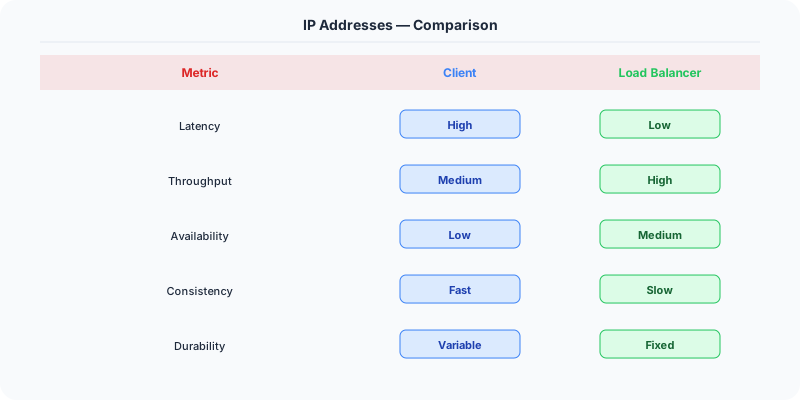
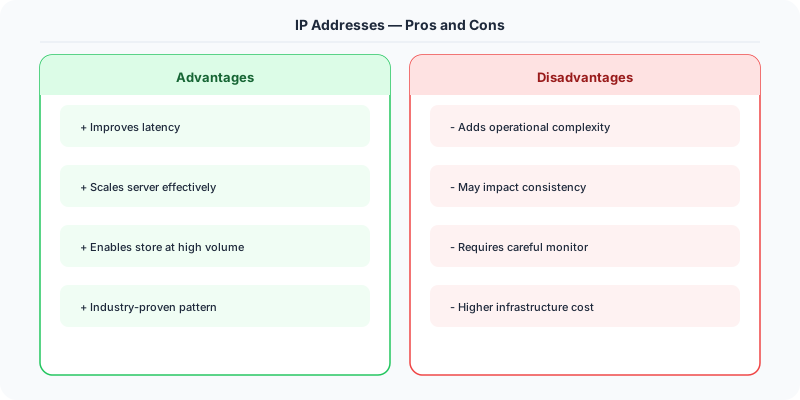
- IPv4 vs IPv6: IPv4 is universally supported but scarce; IPv6 is abundant but not yet universal.
- Public vs Private IPs: Public IPs are accessible but exposed; private IPs are secure but require NAT for internet access.
Related Topics
The Real-World Incident That Made This Famous
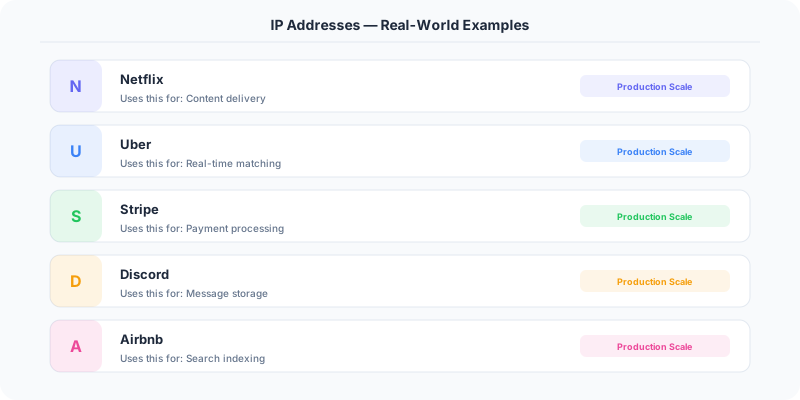
Understanding Ip Addresses became critical after multiple high-profile production incidents at major tech companies. When systems handle millions of users, even small misunderstandings about Ip Addresses can lead to cascading failures that cost millions in lost revenue and erode user trust. Companies like Netflix, Google, Amazon, and Meta have all invested heavily in mastering Ip Addresses because they learned the hard way that ignoring it leads to outages.
The key lesson from these incidents: Ip Addresses is not just a theoretical concept — it is a practical skill that separates engineers who build resilient systems from those who build fragile ones.

How Senior Engineers Think About This
Senior engineers approach Ip Addresses differently from textbook definitions. Instead of memorizing rules, they build mental models. They ask: "What problem does Ip Addresses solve? When does it fail? What are the alternatives?" This problem-first thinking leads to better design decisions because every system has unique constraints.
When evaluating Ip Addresses in a system design context, experienced engineers consider the failure modes first. What happens when this component goes down? How does the system degrade? Is the degradation graceful or catastrophic? These questions reveal more about your understanding than any textbook definition.
Common Interview Mistakes
Mistake 1: Giving a textbook definition without context. Interviewers want to see you connect Ip Addresses to real systems and real problems.
Mistake 2: Not discussing trade-offs. Every design decision involving Ip Addresses has trade-offs. Discuss what you gain and what you give up.
Mistake 3: Overcomplicating the solution. Start with the simplest approach to Ip Addresses that meets the requirements, then add complexity only when justified.
Production Checklist
- Define clear metrics for measuring the effectiveness of your Ip Addresses implementation
- Set up monitoring and alerting that specifically tracks Ip Addresses-related failures
- Document your Ip Addresses design decisions in Architecture Decision Records (ADRs)
- Test failure scenarios related to Ip Addresses in staging before production deployment
- Review and update your Ip Addresses implementation quarterly as system requirements evolve
- Train new team members on the specific Ip Addresses patterns used in your system
Read the original source | Content from System-Design-Overview
Practical Implementation for .NET Developers
In a .NET application, you would typically implement this pattern using the following approach:
ASP.NET Core setup: Create a service class that encapsulates the logic, register it with dependency injection, and inject it into your controllers or minimal API endpoints. The built-in DI container handles lifecycle management.
Entity Framework Core: For database interactions, EF Core provides the ORM layer. Use migrations for schema management and raw SQL for performance-critical queries. Consider Dapper for read-heavy paths where EF Core's overhead matters.
Azure integration: If deploying to Azure, leverage managed services — Azure Cache for Redis, Azure SQL, Azure Service Bus, Azure Cosmos DB. These eliminate operational overhead and provide built-in monitoring through Application Insights.
Testing: Use xUnit with Testcontainers for integration tests that spin up real databases in Docker. Mock external dependencies with NSubstitute. The WebApplicationFactory class lets you test your entire HTTP pipeline in-process.
Monitoring: Add Application Insights telemetry to track request latency, dependency calls, and custom metrics. Use structured logging with Serilog to make production debugging possible:
Log.Information("Processing order {OrderId} for {CustomerId}", orderId, customerId);
This gives you searchable, structured logs in Azure Monitor or Seq.