System Design Interview Preparation: 60-Day Plan
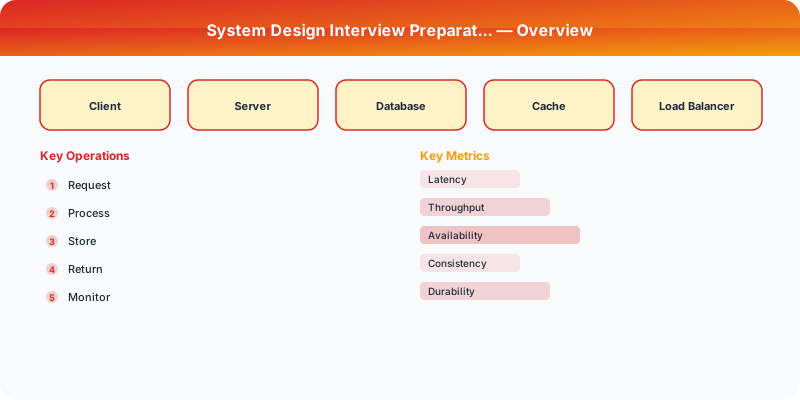
System Design Interview Preparation: 60-Day Plan
This plan assumes you can dedicate 1-2 hours per day. It progresses from fundamentals through practice to mock interviews, building knowledge in layers so each week builds on the previous one.
Weeks 1-2: Foundations
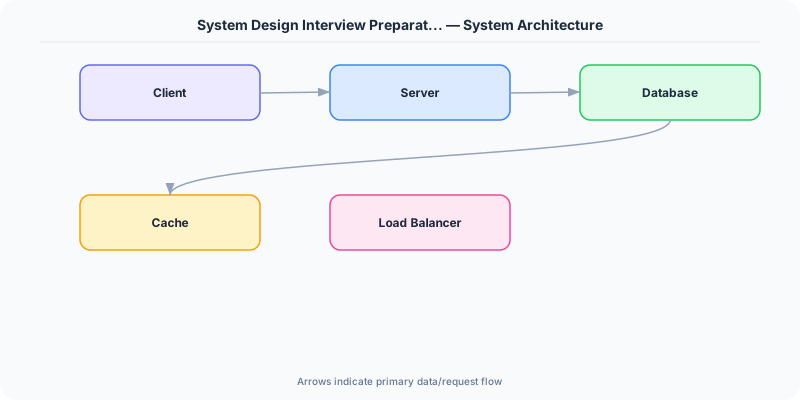
Week 1: Networking and Storage Fundamentals
- Day 1-2: HTTP/HTTPS, REST, TCP/UDP, DNS resolution
- Day 3-4: SQL vs. NoSQL databases, indexing, normalization
- Day 5-6: Caching fundamentals (Redis, Memcached), cache eviction policies (LRU, LFU)
- Day 7: Review and self-quiz on all concepts
Week 2: Distributed Systems Primitives
- Day 8-9: CAP theorem, consistency models (strong, eventual, causal)
- Day 10-11: Replication (single-leader, multi-leader, leaderless), consensus basics
- Day 12-13: Partitioning/sharding strategies, consistent hashing
- Day 14: Read the Dynamo paper summary; review and self-quiz
Weeks 3-4: Core Building Blocks
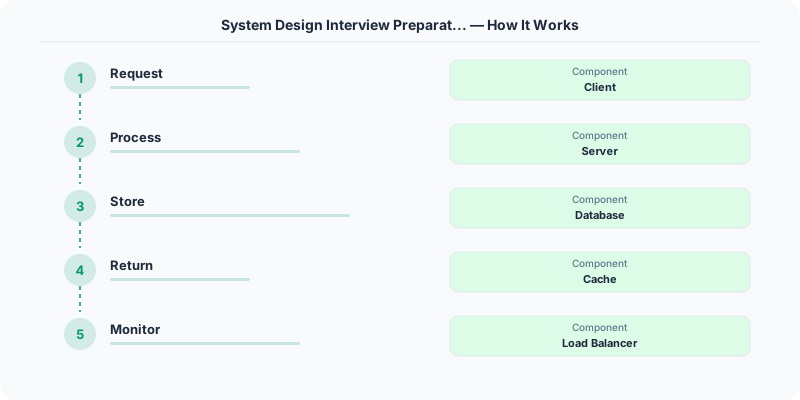
Week 3: Load Balancing and Communication
- Day 15-16: Load balancing algorithms (round-robin, least connections, consistent hashing)
- Day 17-18: Message queues (Kafka, RabbitMQ, SQS), pub/sub patterns
- Day 19-20: CDNs, reverse proxies, API gateways
- Day 21: Practice problem: Design a URL shortener
Week 4: Storage and Data Patterns
- Day 22-23: LSM-trees vs. B-trees, write-ahead logs, SSTables
- Day 24-25: Blob storage (S3), data lakes, columnar storage
- Day 26-27: Rate limiting algorithms, circuit breakers, retry patterns
- Day 28: Practice problem: Design a rate limiter
Weeks 5-6: Design Patterns
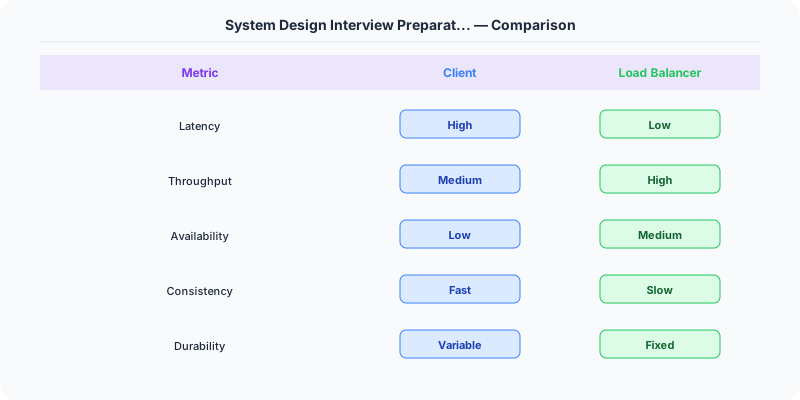
Week 5: Scalability Patterns
- Day 29-30: Read replicas, write-behind caching, CQRS
- Day 31-32: Event sourcing, saga pattern, idempotency
- Day 33-34: Microservices vs. monoliths, service discovery, API versioning
- Day 35: Practice problem: Design a notification system
Week 6: Reliability Patterns
- Day 36-37: Fault tolerance, redundancy, failover strategies
- Day 38-39: Monitoring, alerting, distributed tracing (OpenTelemetry)
- Day 40-41: Deployment strategies (blue-green, canary, rolling)
- Day 42: Practice problem: Design a chat application
Weeks 7-8: Full System Designs
Week 7: Practice Designs (Classic)
- Day 43: Design Twitter/X feed
- Day 44: Design Instagram/photo sharing
- Day 45: Design WhatsApp/messaging
- Day 46: Design YouTube/video streaming
- Day 47: Design Uber/ride sharing
- Day 48: Design Google Search (simplified)
- Day 49: Review all designs, identify common patterns
Week 8: Practice Designs (Advanced)
- Day 50: Design a distributed cache
- Day 51: Design a web crawler
- Day 52: Design a payment system
- Day 53: Design a ticket booking system (handling concurrency)
- Day 54: Design a news feed with ranking
- Day 55: Design a metrics collection and alerting system
- Day 56: Review all designs, create a "patterns cheat sheet"
Week 9: Mock Interviews and Refinement
- Day 57-58: Conduct mock interviews with a peer or use online platforms (Pramp, interviewing.io). Focus on time management: 5 minutes on requirements, 5 minutes on high-level design, 20 minutes on detailed design, 5 minutes on tradeoffs.
- Day 59-60: Review mock feedback. Re-study weak areas. Create a one-page summary of the 8-10 most important patterns you want to reference in interviews.
Weekly Habits Throughout
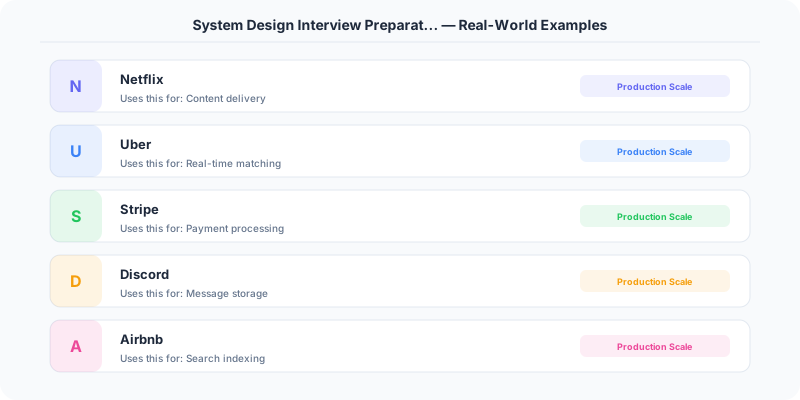
- Read one engineering blog per week (Netflix, Uber, Stripe, Discord, Slack engineering blogs)
- Draw diagrams by hand — interviewers expect whiteboard-style sketches, not polished diagrams
- Practice explaining out loud — system design is a communication exercise as much as a technical one
- Keep a "patterns journal" — when you encounter a pattern (consistent hashing, write-ahead log, fanout-on-write), add it to a running list with one sentence on when to use it
Key Resources
- Book: Designing Data-Intensive Applications by Martin Kleppmann (the essential reference)
- Book: System Design Interview by Alex Xu (structured practice problems)
- Practice: Draw.io or Excalidraw for diagramming
- Papers: Dynamo, Kafka, GFS, MapReduce (at minimum read summaries)
Practical Implementation for .NET Developers
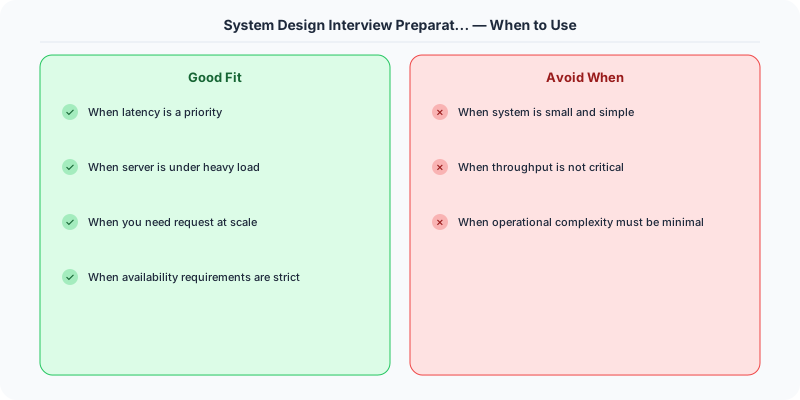
In a .NET application, you would typically implement this pattern using the following approach:
ASP.NET Core setup: Create a service class that encapsulates the logic, register it with dependency injection, and inject it into your controllers or minimal API endpoints. The built-in DI container handles lifecycle management.
Entity Framework Core: For database interactions, EF Core provides the ORM layer. Use migrations for schema management and raw SQL for performance-critical queries. Consider Dapper for read-heavy paths where EF Core's overhead matters.
Azure integration: If deploying to Azure, leverage managed services — Azure Cache for Redis, Azure SQL, Azure Service Bus, Azure Cosmos DB. These eliminate operational overhead and provide built-in monitoring through Application Insights.
Testing: Use xUnit with Testcontainers for integration tests that spin up real databases in Docker. Mock external dependencies with NSubstitute. The WebApplicationFactory class lets you test your entire HTTP pipeline in-process.
Monitoring: Add Application Insights telemetry to track request latency, dependency calls, and custom metrics. Use structured logging with Serilog to make production debugging possible:
Log.Information("Processing order {OrderId} for {CustomerId}", orderId, customerId);
This gives you searchable, structured logs in Azure Monitor or Seq.
What Most Articles Get Wrong
Many articles about System Design Interview Preparation 60 Days present an oversimplified view that misses the operational reality. In production, the theoretical best practices often collide with constraints like legacy systems, team expertise, budget limitations, and compliance requirements. The engineers who successfully implement these patterns at scale are the ones who understand not just the "what" but the "when" and "when not to."
The nuance that matters: context determines everything. A pattern that works at Netflix's scale (200M users, 1000+ engineers) is overkill for a startup with 10,000 users and 3 engineers. Always match the solution complexity to the problem complexity.
The Numbers That Matter
- Latency percentiles matter more than averages: p99 latency often reveals problems that p50 hides
- Error budgets quantify acceptable risk: if your SLA is 99.95%, you have 21.9 minutes of downtime per month to spend on deployments and experiments
- Cost per request at scale determines architecture: a $0.001 cost difference per request becomes $1M per year at 1 billion requests/year
- Team cognitive load is the hidden constraint: a system your team cannot understand is a system your team cannot operate safely