System Design for Backend Engineers
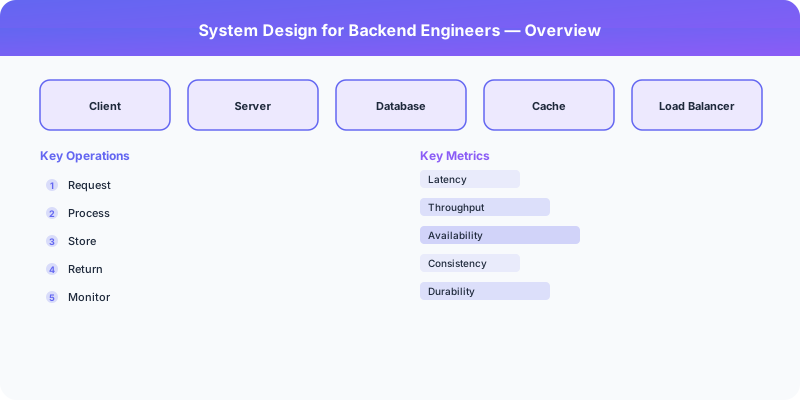
System Design for Backend Engineers
You know how to write code. You can implement APIs, work with databases, and debug production issues. But when someone asks you to "design a system," you freeze. This is normal. System design is a different skill from programming, and it requires a shift in how you think about problems.
The Mindset Shift
From implementation to abstraction. When writing code, you think about functions, classes, and data structures. In system design, you think about services, data flows, and failure modes. You stop asking "how do I implement this?" and start asking "what components do I need and how do they interact?"
From correctness to tradeoffs. In code, there is usually a correct answer (the tests pass or they do not). In system design, every choice is a tradeoff. There is no "correct" architecture — there are architectures that are better or worse for specific requirements. Your job is to make deliberate tradeoffs and articulate why.
From single-machine to distributed. The code you write runs on one machine with shared memory, a local file system, and a reliable clock. Distributed systems have none of these luxuries. Networks fail. Clocks drift. Machines crash. Designing for distribution means designing for failure.
The Core Vocabulary
Before you can design systems, you need the vocabulary. These concepts appear in virtually every system design discussion:
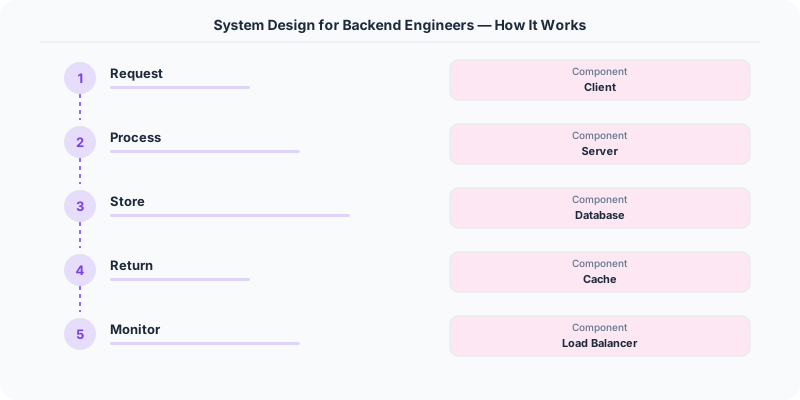
Load balancer: Distributes requests across multiple servers. Know L4 (TCP-level) vs. L7 (HTTP-level) and common algorithms (round-robin, least connections, consistent hashing).
Cache: Stores frequently accessed data in fast storage (Redis, Memcached) to reduce database load. Know cache-aside, write-through, and write-behind patterns.
Message queue: Decouples producers from consumers (Kafka, SQS, RabbitMQ). Enables async processing and absorbs traffic spikes.
Database replication: Copies data to multiple nodes for availability and read scaling. Know single-leader vs. multi-leader vs. leaderless replication.
Sharding: Splits data across multiple database instances by a shard key. Scales write throughput but makes cross-shard queries difficult.
CDN: Caches static content at edge locations close to users. Reduces latency for global applications.
API gateway: Single entry point for client requests. Handles authentication, rate limiting, routing.
The Framework for Any Design
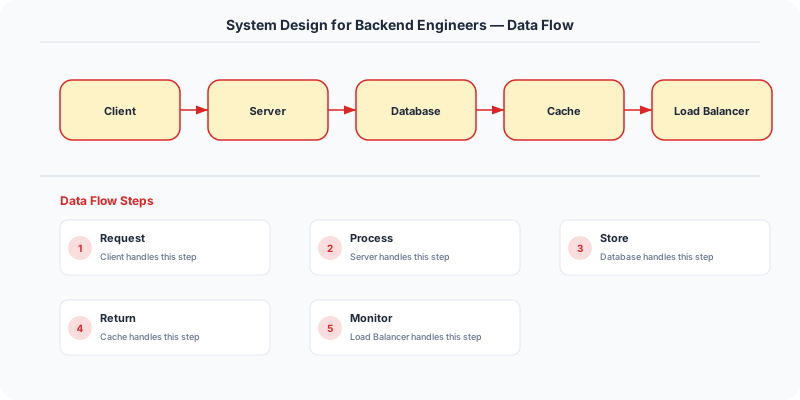
When faced with any system design problem, follow this structure:
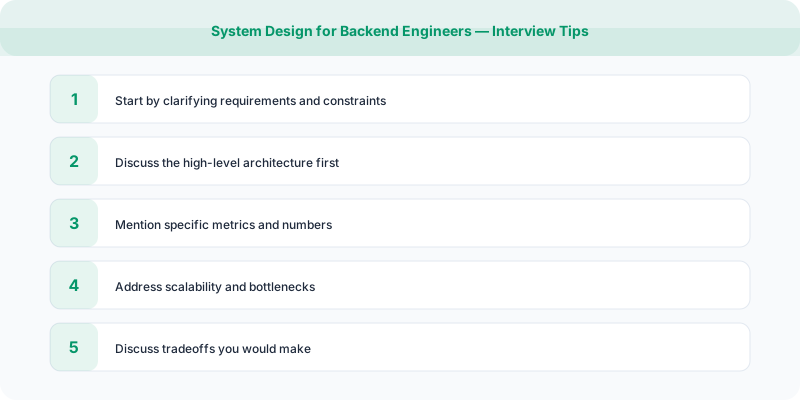
1. Clarify requirements (3-5 minutes). What does the system do? Who uses it? What scale? What are the must-have features vs. nice-to-haves? What are the consistency and latency requirements?
2. Estimate scale (2-3 minutes). How many users? How many requests per second? How much data? These numbers drive every subsequent decision. An application serving 100 users per day has completely different architecture needs than one serving 100 million.
3. Define the API (3-5 minutes). What endpoints does the system expose? What are the inputs and outputs? This forces you to think about the system from the client's perspective.
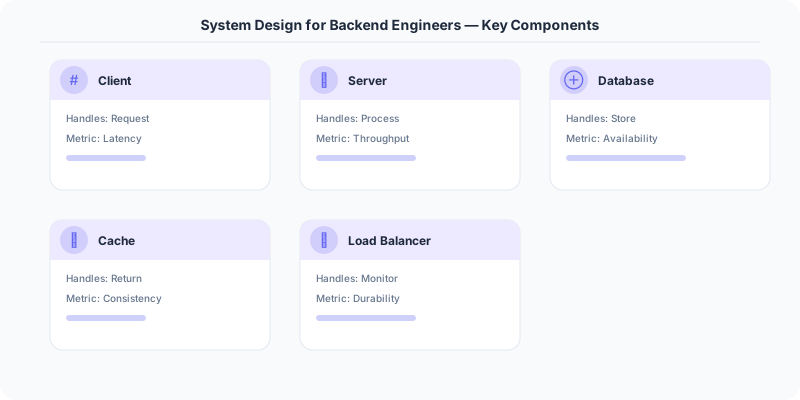
4. Design the data model (5 minutes). What entities exist? What are the relationships? What are the access patterns? The data model drives database selection and sharding strategy.
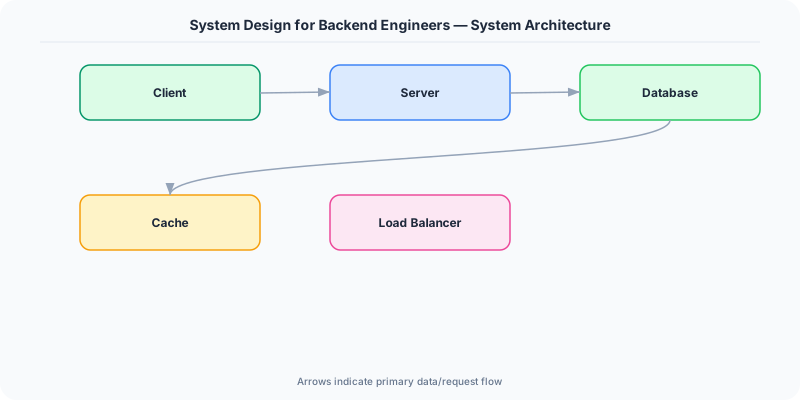
5. Draw the high-level architecture (5-10 minutes). Boxes and arrows: clients, load balancers, application servers, databases, caches, queues. Start simple and add complexity as needed.
6. Deep dive into key components (10-15 minutes). Pick the 2-3 most interesting or challenging components and design them in detail. This is where you show depth.
7. Discuss tradeoffs and improvements (5 minutes). What are the bottlenecks? How would you handle 10x growth? What would you do differently with more time?
Common Mistakes Backend Engineers Make
Jumping to the database. You pick PostgreSQL in the first minute because that is what you know. Instead, understand the access patterns first, then choose the storage that fits.
Ignoring the read/write ratio. Is the system read-heavy or write-heavy? This single fact determines whether you need read replicas, write sharding, or CQRS.
Designing for Google scale on day one. Start with the simplest architecture that meets the requirements. Add complexity (sharding, caching, async processing) as the load demands it.
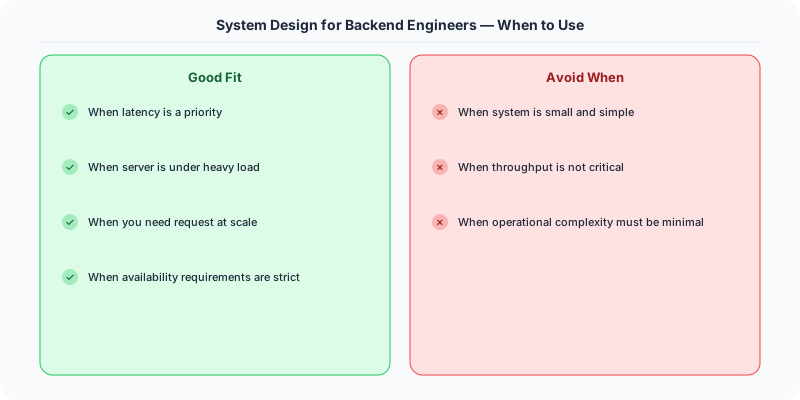
Forgetting about failure modes. What happens when the database goes down? When the cache is cold? When a downstream service times out? Reliability is not an afterthought — it is a design requirement.
Summary
System design is about components, data flows, tradeoffs, and failure modes — not implementation details. Learn the vocabulary, practice the framework, and always start with requirements before reaching for solutions.
Practical Implementation for .NET Developers
In a .NET application, you would typically implement this pattern using the following approach:
ASP.NET Core setup: Create a service class that encapsulates the logic, register it with dependency injection, and inject it into your controllers or minimal API endpoints. The built-in DI container handles lifecycle management.
Entity Framework Core: For database interactions, EF Core provides the ORM layer. Use migrations for schema management and raw SQL for performance-critical queries. Consider Dapper for read-heavy paths where EF Core's overhead matters.
Azure integration: If deploying to Azure, leverage managed services — Azure Cache for Redis, Azure SQL, Azure Service Bus, Azure Cosmos DB. These eliminate operational overhead and provide built-in monitoring through Application Insights.
Testing: Use xUnit with Testcontainers for integration tests that spin up real databases in Docker. Mock external dependencies with NSubstitute. The WebApplicationFactory class lets you test your entire HTTP pipeline in-process.
Monitoring: Add Application Insights telemetry to track request latency, dependency calls, and custom metrics. Use structured logging with Serilog to make production debugging possible:
Log.Information("Processing order {OrderId} for {CustomerId}", orderId, customerId);
This gives you searchable, structured logs in Azure Monitor or Seq.
What Most Articles Get Wrong
Many articles about System Design For Backend Engineers present an oversimplified view that misses the operational reality. In production, the theoretical best practices often collide with constraints like legacy systems, team expertise, budget limitations, and compliance requirements. The engineers who successfully implement these patterns at scale are the ones who understand not just the "what" but the "when" and "when not to."
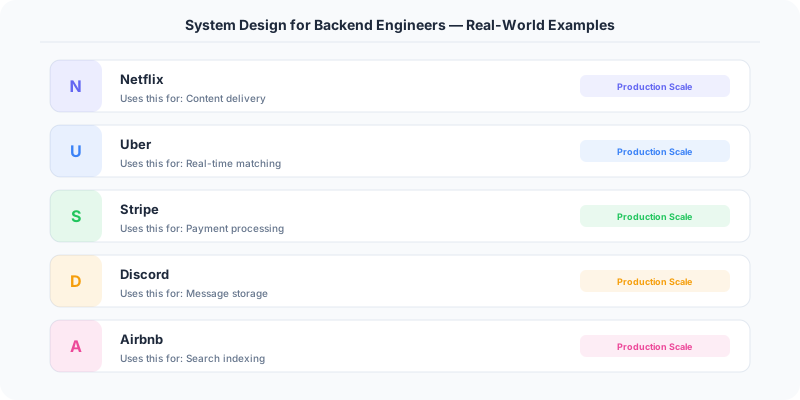
The nuance that matters: context determines everything. A pattern that works at Netflix's scale (200M users, 1000+ engineers) is overkill for a startup with 10,000 users and 3 engineers. Always match the solution complexity to the problem complexity.
The Numbers That Matter
- Latency percentiles matter more than averages: p99 latency often reveals problems that p50 hides
- Error budgets quantify acceptable risk: if your SLA is 99.95%, you have 21.9 minutes of downtime per month to spend on deployments and experiments
- Cost per request at scale determines architecture: a $0.001 cost difference per request becomes $1M per year at 1 billion requests/year
- Team cognitive load is the hidden constraint: a system your team cannot understand is a system your team cannot operate safely