Rate Limiting Algorithms Explained
Rate Limiting Algorithms Explained
Rate limiting controls how many requests a client can make in a given time period. It protects servers from overload, ensures fair usage, and prevents abuse. The choice of algorithm determines how strictly the limit is enforced, how burst-friendly the system is, and how much memory is required.
Algorithm 1: Token Bucket
A bucket holds tokens, up to a maximum capacity. Each request consumes one token. Tokens are added to the bucket at a fixed rate (e.g., 10 tokens per second). If the bucket is empty, the request is rejected.
How it works: Initialize the bucket with a capacity of N tokens. On each request, check if tokens are available. If yes, decrement and allow. If no, reject. Refill tokens at the configured rate.
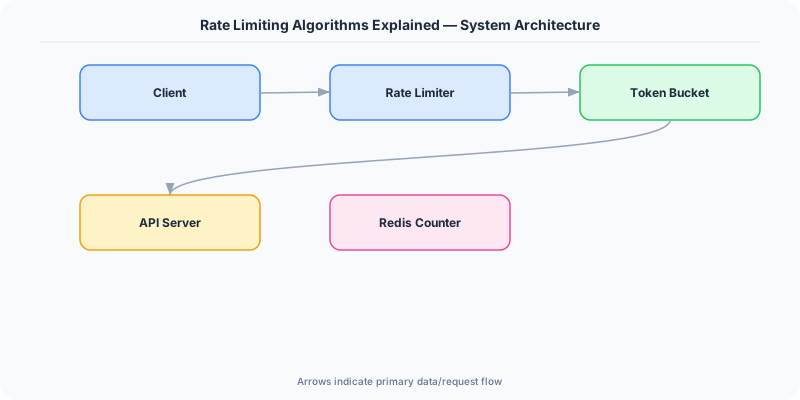
Implementation detail: You do not need a background thread to add tokens. Calculate the elapsed time since the last request and add the appropriate number of tokens (up to the capacity) at request time. This is called "lazy refill."
Behavior: Allows bursts up to the bucket capacity, then enforces the steady-state rate. A bucket with capacity 100 and rate 10/sec allows a burst of 100 requests, then 10/sec thereafter.
Pros: Simple, memory efficient (one counter + one timestamp per client), allows controlled bursts. Cons: Burst size is fixed by bucket capacity; tuning capacity and rate independently can be confusing.
Used by: AWS API Gateway, Stripe, many CDNs.
Algorithm 2: Leaky Bucket
Requests enter a queue (the "bucket") and are processed at a fixed rate. If the queue is full, new requests are rejected.
How it works: Maintain a FIFO queue with a fixed capacity. Requests are added to the queue on arrival. A processor dequeues and processes requests at a constant rate.
Behavior: Smooths out bursts — even if 100 requests arrive at once, they are processed at the fixed rate. The queue absorbs bursts, but if the burst exceeds the queue capacity, excess requests are dropped.
Pros: Produces a perfectly smooth output rate, useful when downstream systems cannot handle bursts. Cons: Does not allow legitimate bursts (a user who has been idle should be able to make a few fast requests). Requires a queue data structure.
Used by: Network traffic shaping, some API gateways.
Algorithm 3: Fixed Window Counter
Divide time into fixed windows (e.g., each minute). Maintain a counter per window per client. If the counter exceeds the limit within the current window, reject the request.
How it works: Key = client_id + window_start_time. Increment the counter on each request. If counter > limit, reject.
Behavior: Simple to implement and memory-efficient. However, it has a boundary problem: a client can make the maximum requests at the end of one window and the beginning of the next, effectively doubling their rate for a brief period.
Example: Limit is 100 requests per minute. Client makes 100 requests at 11:00:59, then 100 more at 11:01:00. That is 200 requests in 2 seconds, despite a "100 per minute" limit.
Pros: Very simple, uses minimal memory (one counter per client per window). Cons: Boundary burst problem allows up to 2x the intended rate at window edges.
Algorithm 4: Sliding Window Log
Record the timestamp of every request in a sorted set. On each new request, remove timestamps older than the window and count the remaining entries. If the count exceeds the limit, reject.
How it works: Store timestamps in a sorted set (e.g., Redis ZSET). On request: remove entries older than (now - window_size), count remaining, allow if count < limit, add current timestamp.
Behavior: Perfectly accurate — no boundary burst problem. The window slides with each request.
Pros: Precise rate limiting with no edge cases. Cons: Memory-expensive — stores one timestamp per request per client. For a limit of 10,000 requests per hour, that is 10,000 entries per client.
Algorithm 5: Sliding Window Counter (Hybrid)
Combine fixed window and sliding window. Maintain counters for the current and previous windows. Estimate the rate by weighting the previous window's count based on how far into the current window we are.
How it works: Count for current window + (count for previous window * overlap percentage). If this weighted sum exceeds the limit, reject.
Example: Limit is 100/min. Previous window had 80 requests. Current window (30 seconds in) has 40 requests. Estimated count = 40 + 80 * 0.5 = 80. Under the limit, so allow.

Pros: Nearly as accurate as sliding window log, but uses only two counters per client (same as fixed window). Cons: An approximation — not perfectly precise, but good enough for almost all use cases.
Comparison Table
| Algorithm | Memory | Accuracy | Burst Handling | Complexity |
|---|---|---|---|---|
| Token Bucket | Low | Good | Allows controlled bursts | Low |
| Leaky Bucket | Medium | Good | Smooths all bursts | Medium |
| Fixed Window | Low | Poor (boundary issue) | Allows 2x burst at edges | Very low |
| Sliding Window Log | High | Perfect | No bursts beyond limit | Medium |
| Sliding Window Counter | Low | Good (approximate) | Minimal boundary issue | Low |
Which One Should You Use?
- Default choice: Token bucket. Simple, allows reasonable bursts, low memory.
- Smooth output needed: Leaky bucket. When downstream cannot handle any bursts.
- Memory-constrained, low accuracy OK: Fixed window. Simplest implementation.
- Precision critical: Sliding window log. When you cannot tolerate any over-limit requests.
- Best overall tradeoff: Sliding window counter. Near-perfect accuracy with minimal memory.
Practical Implementation for .NET Developers
In a .NET application, you would typically implement this pattern using the following approach:
ASP.NET Core setup: Create a service class that encapsulates the logic, register it with dependency injection, and inject it into your controllers or minimal API endpoints. The built-in DI container handles lifecycle management.
Entity Framework Core: For database interactions, EF Core provides the ORM layer. Use migrations for schema management and raw SQL for performance-critical queries. Consider Dapper for read-heavy paths where EF Core's overhead matters.
Azure integration: If deploying to Azure, leverage managed services — Azure Cache for Redis, Azure SQL, Azure Service Bus, Azure Cosmos DB. These eliminate operational overhead and provide built-in monitoring through Application Insights.
Testing: Use xUnit with Testcontainers for integration tests that spin up real databases in Docker. Mock external dependencies with NSubstitute. The WebApplicationFactory class lets you test your entire HTTP pipeline in-process.
Monitoring: Add Application Insights telemetry to track request latency, dependency calls, and custom metrics. Use structured logging with Serilog to make production debugging possible:
Log.Information("Processing order {OrderId} for {CustomerId}", orderId, customerId);
This gives you searchable, structured logs in Azure Monitor or Seq.
What Most Articles Get Wrong
Most articles present rate limiting algorithms in isolation and miss the crucial point: in production, you almost always use multiple algorithms simultaneously. Your CDN uses a fixed window counter for DDoS protection (simple, fast, handles millions of IPs). Your API gateway uses a token bucket per API key (allows bursts for legitimate traffic). Your internal services use sliding window counters for precise throttling. The choice is not "which algorithm" but "which algorithm at which layer."
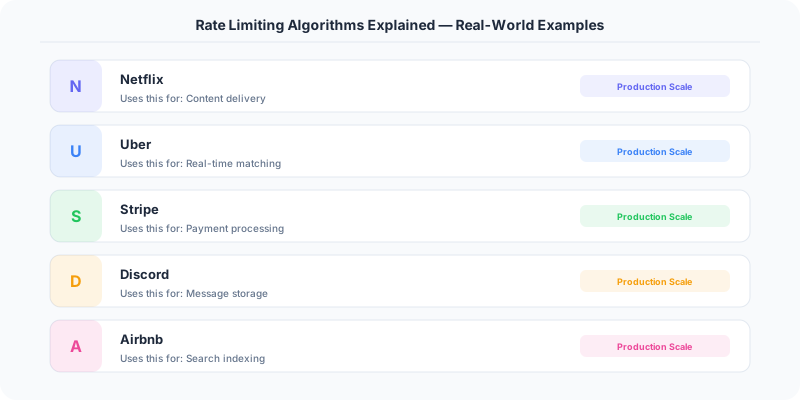
Another common mistake is treating rate limiting as purely defensive. Smart rate limiting is also a product feature. GitHub's rate limit headers (X-RateLimit-Remaining) let developers build self-throttling clients. Stripe's rate limits differ by endpoint (payment creation is more limited than payment retrieval) because the impact of overload differs. Rate limiting shapes behavior — it tells developers which API patterns are cheap and which are expensive.
The Numbers That Matter
- Token bucket allows bursts of up to bucket capacity N, then sustains at rate R. Ideal for APIs where occasional bursts are acceptable.
- Sliding window with 60-second window and 100-request limit uses approximately 100 * 16 bytes = 1.6 KB per client in Redis (storing timestamps)
- Fixed window uses a single counter per client: 8 bytes per client. 10 million clients = 80 MB (extremely memory efficient)
- Redis INCR operation: ~0.1ms latency — rate limiting adds negligible overhead per request
- GitHub: 5,000 requests/hour authenticated, 60/hour unauthenticated
- Stripe: 100 reads/sec and 100 writes/sec per API key in live mode