How to Scale Reads and Writes
How to Scale Reads and Writes
Most applications start with a single database handling both reads and writes. This works until it does not. Understanding which bottleneck you are hitting — reads or writes — determines the right scaling strategy.
Scaling Reads
Read bottlenecks are the most common scaling problem. A typical web application has a 10:1 or even 100:1 read-to-write ratio. Three primary strategies address this.
Read Replicas
Create copies of your primary database that serve read queries. The primary handles writes and replicates changes to replicas asynchronously. This scales read throughput linearly: add more replicas, serve more reads.
Tradeoff: Replication lag means replicas may serve slightly stale data. For most applications (displaying profiles, listing products), this is acceptable. For operations that must read what was just written (e.g., showing a user their own post immediately after creating it), route those reads to the primary ("read-your-writes" consistency).
Caching
Place a cache (Redis, Memcached) between the application and the database. Cache frequently accessed data with a TTL (time-to-live). Cache hit ratios of 90%+ are common, meaning 90% of reads never reach the database.
Cache-aside pattern: Application checks cache first. On a miss, it queries the database, stores the result in cache, and returns it. On write, invalidate the cache entry.
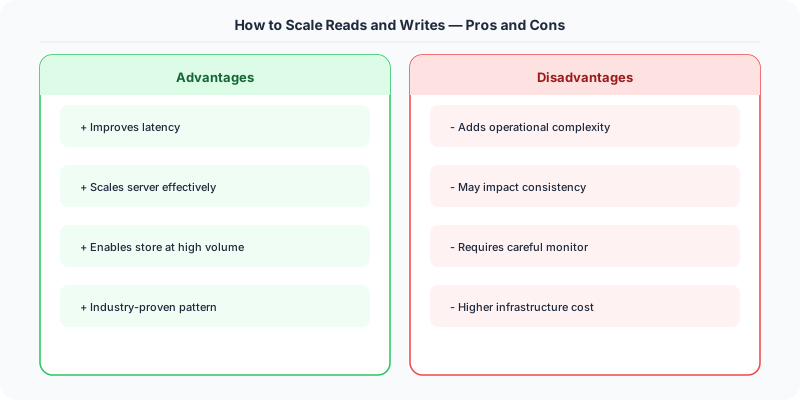
Tradeoff: Stale data (cache may serve outdated values until TTL expires or explicit invalidation). Cache invalidation is one of the two hard problems in computer science. Thundering herd: when a popular cache entry expires, hundreds of concurrent requests hit the database simultaneously.
Denormalization
Store precomputed results or redundant copies of data to avoid expensive joins or aggregations at read time. For example, store a user's follower count directly on the user record rather than counting the followers table on every request.
Tradeoff: Write complexity increases (you must update the denormalized data whenever the source data changes) and storage increases, but reads become trivially fast.
Scaling Writes
Write bottlenecks are harder to solve because writes must (usually) go to a single authoritative location to maintain consistency.
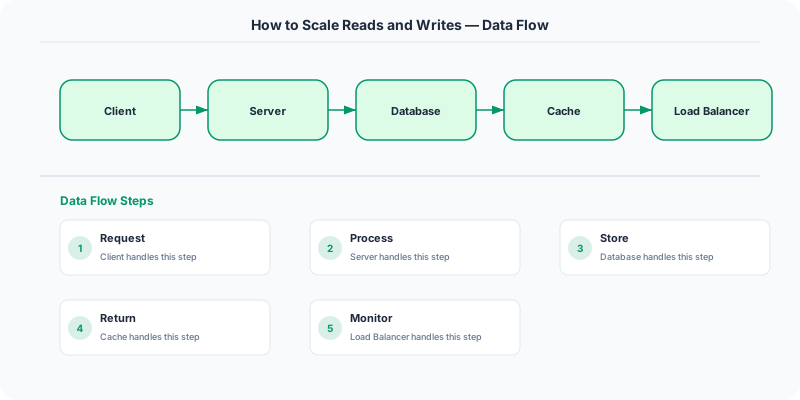
Sharding (Horizontal Partitioning)
Split your data across multiple database instances based on a shard key (e.g., user_id modulo N). Each shard handles a fraction of the total write load. This scales write throughput linearly.
Tradeoff: Cross-shard queries become expensive or impossible. Choosing the wrong shard key leads to hotspots (one shard receiving disproportionate load). Re-sharding (changing the number of shards) is operationally painful. Consistent hashing can mitigate re-sharding cost.
Asynchronous Processing
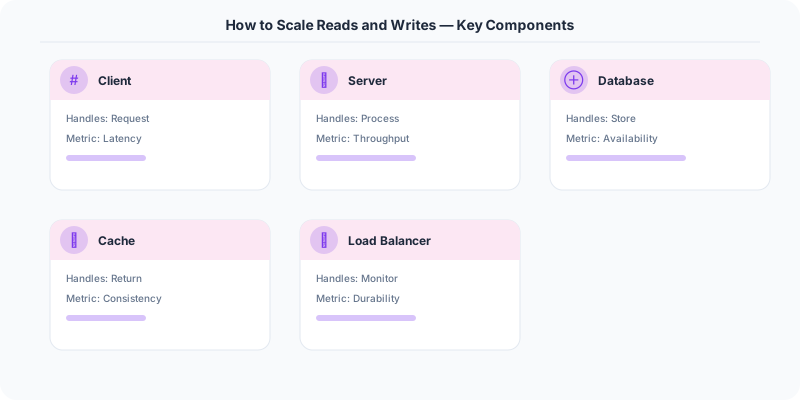
Not all writes need to be processed synchronously. Place writes into a message queue (Kafka, SQS, RabbitMQ) and process them asynchronously. The API returns immediately after enqueuing, and workers process the writes at their own pace.
Tradeoff: The user does not see the result immediately (eventual consistency). Suitable for non-critical writes like analytics events, email sends, or feed updates. Not suitable for writes where the user needs immediate confirmation (e.g., payment processing).
Write-Behind Caching
Buffer writes in a fast store (Redis) and periodically flush them to the database in batches. This absorbs write spikes and reduces the number of database writes.
Tradeoff: Risk of data loss if the buffer fails before flushing. Use a WAL or persistent queue for durability.
CQRS: Command Query Responsibility Segregation
When read and write patterns diverge significantly, separate them into different models. The write model (commands) uses a normalized, write-optimized store. The read model (queries) uses a denormalized, read-optimized store (or cache, or search index). An event bus synchronizes the two.
Example: An e-commerce system writes orders to a normalized PostgreSQL database. A separate service consumes order events and materializes a denormalized view in Elasticsearch for the product search page.
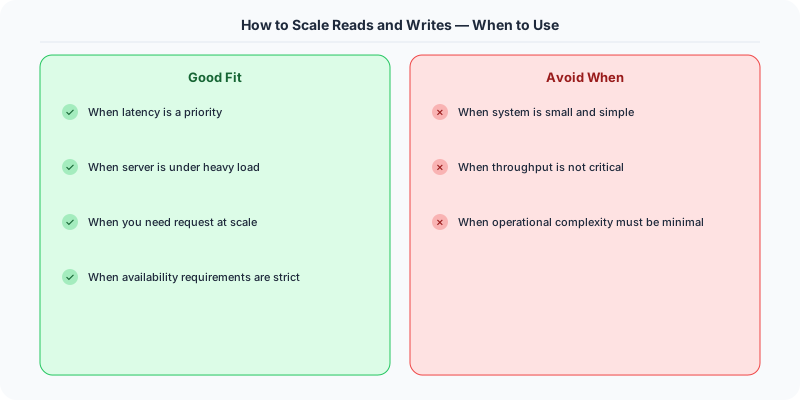
Tradeoff: Increased complexity (two data models, eventual consistency between them, event infrastructure). Only justified when the read/write asymmetry is extreme or when read and write models have fundamentally different shapes.
Decision Guide
| Symptom | Strategy |
|---|---|
| Database CPU saturated by SELECT queries | Read replicas |
| Same queries executed repeatedly | Caching |
| Complex joins on every read | Denormalization |
| Write throughput limited by single node | Sharding |
| Non-critical writes causing backpressure | Async processing |
| Reads and writes have very different shapes | CQRS |
Summary
Scale reads with replicas, caching, and denormalization. Scale writes with sharding and async processing. When the asymmetry is extreme, consider CQRS. Always start with the simplest strategy that solves your bottleneck, and measure before adding complexity.
Practical Implementation for .NET Developers
In a .NET application, you would typically implement this pattern using the following approach:
ASP.NET Core setup: Create a service class that encapsulates the logic, register it with dependency injection, and inject it into your controllers or minimal API endpoints. The built-in DI container handles lifecycle management.
Entity Framework Core: For database interactions, EF Core provides the ORM layer. Use migrations for schema management and raw SQL for performance-critical queries. Consider Dapper for read-heavy paths where EF Core's overhead matters.
Azure integration: If deploying to Azure, leverage managed services — Azure Cache for Redis, Azure SQL, Azure Service Bus, Azure Cosmos DB. These eliminate operational overhead and provide built-in monitoring through Application Insights.
Testing: Use xUnit with Testcontainers for integration tests that spin up real databases in Docker. Mock external dependencies with NSubstitute. The WebApplicationFactory class lets you test your entire HTTP pipeline in-process.
Monitoring: Add Application Insights telemetry to track request latency, dependency calls, and custom metrics. Use structured logging with Serilog to make production debugging possible:
Log.Information("Processing order {OrderId} for {CustomerId}", orderId, customerId);
This gives you searchable, structured logs in Azure Monitor or Seq.
What Most Articles Get Wrong
Many articles about How To Scale Reads And Writes present an oversimplified view that misses the operational reality. In production, the theoretical best practices often collide with constraints like legacy systems, team expertise, budget limitations, and compliance requirements. The engineers who successfully implement these patterns at scale are the ones who understand not just the "what" but the "when" and "when not to."
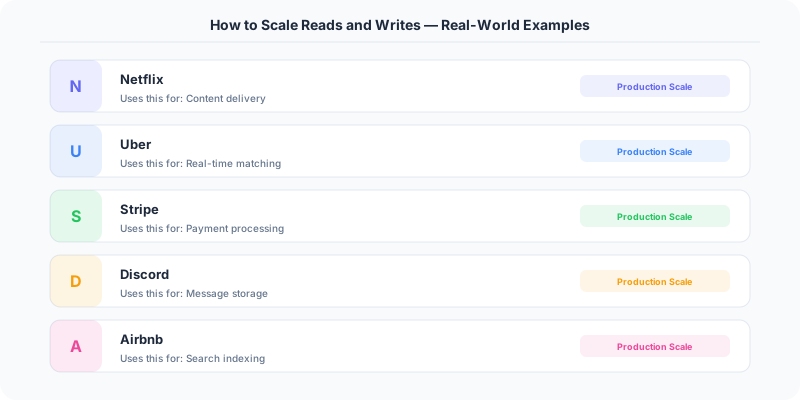
The nuance that matters: context determines everything. A pattern that works at Netflix's scale (200M users, 1000+ engineers) is overkill for a startup with 10,000 users and 3 engineers. Always match the solution complexity to the problem complexity.
The Numbers That Matter
- Latency percentiles matter more than averages: p99 latency often reveals problems that p50 hides
- Error budgets quantify acceptable risk: if your SLA is 99.95%, you have 21.9 minutes of downtime per month to spend on deployments and experiments
- Cost per request at scale determines architecture: a $0.001 cost difference per request becomes $1M per year at 1 billion requests/year
- Team cognitive load is the hidden constraint: a system your team cannot understand is a system your team cannot operate safely