How to Answer System Design Interviews
How to Answer System Design Interviews
System design interviews are 35-45 minutes of open-ended discussion. Without a framework, candidates ramble, skip critical sections, or spend 20 minutes on low-value details. This 7-step framework provides structure and ensures you cover what interviewers actually evaluate.
Step 1: Clarify Requirements (3-5 minutes)
What to do: Ask questions to narrow the scope. Do not assume.
Functional requirements: What does the system do? "Design a URL shortener" could mean just shortening links, or it could include analytics, custom aliases, link expiration, and user accounts. Ask.
Non-functional requirements: What scale? How many users? Reads per second? Writes per second? Latency requirements? Availability target (99.9%? 99.99%)? Consistency requirements?
Example questions: "Should the system support custom short URLs?" "What is the expected daily active user count?" "Is it acceptable if analytics are eventually consistent?"
Why this matters: Interviewers deliberately leave the problem vague to test whether you ask clarifying questions. Jumping into the design without clarifying requirements is a red flag.
Step 2: Estimate Scale (2-3 minutes)
What to do: Back-of-envelope calculations to size the system.
Traffic: If 100M users make 1 request/day, that is ~1,200 requests/second. If read:write ratio is 100:1, that is ~12 writes/sec and ~1,200 reads/sec.
Storage: If each record is 1 KB and you create 1M records/day, that is 1 GB/day, 365 GB/year, ~1 TB in 3 years.
Bandwidth: 1,200 requests/sec * 1 KB = 1.2 MB/sec. Not a bottleneck.
Why this matters: These numbers justify your architecture decisions. "We need sharding because a single PostgreSQL instance handles ~10K writes/sec and we expect 50K" is a data-driven argument.
Step 3: Define the API (3-5 minutes)
What to do: List the core API endpoints with method, path, and key parameters.
Example (URL shortener):
POST /api/shorten  { "long_url": "...", "custom_alias": "..." }
GET  /:short_code   -> 301 redirect to long_url
GET  /api/stats/:short_code -> analytics
Why this matters: The API defines the contract. It clarifies what the system does from the user's perspective and reveals the core operations you need to design for.
Step 4: Design the Data Model (3-5 minutes)
What to do: Define the core entities, their attributes, and relationships. Choose the database type.
Example: URLs table with (id, short_code, long_url, user_id, created_at, expires_at). Index on short_code for O(1) lookups.
Why this matters: The data model drives everything — database selection, sharding strategy, query patterns.
Step 5: High-Level Architecture (5-10 minutes)
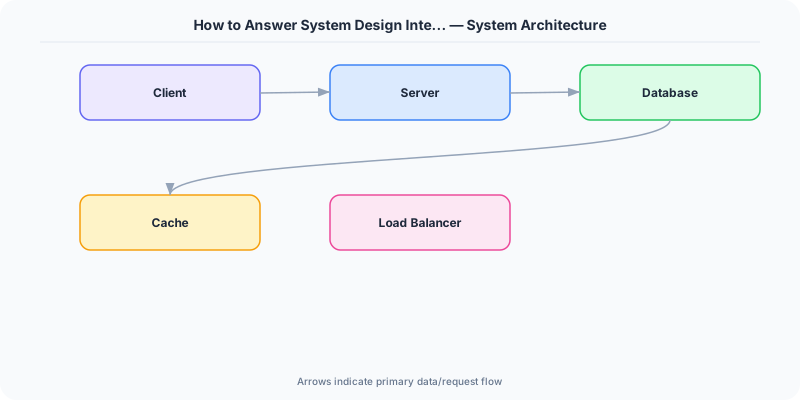
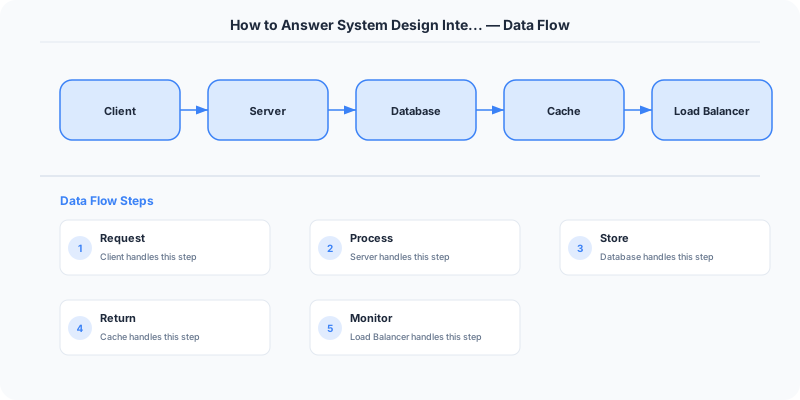
What to do: Draw boxes and arrows. Start with: Client -> Load Balancer -> Application Servers -> Database. Add caching, queues, CDN, and other components as needed.
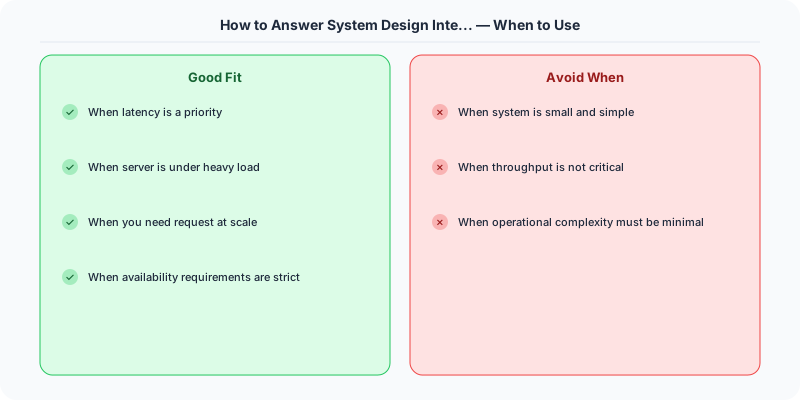
Keep it simple first: Do not add Kafka, Redis, and three microservices in the first pass. Start with the minimum viable architecture, then add complexity to address specific bottlenecks or requirements.
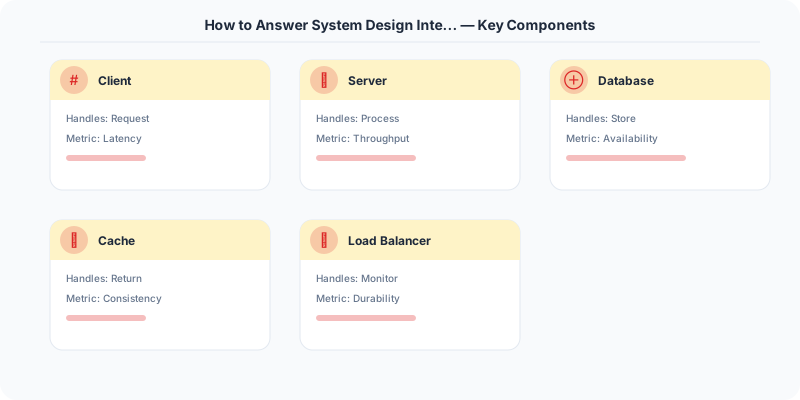
Why this matters: This is the core of the interview. The interviewer evaluates whether your components are appropriate, your data flows make sense, and your architecture addresses the stated requirements.
Step 6: Deep Dive (10-15 minutes)
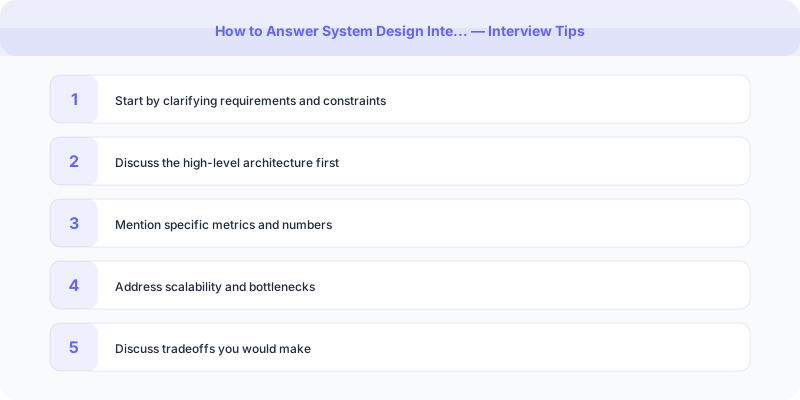
What to do: Pick 2-3 components and design them in detail. The interviewer may direct you, or you can choose the most interesting parts.
Good deep-dive topics: How do you generate unique short codes? (Hash vs. counter vs. pre-generated pool.) How does the cache invalidation work? How do you handle the 301 redirect at scale? How do you shard the database?
Show depth: This is where you demonstrate expertise. Discuss specific algorithms, data structures, consistency models, and failure handling.
Why this matters: The deep dive separates senior candidates from junior ones. Anyone can draw boxes; the deep dive shows you understand what is inside the boxes.
Step 7: Tradeoffs and Extensions (3-5 minutes)
What to do: Discuss the weaknesses of your design, what you would improve, and how the system handles failure.
Bottlenecks: "The single database is the bottleneck. At 50K writes/sec, I would shard by the first two characters of the short code."
Failure modes: "If the cache goes down, the database can handle the load because we sized it for cache-miss traffic. Reads will be slower but the system stays available."
Extensions: "With more time, I would add rate limiting, abuse detection, and a analytics pipeline using Kafka."
Why this matters: Demonstrating awareness of tradeoffs and limitations shows maturity. No design is perfect; acknowledging weaknesses is a strength.
Time Allocation Summary
| Step | Time | What |
|---|---|---|
| 1. Requirements | 3-5 min | Clarify scope and constraints |
| 2. Estimation | 2-3 min | Back-of-envelope calculations |
| 3. API | 3-5 min | Core endpoints |
| 4. Data Model | 3-5 min | Entities and database choice |
| 5. Architecture | 5-10 min | High-level component diagram |
| 6. Deep Dive | 10-15 min | Detailed component design |
| 7. Tradeoffs | 3-5 min | Weaknesses and extensions |
Common Mistakes
Monologuing: System design is a conversation, not a presentation. Pause for feedback. Ask "Does this direction make sense?" The interviewer often has specific areas they want to explore.
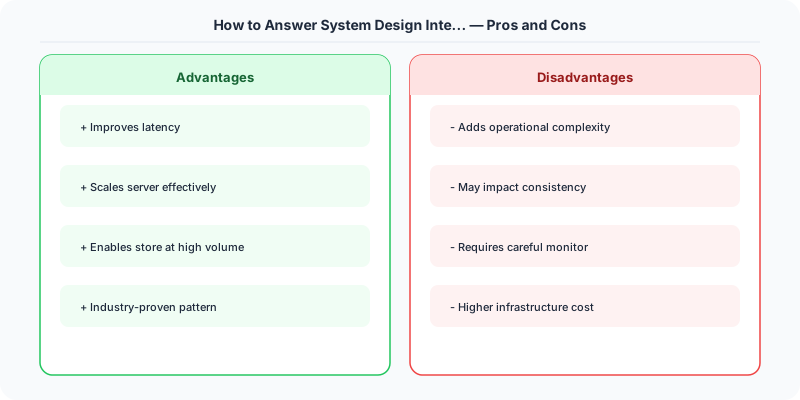
Premature optimization: Do not add caching, sharding, and queues before establishing a baseline architecture. Add each component to solve a specific, stated problem.
Skipping requirements: The fastest way to fail is designing the wrong system. Five minutes of clarification saves twenty minutes of rework.
Practical Implementation for .NET Developers
In a .NET application, you would typically implement this pattern using the following approach:
ASP.NET Core setup: Create a service class that encapsulates the logic, register it with dependency injection, and inject it into your controllers or minimal API endpoints. The built-in DI container handles lifecycle management.
Entity Framework Core: For database interactions, EF Core provides the ORM layer. Use migrations for schema management and raw SQL for performance-critical queries. Consider Dapper for read-heavy paths where EF Core's overhead matters.
Azure integration: If deploying to Azure, leverage managed services — Azure Cache for Redis, Azure SQL, Azure Service Bus, Azure Cosmos DB. These eliminate operational overhead and provide built-in monitoring through Application Insights.
Testing: Use xUnit with Testcontainers for integration tests that spin up real databases in Docker. Mock external dependencies with NSubstitute. The WebApplicationFactory class lets you test your entire HTTP pipeline in-process.
Monitoring: Add Application Insights telemetry to track request latency, dependency calls, and custom metrics. Use structured logging with Serilog to make production debugging possible:
Log.Information("Processing order {OrderId} for {CustomerId}", orderId, customerId);
This gives you searchable, structured logs in Azure Monitor or Seq.
What Most Articles Get Wrong
Many articles about How To Answer System Design Interviews present an oversimplified view that misses the operational reality. In production, the theoretical best practices often collide with constraints like legacy systems, team expertise, budget limitations, and compliance requirements. The engineers who successfully implement these patterns at scale are the ones who understand not just the "what" but the "when" and "when not to."
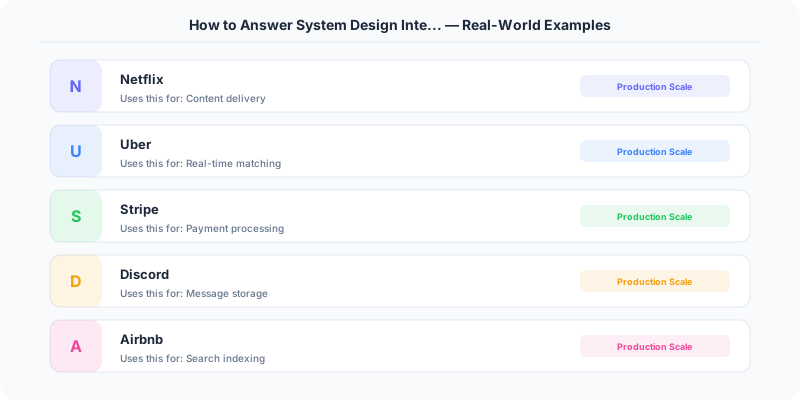
The nuance that matters: context determines everything. A pattern that works at Netflix's scale (200M users, 1000+ engineers) is overkill for a startup with 10,000 users and 3 engineers. Always match the solution complexity to the problem complexity.
The Numbers That Matter
- Latency percentiles matter more than averages: p99 latency often reveals problems that p50 hides
- Error budgets quantify acceptable risk: if your SLA is 99.95%, you have 21.9 minutes of downtime per month to spend on deployments and experiments
- Cost per request at scale determines architecture: a $0.001 cost difference per request becomes $1M per year at 1 billion requests/year
- Team cognitive load is the hidden constraint: a system your team cannot understand is a system your team cannot operate safely