How Slack Delivers Messages in Real Time
How Slack Delivers Messages in Real Time
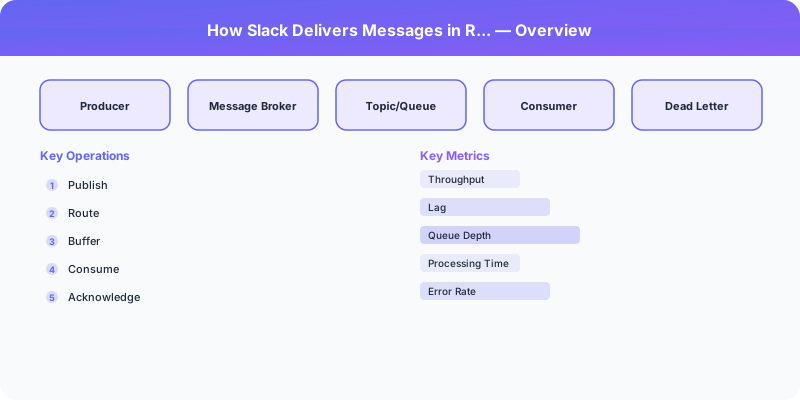
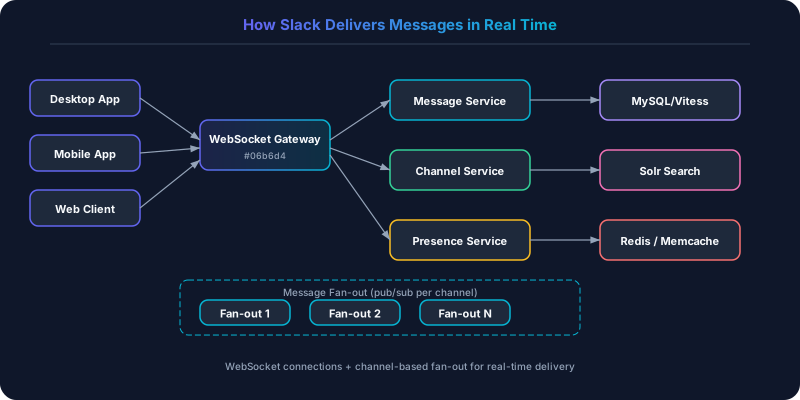
Slack handles millions of concurrent WebSocket connections, delivering messages with sub-second latency. When you type in a channel, every member of that channel sees your message appear within 200-500ms, regardless of whether they are on desktop, mobile, or web.
The Message Path
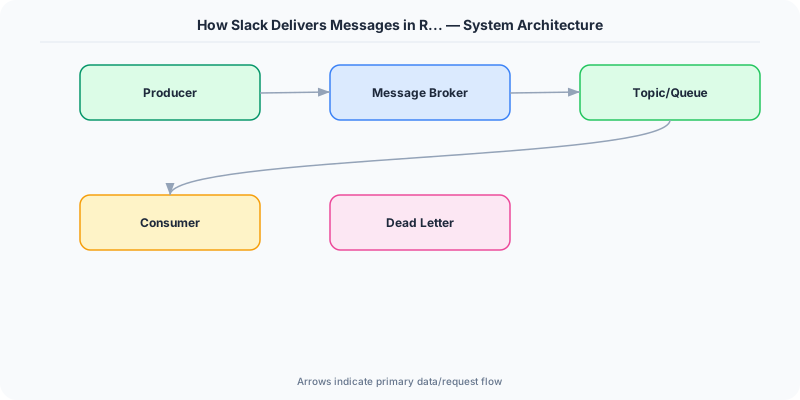
1. Client Sends Message
When you press Enter, your Slack client sends the message over its WebSocket connection to the nearest Slack edge server. The message includes: channel_id, text, sender_id, client-generated nonce (for deduplication).
2. Message Service Processes
The edge server forwards to the Message Service, which:
- Validates permissions (is this user in this channel?)
- Stores the message in MySQL (sharded by workspace)
- Assigns a server-generated message ID (monotonically increasing per channel for ordering)
- Publishes a "message.created" event to the internal message bus
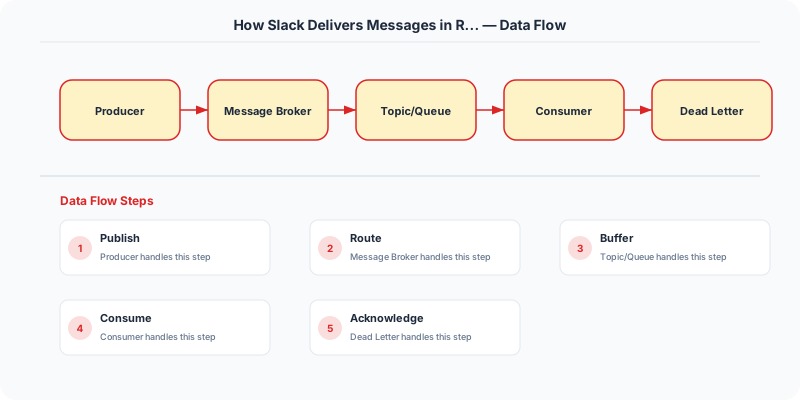
3. Channel Fanout
The Message Fanout Service receives the event and determines who needs to be notified:
- Fetch channel membership list
- For each online member: look up which gateway server holds their WebSocket connection
- Forward the message to each relevant gateway server
4. Gateway Delivers to Client
Each gateway server maintains ~500K WebSocket connections. When it receives a message for a user, it pushes the message through their WebSocket. The client renders it instantly.
For offline users: the message is stored in the database. When they reconnect, the client requests messages since their last-seen timestamp.
Key Technical Decisions
Why WebSocket, Not Polling?
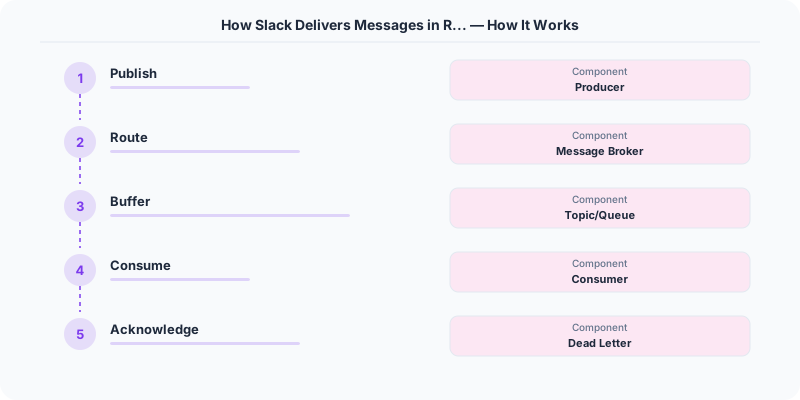
Slack tried long polling early on. At 50K concurrent users, the overhead of HTTP headers on every poll (100+ bytes) added up. WebSocket reduced bandwidth by 90% and latency from seconds to milliseconds.
Channel-Level Ordering
Messages within a channel must arrive in order. Slack achieves this by:
- Assigning sequential IDs per channel from the message service (single-writer per channel)
- Clients display messages sorted by this server-assigned ID
- If a message arrives out of order (e.g., due to network delay), the client re-sorts
Workspace Sharding
Slack shards data by workspace (organization). Each workspace's messages, channels, and users live on a dedicated MySQL shard (via Vitess). This provides natural isolation — one workspace's traffic spike does not affect others.
Presence (Who's Online?)
Tracking online/offline status for millions of users is its own challenge. Slack uses:
- Redis with TTL keys: each connected user has a key that expires in 30 seconds
- Clients send a heartbeat every 15 seconds to refresh the TTL
- If the key expires, the user is marked offline
- Presence changes are broadcast to relevant channels (not all users — just channel members)
Performance at Scale
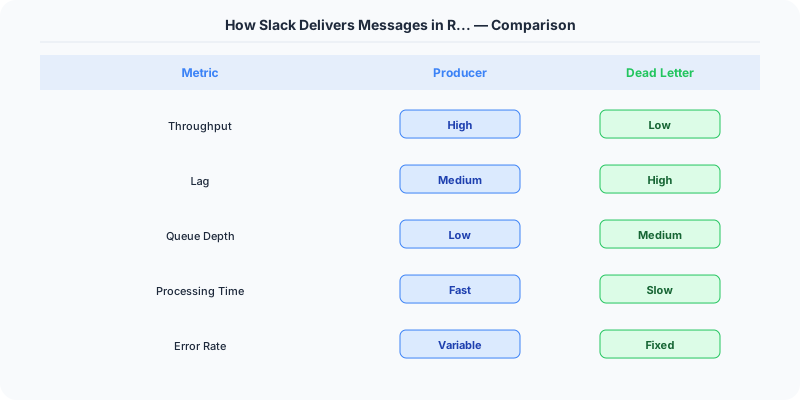
| Metric | Value |
|---|---|
| Concurrent WebSocket connections | Millions |
| Message delivery latency | 200-500ms |
| Messages per second (peak) | 100K+ |
| MySQL shards | Thousands (via Vitess) |
| Gateway servers | Hundreds |
Key Takeaways
- WebSocket for real-time: The latency and bandwidth advantages over polling are enormous
- Shard by workspace: Natural isolation boundary for multi-tenant SaaS
- Channel-level ordering: Per-channel sequential IDs are simpler than global ordering
- Vitess for MySQL sharding: Proven at scale (Slack, YouTube, GitHub)
- Presence via Redis TTL: Elegant, simple, and scalable
Practical Implementation for .NET Developers
In a .NET application, you would typically implement this pattern using the following approach:
ASP.NET Core setup: Create a service class that encapsulates the logic, register it with dependency injection, and inject it into your controllers or minimal API endpoints. The built-in DI container handles lifecycle management.
Entity Framework Core: For database interactions, EF Core provides the ORM layer. Use migrations for schema management and raw SQL for performance-critical queries. Consider Dapper for read-heavy paths where EF Core's overhead matters.
Azure integration: If deploying to Azure, leverage managed services — Azure Cache for Redis, Azure SQL, Azure Service Bus, Azure Cosmos DB. These eliminate operational overhead and provide built-in monitoring through Application Insights.
Testing: Use xUnit with Testcontainers for integration tests that spin up real databases in Docker. Mock external dependencies with NSubstitute. The WebApplicationFactory class lets you test your entire HTTP pipeline in-process.
Monitoring: Add Application Insights telemetry to track request latency, dependency calls, and custom metrics. Use structured logging with Serilog to make production debugging possible:
Log.Information("Processing order {OrderId} for {CustomerId}", orderId, customerId);
This gives you searchable, structured logs in Azure Monitor or Seq.
Sources
Putting This Into Practice
Understanding the theory is only half the battle. Here is how to apply these concepts in your daily work:
Start small. Pick one project or one component of your current system and apply the ideas from this article. Do not try to redesign everything at once.
Document your decisions. When you make an architectural choice, write a short ADR (Architecture Decision Record) explaining what you chose, why, and what alternatives you considered. Future you will thank present you.
Talk to your team. System design is a team sport. Share what you learn, discuss tradeoffs openly, and build shared understanding. The best architectures come from teams that communicate well, not from lone geniuses.
Key Takeaways
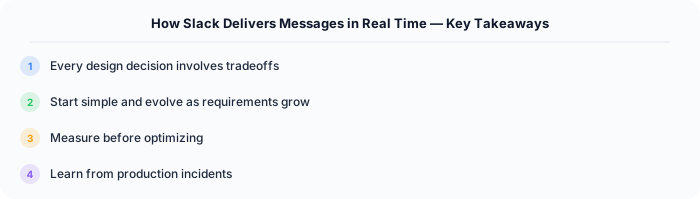
- Every design decision involves tradeoffs — there is no perfect solution
- Start simple and evolve as requirements grow
- Measure before optimizing — premature optimization wastes engineering time
- Learn from production incidents — they teach you more than any textbook
- Practice explaining your reasoning — this is what interviews test
What Most Articles Get Wrong
Many articles about How Slack Delivers Messages In Real Time present an oversimplified view that misses the operational reality. In production, the theoretical best practices often collide with constraints like legacy systems, team expertise, budget limitations, and compliance requirements. The engineers who successfully implement these patterns at scale are the ones who understand not just the "what" but the "when" and "when not to."
The nuance that matters: context determines everything. A pattern that works at Netflix's scale (200M users, 1000+ engineers) is overkill for a startup with 10,000 users and 3 engineers. Always match the solution complexity to the problem complexity.
The Numbers That Matter
- Latency percentiles matter more than averages: p99 latency often reveals problems that p50 hides
- Error budgets quantify acceptable risk: if your SLA is 99.95%, you have 21.9 minutes of downtime per month to spend on deployments and experiments
- Cost per request at scale determines architecture: a $0.001 cost difference per request becomes $1M per year at 1 billion requests/year
- Team cognitive load is the hidden constraint: a system your team cannot understand is a system your team cannot operate safely