How Real-Time Messaging Works
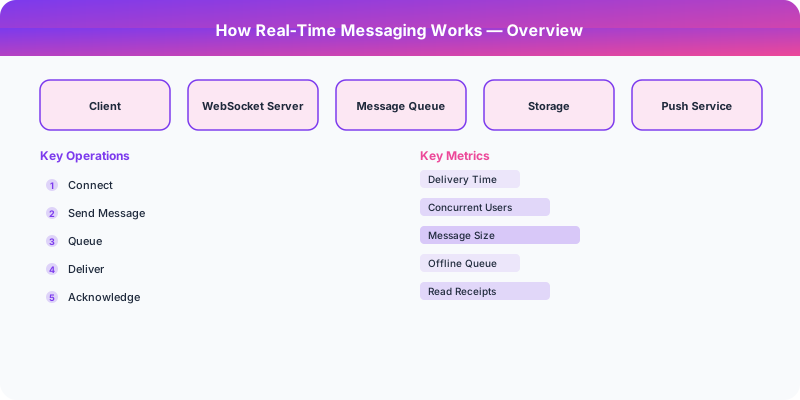
How Real-Time Messaging Works
Real-time messaging means delivering data to clients within milliseconds of it being produced, without the client explicitly asking for it. This is fundamentally different from the request-response model of HTTP, and the choice of protocol has significant implications for scalability, reliability, and complexity.
The Three Approaches
HTTP Long Polling
The client sends an HTTP request, and the server holds the connection open until new data is available (or a timeout occurs). When data arrives, the server responds, the connection closes, and the client immediately opens a new one.
Pros: Works through all firewalls and proxies. Uses standard HTTP, so no special infrastructure is needed. Simple to implement.
Cons: Each poll cycle requires a new TCP connection (or at least a new HTTP request), adding overhead. The server must hold many open connections waiting for data. Not truly real-time — there is a small gap between the response and the next poll.
Use when: You need basic real-time behavior and cannot use WebSocket (legacy environments, restrictive firewalls).
Server-Sent Events (SSE)
The client opens a single HTTP connection, and the server sends events down that connection as they occur. The connection stays open indefinitely. SSE is built into the browser via the EventSource API.
Pros: Simple one-directional streaming over standard HTTP. Automatic reconnection built into the browser API. Works through most proxies and CDNs. Lightweight — no custom protocol negotiation.
Cons: Unidirectional (server to client only). Clients cannot send messages back over the same connection. Limited to text data (no binary). Some older proxies may buffer responses, breaking the streaming behavior.
Use when: You only need server-to-client updates (live scores, stock tickers, notification feeds). No need for client-to-server messaging on the same connection.
WebSocket
After an initial HTTP handshake (upgrade request), the connection is upgraded to a persistent, full-duplex TCP connection. Both client and server can send messages at any time.
Pros: Full-duplex communication. Very low overhead per message (2-6 byte frame header vs. hundreds of bytes for HTTP headers). Supports binary data. True real-time: no polling gaps.
Cons: Requires WebSocket-aware infrastructure (load balancers, proxies). Stateful connections complicate horizontal scaling (sticky sessions or connection-aware routing). Some corporate firewalls block WebSocket upgrade requests.
Use when: You need bidirectional real-time communication — chat, collaborative editing, multiplayer games, live trading.
Connection Management at Scale
The hard part of real-time messaging is not the protocol — it is managing millions of persistent connections.
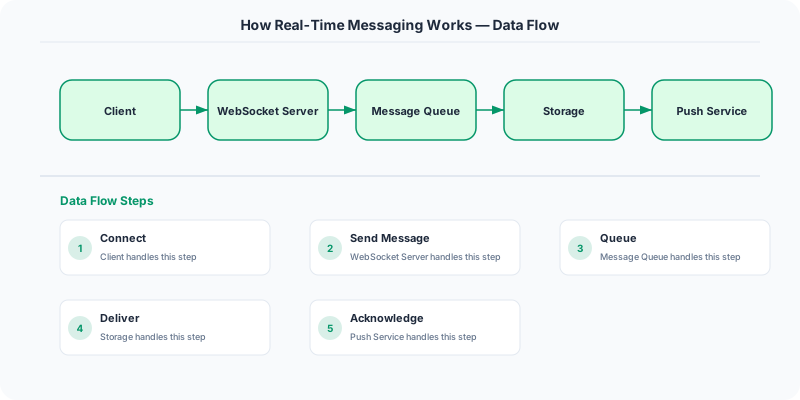
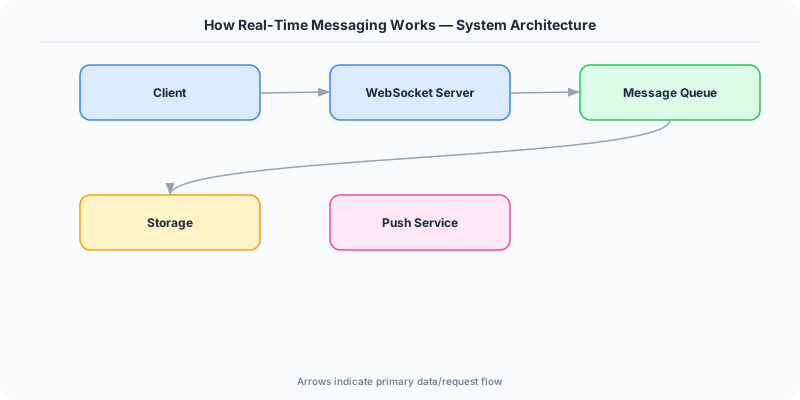
Connection gateways: Dedicated servers that hold WebSocket connections. Each gateway handles 10,000-100,000 connections. Gateways are stateless in terms of business logic; they only maintain the mapping of "which user is connected to this server."
Connection migration: When you deploy a new version of the gateway, existing connections must be gracefully drained. Clients reconnect to a new gateway instance. During migration, messages must not be lost.
Heartbeats: Both client and server send periodic pings to detect dead connections. Without heartbeats, a disconnected client consumes server resources until a TCP timeout (which can take minutes).
Reconnection with gap-fill: When a client reconnects after a brief disconnect, it reports the last message ID it received. The server sends all messages since that ID, ensuring no messages are lost.
Message Ordering
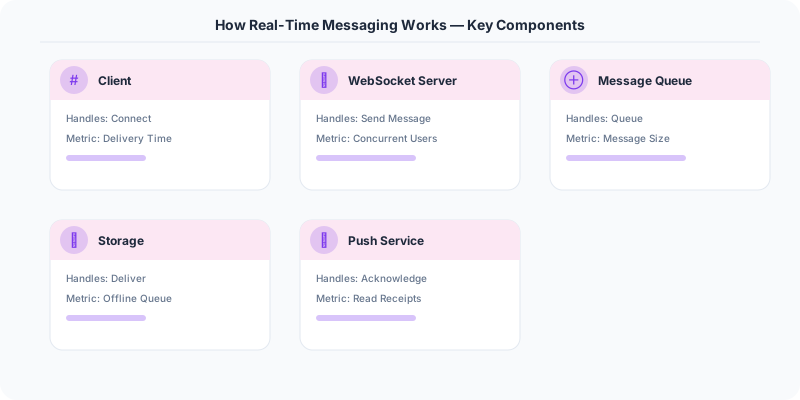
Guaranteeing that all users see messages in the same order is harder than it sounds.
Per-channel sequence numbers: Assign a monotonically increasing sequence number to each message within a channel. All clients sort by this number. This guarantees total order within a channel.
Cross-channel ordering: Not usually necessary or feasible. Users see messages in their channel's order, and different channels can have independent sequences.
Conflict resolution: In collaborative editing scenarios where two users type simultaneously, you need algorithms like Operational Transformation (OT) or CRDTs (Conflict-free Replicated Data Types) to merge concurrent edits.
The Fanout Problem
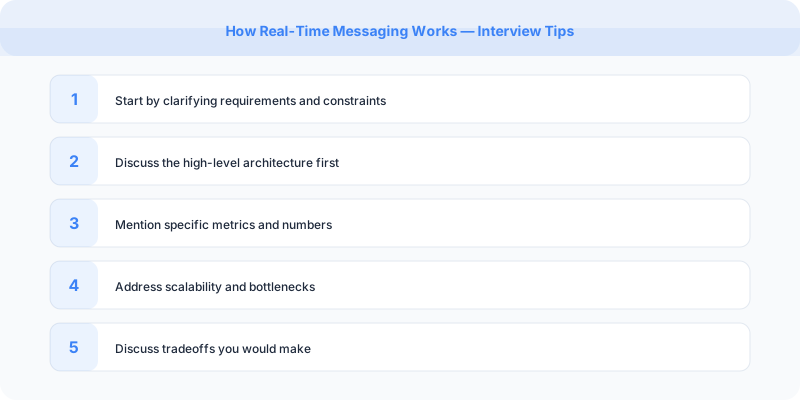
When a message is posted to a channel with 50,000 members, delivering it to all online members is the core scalability challenge.
Fanout-on-write: When the message is written, immediately push it to all recipients. Fast for recipients, expensive for the sender (especially for channels with many members).
Fanout-on-read: Store the message once; recipients fetch it when they check the channel. Cheaper to write, but reads are slower and more complex.
Hybrid approach: Use fanout-on-write for small channels (most channels) and fanout-on-read for very large channels (announcements, public channels with thousands of members).
Comparison Table
| Feature | Long Polling | SSE | WebSocket |
|---|---|---|---|
| Direction | Client to server | Server to client | Bidirectional |
| Protocol | HTTP | HTTP | WS (upgraded HTTP) |
| Binary support | No | No | Yes |
| Browser support | Universal | Modern browsers | Modern browsers |
| Reconnection | Manual | Automatic | Manual |
| Proxy compatibility | Excellent | Good | Moderate |
| Per-message overhead | High (HTTP headers) | Low | Very low |
Summary
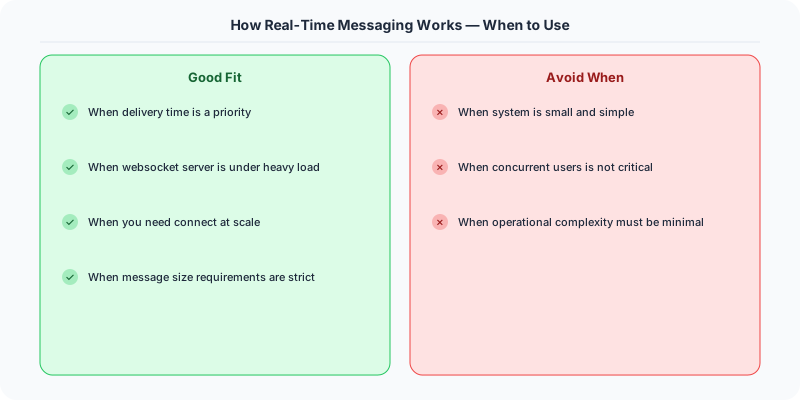
Use long polling as a fallback, SSE for server-to-client streams, and WebSocket for bidirectional real-time communication. The real challenge is connection management at scale — gateways, heartbeats, reconnection, and message fanout. Per-channel sequence numbers solve ordering.
Practical Implementation for .NET Developers
In a .NET application, you would typically implement this pattern using the following approach:
ASP.NET Core setup: Create a service class that encapsulates the logic, register it with dependency injection, and inject it into your controllers or minimal API endpoints. The built-in DI container handles lifecycle management.
Entity Framework Core: For database interactions, EF Core provides the ORM layer. Use migrations for schema management and raw SQL for performance-critical queries. Consider Dapper for read-heavy paths where EF Core's overhead matters.
Azure integration: If deploying to Azure, leverage managed services — Azure Cache for Redis, Azure SQL, Azure Service Bus, Azure Cosmos DB. These eliminate operational overhead and provide built-in monitoring through Application Insights.
Testing: Use xUnit with Testcontainers for integration tests that spin up real databases in Docker. Mock external dependencies with NSubstitute. The WebApplicationFactory class lets you test your entire HTTP pipeline in-process.
Monitoring: Add Application Insights telemetry to track request latency, dependency calls, and custom metrics. Use structured logging with Serilog to make production debugging possible:
Log.Information("Processing order {OrderId} for {CustomerId}", orderId, customerId);
This gives you searchable, structured logs in Azure Monitor or Seq.
What Most Articles Get Wrong
Many articles about How Real Time Messaging Works present an oversimplified view that misses the operational reality. In production, the theoretical best practices often collide with constraints like legacy systems, team expertise, budget limitations, and compliance requirements. The engineers who successfully implement these patterns at scale are the ones who understand not just the "what" but the "when" and "when not to."
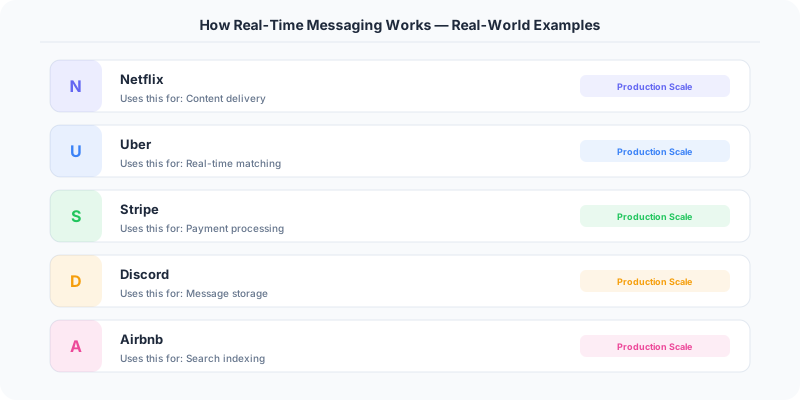
The nuance that matters: context determines everything. A pattern that works at Netflix's scale (200M users, 1000+ engineers) is overkill for a startup with 10,000 users and 3 engineers. Always match the solution complexity to the problem complexity.
The Numbers That Matter
- Latency percentiles matter more than averages: p99 latency often reveals problems that p50 hides
- Error budgets quantify acceptable risk: if your SLA is 99.95%, you have 21.9 minutes of downtime per month to spend on deployments and experiments
- Cost per request at scale determines architecture: a $0.001 cost difference per request becomes $1M per year at 1 billion requests/year
- Team cognitive load is the hidden constraint: a system your team cannot understand is a system your team cannot operate safely