Database Sharding in Practice
Database Sharding in Practice
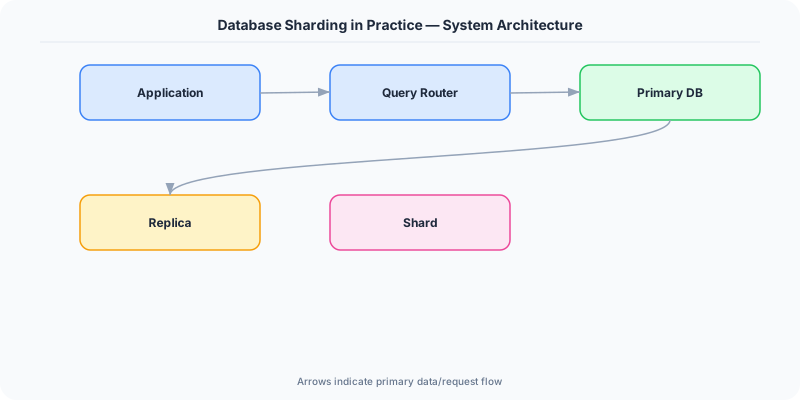
Sharding is the last resort of database scaling — and the most powerful. When read replicas cannot handle the write volume, when vertical scaling hits the ceiling of the largest available machine, and when a single database instance cannot store the entire dataset, sharding distributes data across multiple database instances (shards) so that each shard handles a subset of the total load.
The concept is simple. The execution is where teams get burned.
When Sharding Becomes Necessary
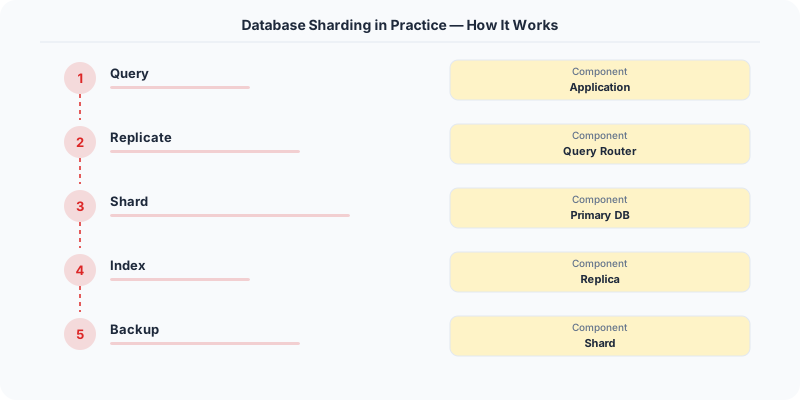
Most systems do not need sharding. PostgreSQL on a machine with 64 cores, 512 GB RAM, and fast NVMe storage can handle millions of rows and thousands of queries per second. Add read replicas and you cover most read-heavy workloads. Add connection pooling with PgBouncer and you handle high concurrency. Add partitioning (table-level, not database-level) and you manage large tables efficiently.
Sharding becomes necessary when:
- Write throughput exceeds what a single machine can handle. A single PostgreSQL instance tops out around 10,000-50,000 write transactions per second depending on the workload. If your write volume exceeds that, you need multiple writers.
- The dataset exceeds what fits on a single machine. When your database is 10 TB and growing, even the largest instance struggles. Backup and recovery times become impractical.
- Multi-tenancy requires isolation. Each tenant (customer) gets their own shard for performance isolation and data residency compliance.
Instagram sharded PostgreSQL when their user base outgrew a single database server. Notion sharded when their workspace data reached a scale where a single PostgreSQL instance could not serve both reads and writes with acceptable latency.
Choosing the Shard Key
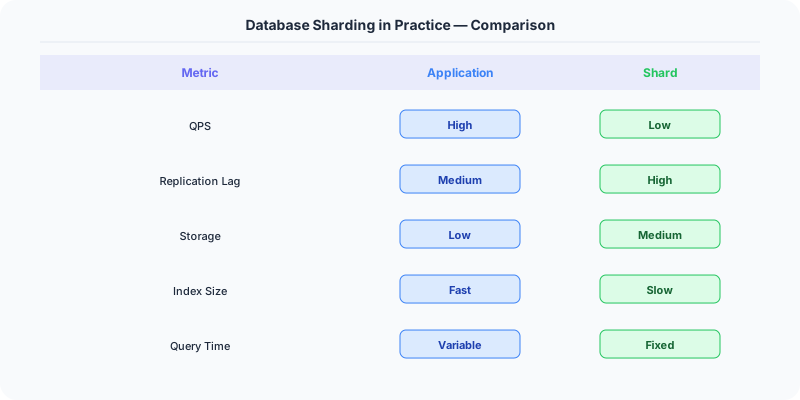
The shard key determines which shard holds each row. This is the most consequential decision in a sharding implementation, and getting it wrong is expensive to fix (it often requires a full data migration).
A good shard key has three properties:
High cardinality. The key must have enough distinct values to distribute data evenly across shards. country_code has only ~200 values, which limits you to 200 shards and creates hot shards for populous countries. user_id has millions or billions of values — ideal for even distribution.
Even distribution. The values must distribute uniformly across shards. If 50% of your users are in the United States and you shard by country, one shard holds half the data. Hash-based sharding (hash the key and modulo by shard count) ensures even distribution regardless of the key's natural distribution.
Query alignment. The shard key must match your primary query patterns. If most queries filter by user_id, shard by user_id. Every query that includes the shard key can be routed to a single shard. Queries that do not include the shard key must scatter to all shards (scatter-gather), which is slow and expensive.
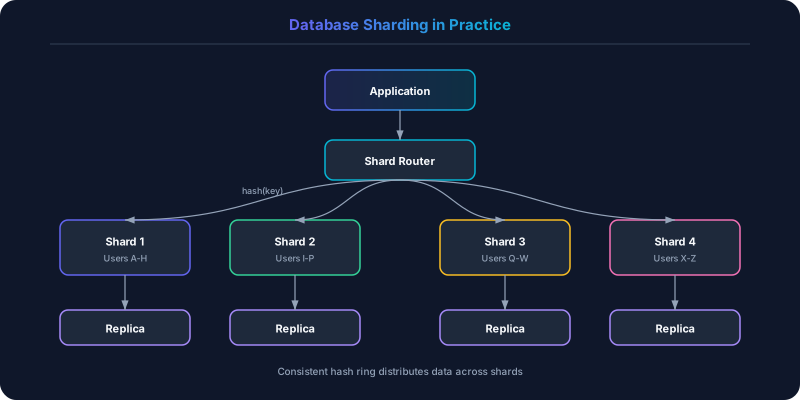
Sharding Strategies
Hash-Based Sharding
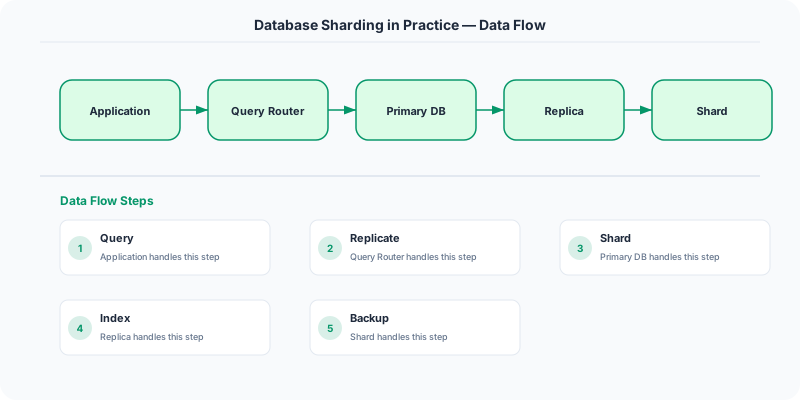
Hash the shard key and compute hash(key) % num_shards to determine the target shard. This produces uniform distribution regardless of the key's natural distribution.
Instagram uses hash-based sharding on user_id. Each user's data (posts, followers, likes) lives on a single shard determined by user_id % num_shards. The logical shard ID maps to a physical PostgreSQL instance through a routing table.
The downside: range queries are impossible. "Get all users created between January and March" would require scanning every shard because consecutive user IDs land on different shards. If range queries are important, use range-based sharding instead.
Range-Based Sharding
Assign contiguous key ranges to each shard. Shard 1 handles user_ids 1-1,000,000. Shard 2 handles 1,000,001-2,000,000. And so on.
Range-based sharding supports range queries natively — the router knows which shard(s) cover the requested range. But it risks hot spots: if new users are always assigned incrementing IDs, the last shard receives all new writes while earlier shards are idle.
Google Spanner and CockroachDB use range-based sharding with automatic range splitting. When a range becomes too large or too hot, the system splits it into two ranges and rebalances automatically.
Directory-Based Sharding
A lookup table maps each key (or key range) to a shard. This provides maximum flexibility — you can move individual keys between shards — but the directory itself becomes a critical dependency and potential bottleneck.
Uber's Schemaless used directory-based sharding. A separate metadata service maintained the mapping from logical shard to physical database instance. This allowed them to rebalance shards by updating the directory without migrating data in real time.
The Cross-Shard Query Problem
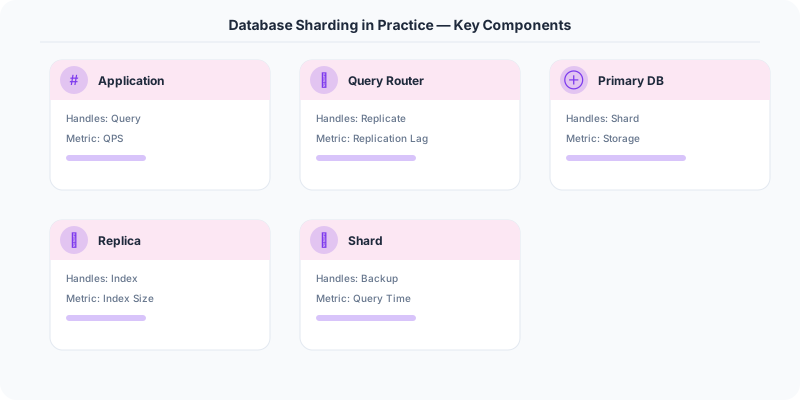
Sharding breaks the assumptions that relational databases rely on. Joins, foreign keys, and transactions across shards are either impossible or prohibitively expensive.
Cross-shard joins. "Get all orders for user X with product details" is trivial when orders and products are in the same database. When they are on different shards, the application must query both shards and join the results in memory. This is slow and scales poorly.
The solution: co-locate related data on the same shard. If you shard by user_id, put the user's orders, the user's cart, and the user's reviews on the same shard. Queries within a single user's scope hit one shard. Cross-user queries (admin analytics, global leaderboards) use a separate analytics system (data warehouse, Elasticsearch) that aggregates data from all shards.
Cross-shard transactions. ACID transactions across shards require two-phase commit (2PC), which is slow and blocks all participating shards if any participant fails. Most sharded systems avoid cross-shard transactions entirely by designing the data model so that all data for a single transaction lives on one shard.
Global unique IDs. Auto-incrementing primary keys do not work across shards (two shards would generate the same ID). Solutions: UUID (random, no coordination, but large and non-sequential), Snowflake IDs (time-based, sortable, includes shard identifier), or a central ID generation service (adds a network hop). Instagram uses a PostgreSQL function that combines the current timestamp, shard ID, and a per-shard sequence number to generate globally unique, time-sortable IDs.
Rebalancing: The Hardest Part
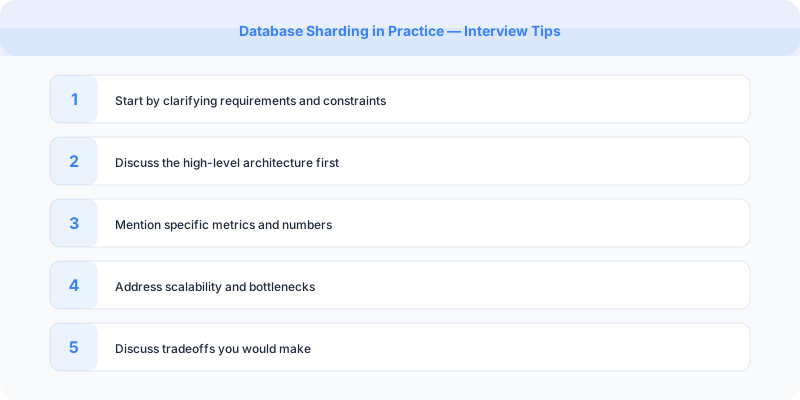
When you add shards (to handle growth) or remove shards (to reduce cost), data must be redistributed. With naive hash-based sharding (hash % num_shards), changing the shard count remaps nearly every key to a different shard, requiring a massive data migration.
Consistent hashing minimizes data movement during rebalancing. When a shard is added, only keys adjacent to the new shard on the hash ring are remapped. Virtual nodes (multiple positions per physical shard on the ring) ensure even distribution.
Logical sharding decouples logical shards from physical hosts. Create 1,000 logical shards even if you only have 10 physical servers. Map multiple logical shards to each physical server. When you add a physical server, move some logical shards to it — a much smaller data migration than reshuffling all keys.
Instagram uses this approach: 4,096 logical shards mapped to a smaller number of physical PostgreSQL instances. Adding a physical server means moving a few hundred logical shards (and their data) to the new machine.
Lessons From Production
Notion's sharding journey. Notion ran on a single PostgreSQL instance for years. As their user base grew, the database became the bottleneck. They sharded by workspace_id, which aligned with their primary access pattern (most queries are scoped to a single workspace). The migration took months of careful planning: dual-writing to old and new schemas, verifying data consistency, and gradually shifting traffic.
Figma's approach. Figma sharded their database by file_id. Every query in Figma's collaborative editor is scoped to a single file, making file_id the natural shard key. Cross-file queries (user's file list, team dashboard) are served from a separate metadata store.
Vitess at YouTube. YouTube needed to shard MySQL for the massive scale of video metadata. They built Vitess, an open-source sharding middleware for MySQL that handles query routing, connection pooling, and resharding. Vitess now powers Slack, Square, and GitHub in addition to YouTube.
When Not to Shard
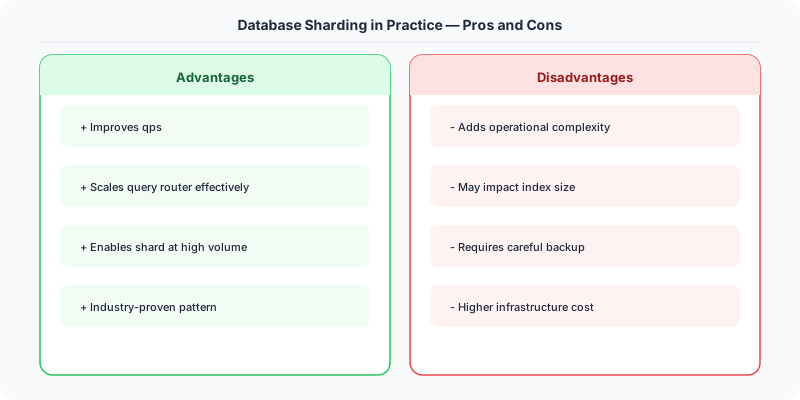
Sharding adds permanent complexity to your system. Every query must be shard-aware. Every migration must run on every shard. Backup and recovery become shard-by-shard operations. Operational tooling must handle multiple database instances.
Before sharding, exhaust simpler alternatives: optimize queries and indexes, add read replicas, implement caching, use table partitioning (which splits data within a single database instance), or move to a database that handles sharding natively (CockroachDB, Spanner, Vitess, Citus for PostgreSQL).
Shard only when the data proves you must. And when you do, invest heavily in the routing layer, observability, and operational tooling. The teams that succeed with sharding are the ones that treat it as an infrastructure investment, not a one-time migration.
Practical Implementation for .NET Developers
In a .NET application, you would typically implement this pattern using the following approach:
ASP.NET Core setup: Create a service class that encapsulates the logic, register it with dependency injection, and inject it into your controllers or minimal API endpoints. The built-in DI container handles lifecycle management.
Entity Framework Core: For database interactions, EF Core provides the ORM layer. Use migrations for schema management and raw SQL for performance-critical queries. Consider Dapper for read-heavy paths where EF Core's overhead matters.
Azure integration: If deploying to Azure, leverage managed services — Azure Cache for Redis, Azure SQL, Azure Service Bus, Azure Cosmos DB. These eliminate operational overhead and provide built-in monitoring through Application Insights.
Testing: Use xUnit with Testcontainers for integration tests that spin up real databases in Docker. Mock external dependencies with NSubstitute. The WebApplicationFactory class lets you test your entire HTTP pipeline in-process.
Monitoring: Add Application Insights telemetry to track request latency, dependency calls, and custom metrics. Use structured logging with Serilog to make production debugging possible:
Log.Information("Processing order {OrderId} for {CustomerId}", orderId, customerId);
This gives you searchable, structured logs in Azure Monitor or Seq.
What Most Articles Get Wrong
Most sharding articles present it as a scaling solution and gloss over the fact that sharding is permanent technical debt. Once you shard your database, every query must be shard-aware. Joins across shards are either impossible or extremely expensive. Transactions across shards require distributed transaction protocols (2PC or sagas). Schema migrations must be coordinated across all shards. Backup and restore procedures multiply by the number of shards.
Another misconception: "just shard by user_id." This works great for user-centric queries but fails for global queries. "Show me all orders placed in the last hour" now requires querying every shard and merging results. "Find users by email" requires either a secondary index (more complexity) or a scatter-gather query across all shards (slow). The shard key must match your PRIMARY access pattern, and all other access patterns become more expensive.
The Numbers That Matter
- Instagram: uses 64-bit IDs with 41 bits timestamp + 13 bits shard ID + 10 bits sequence = 8,192 logical shards
- Pinterest: started with 64 logical shards on 8 physical servers, grew to 512 logical shards on 64 servers without changing the application
- Resharding cost: Instagram estimated months of engineering time to redistribute data when splitting shards
- Vitess (YouTube's sharding middleware): manages 300+ MySQL shards for YouTube's database, handling automatic resharding and schema migrations
- Rule of thumb: exhaust vertical scaling (you can get 96 vCPUs and 768 GB RAM on a single instance), read replicas, and caching before sharding