Caching Mistakes That Break Production
Caching Mistakes That Break Production
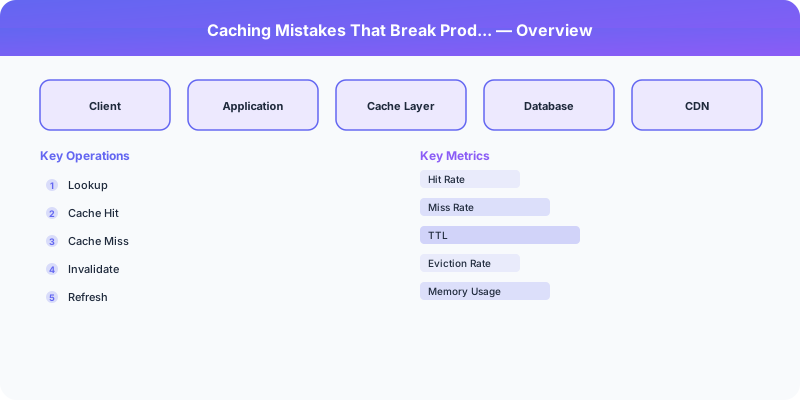
Caching is one of the highest-leverage performance optimizations available. A 95% cache hit rate means your database handles 20x fewer queries. But caching introduces failure modes that do not exist in a cache-free system. These mistakes are responsible for some of the most dramatic production incidents.
Mistake 1: The Thundering Herd
A popular cache key expires. Hundreds of concurrent requests arrive simultaneously, all miss the cache, and all hit the database at once. The database, which was comfortably handling 50 QPS while the cache was warm, is suddenly hit with 5,000 concurrent queries for the same data. It overloads and everything downstream fails.
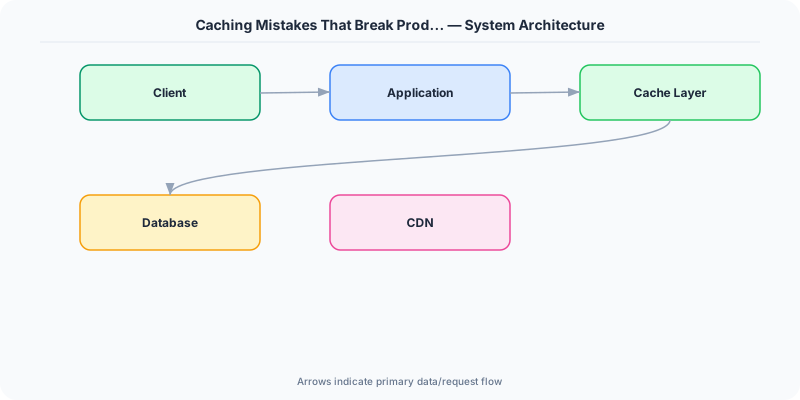
Solution: Cache stampede protection. Use a lock-based approach: when a cache miss occurs, the first request acquires a short-lived lock and fetches from the database. All other requests for the same key wait for the lock holder to populate the cache, then read from cache. Alternatively, use probabilistic early expiration: each request has a small random chance of refreshing the cache before the TTL expires, ensuring the cache is refreshed gradually rather than all at once.
Mistake 2: No TTL (Time-to-Live)
Setting data in cache without a TTL means it stays there forever — or until the cache evicts it under memory pressure. This leads to stale data that never gets refreshed, and in the worst case, a cache full of useless entries that evicts useful ones.
Solution: Always set a TTL. Choose it based on how stale the data can be. User profile: 5-15 minutes. Product catalog: 1-5 minutes. Session data: matches session timeout. Configuration: 30-60 seconds.
Exception: Cache entries that are explicitly invalidated on write (write-through caching) can have longer TTLs because they are refreshed by the write path, not by expiration.
Mistake 3: Stale Data After Writes
User updates their profile name. The database is updated, but the cache still holds the old name. The user sees their old name on the next page load and files a bug report.
Solution: Cache invalidation on write. When writing to the database, delete the corresponding cache key. The next read will miss the cache, fetch from the database, and populate the cache with fresh data. This is the cache-aside pattern with explicit invalidation.
Caution: Avoid updating the cache on write. If two concurrent writes arrive, the slower one might overwrite the cache with older data (a race condition). Delete-then-repopulate-on-read avoids this because the read always fetches the latest data.
Mistake 4: Cache-Database Inconsistency
Even with invalidation, there is a window between the database write and the cache deletion where the cache holds stale data. In some patterns, the order of operations matters:
Dangerous: Update cache, then update database. If the database write fails, the cache has data that does not exist in the database.
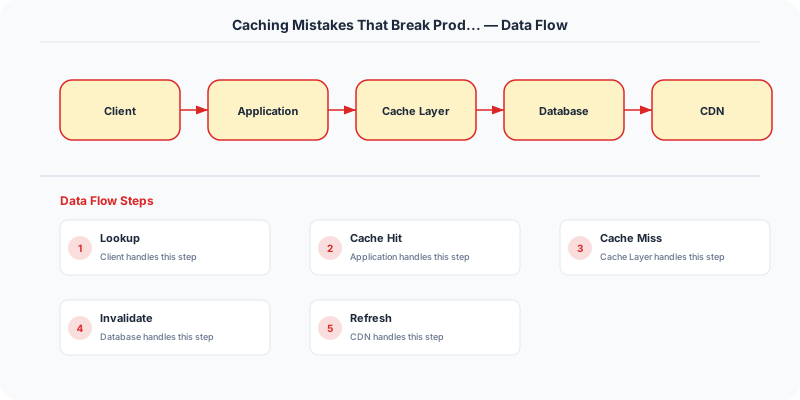
Safe: Update database, then delete cache. If the cache deletion fails, the worst case is a brief period of stale data (which the TTL will eventually fix).
Safest: Use a change-data-capture (CDC) stream from the database to invalidate cache entries. This guarantees that every database change triggers a cache update, even if the application code misses it.
Mistake 5: Caching Errors
A database query fails, and the application caches the error response (or null) with a long TTL. Now every request for that data returns an error from cache, even though the database has recovered.
Solution: Never cache error responses. If the source query fails, do not write to cache. Alternatively, cache errors with a very short TTL (e.g., 5 seconds) to prevent hammering a failing database.
Mistake 6: The Hot Key Problem
One cache key receives a disproportionate share of traffic (a viral post, a trending product). Even with caching, the single cache server holding that key becomes a bottleneck.
Solution: Key replication — store the hot key on multiple cache nodes with slight TTL variation. Read from a random replica. Alternatively, use a local in-process cache (L1 cache) in front of the distributed cache (L2 cache) so each application server caches the hot key locally.
Mistake 7: Ignoring Cache Warm-Up
After a deployment, cache restart, or scaling event, the cache is empty. All requests hit the database simultaneously ("cold start" thundering herd).
Solution: Pre-warm the cache on startup by loading frequently accessed data before accepting traffic. Alternatively, use a gradual traffic ramp-up so the cache fills naturally before reaching full load.
Summary
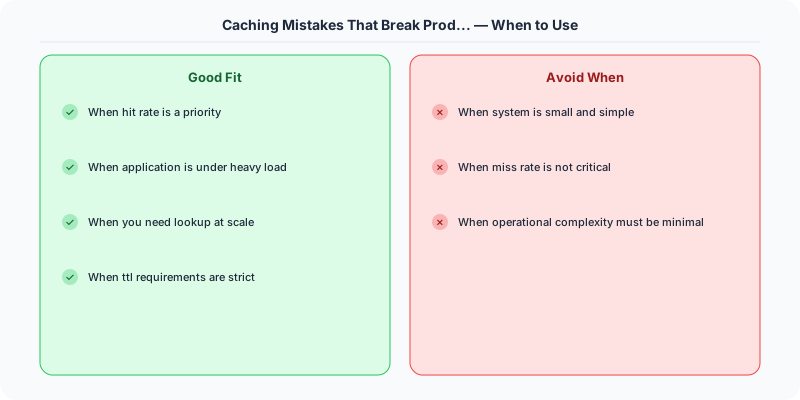
Set TTLs on everything. Invalidate on write (delete, do not update). Protect against thundering herds with locks or probabilistic expiration. Never cache errors. Handle hot keys with replication. Warm the cache before accepting full traffic. Caching is powerful but demands defensive programming.
Practical Implementation for .NET Developers
In a .NET application, you would typically implement this pattern using the following approach:
ASP.NET Core setup: Create a service class that encapsulates the logic, register it with dependency injection, and inject it into your controllers or minimal API endpoints. The built-in DI container handles lifecycle management.
Entity Framework Core: For database interactions, EF Core provides the ORM layer. Use migrations for schema management and raw SQL for performance-critical queries. Consider Dapper for read-heavy paths where EF Core's overhead matters.
Azure integration: If deploying to Azure, leverage managed services — Azure Cache for Redis, Azure SQL, Azure Service Bus, Azure Cosmos DB. These eliminate operational overhead and provide built-in monitoring through Application Insights.
Testing: Use xUnit with Testcontainers for integration tests that spin up real databases in Docker. Mock external dependencies with NSubstitute. The WebApplicationFactory class lets you test your entire HTTP pipeline in-process.
Monitoring: Add Application Insights telemetry to track request latency, dependency calls, and custom metrics. Use structured logging with Serilog to make production debugging possible:
Log.Information("Processing order {OrderId} for {CustomerId}", orderId, customerId);
This gives you searchable, structured logs in Azure Monitor or Seq.
What Most Articles Get Wrong
Most caching articles focus on hit ratios and miss the operational reality: the most dangerous caching bug is not a cache miss — it is serving stale data that looks correct. A cache miss is loud (higher latency, more database load). Stale data is silent (everything seems fine until someone notices the product price has been wrong for 3 hours).
Another myth: "Redis never goes down." Redis is extremely reliable, but it is not magic. Redis running out of memory silently evicts keys. Redis replication lag during high write load can cause stale reads from replicas. Redis cluster resharding during maintenance can cause brief periods where keys are unreachable. The engineers who have been burned by these issues design their systems to function (perhaps slowly) without cache, rather than treating cache as essential infrastructure.
The Numbers That Matter
- Facebook: 75 billion Memcached requests per day from a fleet storing 28 TB of data
- Cache stampede: a single expired popular key can generate 1,000+ simultaneous database queries
- 80% cache hit ratio is the minimum for a cache to be worthwhile — below this, the complexity is not justified
- TTL sweet spot: 5-15 minutes for most API responses; too short reduces hit ratio, too long increases staleness
- Redis memory: approximately 100 bytes overhead per key-value pair, plan for 2x the raw data size
- Thundering herd mitigation: Facebook's lease mechanism reduced peak database load by 10x during cache miss events